










Learning & Educational Apps
Tool ID: 16.2 - Digital learning opportunities that leverage visual learning strengths
₹0–5,000
SpEd + OT
Moderate-Strong Evidence
Rank #1
Daily Use
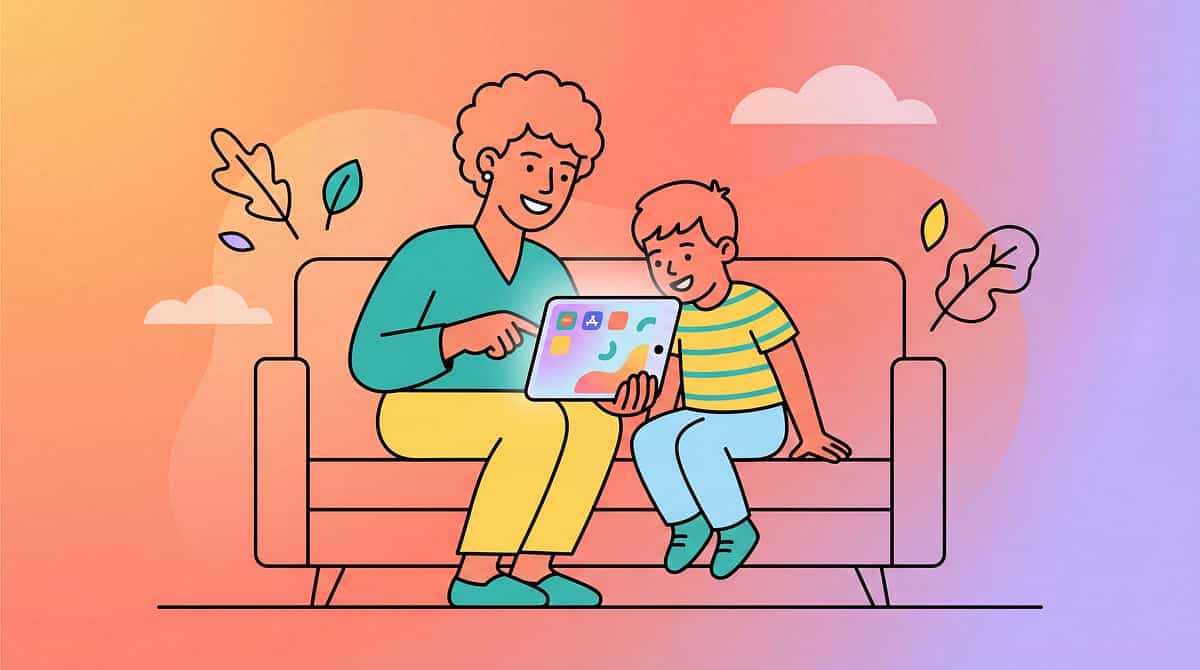
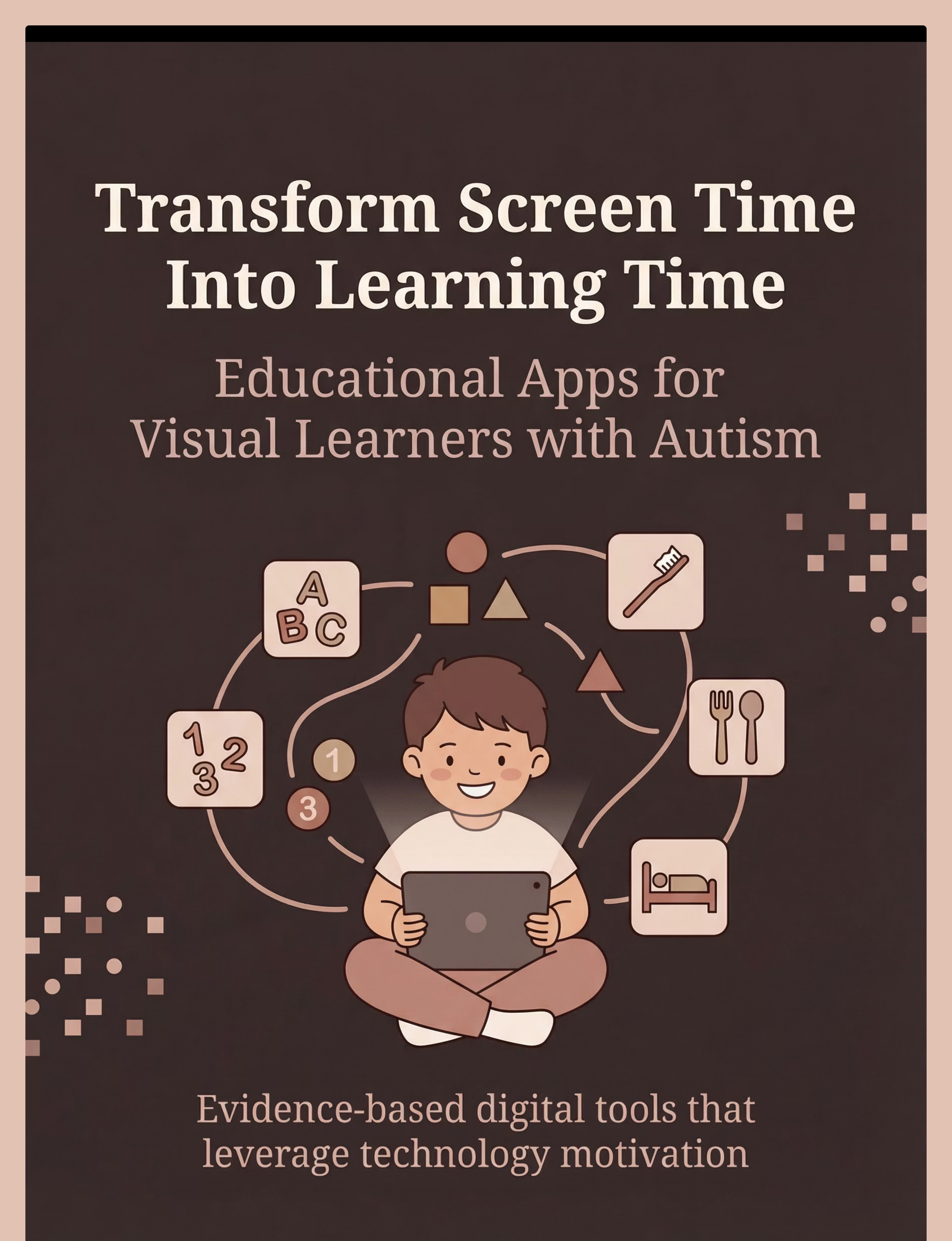
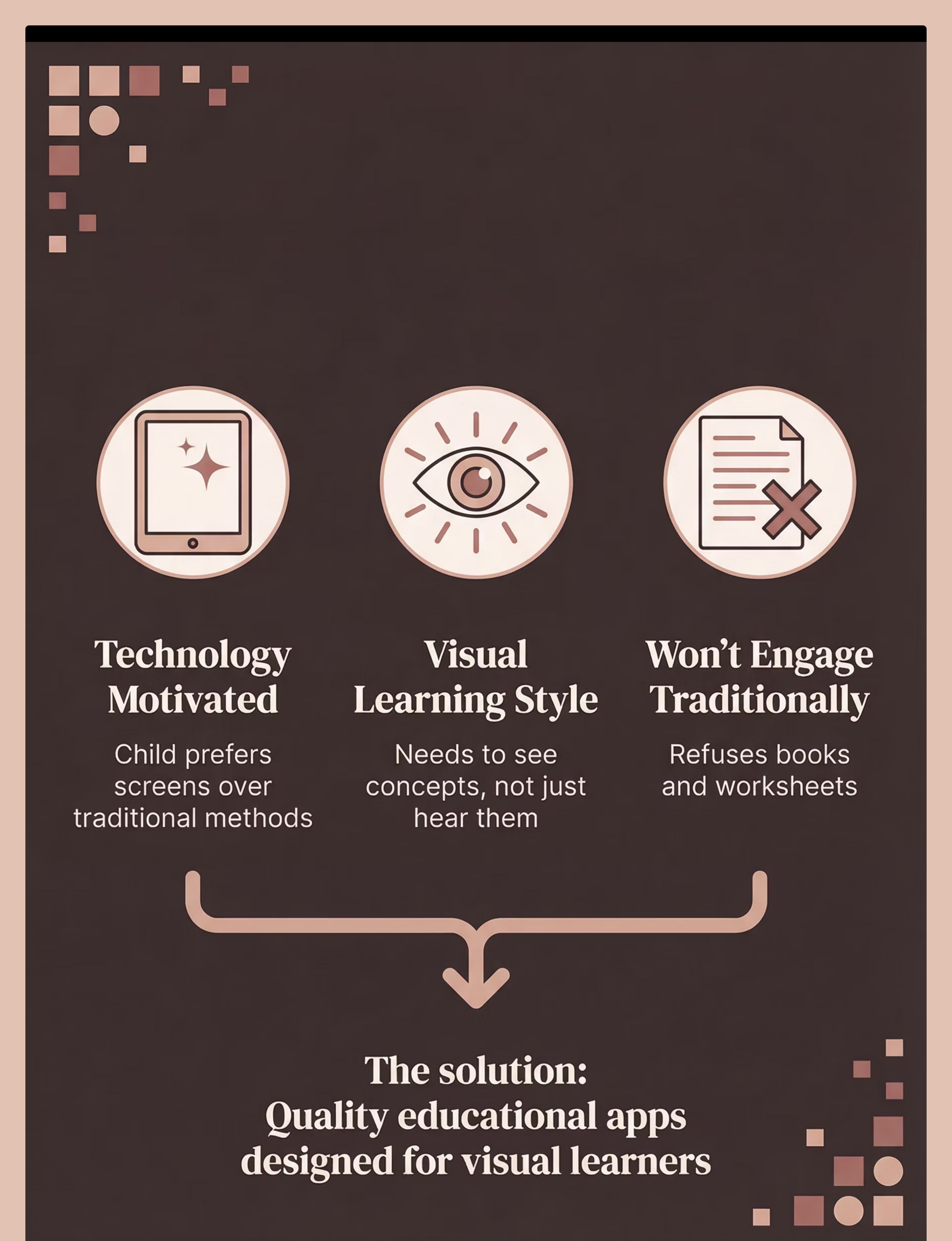
Transform screen time into powerful learning opportunities designed specifically for visual learners. Educational apps leverage your child's natural technology motivation and visual learning strengths to teach academic and functional skills in engaging, autism-friendly ways.
Who This Helps
Core Function
Provides digital learning opportunities that leverage visual learning strengths and technology motivation to teach academic and functional skills effectively.
Target Areas
Academic Skills
Pre-Academic Skills
Functional Skills
Visual Learning
Independent Learning
Motivation
Ages & Settings
Age Range: 2+ years (select age-appropriate apps)
Home
School
Therapy
Travel
Best for: Children who are motivated by technology, learn better visually than through verbal instruction, and need engaging alternatives to traditional teaching methods that honor their learning style.
Does This Sound Familiar?
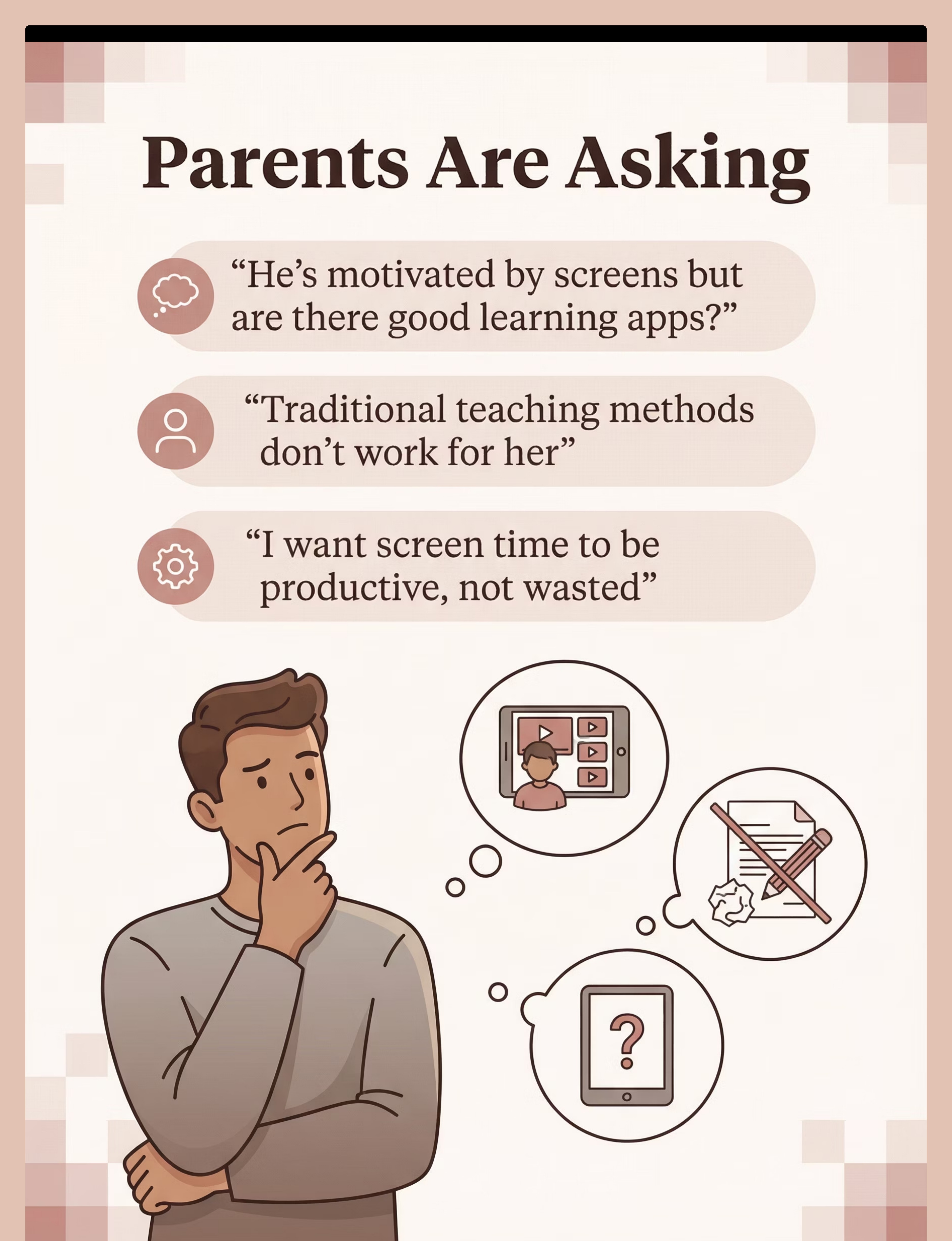
"He's motivated by screens but are there good learning apps?"
"Traditional teaching methods don't work"
"She needs more visual learning"
"He won't engage with worksheets"
"I want screen time to be productive"
"Which apps are actually helpful?"
You're not alone. These are common challenges faced by parents of visual learners with autism. The right educational apps can transform these frustrations into opportunities for meaningful learning and skill development.
A Day Without the Right Support
Motivation Challenge
Child motivated by technology, not traditional methods. Refuses worksheets and books. Only wants the tablet. Learning opportunities being missed.
Visual Learning Needs
Needs visual, not auditory learning approaches. Traditional verbal and written instruction doesn't connect. Potential remains untapped.
Engagement Struggles
Won't engage with worksheets or books. Parents feel stuck between learning needs and child's resistance to conventional methods.
Screen Time Concerns
Wants screen time constantly but just watches videos. No learning happening. Parent feels guilt about unproductive technology use. Potential wasted.
The Science Behind It
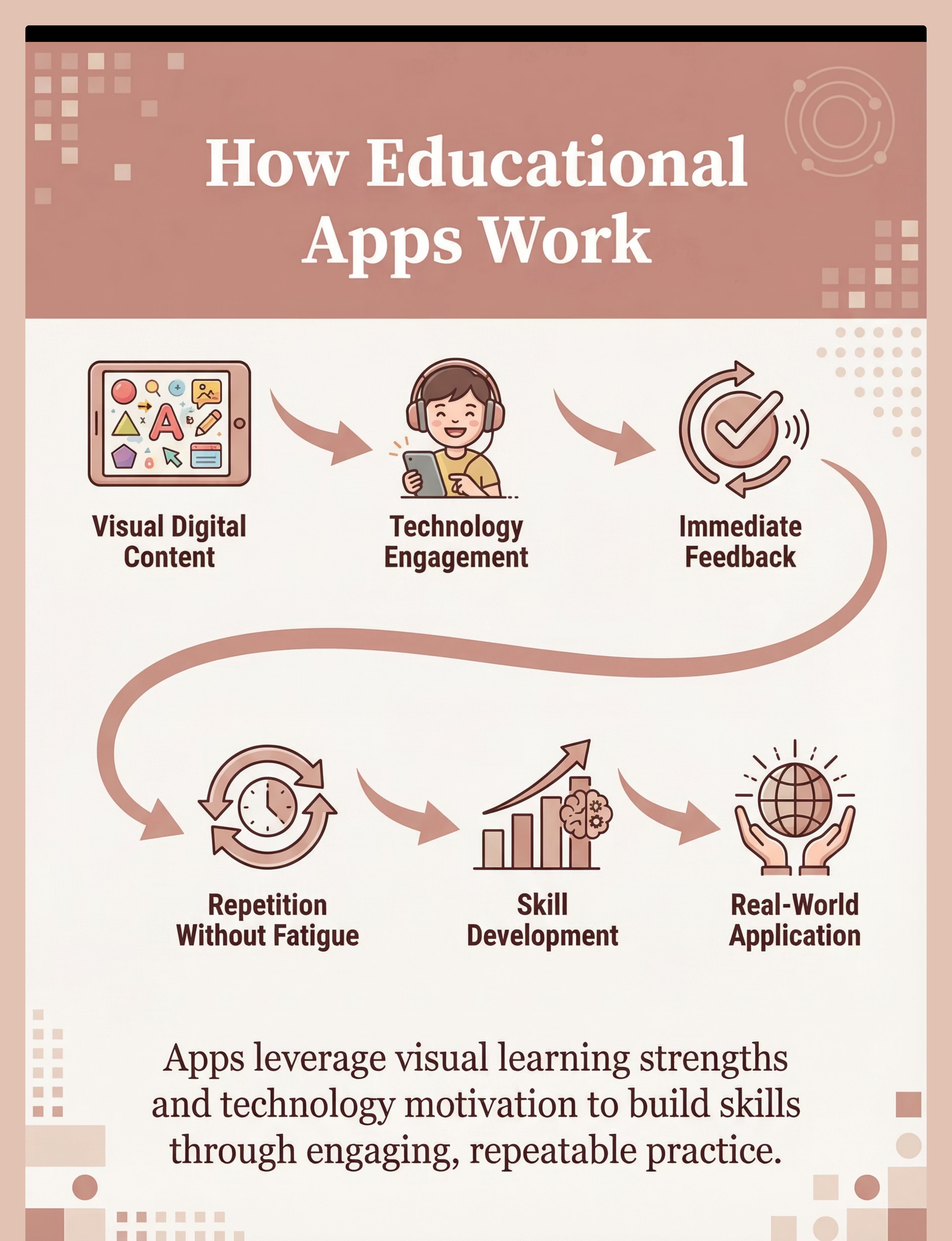
Visual Digital Content
Apps present information visually in clear, predictable formats that match autism learning strengths.
Technology Engagement
Leverages natural motivation for screens and technology to drive learning participation and focus.
Immediate Feedback
Provides instant responses to actions, enabling errorless learning pathways and confidence building.
Repetition Without Fatigue
Allows unlimited practice opportunities in engaging formats that don't tire like traditional methods.
Skill Development
Progressive skill building occurs through systematic, visual instruction tailored to individual pace.
Generalization Support
Skills transfer to real-world contexts with intentional practice and parent/therapist guidance.
Evidence-Based Approach
Visual Learning Match
Autism-Friendly Design
How to Use It Right
Balance with Non-Screen Activities
Ensure educational apps are part of a balanced day that includes physical play, sensory activities, and face-to-face interaction. Technology is one tool among many.
Align Apps with Therapy Goals
Select apps that directly support your child's IEP or therapy objectives. Consult with your OT, SLP, or special educator for recommendations that match current learning targets.
Supervise to Ensure Productive Use
Active supervision helps keep your child focused on learning content, provides support when needed, and ensures time limits are respected. Check in regularly.
Generalize Skills to Real-World
Practice app-learned skills in everyday situations. If they learned colors on an app, practice identifying colors in the environment. Bridge digital to functional.
Leverage Special Interests
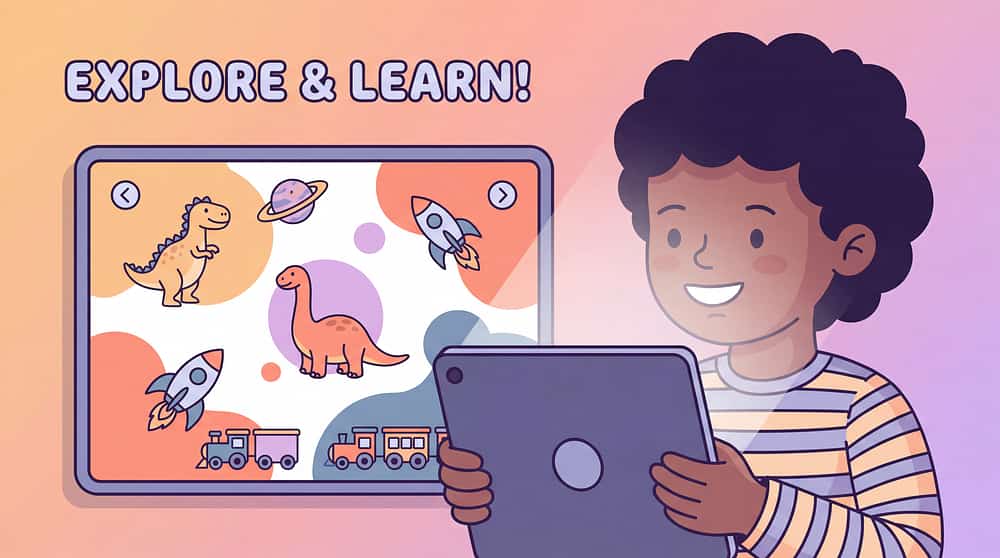
Choose apps that incorporate your child's passions. Learning about dinosaurs can teach reading; trains can teach counting. Interest-driven learning is powerful learning.
Set Appropriate Limits
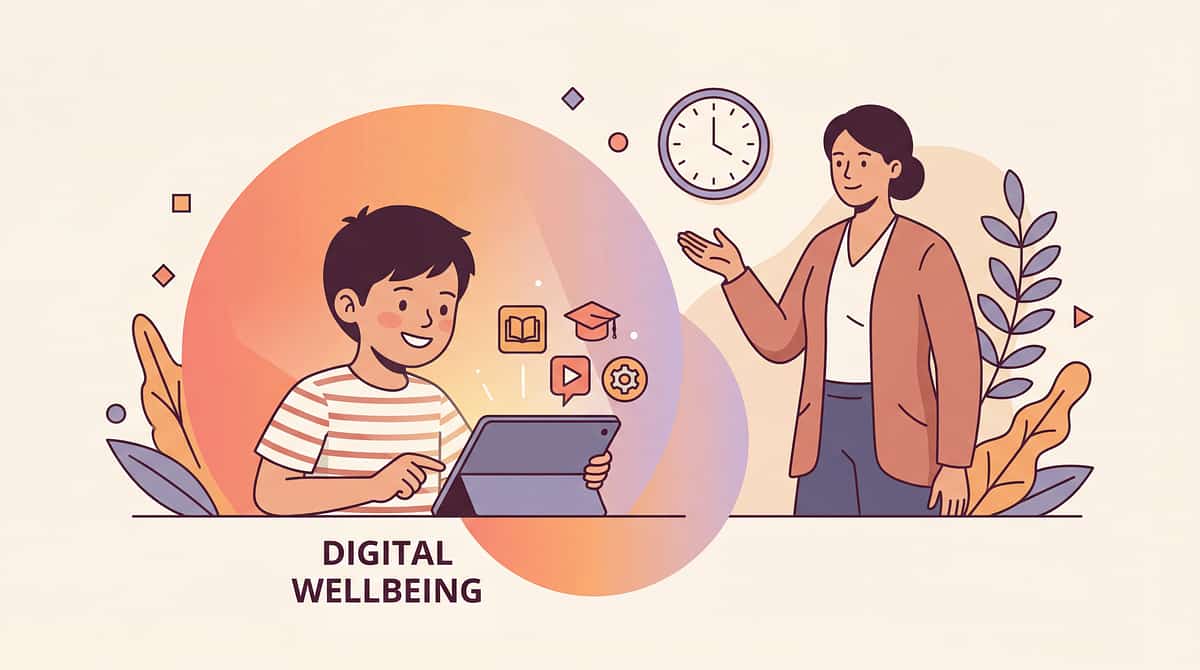
Use visual timers and schedules to communicate screen time boundaries clearly. Educational apps are still screen time and need age-appropriate limits for healthy development.
Typical Duration: 15-30 minute sessions are appropriate for most children. Follow age-appropriate screen time guidelines from your pediatrician.
Expert Perspective
learning-educational-apps therapy material
"Educational apps can be powerful tools for children with autism who often have strong visual learning and technology affinities. The key is selecting quality apps, using them purposefully aligned with goals, and ensuring skills generalize beyond the screen."
— Special Education Teacher, Educational Technology Specialist
SpEd + OT Recommended
Endorsed by special educators and occupational therapists
Moderate-Strong Evidence
Supported by research on visual learning and technology-mediated instruction
Rank #1 in Category
Top-ranked tool in Technology & Apps category for learning support
Choose Your Option (6 Variants)
learning-educational-apps therapy material
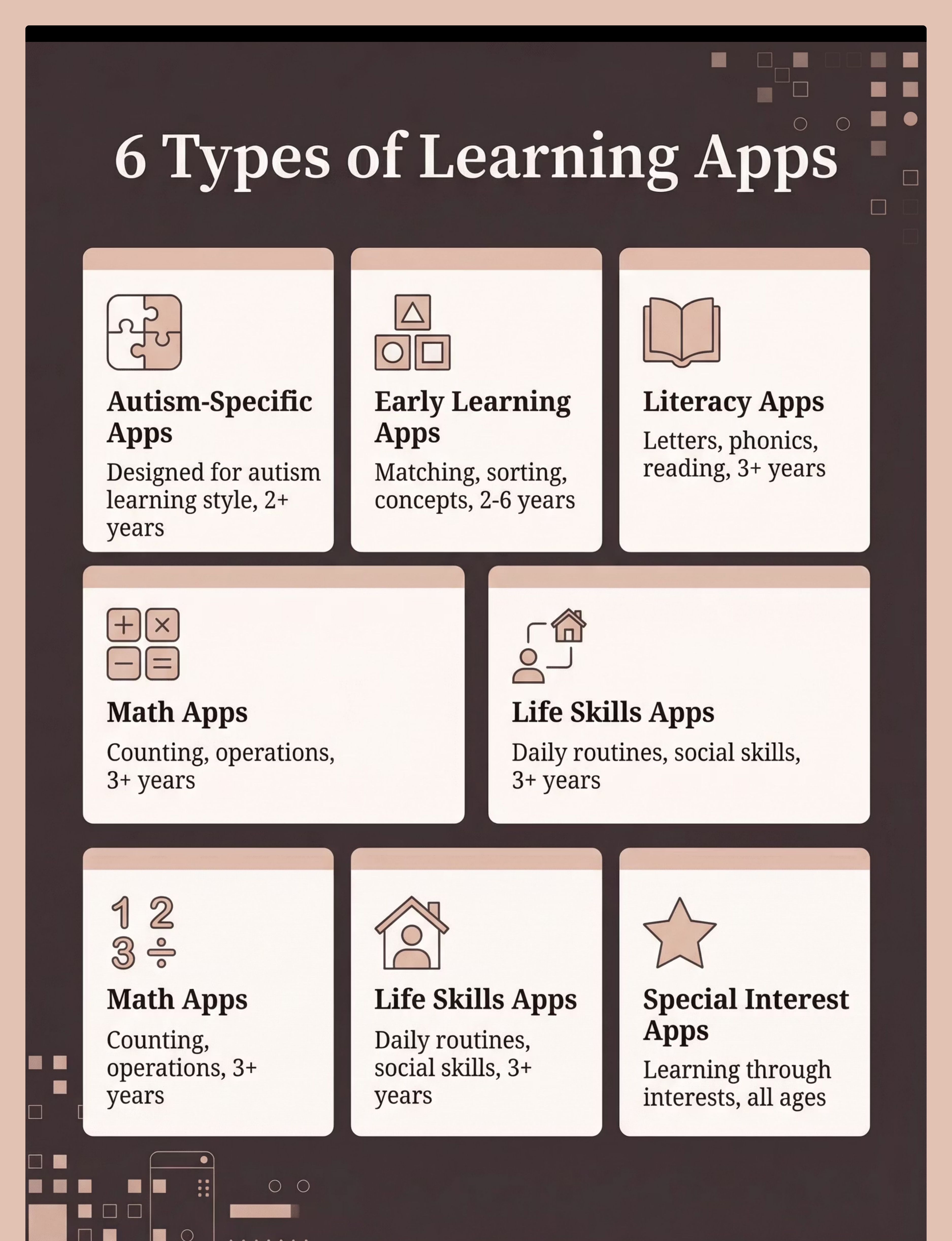
Autism-Specific Learning Apps
Visual learning, autism-friendly design. Ages 2+ years.
Early Learning Apps
Matching, sorting, early concepts. Ages 2-6 years.
Literacy Apps
Letter recognition, reading, phonics. Ages 3+ years.
Math Apps
Counting, operations, math concepts. Ages 3+ years.
Life Skills Apps
Routines, social skills, ADL. Ages 3+ years.
Special Interest Apps
Learning through special interests. All ages.
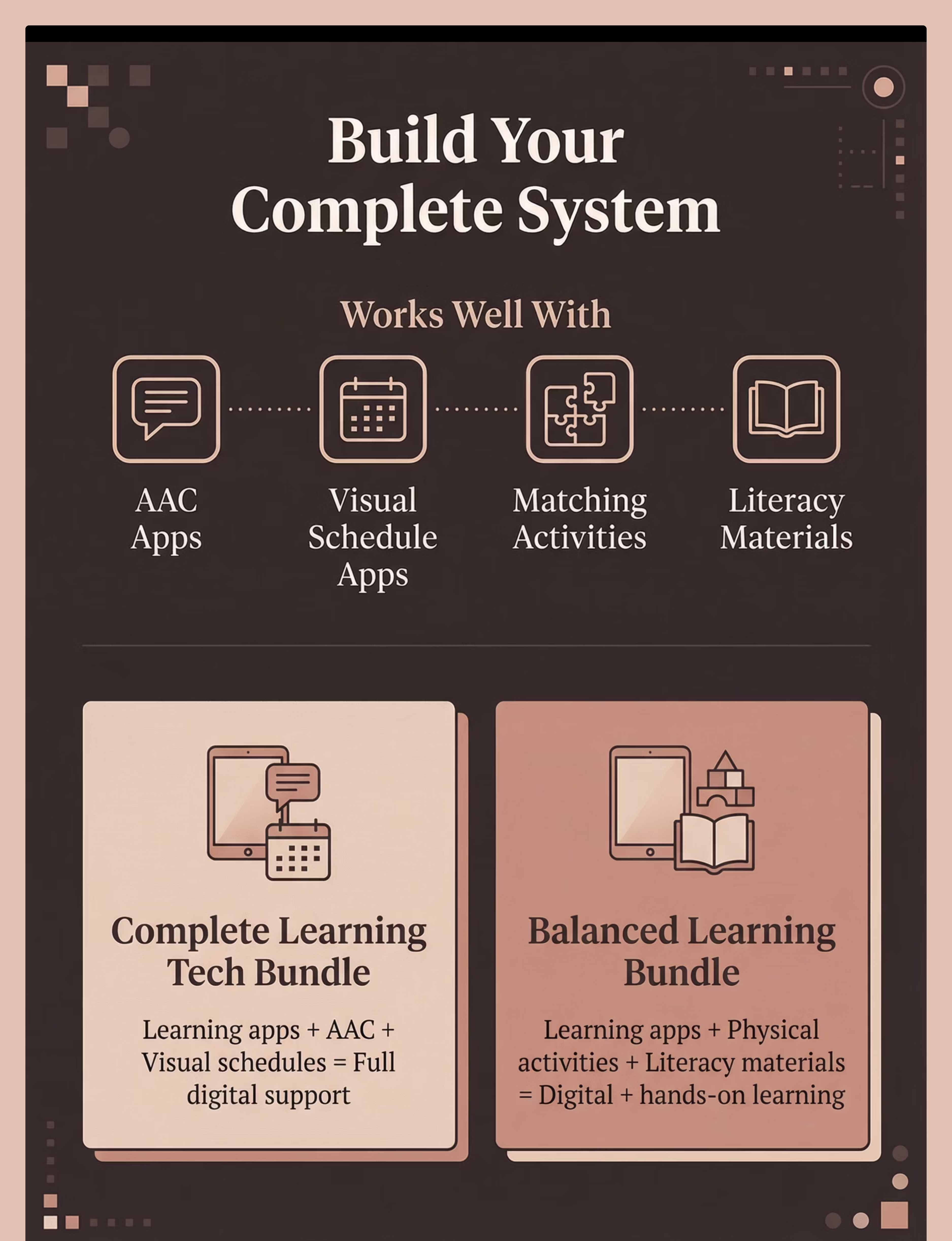
Select the app type that best matches your child's current learning goals, age, and interests. Many children benefit from multiple app types addressing different skill areas.

How to Choose
  • By goal: Match app type to your child's IEP objectives or therapy targets
  • By setting: Home apps for daily practice; therapy apps for specialized goals; school apps for academic support
  • By age/level: Start where your child is, not their chronological age
  • By interest: Special interest apps can unlock learning motivation
App Categories & Features
Autism-Specific Design
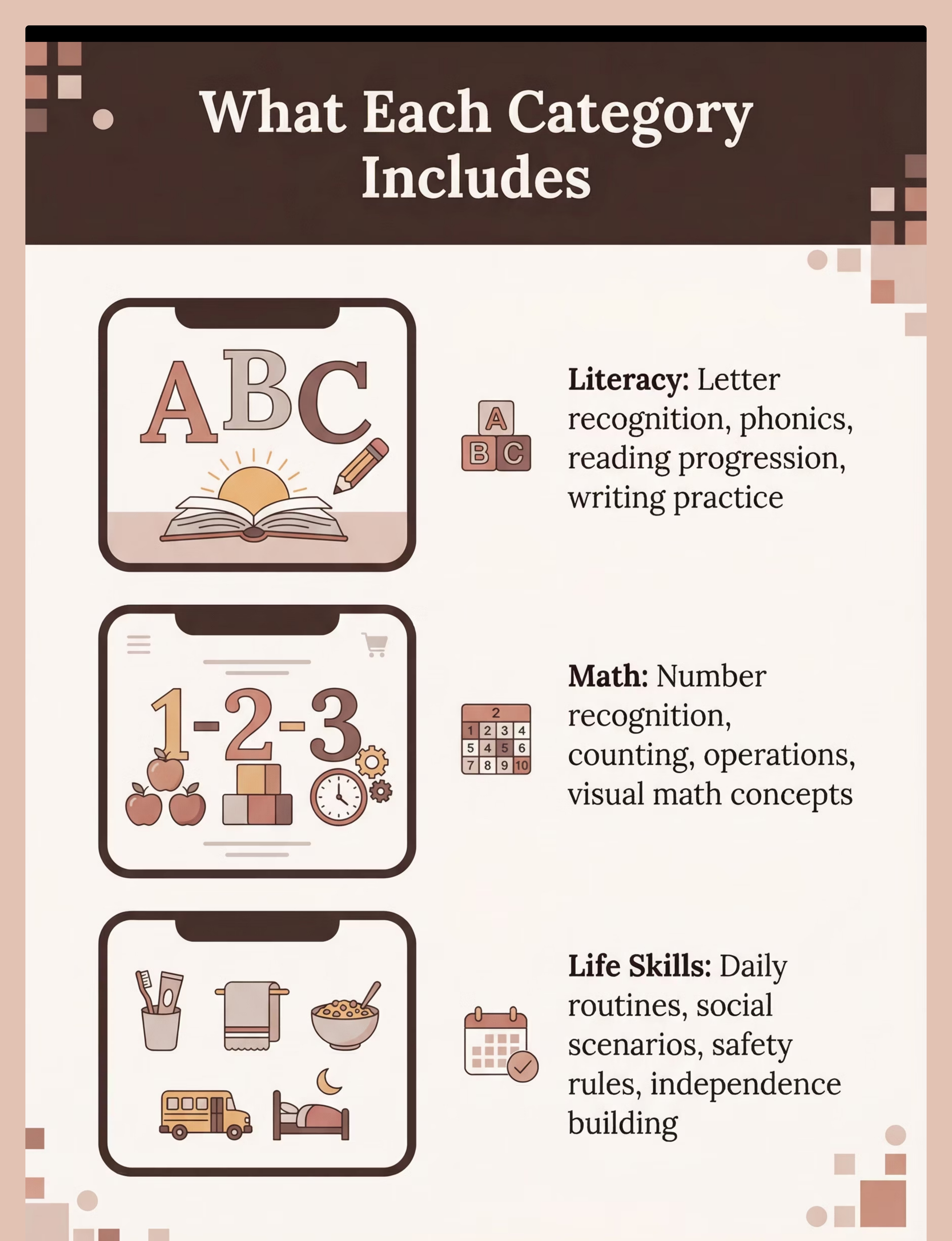
Apps designed specifically for the autism learning style featuring visual, predictable interfaces with minimal distractions and clear, systematic instruction paths.
Early Learning Foundation
Pre-academic apps teaching matching, sorting, colors, shapes, and basic concepts that build school readiness and cognitive skills.
Literacy Development
Reading and writing apps covering letters, phonics, sight words, and comprehension with multisensory, engaging approaches to language skills.
Math & Numeracy
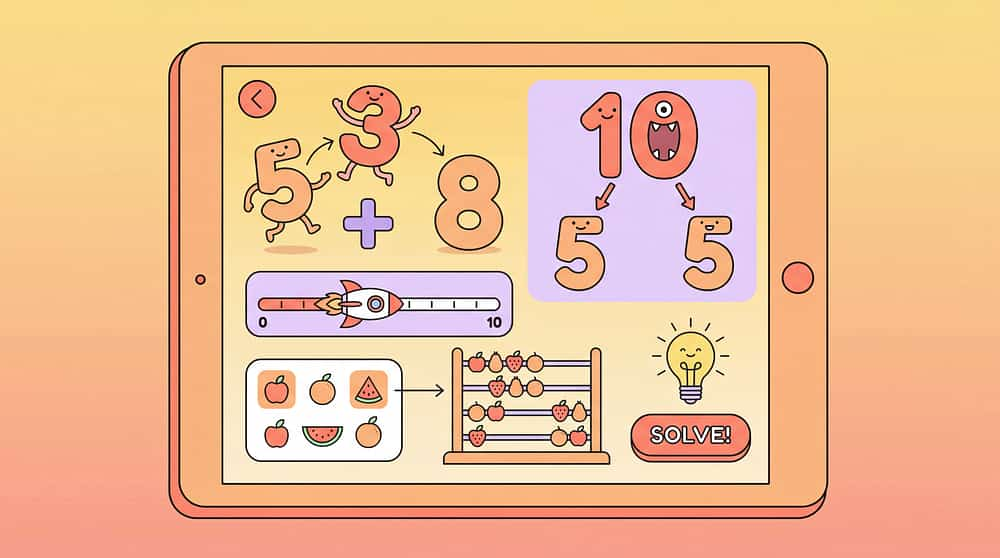
Number apps teaching counting, number sense, operations, and mathematical concepts through visual representations and interactive problem-solving.
Life Skills Training
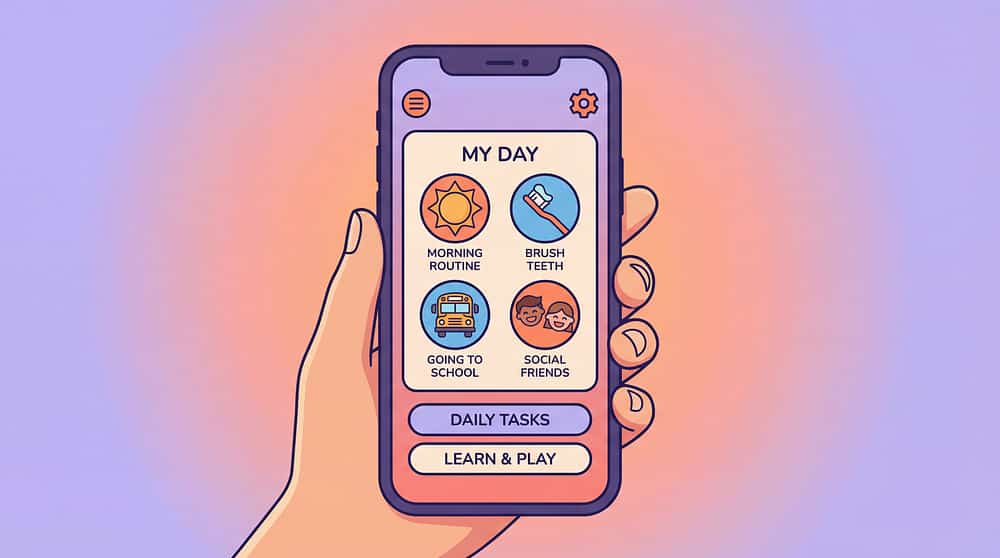
Functional skills apps covering daily routines, social situations, safety rules, and self-care skills that support real-world independence.
Interest-Based Learning
Apps incorporating special interests—trains, dinosaurs, space—to teach academic content through highly motivating, child-centered themes.
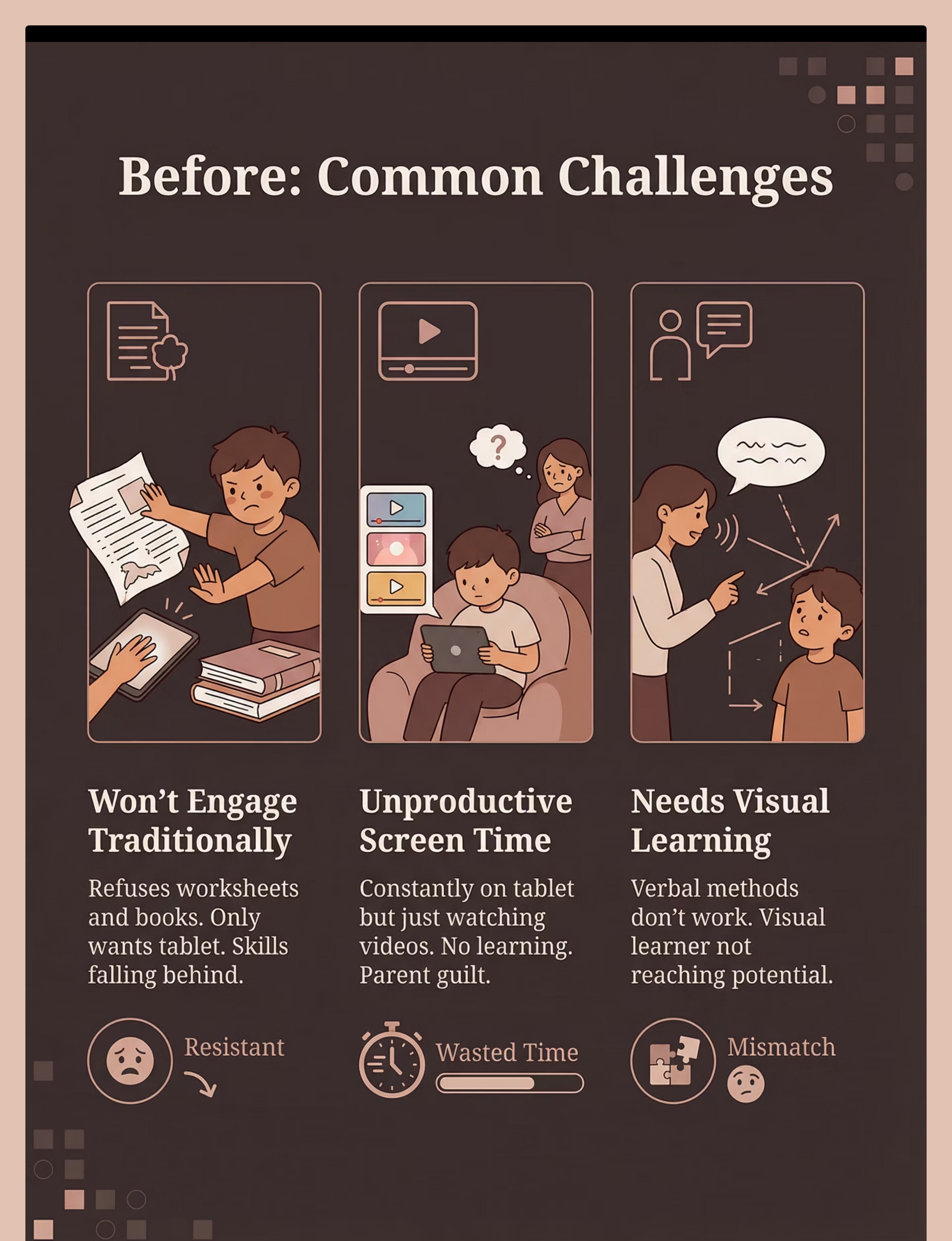
The Struggle (Before)
Won't Engage with Traditional Learning
Situation: Child refuses worksheets and books. Only wants tablet. Learning opportunities missed as conventional teaching methods fail to connect.
Experience: Parents try flashcards, workbooks, verbal instruction—nothing works. Child becomes resistant, avoidant. Skills falling behind peers.
Emotion: Resistant, behind, frustrated
Screen Time is Unproductive
Situation: Child on tablet constantly but just watching videos. No learning happening. Parent guilt about excessive screen time grows daily.
Experience: Hours pass with passive consumption. Parents worry about development, addiction, wasted time. Potential untapped while screen use continues.
Emotion: Wasted, guilty, concerned
Needs Visual Learning
Situation: Traditional teaching methods (verbal instructions, written assignments) don't work. Child is a visual learner but instruction remains auditory-focused.
Experience: Teachers and parents repeat instructions. Child doesn't process verbal information well. Not reaching potential with current teaching approach.
Emotion: Mismatch, unreached, confused
learning-educational-apps therapy material
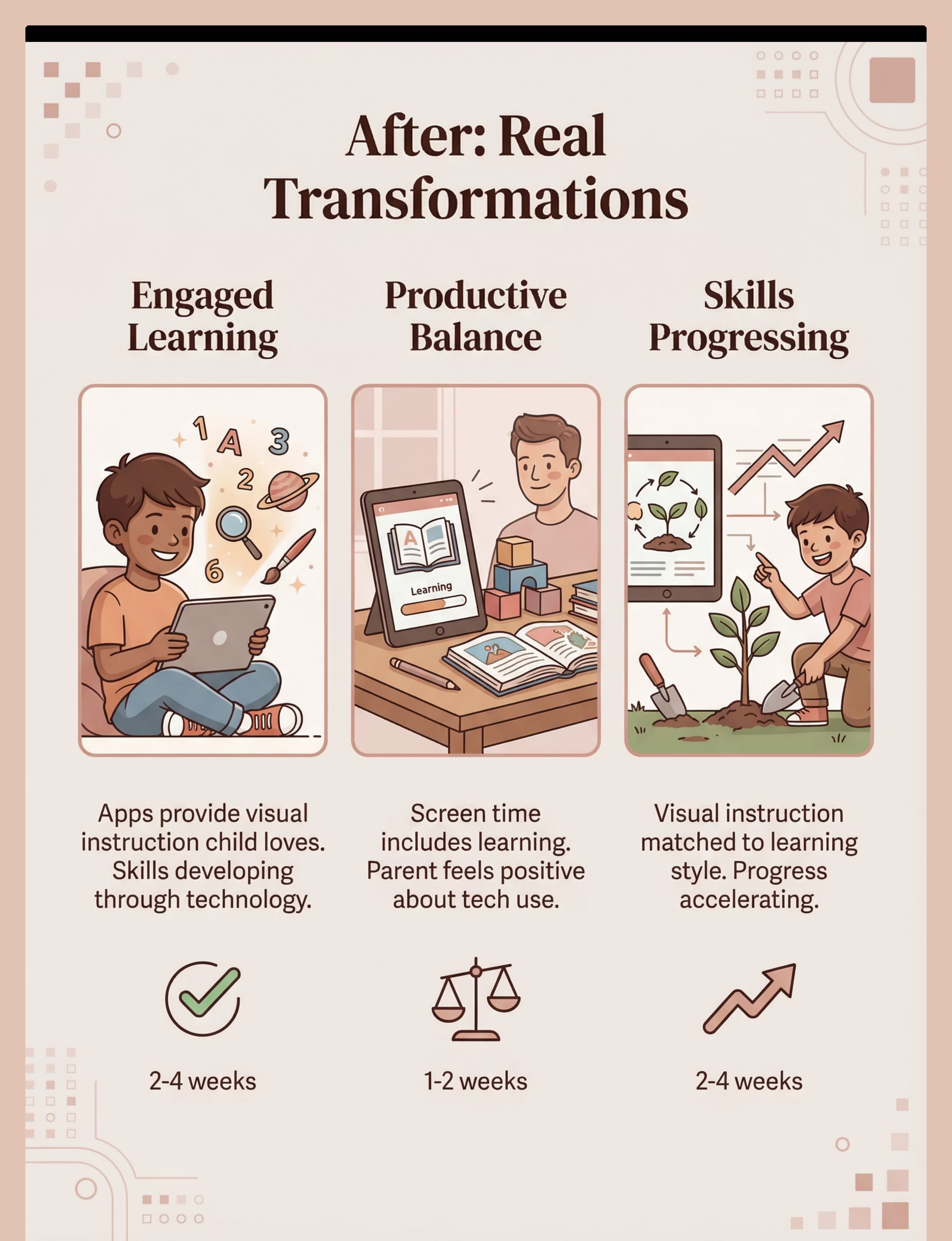
The Breakthrough (After)
Won't Engage with Traditional Learning
Situation: Learning apps provide engaging visual instruction that actually works. Child motivated to learn. Skills developing through technology-mediated teaching.
Experience: Child eagerly opens educational apps. Learns letters, numbers, concepts. Technology becomes a powerful learning tool, not just entertainment.
Emotion: Engaged, learning, progressing
Timeframe: 2-4 weeks
Screen Time is Productive
Situation: Screen time now includes substantial educational content. Balance achieved between learning apps and limited entertainment. Parent feels better about technology use.
Experience: Child learns while using devices. Parents see skill development. Guilt transforms into confidence that screen time can be valuable when purposeful.
Emotion: Productive, balanced, confident
Timeframe: 1-2 weeks
Needs Visual Learning
Situation: Apps provide visual instruction perfectly matched to learning style. Child learning effectively through their strength modality. Progress accelerating rapidly.
Experience: Visual digital content clicks. Child processes information easily. Skills advance as teaching method aligns with brain wiring. Parents see their child's true potential.
Emotion: Matched, progressing, capable
Timeframe: 2-4 weeks
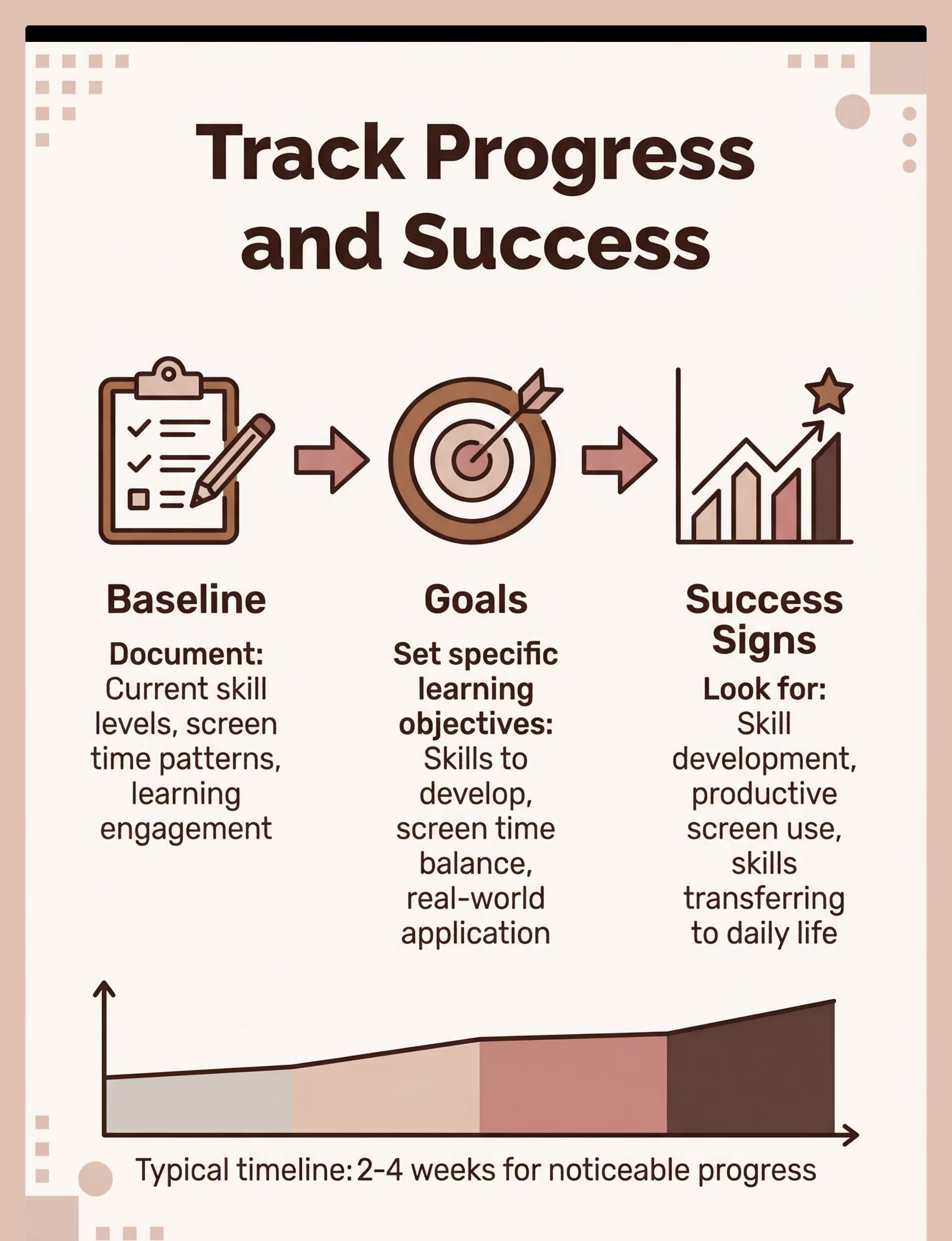
What to Expect (Realistic Timelines)
Quality Apps Selected
Research completed, trials conducted, best apps identified for your child's specific learning goals and interests.
1-3 days
Productive Screen Time Established
Clear schedule created, visual timers in place, balance achieved between educational apps and other activities.
1-2 weeks
Skills Developing Through Apps
Observable progress in targeted areas—literacy, math, life skills—as consistent app use builds competency.
2-4 weeks
Balance Achieved
Healthy integration of educational technology with hands-on learning, social interaction, and physical activity established.
2-4 weeks
Ongoing Learning Through Technology
Educational apps become a sustainable, valuable part of your child's learning ecosystem, supporting continuous growth.
Ongoing
Is This Right for My Child? (2-Minute Check)
Is your child motivated by technology/screens?
If yes, this indicates: Learning apps can leverage this strong natural motivation to drive educational engagement and skill development.
Confidence: 92%
Does your child learn better visually than through verbal instruction?
If yes, this indicates: Visual apps can provide the visual-first instruction that matches your child's learning style and strengthens skill acquisition.
Confidence: 88%
Do you want screen time to be more productive?
If yes, this indicates: Educational apps can transform passive screen consumption into active learning opportunities with measurable outcomes.
Confidence: 85%
Does your child resist traditional learning methods?
If yes, this indicates: Apps may provide an alternative, engaging pathway to learning that works when conventional approaches don't connect.
Confidence: 80%

Scoring: 3+ "yes" answers = strong fit for educational apps. Even 1-2 "yes" answers suggest apps could be a valuable addition to your learning toolkit.
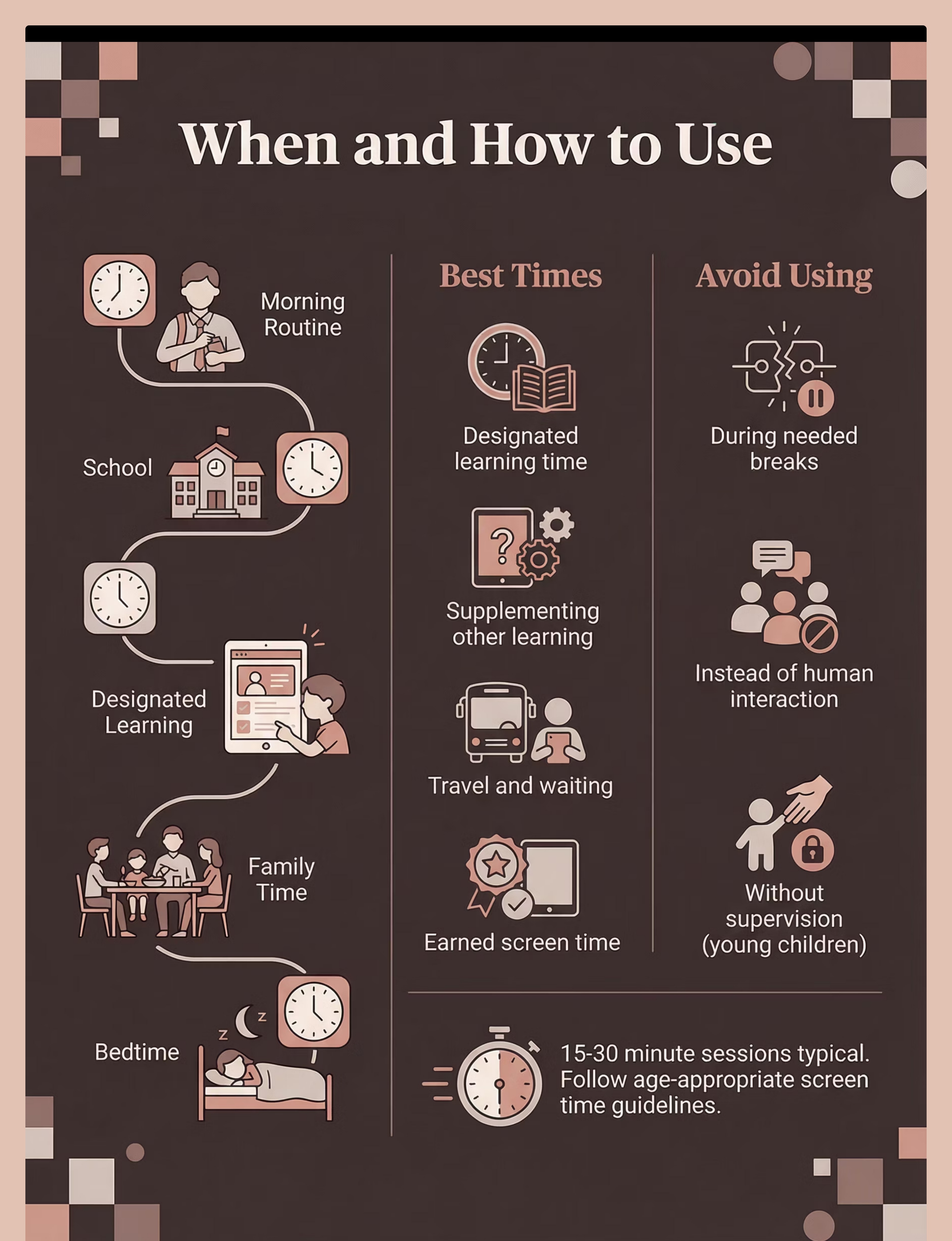
Usage Guide
App Usage Scenarios
When to Use
Designated learning time in daily routine
Supplementing other learning activities
When child is engaged and ready to learn
Travel or waiting situations productively
Earned screen time with educational value
When NOT to Use
When balance is needed (too much screen time already)
Instead of human interaction and social engagement
Without supervision for young children
Duration Guidelines
15-30 minute sessions are typical for most children. Follow age-appropriate screen time limits recommended by your pediatrician. Remember: AAC and communication apps don't count as "screen time"—they're essential communication tools.
Settings
Home
School
Therapy
Travel
Supervision by Age
Age Range
Supervision Level
Notes
Young children (2-5)
Active supervision
Parent/caregiver present, guiding, supporting
Developing skills (6-10)
Check-ins and guidance
Regular monitoring, help when stuck
Older children (10+)
Independence with oversight, progress tracking
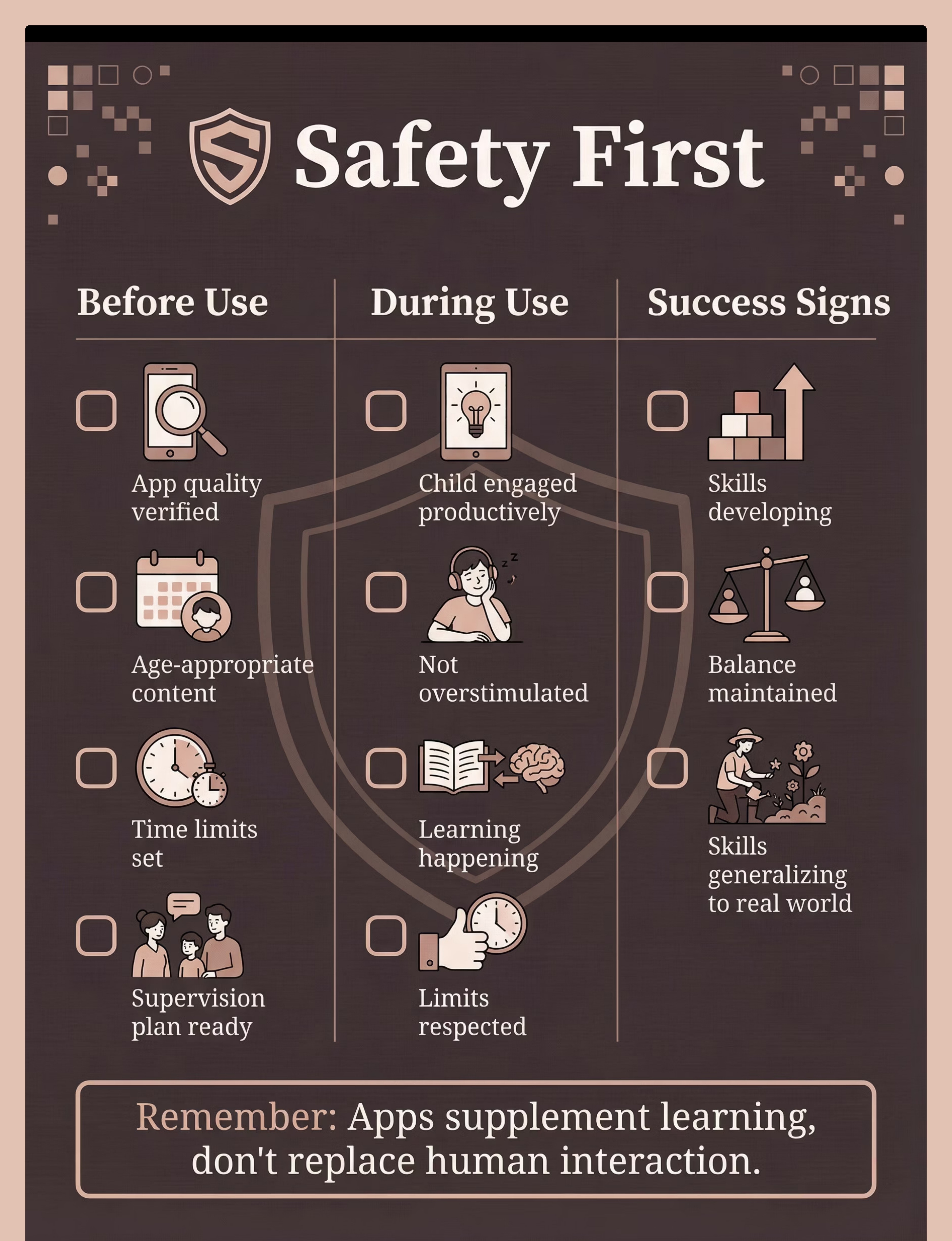
Safety First
Critical Safety
  • Ensure age-appropriate content always
  • Balance with non-screen activities daily
  • Supervised use for young children mandatory
  • Time limits enforced consistently
Important Warnings
  • Don't replace human interaction with apps
  • Skills need real-world generalization practice
  • Monitor for overstimulation or frustration
  • Follow screen time guidelines for age
Contraindicated Uses
As sole learning method—apps are one tool, not the only approach
Without limits—unlimited screen time harms development
Age-inappropriate content—always verify suitability
Safety Checklist
Before Use
  • App quality verified through reviews
  • Appropriate for age and skill level
  • Time limits clearly set and communicated
  • Supervision plan in place
During Use
  • Child engaged productively, not frustrated
  • Learning happening, skills advancing
  • Child not overstimulated or zoning out
  • Time limits being respected
Signs of Success
  • Observable skill development
  • Engaged, active learning occurring
  • Healthy balance maintained
  • Skills generalizing to real life
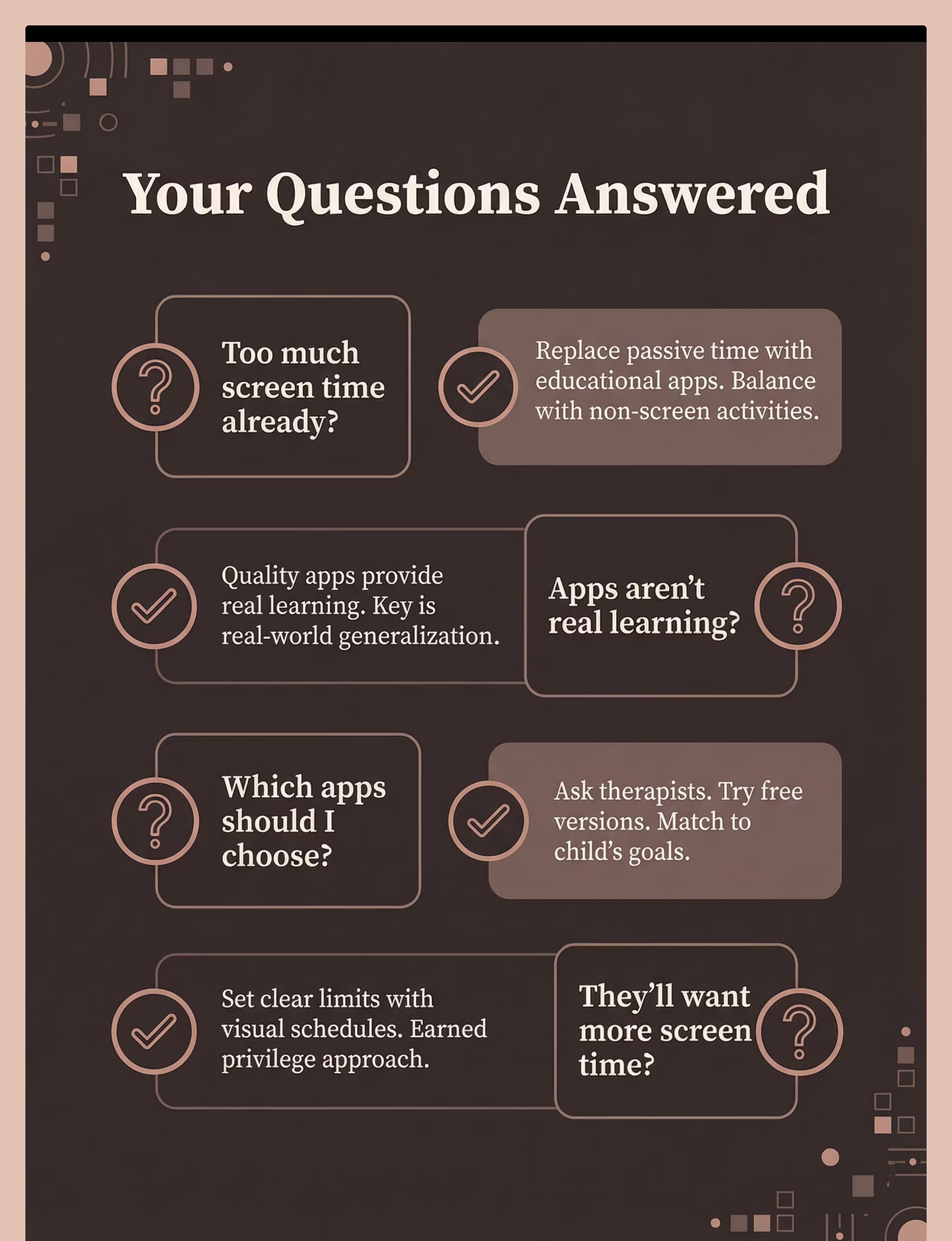
Common Questions (Honest Answers)
Too much screen time already
Response: Replace passive screen time with educational apps rather than adding more. Focus on quality over quantity. Balance educational apps with non-screen activities throughout the day. Important note: AAC and communication apps don't count as "screen time"—they're essential communication tools, not entertainment.
Try this: Replace passive viewing with productive learning; create visual schedule balancing screen and non-screen activities.
Apps aren't real learning
Response: Quality apps aligned with therapy goals provide real, measurable learning. The key is generalization to real-world situations through intentional practice. Apps supplement, not replace, other learning modalities. Many evidence-based, research-backed options exist with proven outcomes.
Try this: Select quality apps; practice app-learned skills in daily life; track observable progress.
Which apps should I choose?
Response: Consult your child's therapists for specific recommendations aligned with IEP goals. Look for autism-friendly design with clear visuals and minimal distractions. Try free versions first before purchasing. Match apps to your child's specific learning objectives. Popular evidence-informed apps include Otsimo, Endless Reader, and Khan Academy Kids.
Try this: Get therapist guidance; start with free trials; match apps to current goals and interests.
They'll just want more screen time
Response: Set clear limits using visual timers and schedules so expectations are predictable. Use educational apps as an earned privilege tied to completing other activities. Balance is absolutely possible with structure and consistency. Children can learn both how to use technology productively AND respect healthy limits.
Try this: Visual schedules showing screen and non-screen time; timers; earned access system.
Investment Guide: Choosing the Right Digital Learning Tools
Navigating the world of educational apps for children can feel like making a financial investment. Just like any investment, there are various options ranging from free resources to premium subscriptions, each with its own benefits and considerations. This guide helps you understand the different tiers available and how to make choices that best suit your child's learning journey and your family's budget.
The key is to start with what works and scale up as needed, always prioritizing engagement and educational value over cost alone. Let's explore the pathways to effective digital learning.
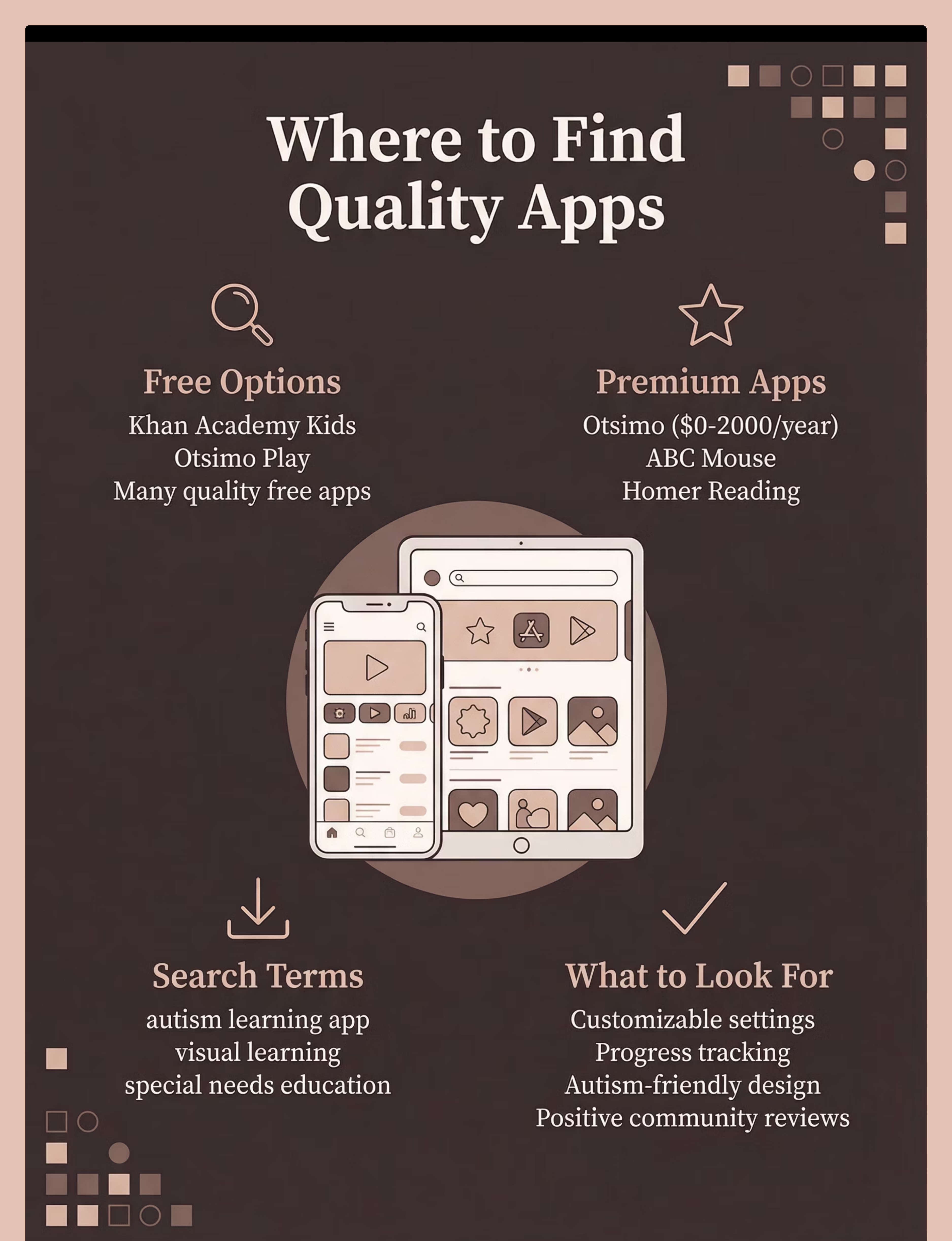
Budget
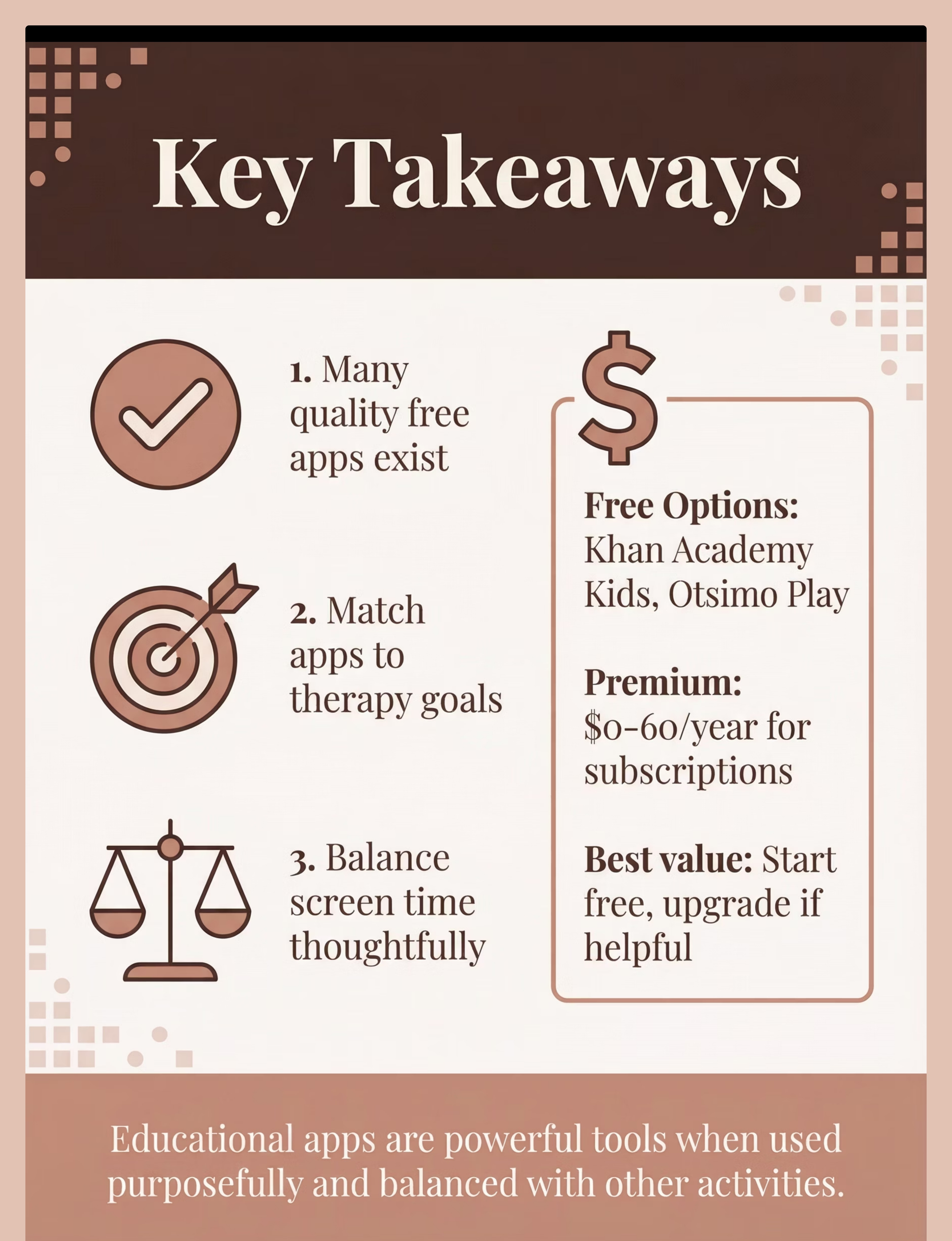
Khan Academy Kids, Otsimo Play (free version)
₹0
High-quality content, great for initial exploration without financial commitment.
Premium
Otsimo, ABC Mouse, Homer (full subscriptions)
₹500-2,000/year
More content, customization, progress tracking, and ad-free experience.
Budget-Friendly Educational Apps
Free Educational Apps
Explore a wealth of high-quality free options with excellent content. These are a great starting point to test what works for your child before investing.
Khan Academy Kids
This app is completely free and offers a comprehensive curriculum for young learners, covering reading, math, and more through engaging activities.
Otsimo Play (Free Version)
Provides a selection of free games and activities tailored for children with autism and special needs, offering a good introduction to its full features.
Premium Subscription Progression
Start with Free Trials
Before committing, try free versions or trials of premium apps to assess your child's engagement and learning style.
Identify Specific Needs
Consult therapists for recommendations aligned with IEP goals and match apps to your child's specific learning objectives.
Consider Premium Features
Premium versions offer more content, customization, progress tracking, and ad-free experiences. Often worth the investment for daily users.
Evaluate Long-Term Value
For consistent, daily use, a premium subscription can offer significant educational value and support sustained learning progress.

Overall Price Range
India: ₹0–5,000 | International: $0–60
Best starting point: Begin with free quality apps like Khan Academy Kids to understand your child's engagement and learning style. Upgrade to premium subscriptions if you use apps daily and want expanded content libraries and advanced features.
Where to Buy in India
Availability: App Stores (Apple App Store for iOS devices, Google Play Store for Android devices)
Apple / Google
Search Term: "Otsimo autism"
Price Range: Free-₹2,000/year
Notes: Autism-specific
Apple / Google
Search Term: "Khan Academy Kids"
Price Range: Free
Notes: Completely free
Apple / Google
Search Term: "Endless Alphabet" or "Endless Reader"
Price Range: Free-₹1,000
Notes: Literacy focus
Apple / Google
Search Term: "Homer reading"
Price Range: ₹1,500-3,000/year
Notes: Comprehensive reading
Apple / Google
Search Term: "autism learning app"
Price Range: Variable
Notes: Browse options
Buying Tips
Start with free apps to test fit and engagement before purchasing
Read reviews specifically from the autism and special needs community
Match apps to your child's specific therapy goals and IEP objectives
Look for customization options to adjust difficulty and content
Consider subscription value if planning daily use throughout the year
Red Flags
Too many ads in free version that disrupt learning flow
Not autism-friendly design—cluttered, unpredictable, sensory overload
No progress tracking or way to monitor skill development
Overstimulating or overwhelming visual/audio design
DIY Alternative
Feasibility: Low (use existing professional apps) | Note: DIY not applicable for app development itself

Important Note
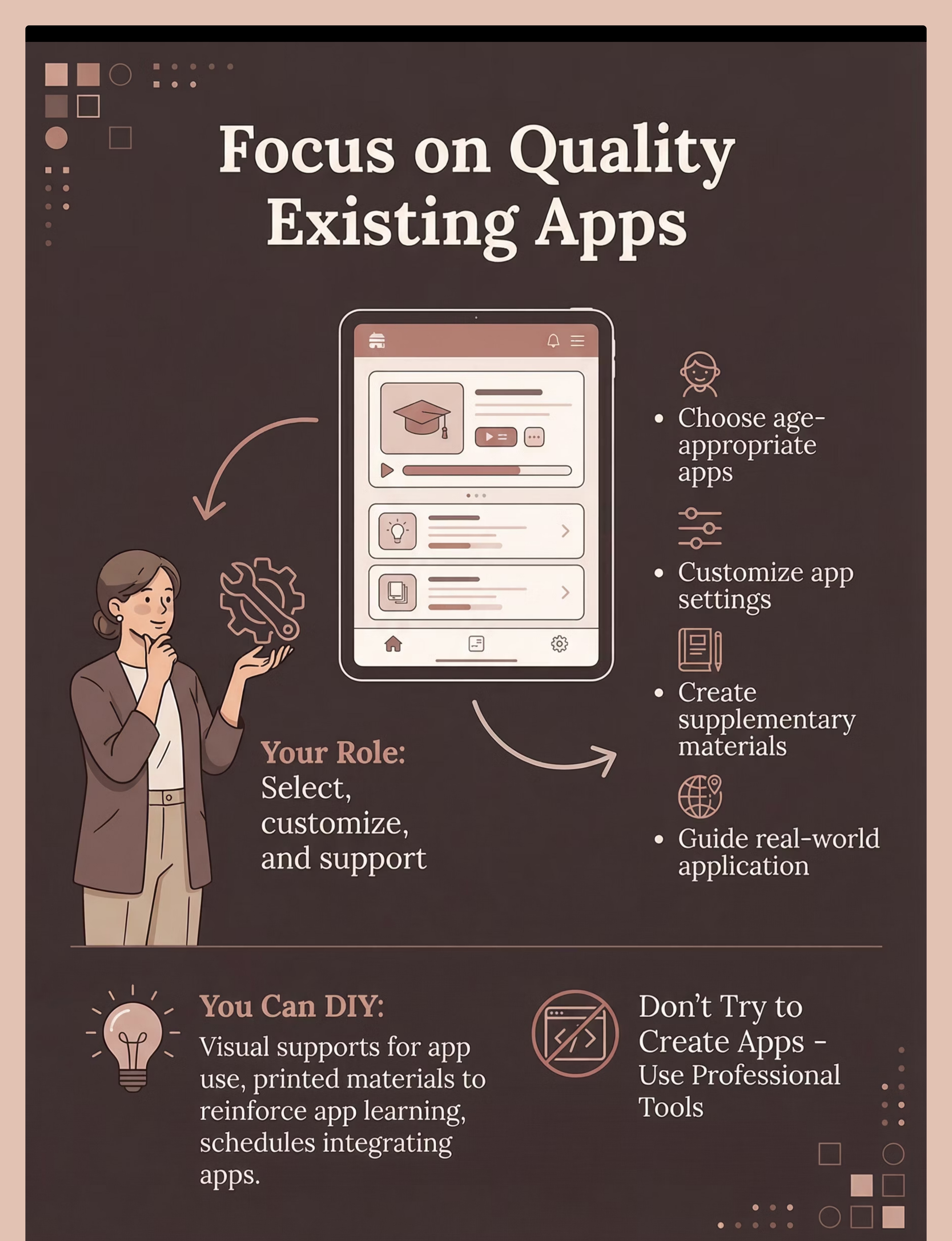
You cannot and should not attempt to create your own educational apps. App development requires specialized programming expertise, instructional design knowledge, and substantial resources. Instead, focus your DIY efforts on selecting quality existing apps and creating supplementary materials that support app-based learning.
When to DIY: Enhance & Extend
  • Creating supplementary materials that extend app learning to real-world contexts
  • Customizing app settings and preferences to match your child's needs
  • Making visual supports for app use (schedules, choice boards, timers)
  • Developing activities that practice app-learned skills in physical form
When Commercial Apps Are Essential
  • Always for the apps themselves—quality professional apps are essential
  • For systematic skill instruction and practice
  • When you need progress tracking and data
  • For evidence-based, research-backed learning programs
Effective DIY Support Steps
  1. Select quality existing apps through research and professional recommendations
  1. Customize app settings for your child's level and learning style
  1. Create visual schedule showing when and how long apps are used
  1. Make supplementary materials that practice app skills in real contexts
  1. Develop activities that generalize digital learning to hands-on practice

Preview of learning educational apps Therapy Material

Below is a visual preview of learning educational apps therapy material. The pages shown help educators, therapists, and caregivers understand the structure and content of the resource before use. Materials should be used under appropriate professional guidance.

Page 1
Page 2
Page 3
Page 4
Page 5
Page 6
Page 7
Page 8
Page 9
Page 10
Page 11
Page 12
Page 13
Page 14
Page 15
Page 16
Page 17
Page 18
Page 19
Page 20
Link copied!
Your Empowering Next Steps
You're now equipped with the knowledge to make informed decisions for your child's digital learning journey. Remember, every step you take in tailoring their educational experience is a step towards unlocking their full potential.
Download & Explore Apps
Start this week by downloading 2-3 recommended free apps. Observe your child's interaction and engagement to see what resonates most.
Establish a Routine
Integrate app-based learning into a consistent daily or weekly schedule. Predictability helps children thrive and build healthy habits.
Monitor Progress
Track your child's engagement and skill development for two weeks. This helps you understand effectiveness and make adjustments.
Seek Support & Connect
Join parent communities or consult with therapists for advice, shared experiences, and additional resources specific to your child's needs.
Your dedication is the key to creating a nurturing and effective learning environment. Embrace this journey with confidence, knowing you are empowering your child to flourish!