

Technology & Apps Materials
Evidence-based digital tools for communication, learning, and daily living
Guidelines for Effective Technology Use
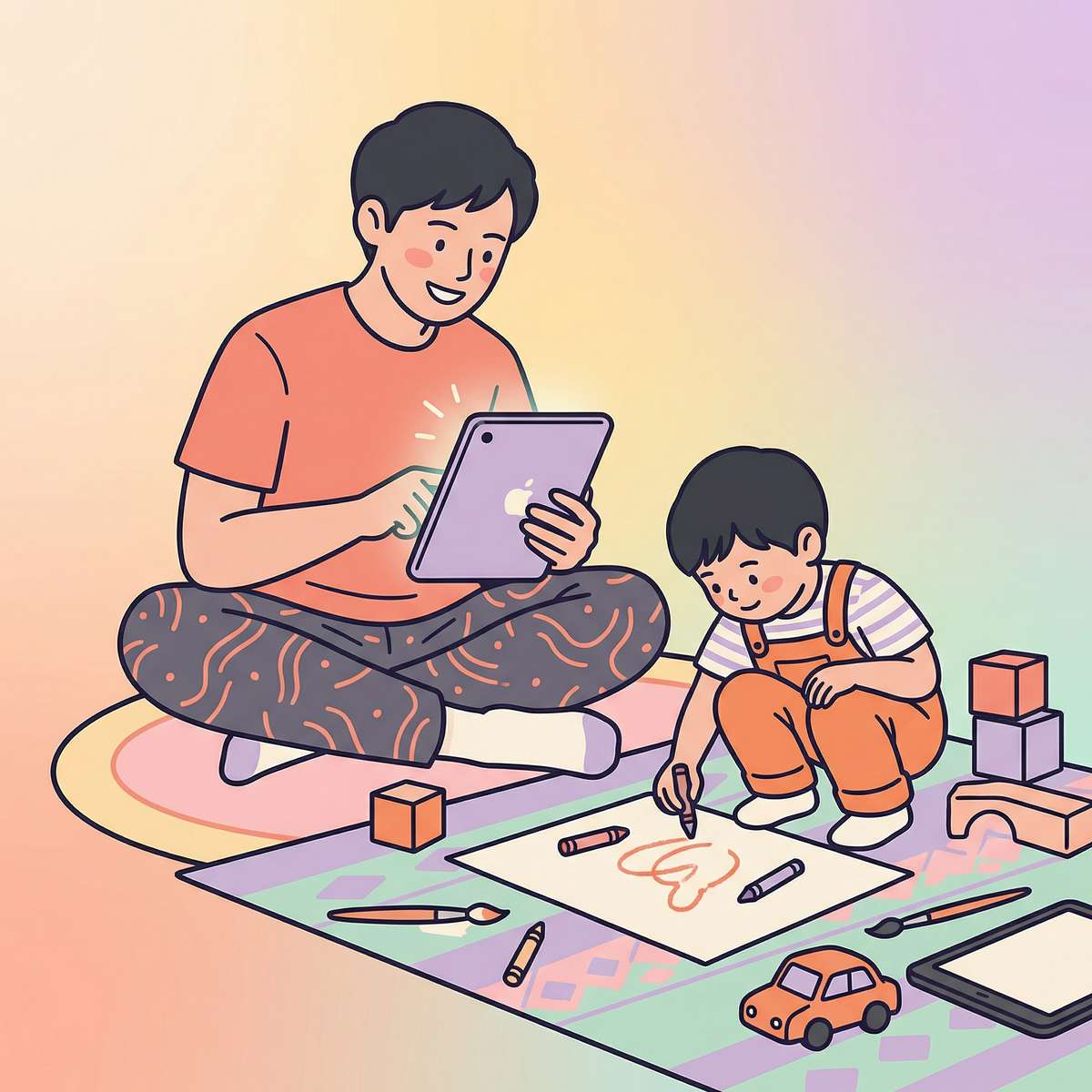
Evidence-Based Implementation
Technology tools are most effective when integrated thoughtfully into comprehensive intervention plans. Research supports digital tools as supplements to, not replacements for, direct therapeutic interaction and real-world skill practice.
- Balance screen-based tools with non-digital activities and real-world practice
- Use apps that align with therapy goals and learning objectives
- AAC apps should be available at all times and modeled by adults
- Set appropriate time limits and supervise for productive use
- Generalize digital skills to real-world contexts
- Consult with therapists for app selection aligned with individual goals
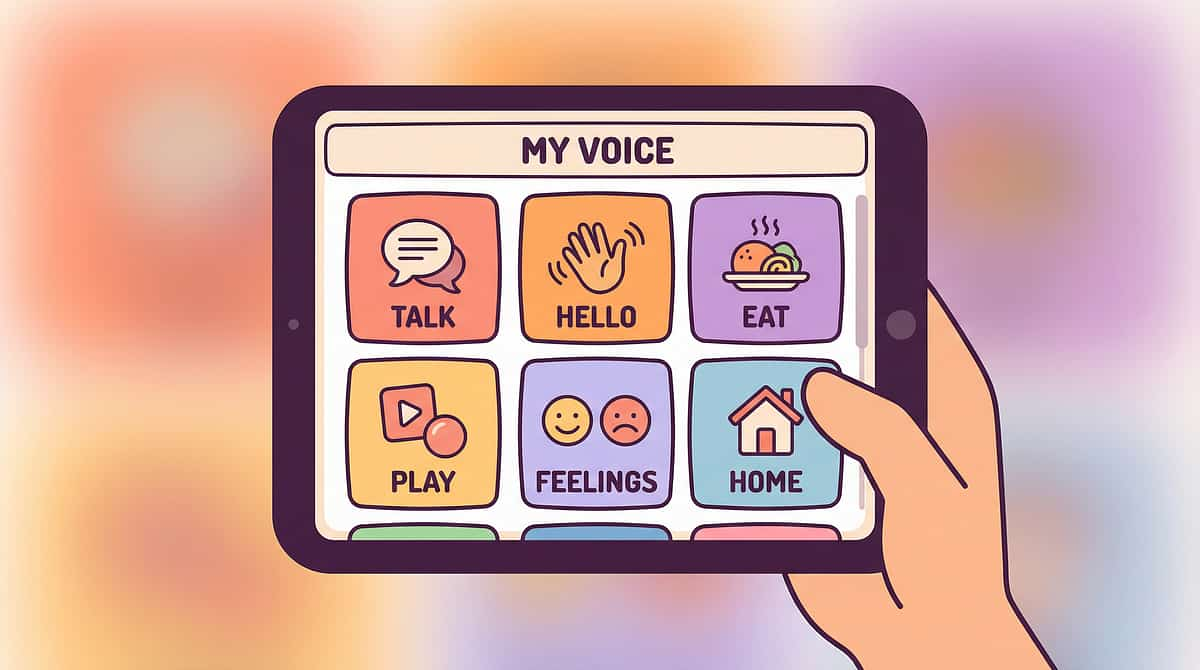
Material 16.1: AAC Apps & Software
Core Kit
Digital Communication
AAC apps provide digital communication access through symbol-based and text-based systems that give voice to non-verbal and limited-verbal individuals. These sophisticated software platforms allow users to select symbols, pictures, or text that are converted to speech output, enabling expressive communication for those who cannot rely on verbal speech alone.
Modern AAC applications offer customizable vocabulary, voice options, and organizational structures that can be tailored to individual communication needs. Features include core vocabulary access, grammatical support, message banking, and data tracking. Research consistently demonstrates that AAC does not delay speech development—it supports it.
"AAC does NOT delay speech - research shows it supports it. Model AAC use consistently, make it available at all times, and start with core words, not just nouns."
Function: Provide digital augmentative and alternative communication through apps that allow non-verbal or limited-verbal individuals to communicate using symbols, text, and speech output.
Price Range: ₹0 - ₹30,000
AAC Implementation Essentials

Model AAC Use
Adults must use the AAC system themselves during daily interactions. Modeling demonstrates how to communicate using the device and normalizes its use.
Always Available
AAC devices should be accessible at all times, not just during structured therapy sessions. Communication needs occur throughout the day.
Core Vocabulary First
Begin with high-frequency core words like "go," "want," "more," "stop" rather than focusing solely on nouns. Core words support flexible sentence building.
SLP Guidance Required
Speech-language pathologists provide essential expertise in AAC selection, programming, and implementation strategies tailored to individual needs.

Material 16.2: Learning & Educational Apps
Core Kit
Academic Skills
Learning and educational apps provide visual, engaging digital instruction that leverages technology motivation to teach academic and functional skills. These applications utilize interactive formats, immediate feedback, and multi-sensory presentation to support skill acquisition across literacy, numeracy, problem-solving, and functional academics.
High-quality educational apps offer structured learning sequences, progress tracking, and customizable difficulty levels. They capitalize on visual learning strengths common in many children with developmental differences while providing consistent, patient instruction that can be repeated as needed. Apps should complement, not replace, hands-on learning experiences.
Effective educational technology addresses specific learning objectives identified by therapists and educators. Apps with clear pedagogical foundations and minimal distracting elements support focused skill development. Supervised use ensures productive engagement and creates opportunities for skill generalization beyond the screen.
Function: Provide digital learning opportunities that leverage visual learning strengths and technology motivation to teach academic and functional skills.
Price Range: ₹0 - ₹5,000
Educational App Best Practices

Balanced Technology Integration
Educational apps work best when integrated into a comprehensive learning approach that includes hands-on activities, social interaction, and real-world application opportunities.
1
Balance with Non-Screen Activities
Alternate digital learning with manipulatives, outdoor play, and social interaction.
2
Align with Therapy Goals
Select apps that target specific objectives identified in treatment plans.
3
Supervise Productive Use
Monitor engagement to ensure focus on learning content rather than passive consumption.
4
Generalize Skills
Practice digital skills in real-world contexts to support functional application.
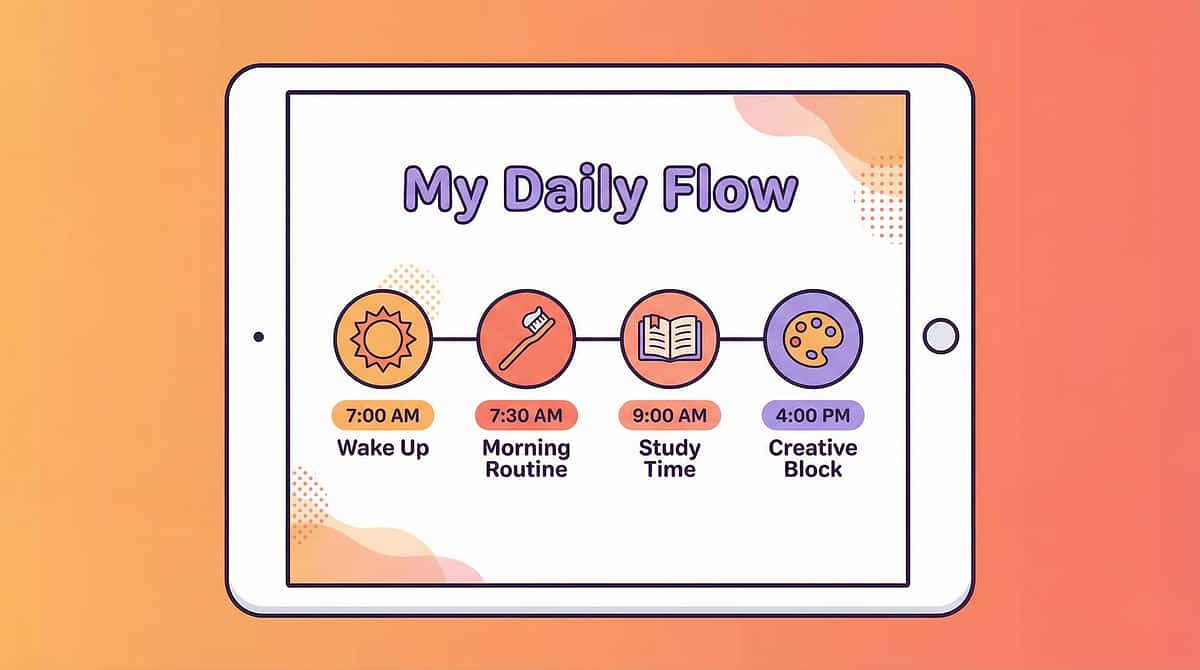
Material 16.3: Visual Schedule & Organization Apps
Core Kit
Routine Support
Visual schedule and organization apps provide portable, easily updated digital support for routines, transitions, and time awareness with audio reminders. These applications create visual representations of daily activities, upcoming events, and task sequences that reduce anxiety associated with unpredictability and support independent routine completion.
Digital scheduling tools offer advantages over static visual schedules: easy modification for schedule changes, timer integration for time awareness, audio or vibration reminders, and portability across settings. Users can check their schedules independently throughout the day, receiving consistent visual support whether at home, school, or in the community.
Effective implementation requires consistency across environments and regular updates to maintain relevance. Schedule apps work best when introduced proactively and used collaboratively—adults review schedules with children rather than simply assigning them. This builds understanding of time concepts and supports gradual independence in self-management.
Function: Provide digital visual supports for routines, schedules, and organization to increase predictability, reduce anxiety, and support independence.
Price Range: ₹0 - ₹2,000
Visual Schedule Implementation

Building Independence Through Predictability
Visual schedule apps reduce anxiety by making the invisible visible—showing children what activities are coming and when transitions will occur.
- Keep schedules simple and clear with minimal visual clutter
- Use schedules WITH children, not just FOR children—review together
- Maintain consistency across home, school, and community settings
- Update schedules regularly to reflect actual routines
- Teach children to check their schedules independently
- Include preferred activities alongside non-preferred tasks
Digital schedules support executive function development by externalizing time concepts and task sequences. Over time, children internalize these organizational structures, building skills that support increasing independence.
Material 16.4
Video Modeling Resources

Video modeling is an effective, evidence-based instructional strategy used to teach new skills and behaviors by observing a model perform the target action. It leverages visual learning to provide clear, repeatable demonstrations for learners.
Key Features & Benefits:
- Function: Provides clear visual examples for skill acquisition, promoting independence and generalization.
- Applications: Widely used in educational, therapeutic, and home settings for diverse learners.
- Accessibility: Available across various platforms, from dedicated apps to free online resources.
- Price Range: Varies from free user-generated content to premium subscriptions and custom creation tools.
Brief & Focused Videos
Optimal duration is 30 seconds to 3 minutes, concentrating on demonstrating a single, discrete skill clearly.
Single Skill Focus
Each video should isolate one skill to avoid cognitive overload and ensure explicit instruction.
Learner's Perspective
Videos filmed from the learner's point of view enhance identification and mimicry, making the skill feel more attainable.
Self-Modeling Effectiveness
When learners observe themselves successfully performing a skill, it significantly boosts confidence and proficiency.
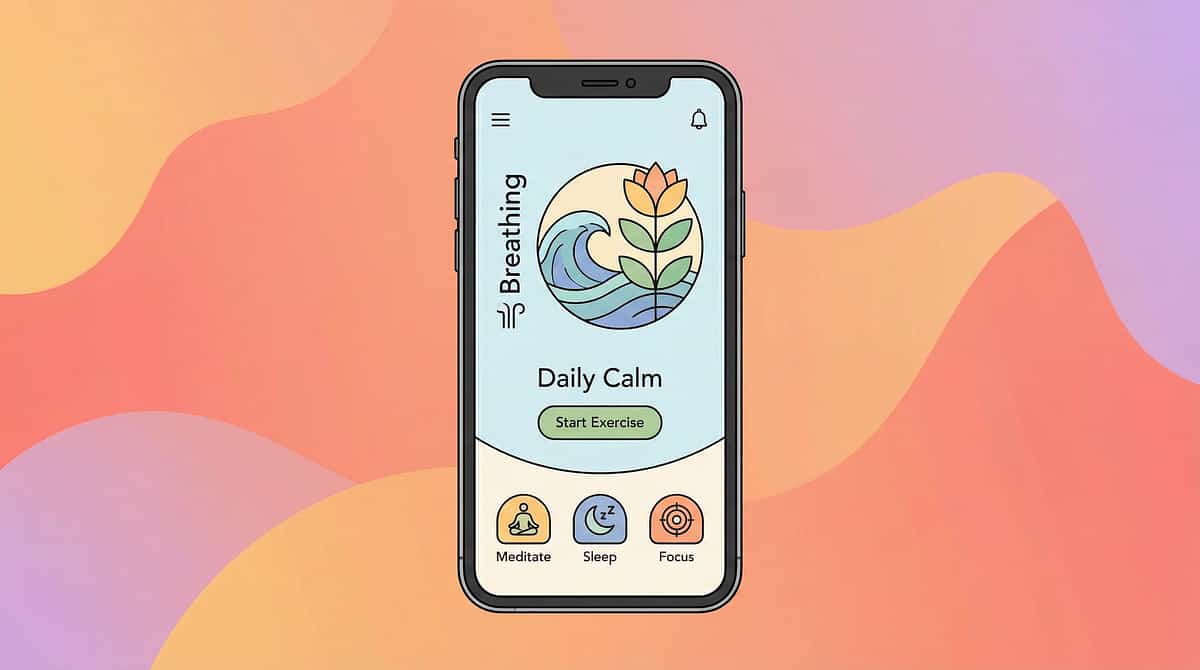
Material 16.5: Sensory & Calming Apps
Extended Kit
Regulation Support
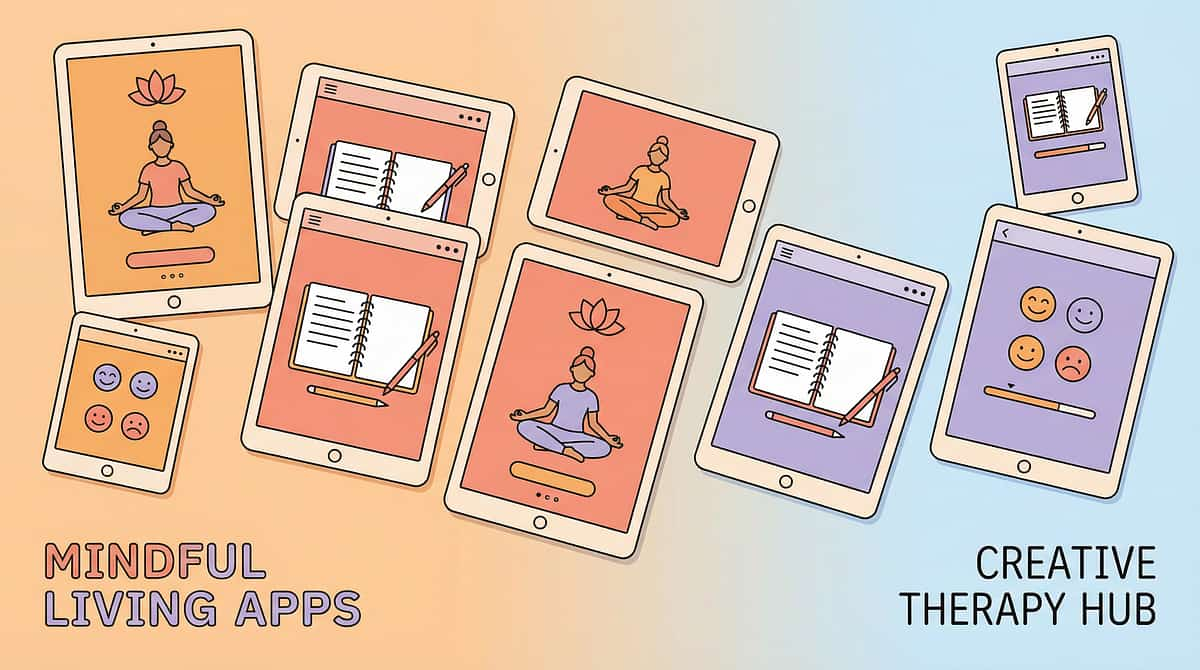
Sensory and calming apps provide portable digital regulation tools for waiting, overwhelm, and emotional management through visual, auditory, and breathing supports. These applications offer on-demand access to calming sensory input, guided breathing exercises, visual distractions, and self-regulation strategies that can be used in various settings.
Digital calming tools include visual breathing guides, gentle animations, cause-and-effect sensory experiences, ambient sounds, and mindfulness exercises. The portability of mobile devices allows children to access regulation support during challenging situations in the community, while waiting, during transitions, or when sensory overwhelm occurs.
Calming apps work best as one component of a comprehensive sensory diet and regulation strategy. They should be introduced proactively during calm moments rather than only during crisis situations. Time limits prevent dependency on screen-based calming, ensuring children also develop non-digital self-regulation skills. Therapist guidance ensures selection of appropriate applications that address individual sensory profiles and regulation needs.
Function: Provide digital sensory experiences and calming supports for regulation, waiting, and emotional management.
Price Range: ₹0 - ₹2,000
Effective Calming App Integration

Supporting Self-Regulation Development
Calming apps provide accessible regulation support while children build internal self-regulation skills. Strategic use supports emotional management without creating screen dependency.
One Tool Among Many
Apps complement other regulation strategies like deep pressure, movement breaks, and calming spaces.
Combine with Non-Digital Strategies
Pair app use with breathing techniques, physical strategies, and environmental modifications.
Preview and Select
Review apps before introducing to ensure appropriate sensory input for individual needs.
Set Time Limits
Brief, focused use supports regulation without extending screen time unnecessarily.
Proactive Use
Introduce during calm moments and before challenging situations, not only during crisis.
Target Areas Across Materials
Communication & Language
AAC apps provide expressive communication access. Video modeling supports communication skill development. Educational apps target receptive and expressive language goals.
Academic & Functional Skills
Learning apps deliver visual instruction for literacy, numeracy, and functional academics. Video modeling demonstrates academic behaviors and task completion strategies.
Organization & Independence
Visual schedule apps support routine following, transitions, and time awareness. Digital organization tools reduce anxiety and build executive function skills.
Regulation & Emotional Skills
Calming apps provide portable regulation support. Visual schedules reduce anxiety through predictability. Video modeling teaches self-regulation strategies.
Implementation Across Settings
Consistency Supports Generalization
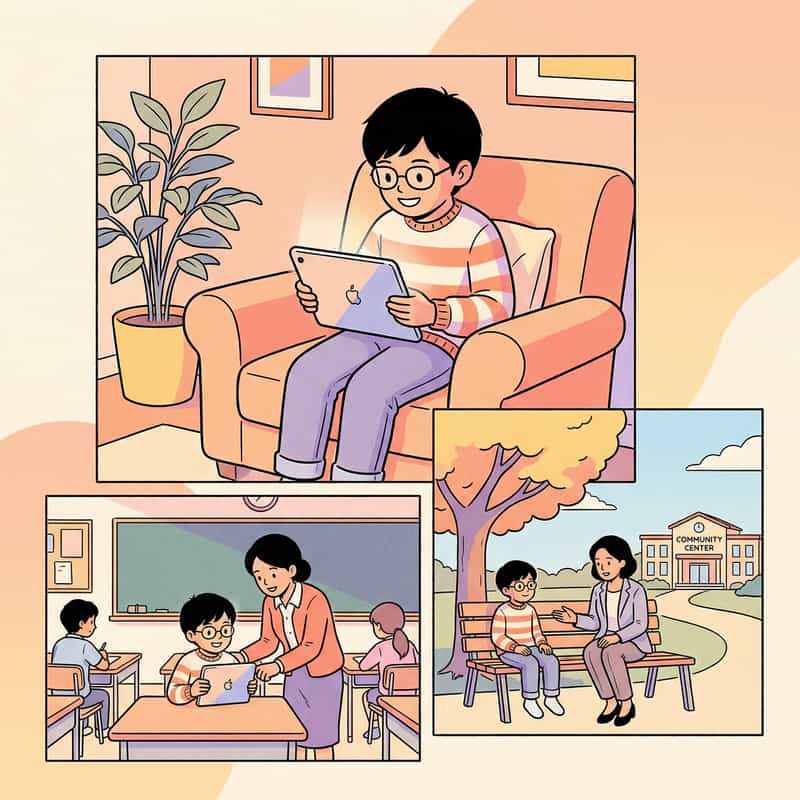
Technology tools offer unique advantages for cross-setting implementation. Digital supports remain consistent regardless of location, supporting skill generalization from therapy to natural environments.
Home Implementation: Parents integrate apps into daily routines with therapist guidance. AAC remains available for all communication opportunities. Learning apps supplement homework and skill practice. Visual schedules support morning and bedtime routines.
School Integration: Educators use apps as classroom accommodations and instructional tools. AAC supports academic participation. Schedule apps aid transitions between activities. Video models demonstrate school-specific skills and expectations.
Community Access: Portable devices enable communication and regulation support in public settings. Visual schedules prepare for community outings. Calming apps support waiting situations. AAC allows social participation beyond familiar environments.
Therapy Sessions: Clinicians model app use, train implementation strategies, monitor progress, and adjust digital supports based on individual response and changing needs.
Evidence Base and Research Support
Technology-Based Interventions
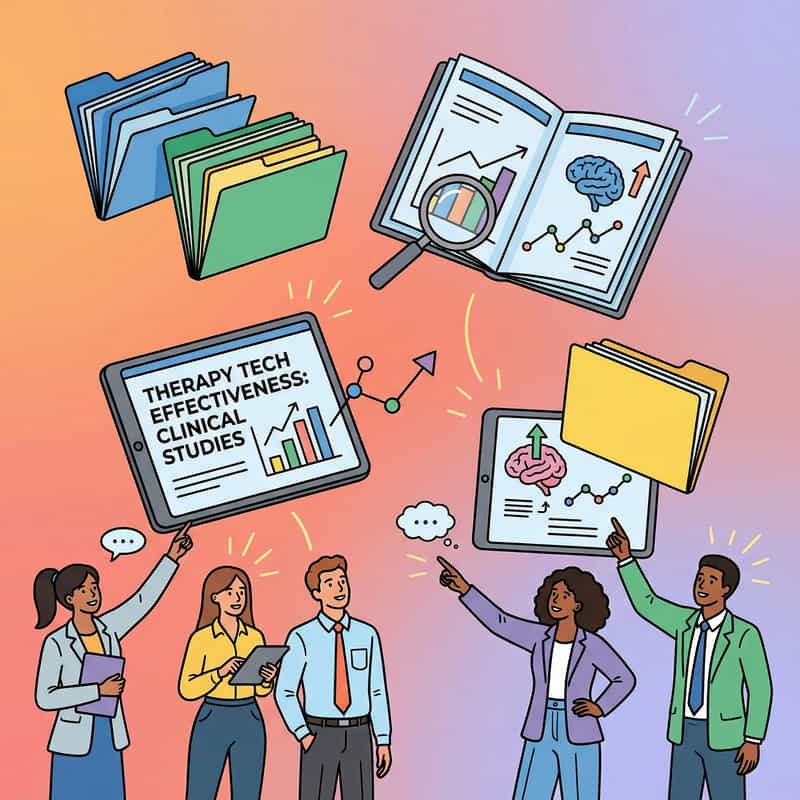
Research evidence supports technology tools for children with developmental differences, particularly for autism spectrum disorder, communication disorders, and learning disabilities. Studies demonstrate effectiveness across multiple domains when implemented with professional guidance.
AAC Research: Extensive evidence shows AAC supports rather than delays speech development. Studies document improved expressive communication, reduced frustration, increased social participation, and literacy development through AAC use.
Video Modeling Evidence: Multiple systematic reviews identify video modeling as an evidence-based practice for autism intervention. Research demonstrates effectiveness for social skills, daily living skills, communication, and behavioral learning.
Visual Schedule Research: Studies support visual schedules for reducing anxiety, supporting transitions, improving task completion, and building independence across settings for children with autism and related conditions.
Educational Technology: Research on educational apps shows positive outcomes when apps target specific learning objectives, provide appropriate feedback, and are used as part of comprehensive intervention approaches.
Pinnacle Blooms Network®
Built by Mothers. Engineered as a System.
National Support: FREE Autism Helpline (16+ languages): 9100 181 181
Website: pinnacleblooms.org | Email: care@pinnacleblooms.org
The Execution Layer of GPT-OS®
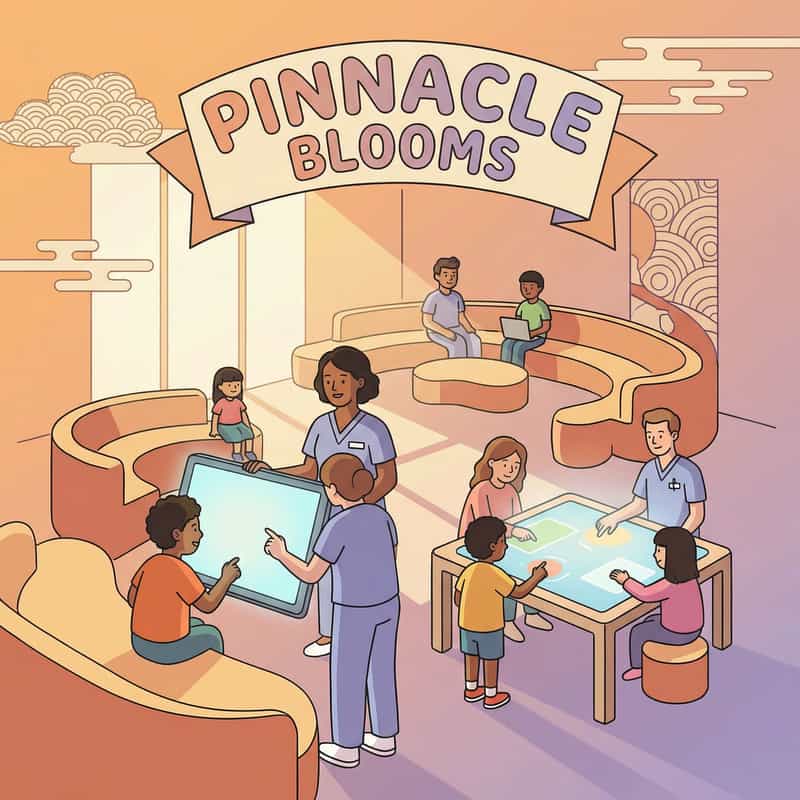
Pinnacle is the execution layer of GPT-OS® — delivering therapy, daily programs, digital continuity, and marketplace access at population scale across 70+ physical centers operating under standardized clinical systems.
Platform Components: Pediatric therapeutic OTT platform providing on-demand therapy guidance and parent education accessible anytime. Hyperlocal marketplace connecting families to verified therapists and resources mapped to individual needs. Physical center network implementing GPT-OS® standards with measurable accountability.
21M+
Exclusive 1:1 Sessions
Across converged therapy disciplines
97%+
Measured Improvement
Across readiness indexes
70+
Centers
Operating under single clinical system
Cannons
Technology & Apps MaterialsEvidence-based technology tools supporting AAC, assistive communication, adaptive learning, and digital skill development across home, school, and therapy settings.
Link copied!