
















Tool ID: 16.3
SpEd + OT
Strong Evidence
Rank #1
Daily Use
₹0–2,000
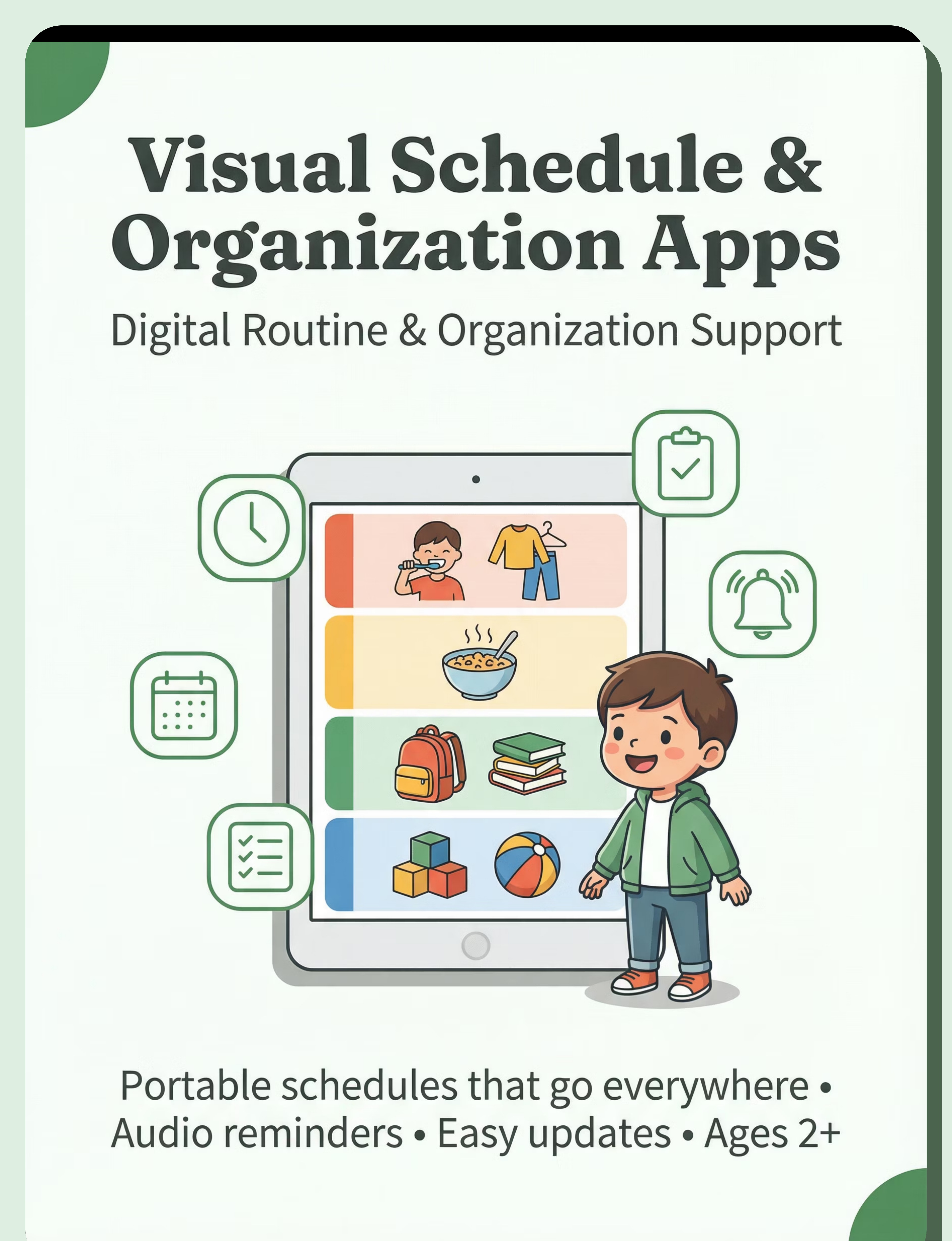
Visual Schedule & Organization Apps
Digital routine and organization support system
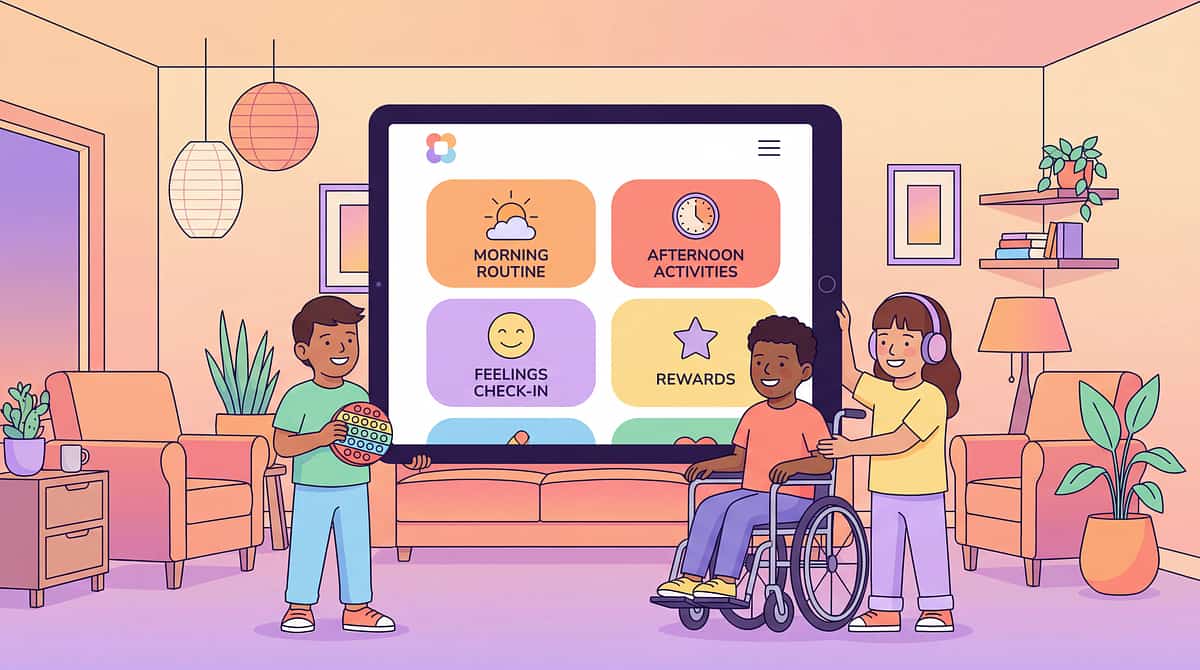
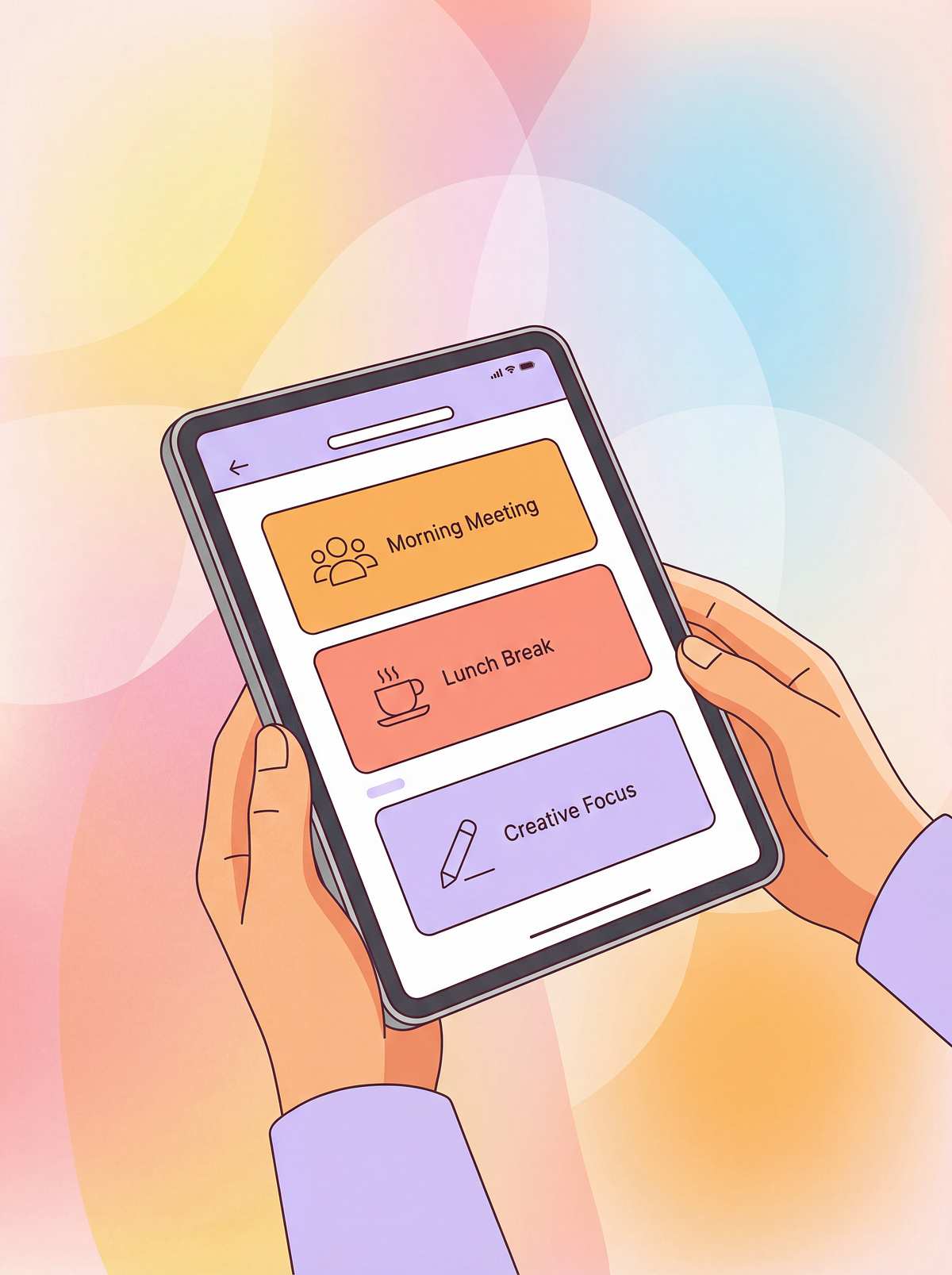
Portable, easily updated digital support for routines, transitions, and time awareness with audio reminder capability. Always available, simple to customize, and growing with your child's needs—from simple first-then boards to comprehensive weekly planners.

Who This Helps
These apps provide digital visual supports for routines, schedules, and organization to increase predictability, reduce anxiety, and support independence across all daily activities.
Routine Following
Transitions
Time Awareness
Anxiety Reduction
Independence
Executive Function
Ages 2+ years
Complexity increases with developmental stage, from simple first-then supports for toddlers to comprehensive weekly planners for older children and teens.
All Settings
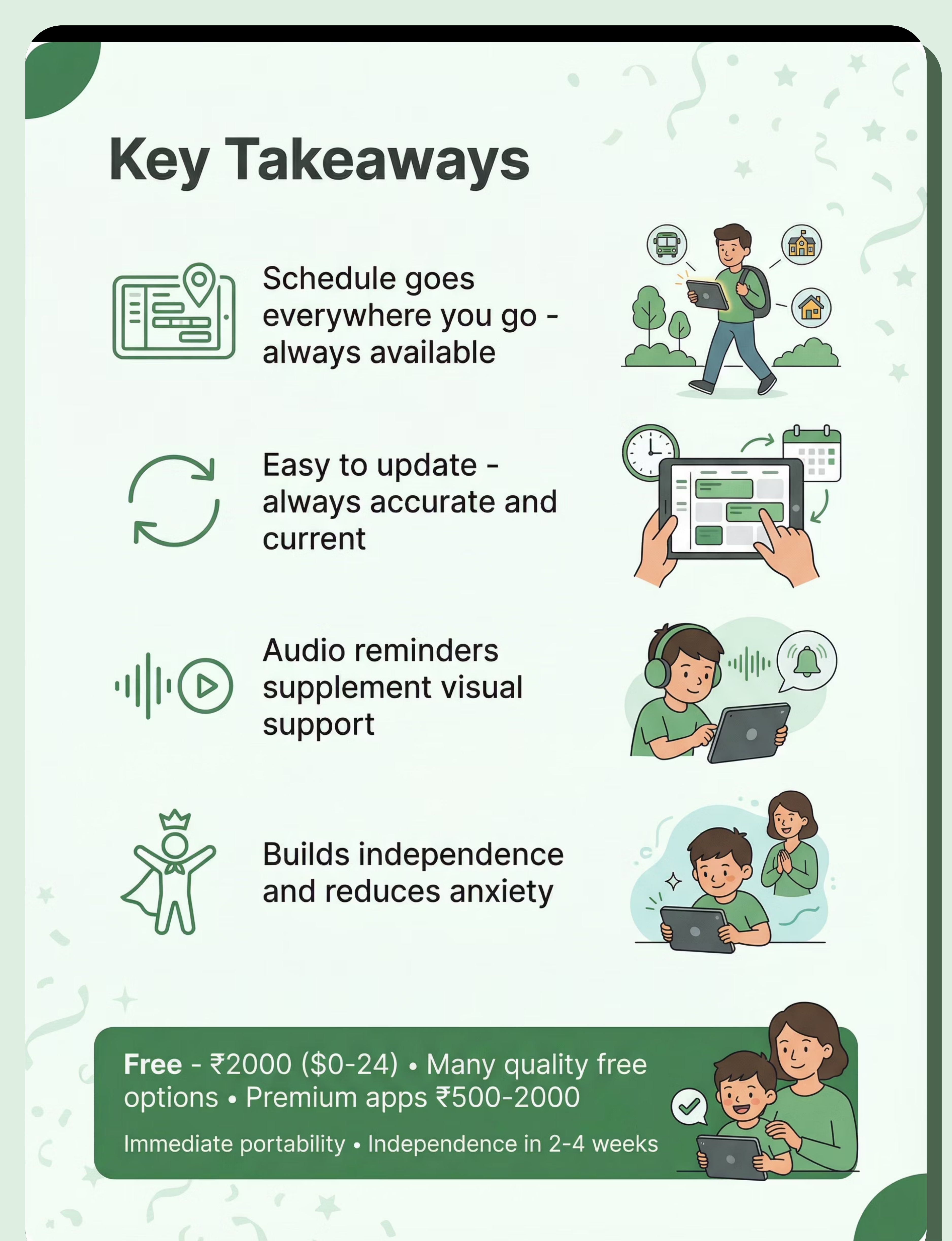
Home routines, school transitions, therapy sessions, community outings—portable support goes everywhere your child goes.
Best For
Children who benefit from visual structure, need portable schedule support, respond to audio reminders, or require frequently updated routines.

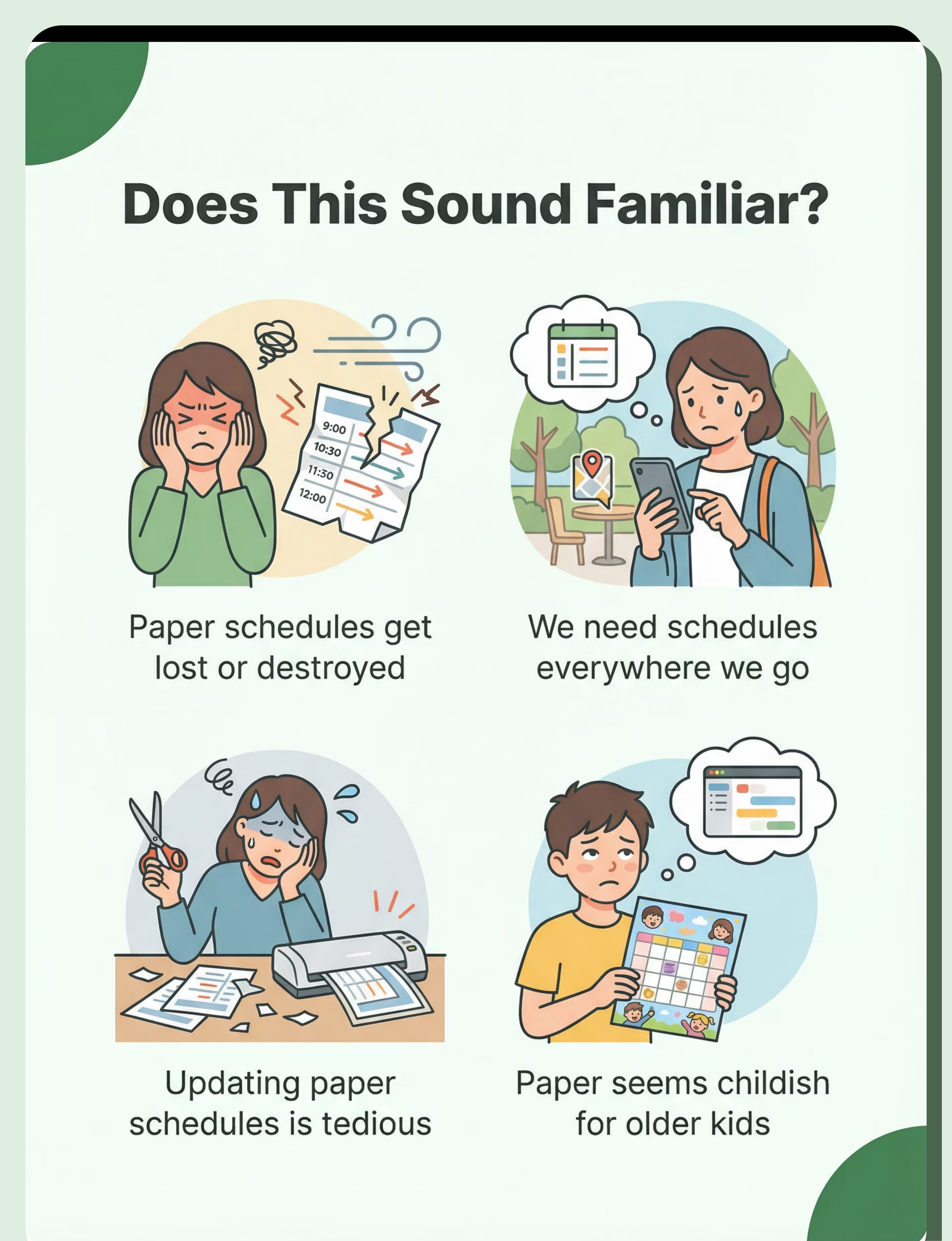
Does This Sound Familiar?
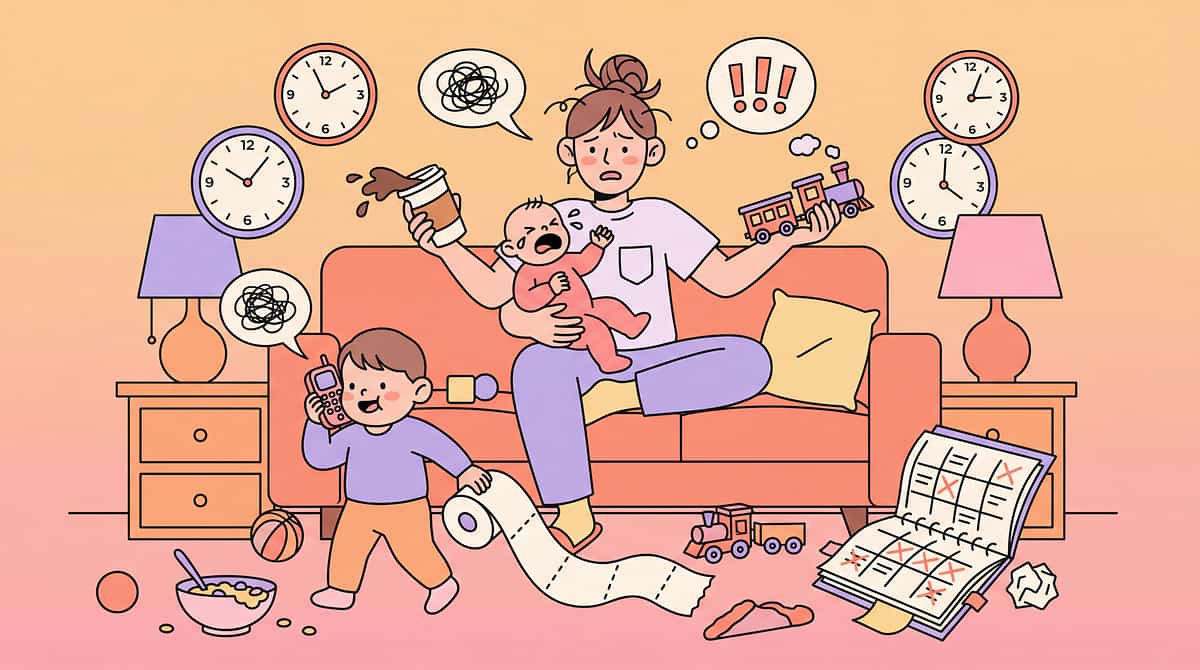
"Paper schedules get lost or destroyed. We've gone through so many printed schedules—they tear, get wet, disappear right when we need them most."
"We need schedules everywhere we go. The paper schedule stays at home. When we're out, he has no support and transitions become impossible."
"Updating paper schedules is tedious. Our routine changes frequently. Reprinting and laminating new schedules every few days is exhausting."
"He needs audio reminders too. Visual alone isn't enough. He needs to hear '5 minutes until transition' but paper can't do that."
"She's getting older—paper seems childish. She's 12 and mortified by laminated picture schedules. She needs something age-appropriate."
"We need something portable. Between home, school, therapy, and grandparents' house—we need consistent schedule support everywhere."
You're not alone. These are common challenges faced by parents supporting children who need visual structure. Digital schedule apps address these exact pain points.

A Day Without the Right Support
Morning: Portability Crisis
Paper schedule stays at home. Need schedule support everywhere. Transitions difficult outside home. Anxiety increases when away from familiar visual supports.
Transitions: Constant Updating
Schedule changes frequently. Paper schedules tedious to update. Out of date quickly. Child confused by inaccurate schedule information.
School/Therapy: Missing Audio
Child needs reminders, not just visual reference. Paper can't provide audio cues. Missing transition warnings. Surprises cause significant distress.
Bedtime: Age Appropriateness
Older children embarrassed by paper schedules. Need more sophisticated, discreet support. Paper seems babyish to peers and family members.

The Science Behind It
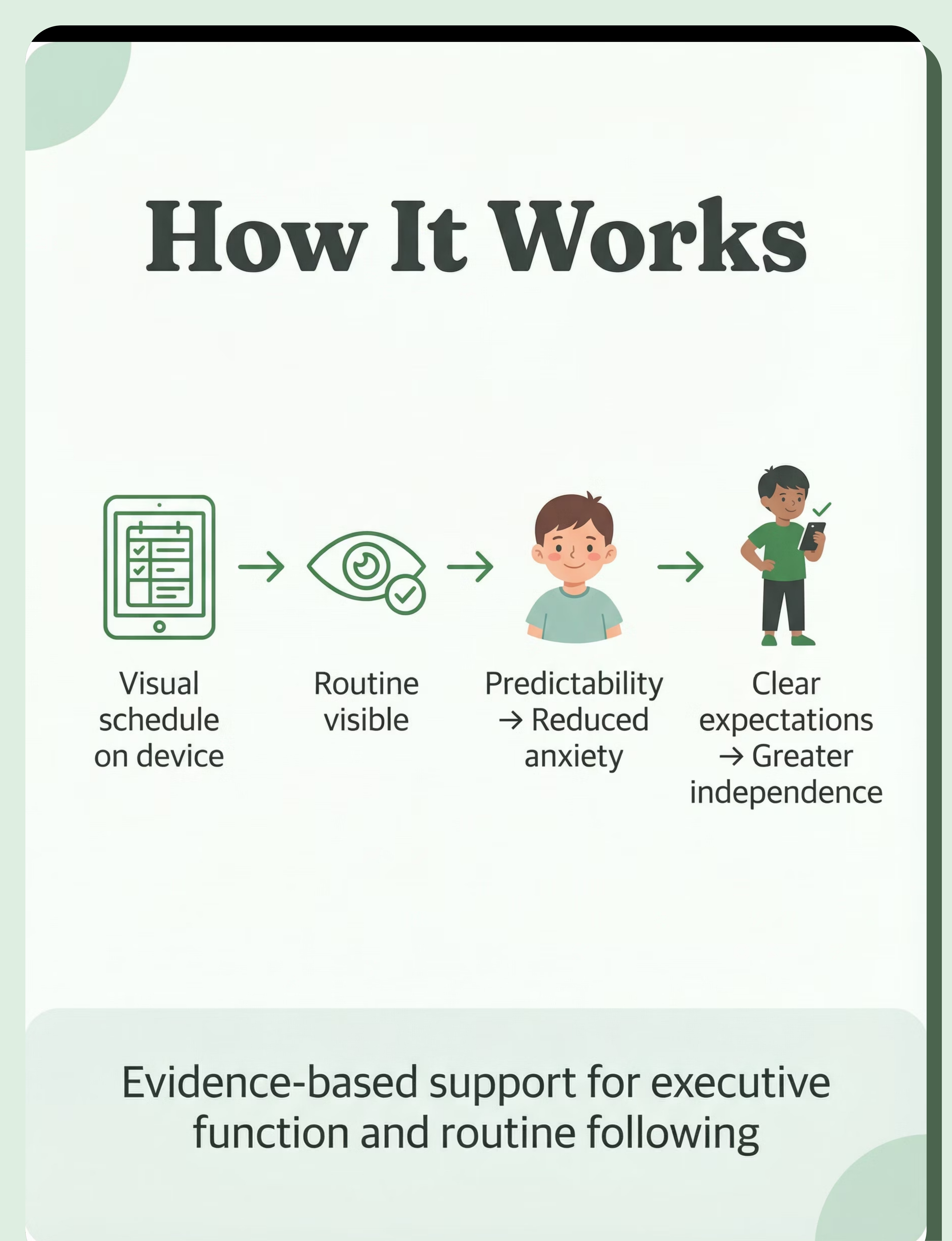
Digital visual schedule apps work through a clear neurological and behavioral pathway that builds predictability and reduces anxiety.
1
Visual Schedule on Device
Child sees upcoming activities clearly displayed with images and text on familiar device.
2
Routine Becomes Visible
Abstract time and sequence become concrete, understandable visual information.
3
Predictability Established
Knowing what comes next creates sense of control and safety.
4
Anxiety Reduced
Uncertainty eliminated, stress hormones decrease, regulation improves.
5
Clear Expectations Set
No surprises, transitions previewed, mental preparation possible.
6
Independence Grows
Child self-manages routine, checks schedule independently, builds executive function skills.
Routine Following
Transitions
Time Awareness
Anxiety Reduction
Independence
Executive Function

How to Use It Right
Keep schedules simple and clear
Use clean images, minimal text, uncluttered layouts. Too much information overwhelms rather than supports. Start simple, add complexity gradually as child masters basics.
Use with child, not just for child
Review schedule together. Point to current activity. Preview what's next. Make it interactive, not passive. Build the habit of checking together before transitions.
Maintain consistency across settings
Same app, same format at home, school, therapy. Share access with all caregivers. Consistency builds trust in the schedule system.
Update regularly and accurately
Inaccurate schedules destroy trust. Update immediately when plans change. Child must be able to rely on schedule information completely.
Teach independent checking
Prompt child to check schedule. Gradually reduce prompts. Goal is self-directed schedule reference. Independence is the ultimate objective.
Layer audio reminders strategically
Audio supplements visual support. "5 minutes until transition" warnings. Gentle alerts, not jarring alarms. Audio + visual = multimodal support.
Duration: Brief reference throughout day—checking schedule takes seconds, not minutes. This is functional tool use, not extended screen time.

Expert Insight
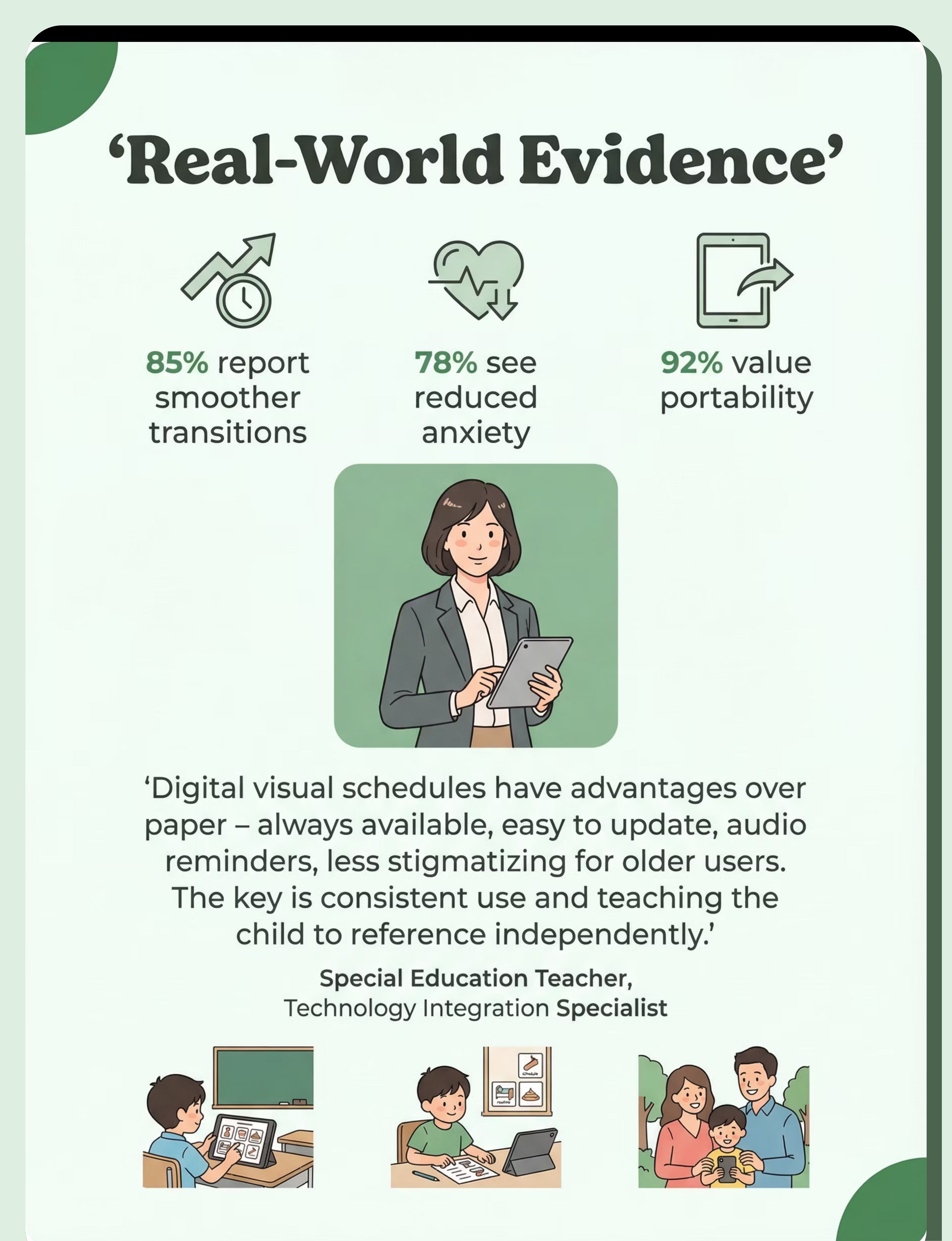
"Digital visual schedules have advantages over paper—always available, easy to update, audio reminders, less stigmatizing for older users. The key is consistent use and teaching the child to reference independently."
— Special Education Teacher, Technology Integration Specialist
SpEd + OT Recommended
Co-owned by Special Education and Occupational Therapy disciplines for comprehensive executive function support.
Strong Evidence Base
Extensive research supports visual schedule effectiveness. Digital delivery adds portability and multimodal benefits.
Rank #1 in Technology & Apps
Top-ranked tool in category for evidence, effectiveness, and daily functional impact.
Core Kit Essential
Designated Core Kit level—fundamental tool for supporting children with executive function and routine needs.

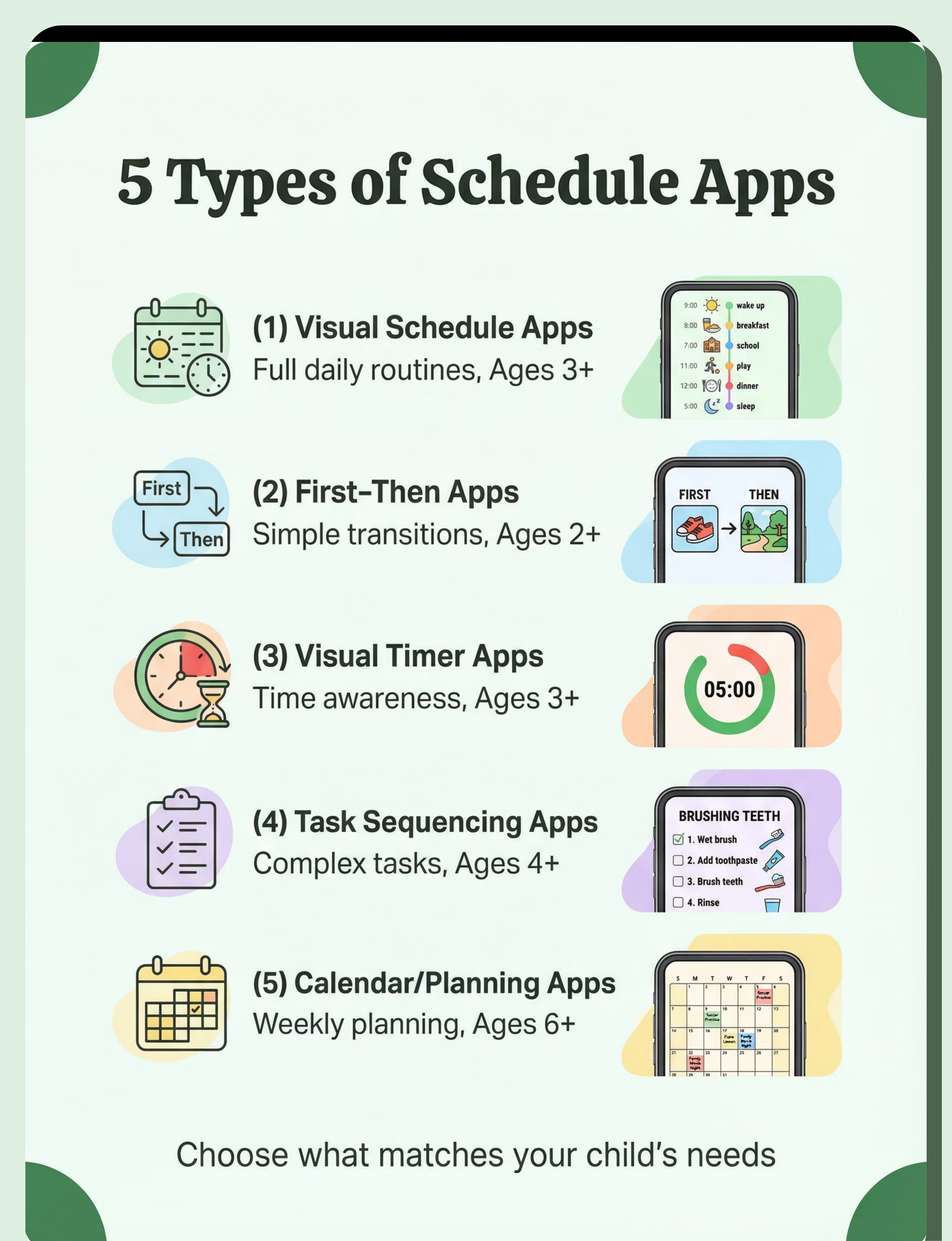
Choose Your Option (5 Variants)
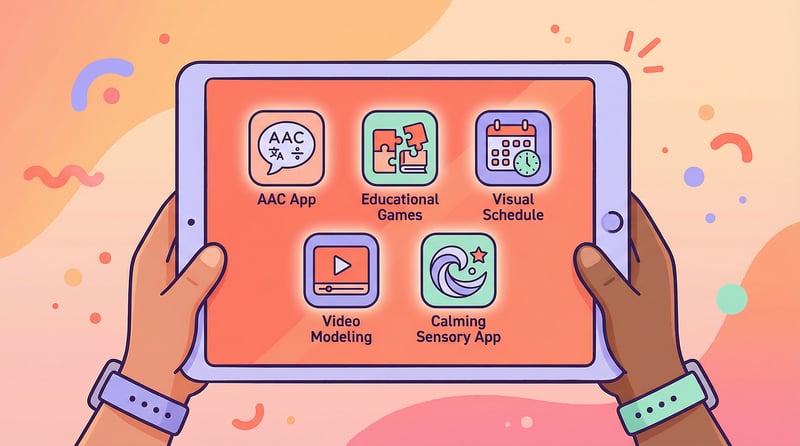
Select the app type that matches your child's specific needs, developmental level, and daily challenges. Many families use multiple variants for different situations.

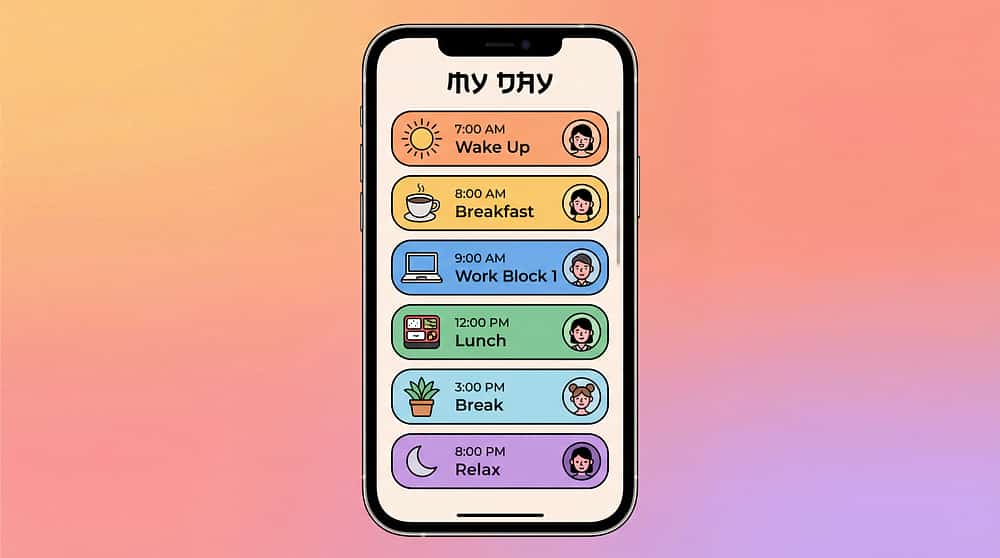
Visual Schedule Apps
Best for: Daily routines, transitions, predictability
Ages: 3+ years | Settings: Home, School
Very High Portability
Price: ₹0–2,000

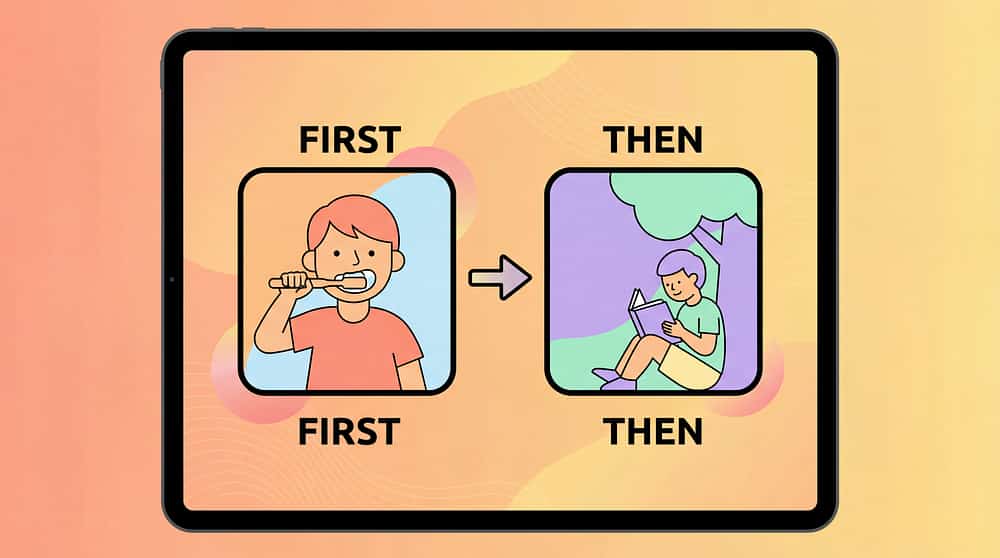
First-Then Apps
Best for: Transitions, motivation, simple structure
Ages: 2+ years | Settings: All
Very High Portability
Price: ₹0–500

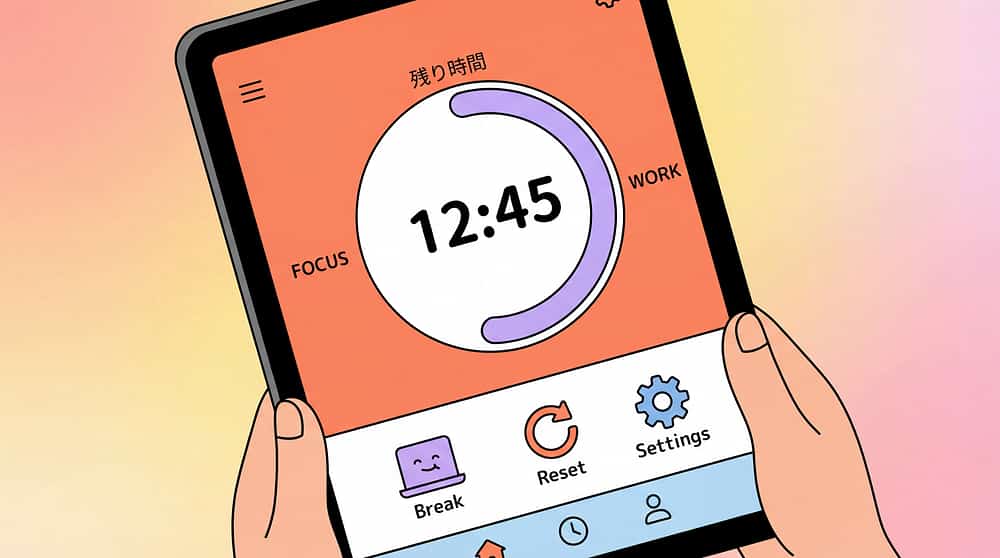
Visual Timer Apps
Best for: Time understanding, transitions, limits
Ages: 3+ years | Settings: All
Very High Portability
Price: ₹0–500

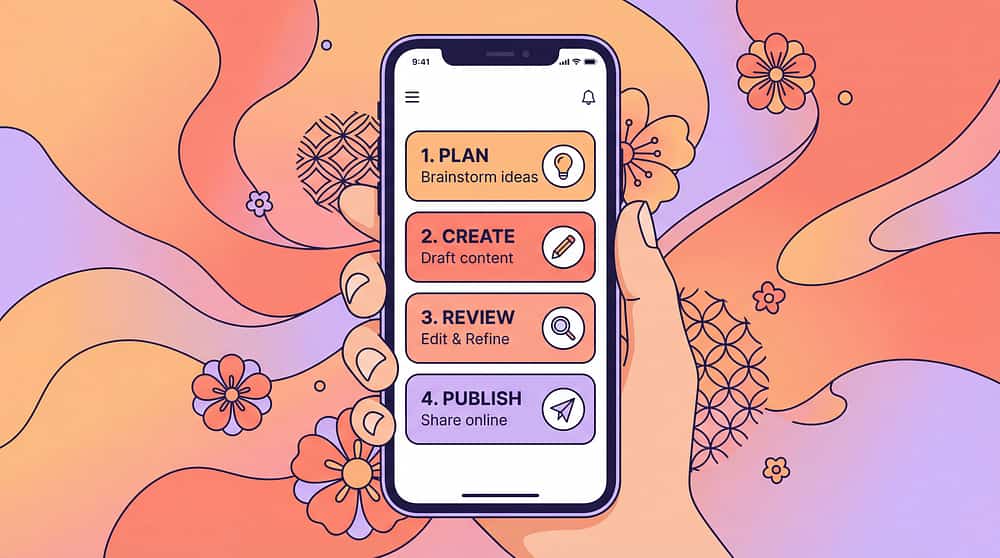
Task Sequencing Apps
Best for: Breaking down complex tasks
Ages: 4+ years | Settings: Home, School, Work
Very High Portability
Price: ₹0–1,500

Calendar/Planning Apps
Best for: Weekly/monthly planning, anticipation
Ages: 6+ years | Settings: Home, School
Very High Portability
Price: ₹0–1,000
Choose by Goal
Calming/predictability → Visual Schedule. Quick transitions → First-Then. Time awareness → Visual Timer.
Choose by Setting
All settings need portability—digital apps excel here. Match complexity to setting demands.
Choose by Portability
All variants highly portable on phone/tablet. Device goes everywhere child goes.
Schedule Types & Features
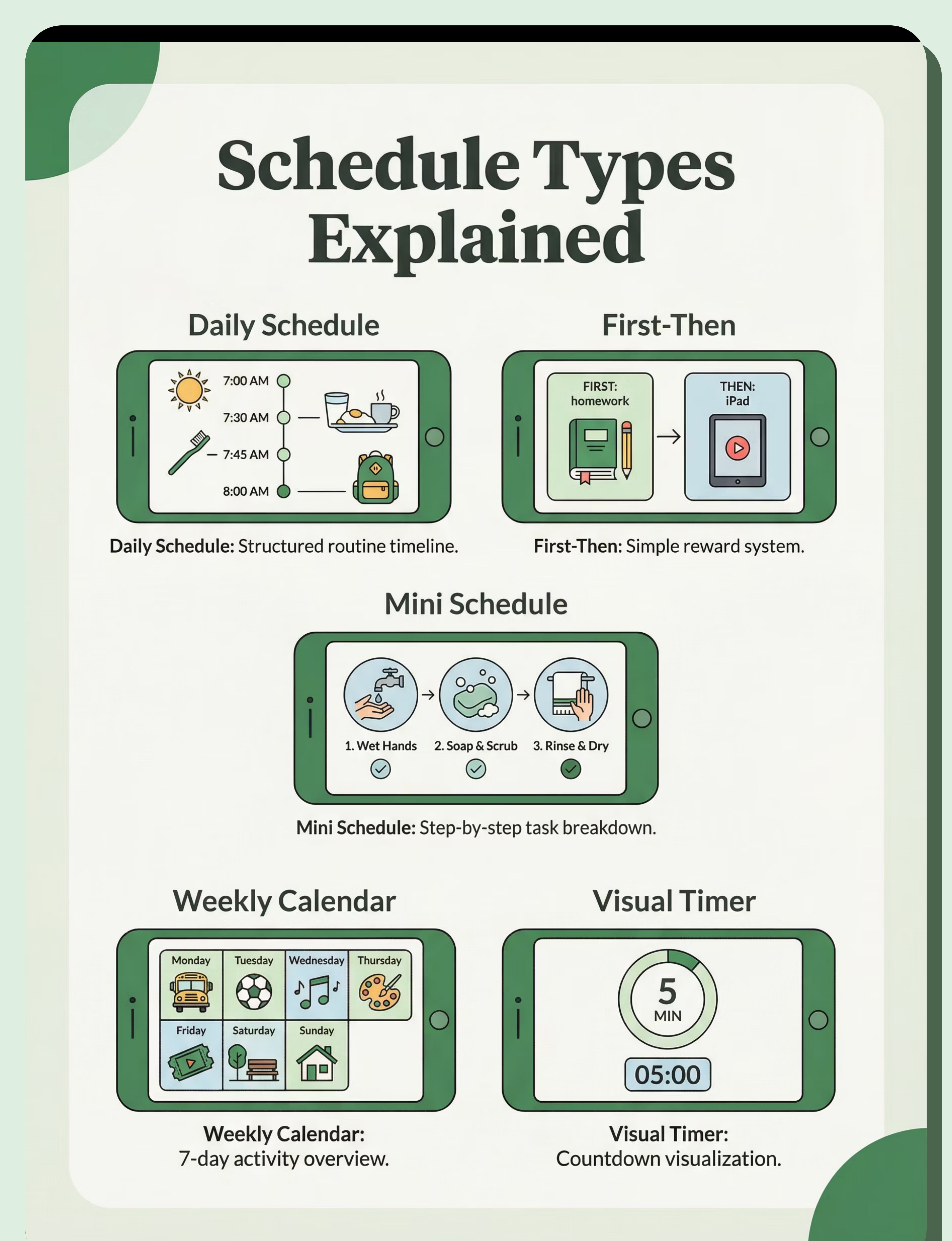
Schedule Types

Daily Schedule
Full day visual schedule with activities sequenced from morning to bedtime. Comprehensive routine support.

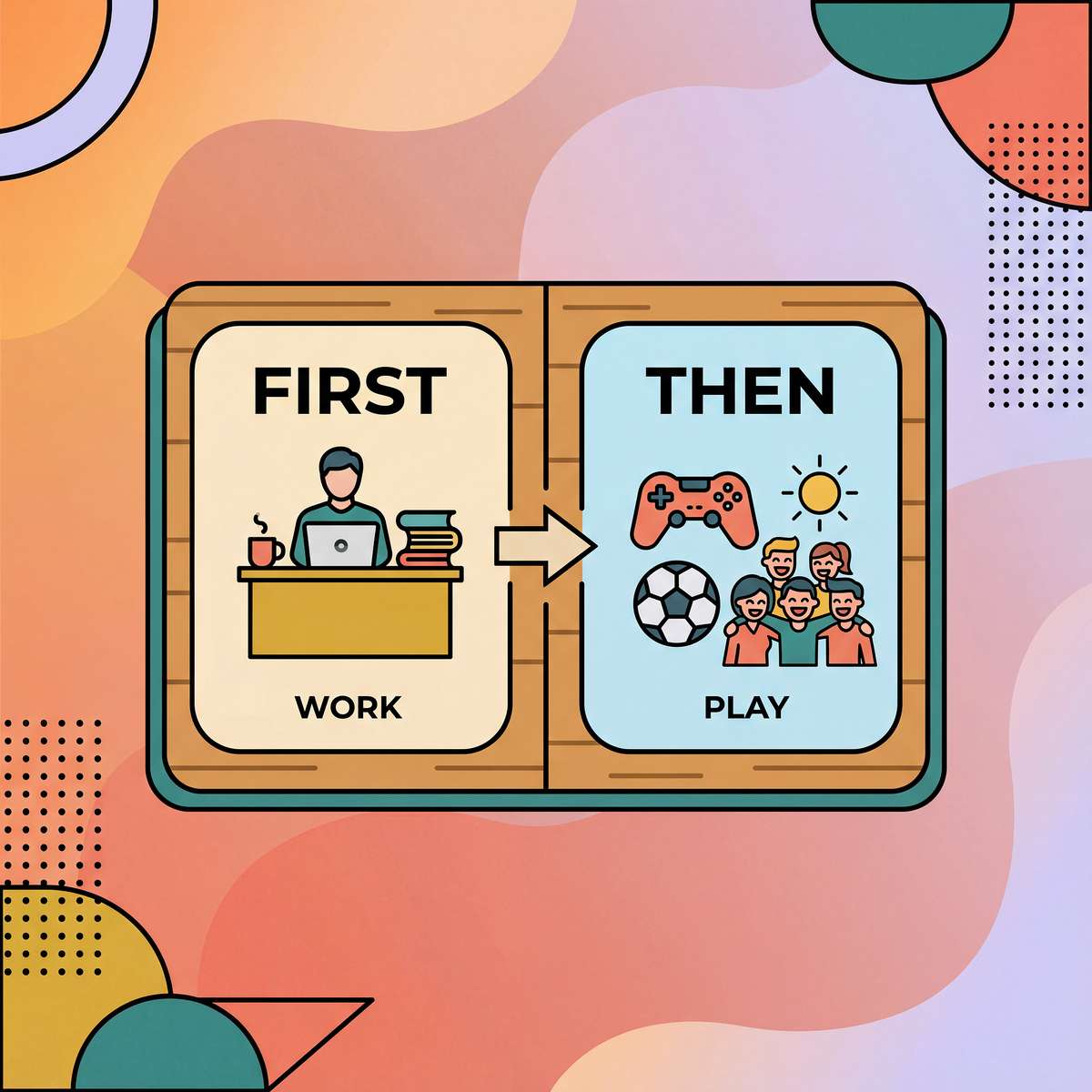
First-Then
Simple two-step motivation and transition support. "First [less preferred], then [preferred]" structure.

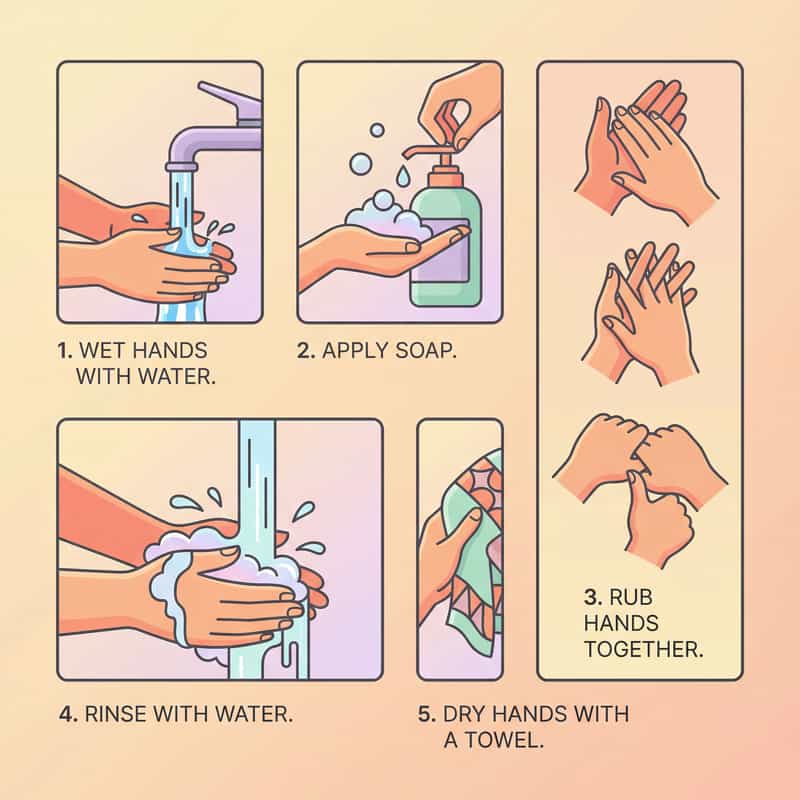
Mini Schedule
Task-specific steps within activity. Breaking down complex tasks like hand-washing or getting dressed.

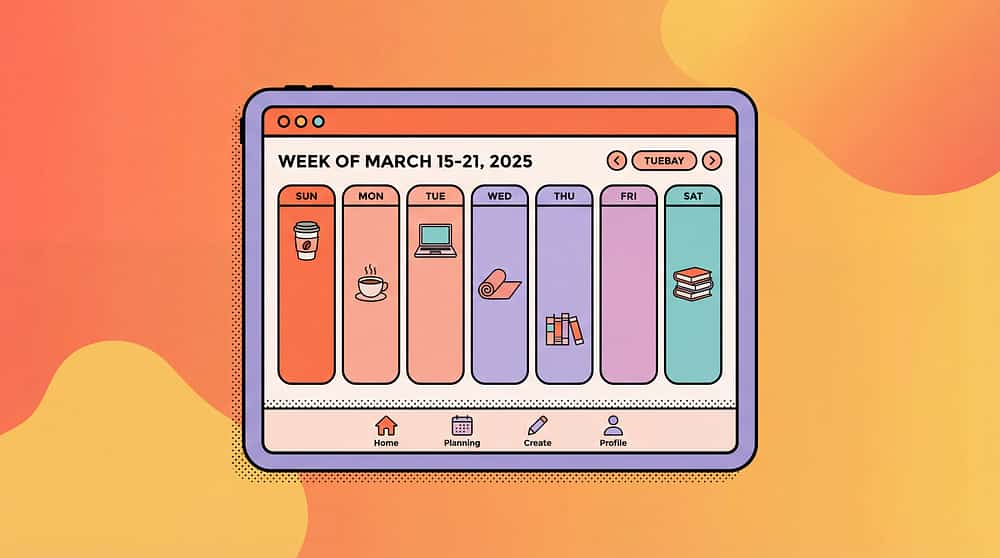
Weekly Calendar
Longer-term planning and anticipation. Helps with understanding upcoming events and changes.

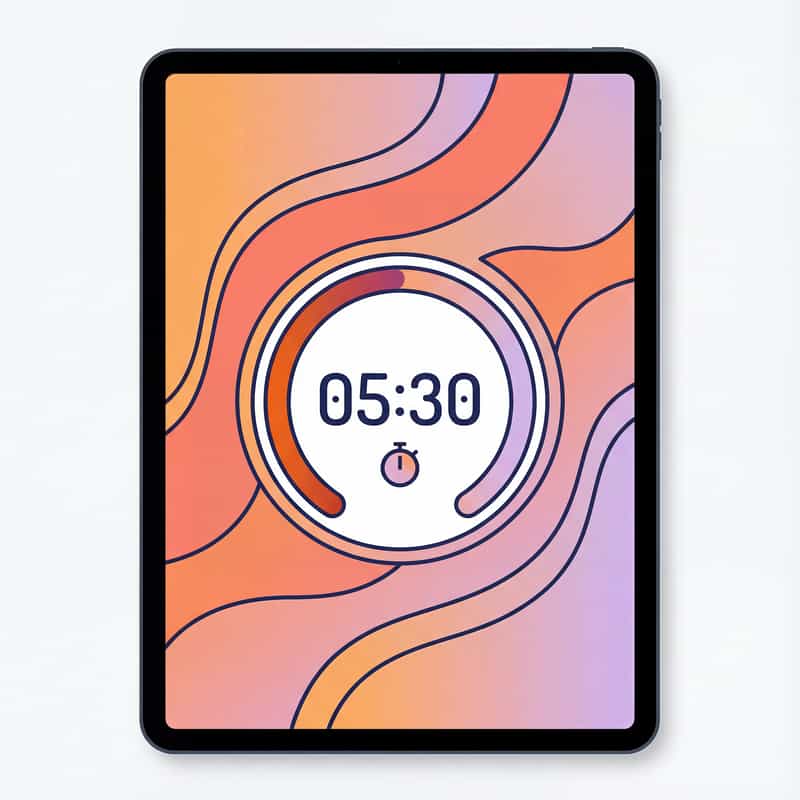
Visual Timer
Time remaining for activity or transition shown visually. Countdown support for time awareness.
Key Features
Customizable
Use your own photos, create personalized schedules, adjust to child's exact routine and preferences.
Audio Support
Audio reminders, spoken activity names, transition warnings—multimodal support beyond visual alone.
Easy to Update
Change schedule instantly when plans shift. No reprinting, no laminating—digital flexibility.
Shareable
Sync across family devices, share with school and therapists. Consistent support across all settings.
Progress Tracking
Some apps track completion, build data on routine following, support goal measurement.
Materials: Software application, device required (phone, tablet, or dedicated device)
The Struggle (Before)

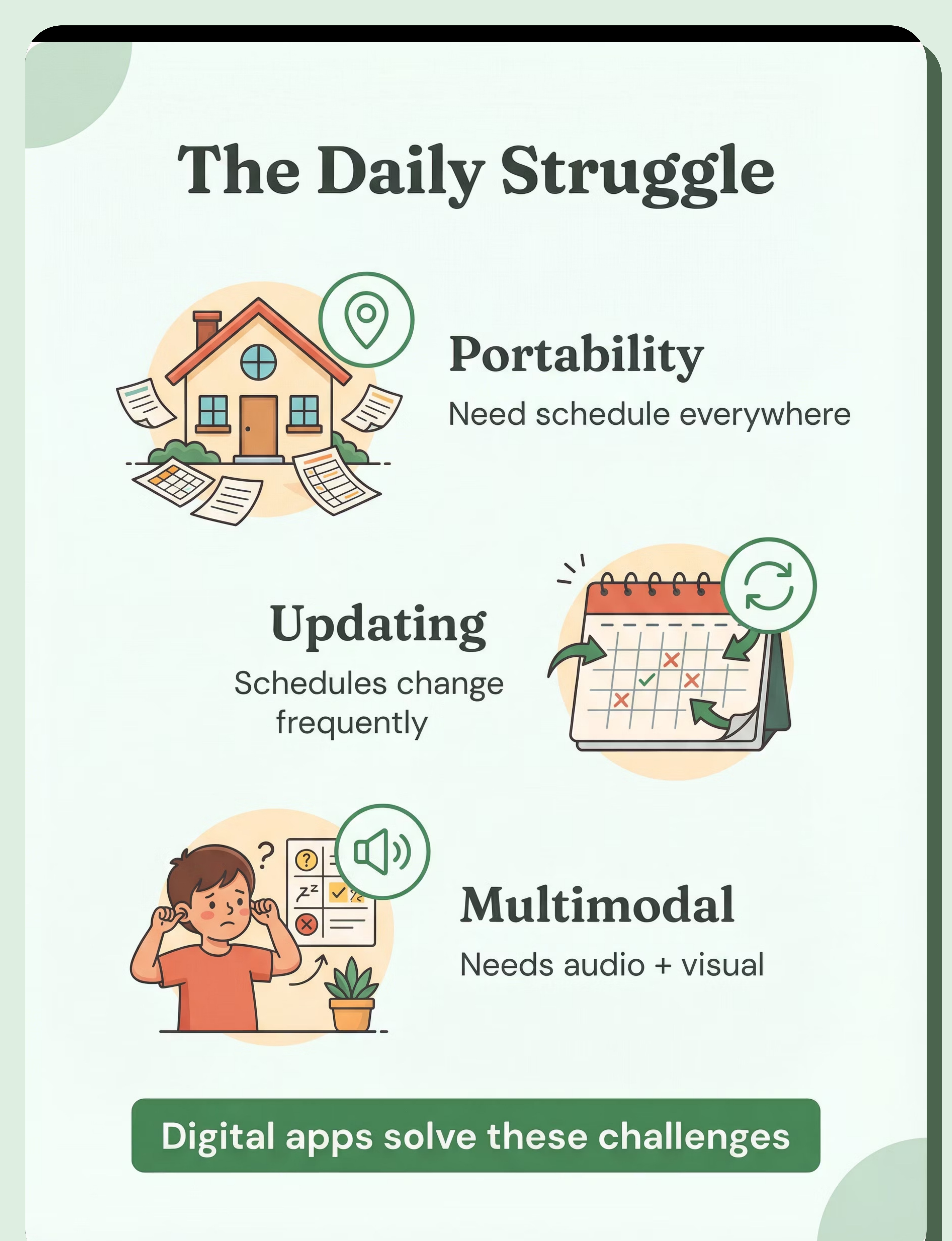
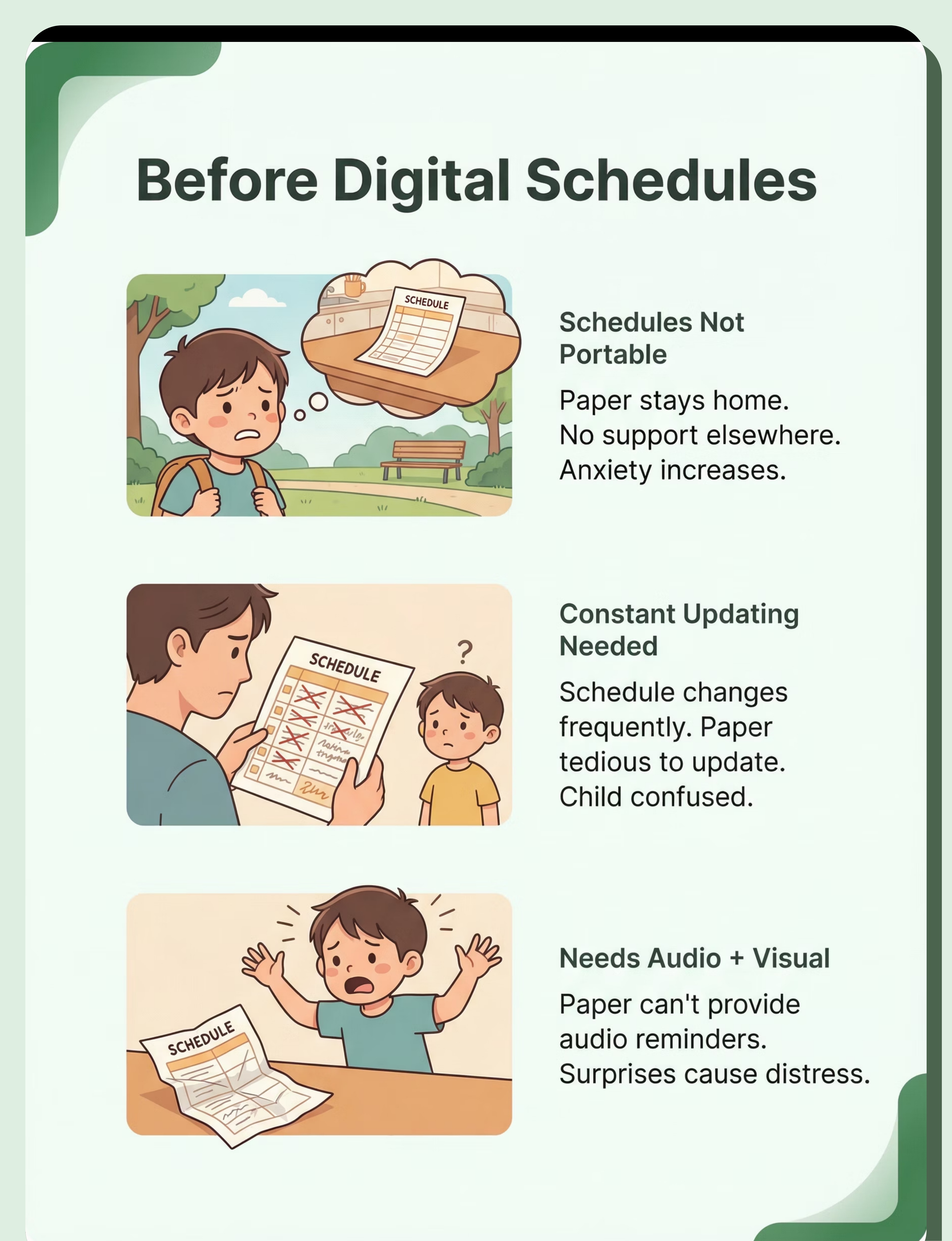
Schedules Not Portable
Situation: Paper schedule stays at home. No schedule support elsewhere. Transitions difficult outside home. Anxiety increases.
Experience: Every outing becomes stressful. Child constantly asks "what's next?" Has no visual reference. Meltdowns common in unfamiliar places.
Emotion: Anxious, unsupported, uncertain

Constant Updating Needed
Situation: Schedule changes frequently. Paper schedules tedious to update. Out of date quickly. Child confused by inaccurate schedule.
Experience: Spend hours each week printing, cutting, laminating new schedules. By the time it's ready, routine has changed again. Child stops trusting schedule.
Emotion: Confused, frustrated, exhausted

Needs Audio + Visual
Situation: Child needs reminders, not just visual. Paper can't provide audio. Missing transition warnings. Surprises cause distress.
Experience: Child doesn't check paper schedule independently. Gets surprised by transitions. No warning system. Verbal reminders inconsistent.
Emotion: Surprised, distressed, dysregulated
The Breakthrough (After)

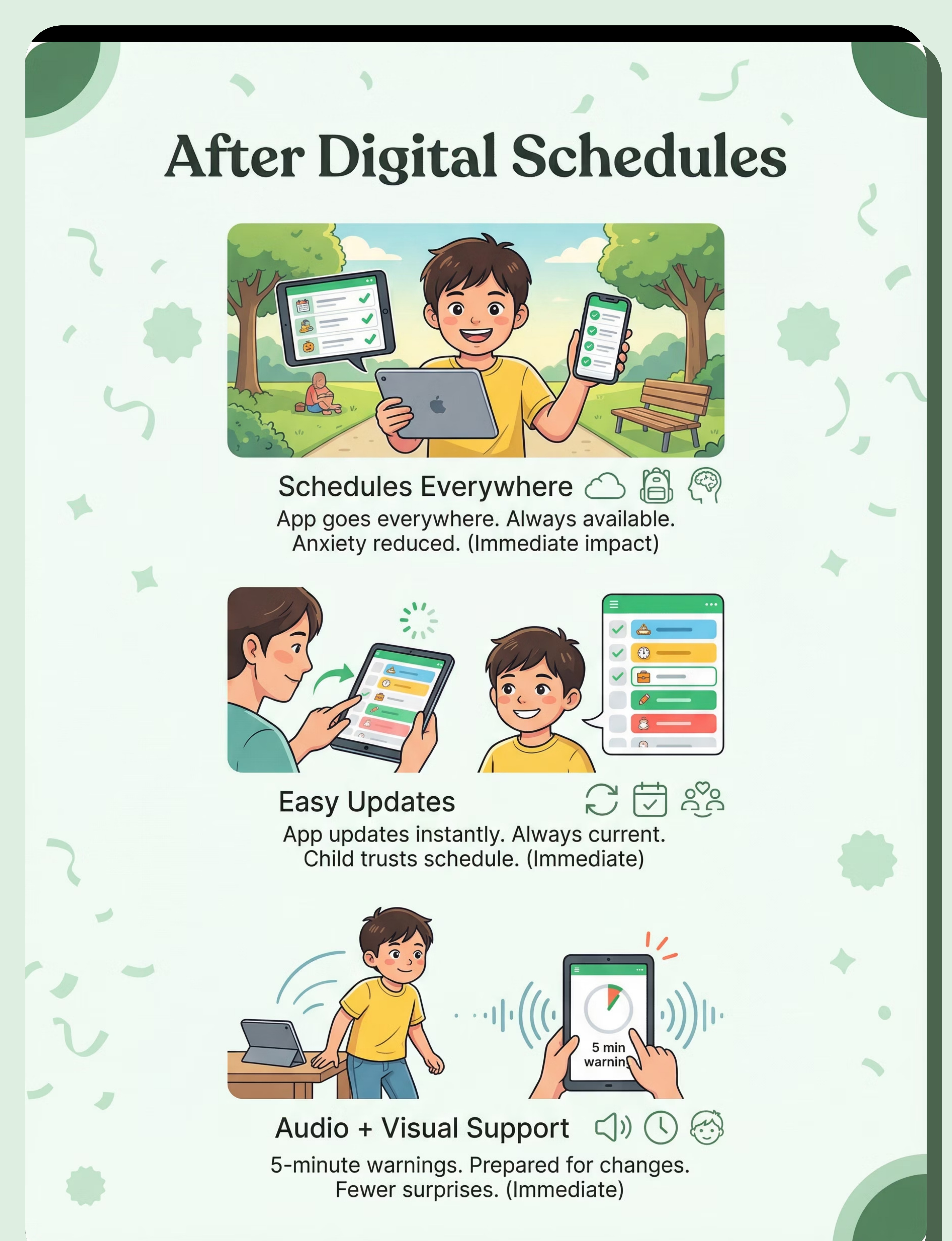
Schedules Are Portable
Situation: Schedule app on phone/tablet goes everywhere. Always available. Consistent support all locations. Anxiety reduced.
Experience: Check schedule app in car, at restaurant, at therapy, at grandparents'. Same visual support everywhere. No more "left it at home" crisis.
Emotion: Supported, calm, confident
Instant Updating
Situation: App schedule updates instantly. Easy to modify. Always current. Child trusts schedule accuracy.
Experience: Plans change at 2 PM? Update app in 30 seconds. Child sees updated schedule immediately. Trusts that schedule is always accurate.
Emotion: Current, accurate, reliable
Audio + Visual Support
Situation: App provides audio reminders and alarms. "5 minutes until transition" alerts. Prepared for changes. Fewer surprises.
Experience: Device announces upcoming transitions. Child hears warning, checks visual schedule, mentally prepares. Smooth transitions become the norm.
Emotion: Prepared, warned, ready

What to Expect (Realistic Timelines)
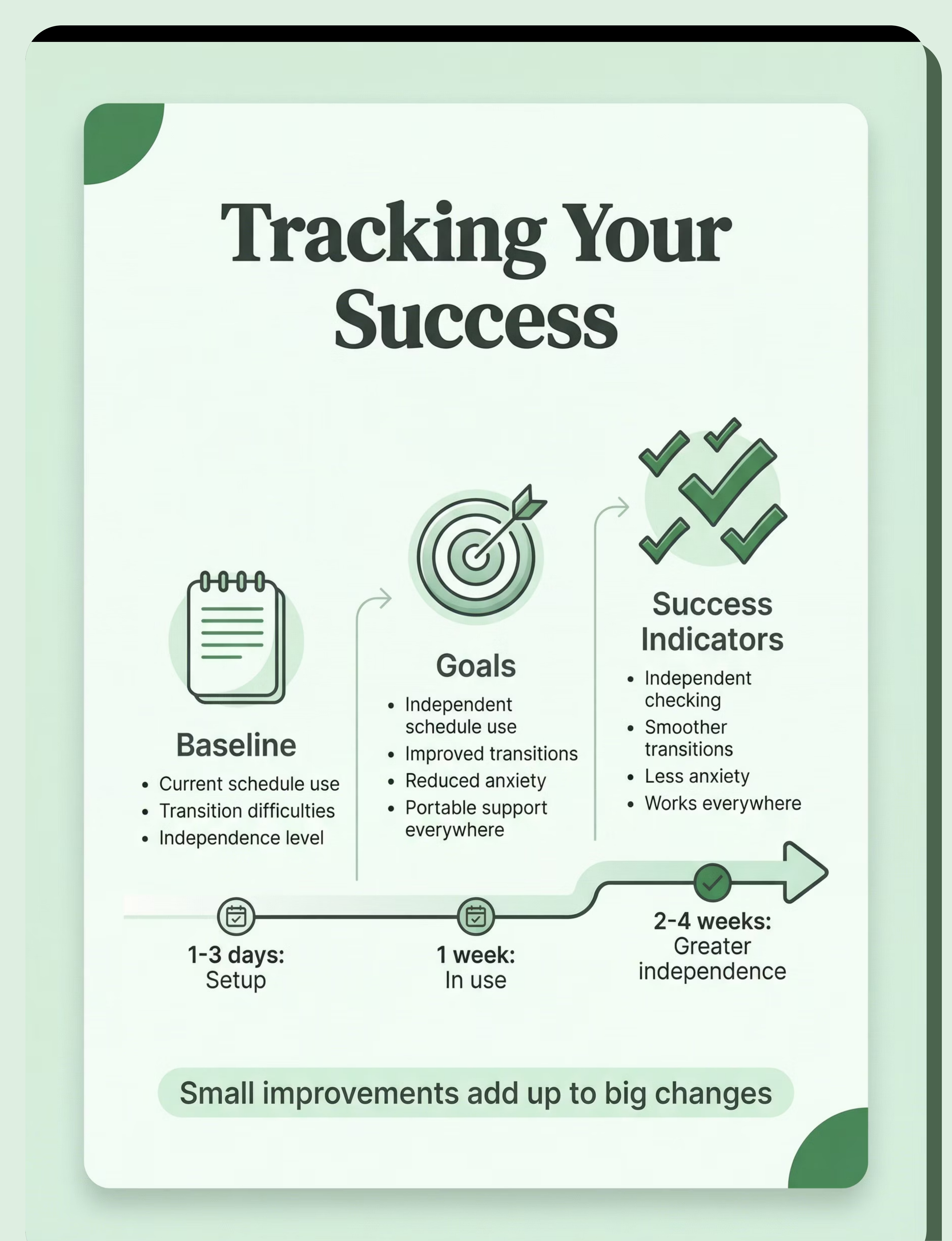
App selected and set up
Research options, download apps, test features, customize with child's routine and photos.
1-3 days
Digital schedule in use
Child and family begin using app daily, establishing routine of checking schedule together.
1 week
Portable support everywhere
Device accompanies child to all settings, providing consistent visual support across locations.
Immediate
Audio reminders working
Multimodal support established with audio warnings supplementing visual schedule reference.
1 week
Greater independence
Child begins checking schedule independently, self-managing transitions, building executive function skills.
2-4 weeks
Individual results vary based on child's developmental level, consistency of use, and family implementation. The timeline above represents common patterns observed across many families.

Is This Right for My Child? (2-Minute Check)
Does your child use visual schedules?
If yes: Digital may enhance current use—adding portability, audio support, and easier updates to existing visual schedule systems.
If no: Consider starting with digital from the beginning—many children find apps more engaging than paper.
Would portable schedule support help?
If yes: App schedule is highly valuable—goes everywhere on phone/tablet, consistent support across all settings and situations.
Does your child respond to audio reminders?
If yes: App with audio is highly beneficial—combines visual schedule with spoken transition warnings for multimodal support.
Do schedules need frequent updating?
If yes: Digital is much easier to update—instant changes versus reprinting and re-laminating paper schedules repeatedly.
Strong fit indicator: 3+ "yes" answers suggest digital visual schedule apps would be highly beneficial for your child and family.

Common Questions (Honest Answers)
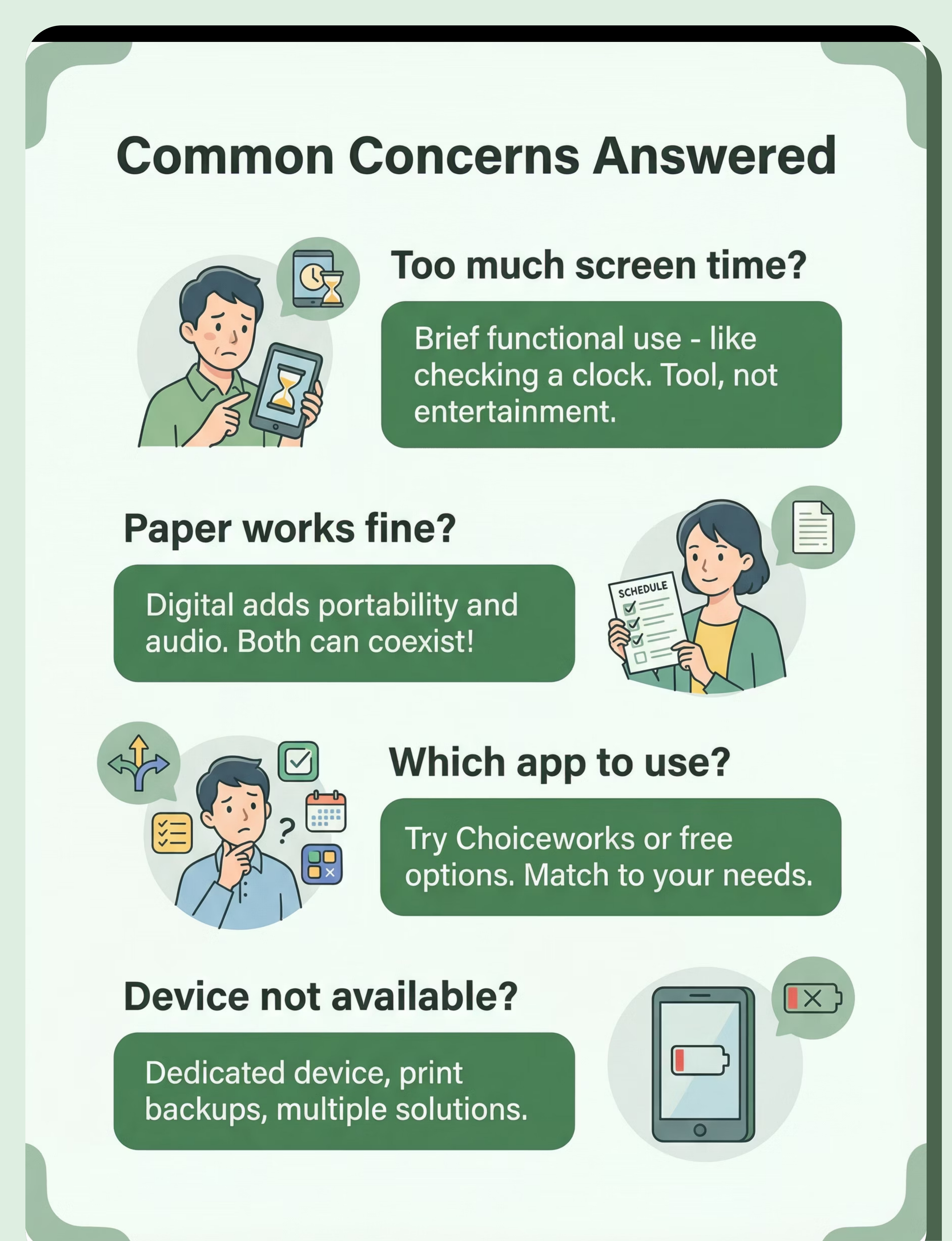
Q: They're already on screens too much
A: Schedule apps are tools, not entertainment. Quick reference, not extended use. Like checking a clock—brief, functional. Supports independence rather than passive consumption.
Try this: Brief functional use only; track time spent—usually under 5 minutes total per day; like checking clock, not watching videos.
Q: Paper schedules work fine
A: If paper works, great—continue! Digital offers advantages: portability, audio, easy updates. Consider digital for out-of-home use. Both systems can coexist productively.
Try this: Digital adds portability and audio; both can coexist; use paper at home, digital when out.
Q: Which app should I use?
A: Popular options include Choiceworks, First Then Visual Schedule, and Visual Schedule Planner. Many quality free options available to try. Match features to your child's specific needs.
Try this: Try free options first; Choiceworks is widely used; match features to child's needs and your budget.
Q: Device might not be available when needed
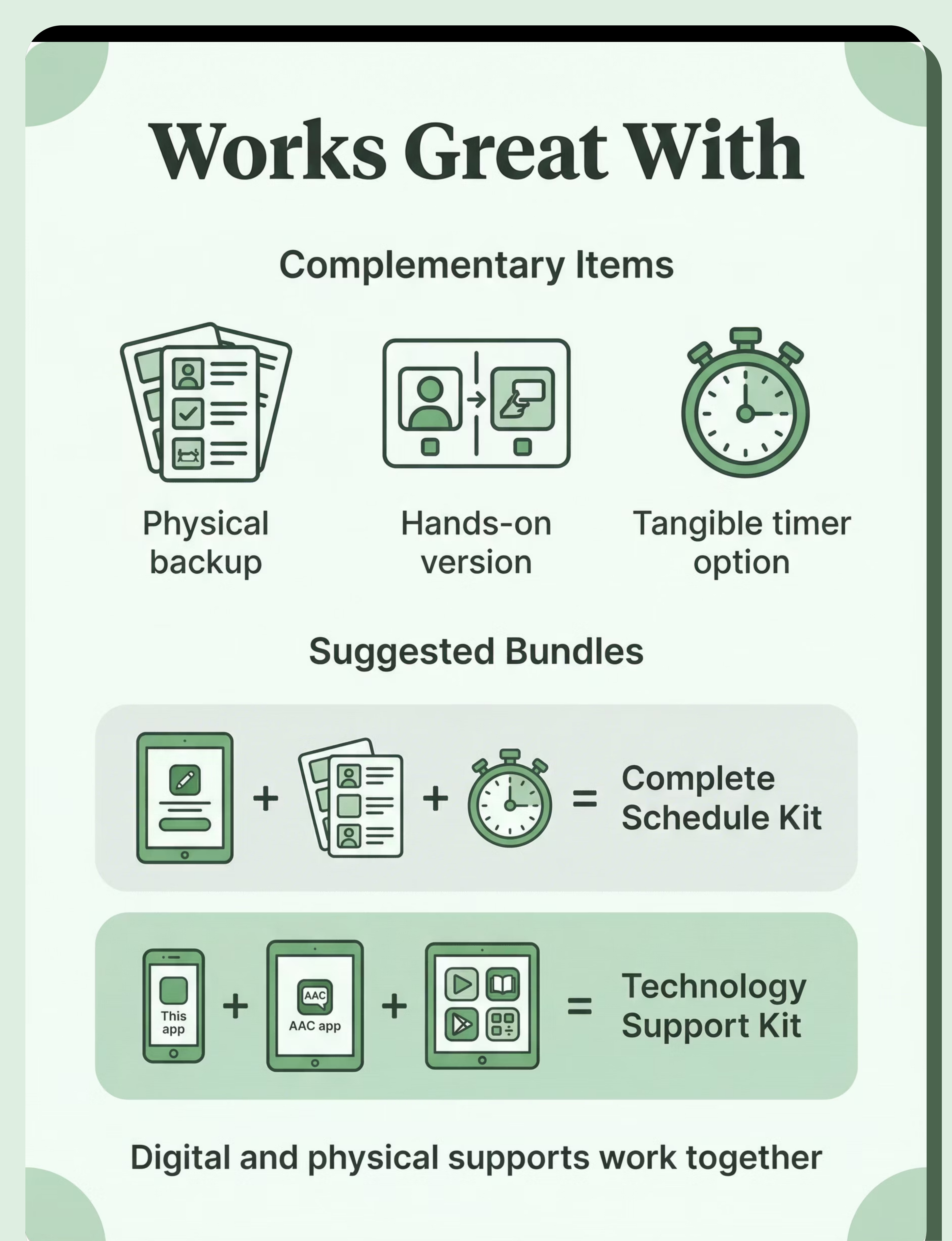
A: Use dedicated old device exclusively for schedule use. Print backup copies of schedule. Keep paper schedule at fixed locations without device access. Multiple backup solutions prevent crises.
Try this: Dedicated device for schedules; print backups; paper schedule at fixed locations like school.

Usage Guide
When to Use
Morning routine
Check schedule upon waking, reference during getting ready, establish day's flow from the start.
Throughout day (transitions)
Before each activity change, when child asks "what's next?", during any routine uncertainty.
Before/during transitions
Preview upcoming change, provide warning, support mental preparation for activity shifts.
When child asks "what's next"
Direct child to check schedule independently, building self-management skills and routine ownership.
New or changing situations
Extra schedule support during unfamiliar routines, schedule changes, or unpredictable days.
When NOT to Use
- When child is coping well without schedule support in that moment
- If the app is causing more stress than it's helping (reassess approach)
Supervision by Age
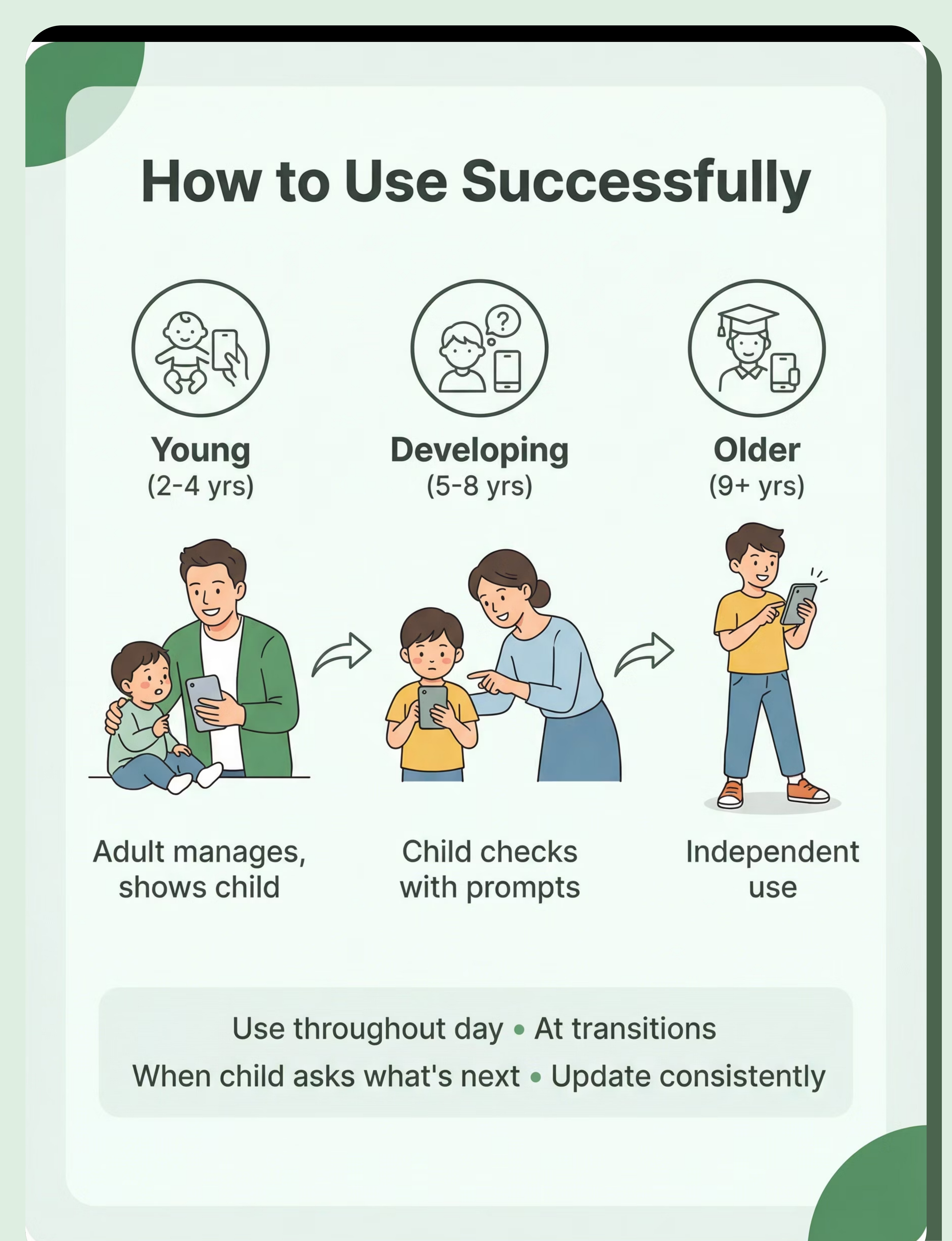
Young Children
Adult manages app, shows child schedule, reviews together. Full support and modeling.
Developing Skills
Child checks schedule with adult prompts. Gradually increasing independence with support.
Older/Independent
Independent use of schedule app. Child self-manages, checks without prompts. Adult monitors.
Settings & Duration
Home
School
Community
Therapy
Duration: Brief reference throughout day—each schedule check typically takes 10-30 seconds. Total daily app use usually under 5 minutes. This is functional tool use, not recreational screen time.

Safety First
Critical Safety
- Device must be available when child needs schedule reference
- Schedule must be accurate and updated consistently
- Child must understand how to use app appropriately
- Backup plan essential if device fails or is unavailable
Warnings
- Don't over-rely on single device—technical failures happen
- Have backup schedule method (paper, photos, verbal)
- Update schedule consistently—inaccuracy destroys trust
Contraindicated
- Inaccurate schedules causing confusion and loss of trust
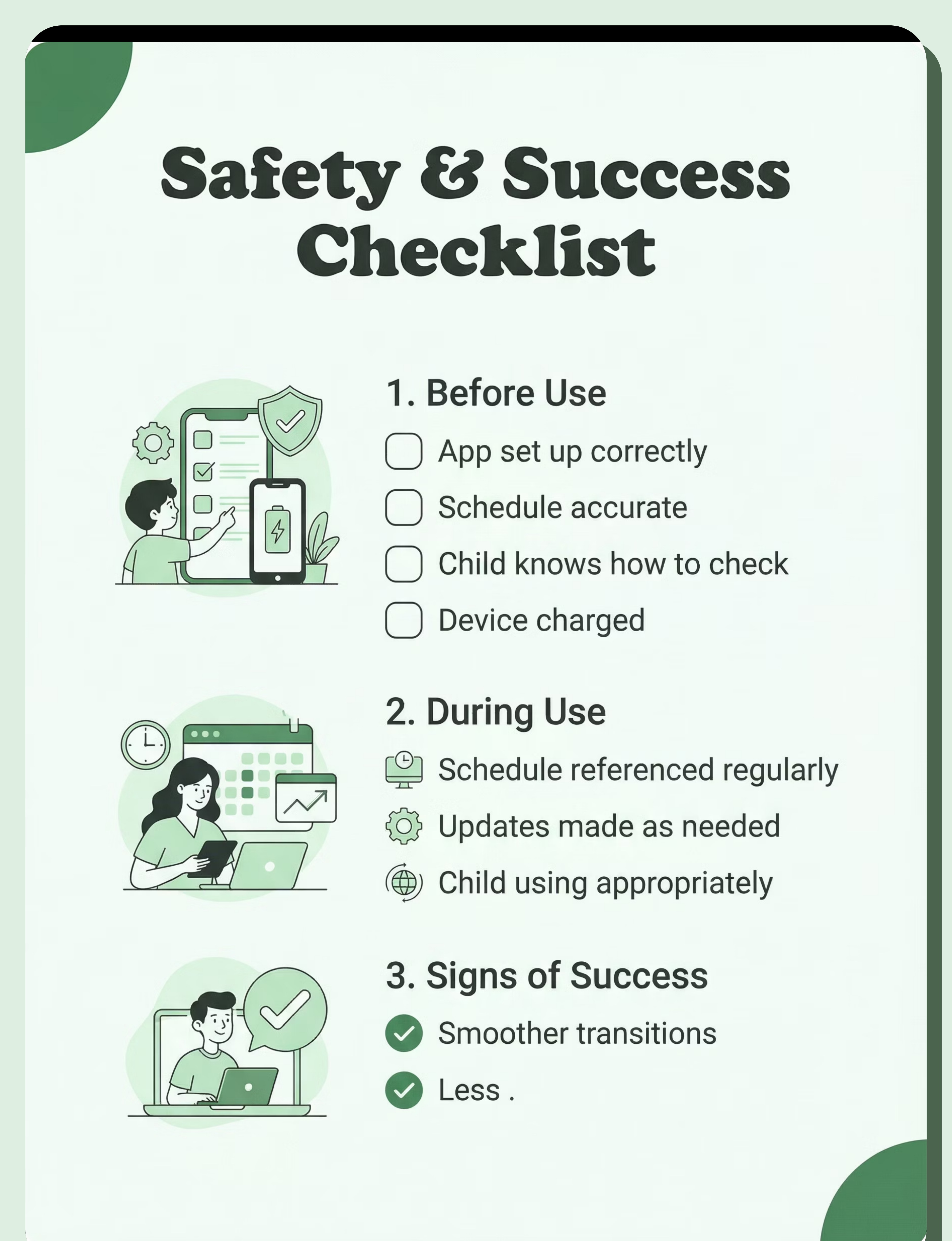
Before Use
- App set up correctly
- Schedule accurate
- Child knows how to check
- Device charged
During Use
- Schedule referenced regularly
- Updates made as needed
- Transitions smoother
- Child using appropriately
Signs of Success
- Smoother transitions
- Fewer "what's next?" questions
- Greater independence
- Reduced anxiety

Investment Guide
Budget Option
Free schedule/timer apps
Cost: ₹0
Many quality free options available including basic visual schedule apps, simple first-then boards, and visual timers. Excellent starting point to test what works.
Note: Free versions often have ads or limited customization but provide core functionality.
Premium Option
Choiceworks or premium schedule apps
Cost: ₹500-2,000
Full-featured apps with extensive customization, multiple schedule types, audio support, cloud sync, and professional-quality visuals.
Popular brands: Choiceworks, First Then Visual Schedule, Visual Schedule Planner
Note: One-time purchase or annual subscription models available.
Overall range: ₹0–2,000 (Free–Low investment) | USD equivalent: $0–24
Best starting point: Try free versions first to determine which features your child actually uses, then upgrade to premium if needed for specific functionality.

Where to Buy in India
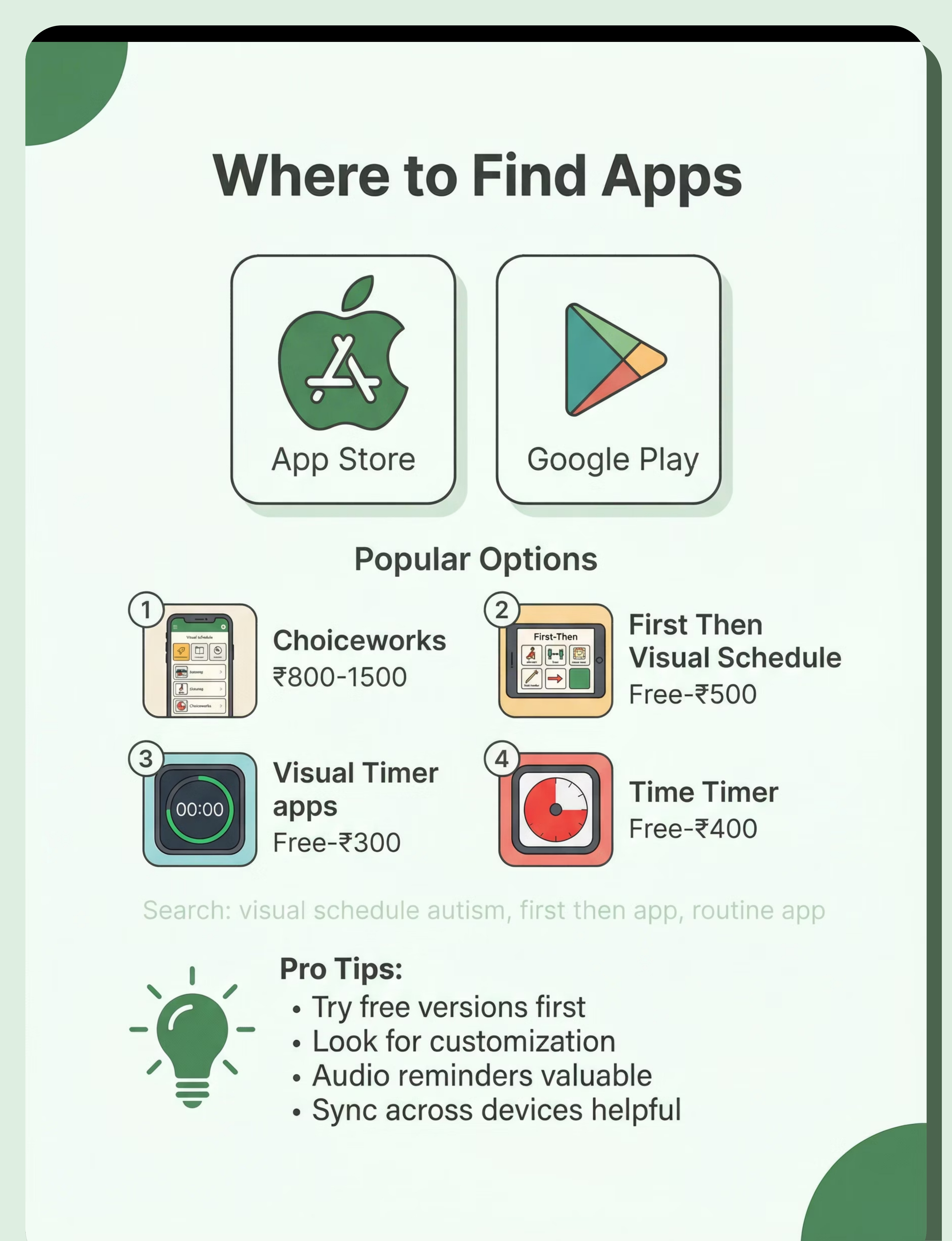
Availability: App Stores
Platform | Search Term | Price Range | |
Apple App Store / Google Play | "Choiceworks" | ₹800-1,500 | |
Apple App Store / Google Play | "First Then Visual Schedule" | Free-₹500 | |
Apple App Store / Google Play | "visual timer" | Free-₹300 | |
Apple App Store / Google Play | "autism schedule app" | Variable | |
Apple App Store / Google Play | "Time Timer app" | Free-₹400 |
Apps like "Choiceworks" range from ₹800-1,500.
Many "First Then Visual Schedule" options are Free-₹500.
"Visual timer" apps typically cost Free-₹300.
Buying Tips
- Try free versions first before purchasing premium apps
- Look for customization options that match your needs
- Audio reminder feature is valuable for many children
- Sync across devices helpful for family coordination
- Consider child's interface needs and abilities
Red Flags
- Too complicated for child to use independently
- Can't customize adequately for your specific routine
- No audio option if child needs auditory reminders
- Won't sync or backup—risk of losing all schedules

DIY Alternative
Feasibility: Low (use existing apps) | Cost Savings: N/A | Time: N/A
The DIY Approach
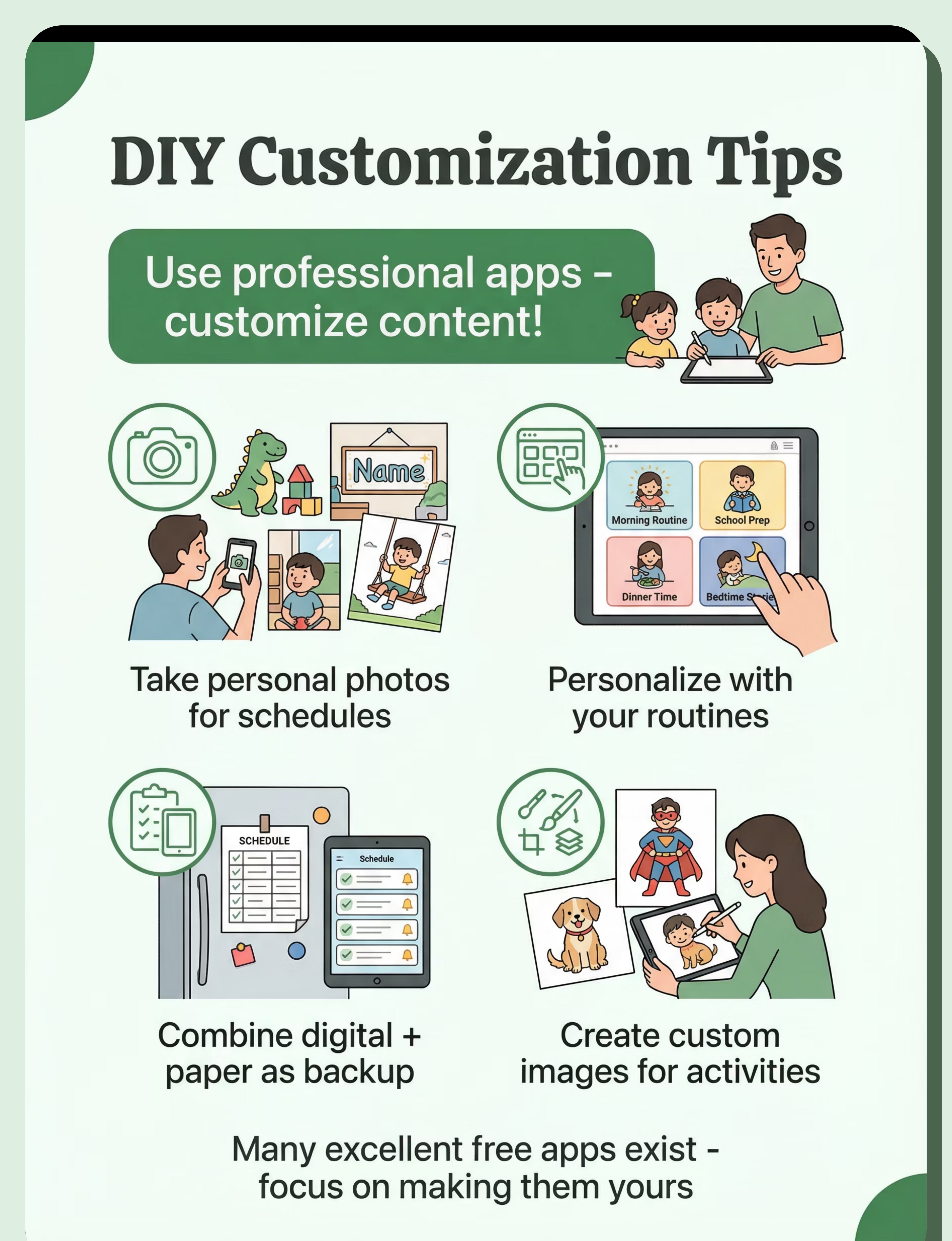
DIY is not applicable for app development itself—you cannot create a functioning schedule app from scratch. However, DIY applies to customizing existing apps with your own content.
- Many excellent free apps exist—start there rather than attempting to build software
- Focus energy on customizing apps for your child's specific needs
- Take photos of your actual home, activities, and family members for personalized visuals
- Create custom schedule content that matches your exact routine
- Combine digital app with paper schedules if helpful for backup or specific locations
When to DIY (Content Creation)
- Creating custom images and photos for schedules
- Supplementing digital with paper backups
- Personalizing app content to match exact routine
When to Use Commercial Apps
- Always for the apps themselves—quality apps are essential
- Commercial apps provide reliable functionality, regular updates, and support
Tradeoffs
Use professional apps for functionality and reliability. Customize the content within those apps to match your child's specific needs and routine.
Free apps provide excellent starting point. Premium apps offer advanced features if needed. Focus DIY energy on customization, not software development.
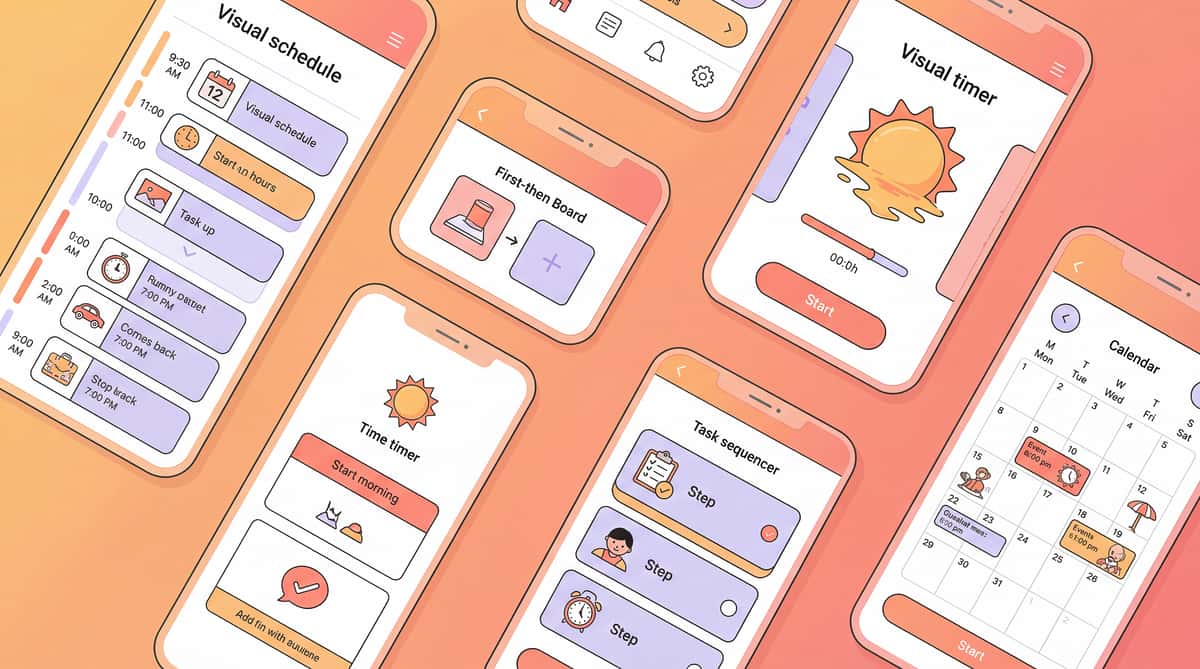
Preview of visual schedule organization apps Therapy Material
Below is a visual preview of visual schedule organization apps therapy material. The pages shown help educators, therapists, and caregivers understand the structure and content of the resource before use. Materials should be used under appropriate professional guidance.


Share this resource
Help others discover thisLink copied!

Next Steps
Empowering your child with a visual schedule is a journey, not a destination. Take these actionable steps to get started and foster greater independence and calm in your daily routine.
1
Start with a Free App
Download a free visual schedule app from your app store. Experiment with its features to see what resonates most with your child before committing to a paid version.
2
Personalize Your Content
Use your own photos of familiar places, people, and activities to make the schedule highly relevant and engaging for your child. Personalization is key to success.
3
Begin Simply
Choose just one short, simple routine to start with, like morning preparation or bedtime. Master this routine before adding more complexity. Small wins build confidence!
4
Seek Professional Support
If you encounter challenges or need tailored guidance, don't hesitate to consult with your child's therapists or special educators. They can offer valuable insights and strategies.
Remember, progress takes time and patience. Celebrate every small step forward, and adapt as your child's needs evolve. You've got this!