










Tool ID: 16.5
OT + Psychology
Moderate Evidence
Rank #2
As Needed
₹0–2,000
Sensory & Calming Apps
Digital sensory regulation and calming system
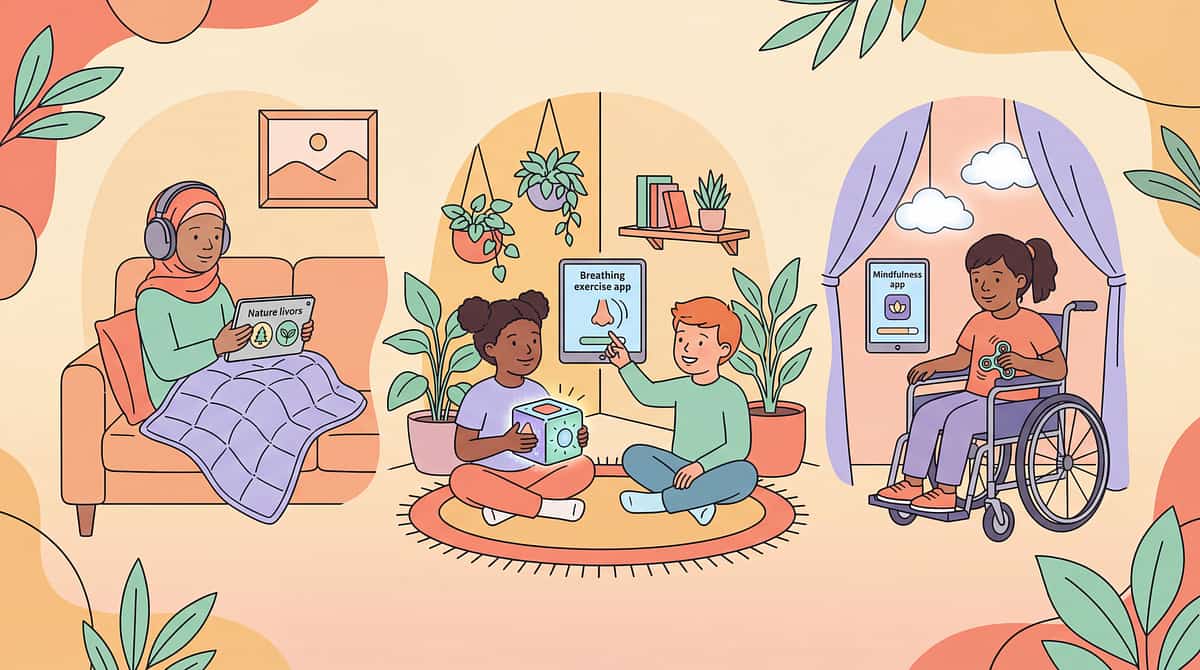
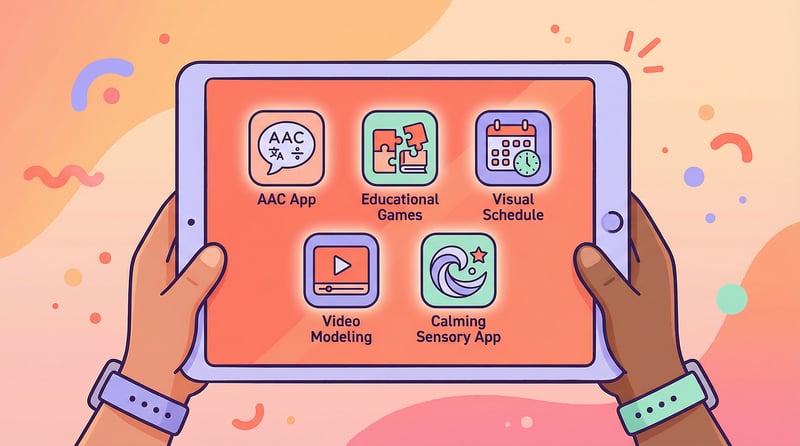
Portable regulation tools that travel with you everywhere. From waiting rooms to overwhelming moments, these evidence-based apps provide instant calming support through visual effects, breathing guides, and sensory experiences. Your child's calm space, always in your pocket.

Who This Helps
These apps provide digital sensory experiences and calming supports for regulation, waiting, and emotional management—giving your child portable tools to navigate overwhelming moments with confidence.
Sensory Regulation
Calming
Waiting Tolerance
Attention
Emotional Regulation
Self-Regulation Skills
Ages 1+ years
Home
Clinic
School
Outdoors
Children needing portable calming
Perfect for kids who struggle with waiting, transitions, and overwhelming environments when physical calming tools aren't available.
Visual and auditory processors
Ideal for children who respond well to visual animations, calming sounds, or guided breathing exercises for self-regulation.
Families on the go
Essential for families who need regulation support during medical appointments, travel, public outings, and unexpected waiting situations.

Does This Sound Familiar?
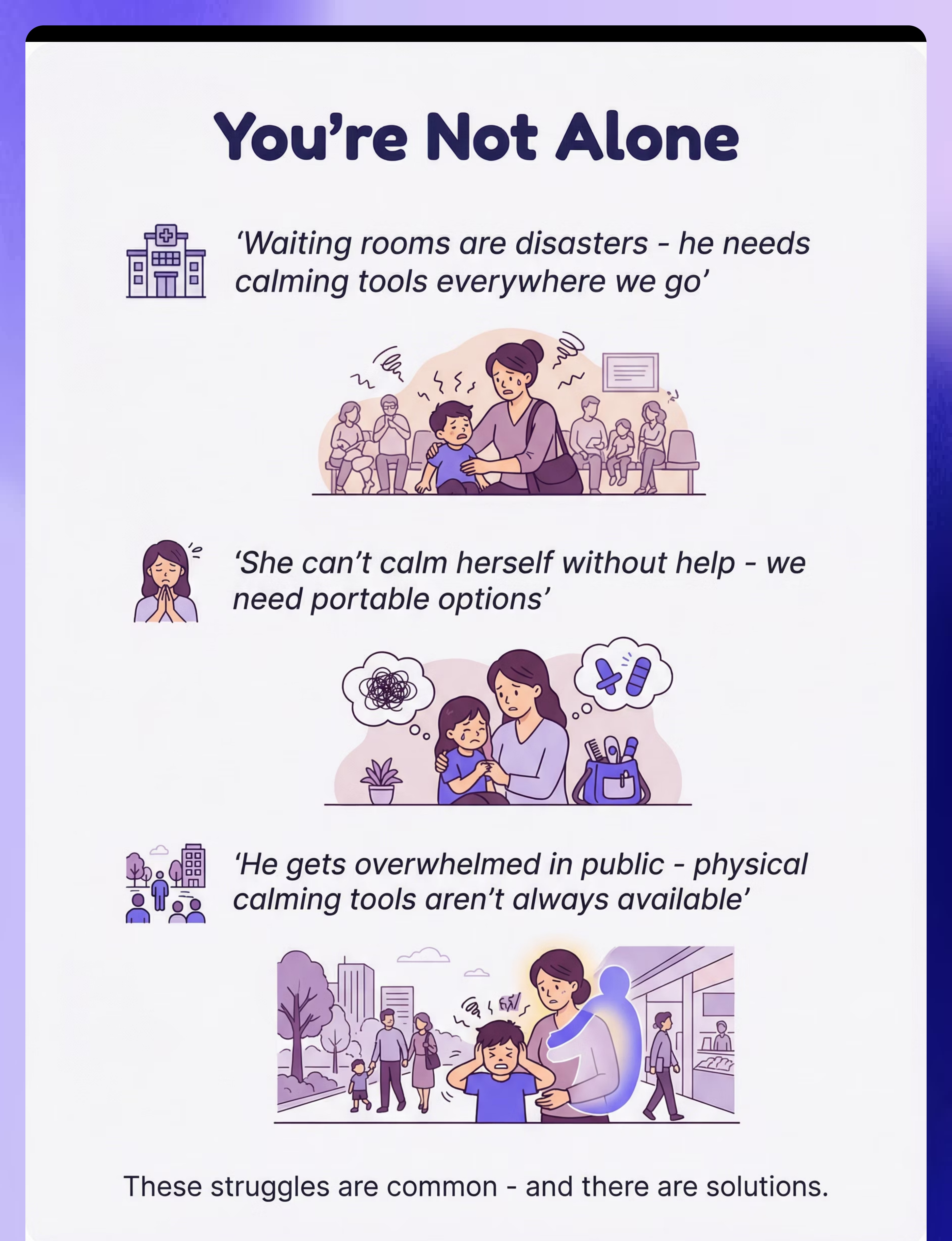
"He needs calming tools everywhere we go"
"Waiting rooms are disasters"
"She can't calm herself without help"
"We need portable calming options"
"Physical calming tools aren't always available"
"He gets overwhelmed in public"
You're not alone. These are common challenges. Many parents struggle to provide calming support when away from home. The good news? Portable digital tools can help bridge this gap while you build lasting regulation skills together.

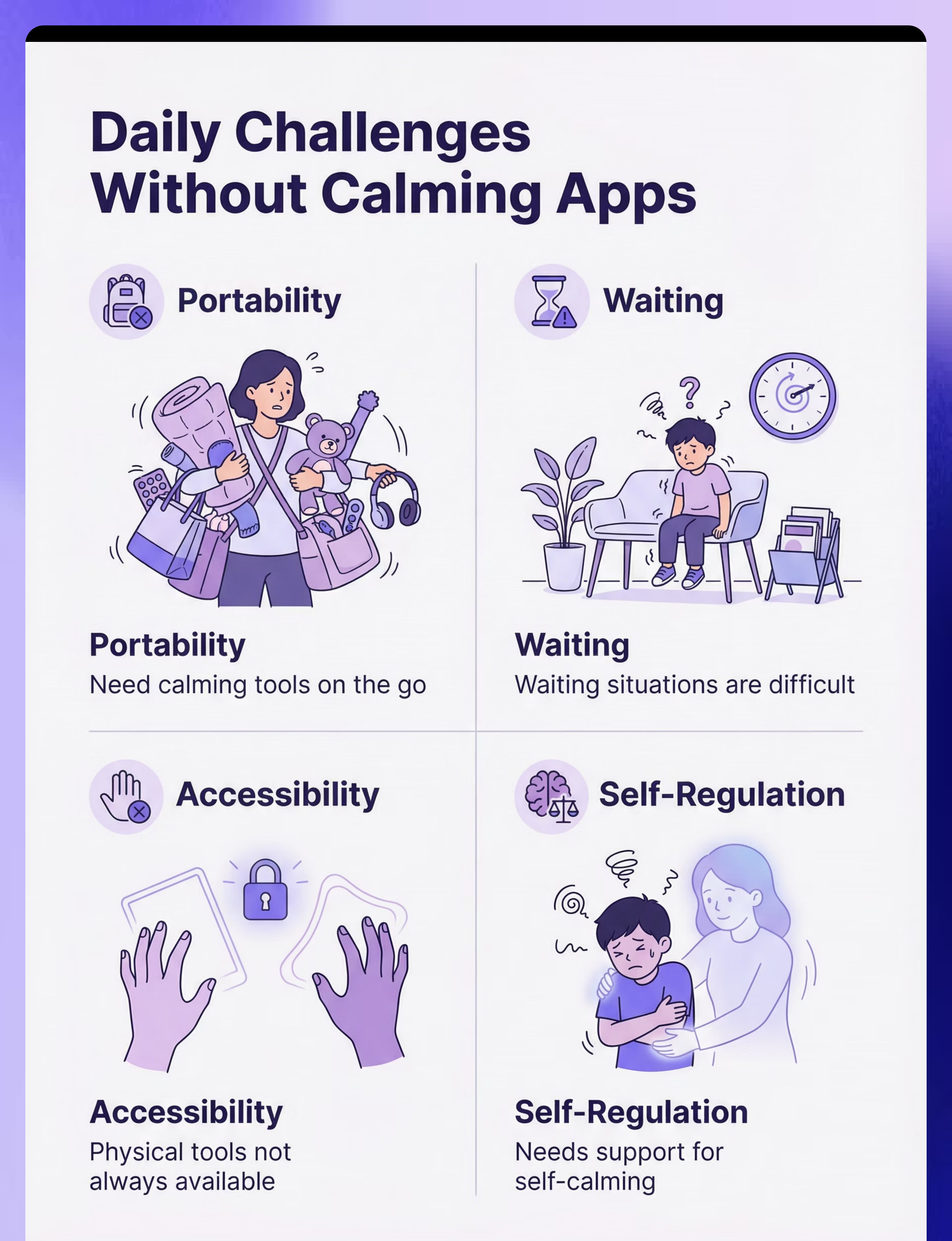
A Day Without the Right Support
Portability Challenge
Need calming tools on the go—physical tools left at home, overwhelming situations arise unexpectedly, no immediate relief available.
Waiting Struggles
Waiting situations are difficult—doctor's offices, restaurants, queues become crisis moments without regulation support.
Accessibility Gap
Physical tools not always available—caught unprepared in public, escalation happens quickly, avoidance patterns develop.
Self-Regulation
Needs support for self-calming—dependent on parent intervention, limited independent strategies, can't self-soothe in challenging moments.

The Science Behind It
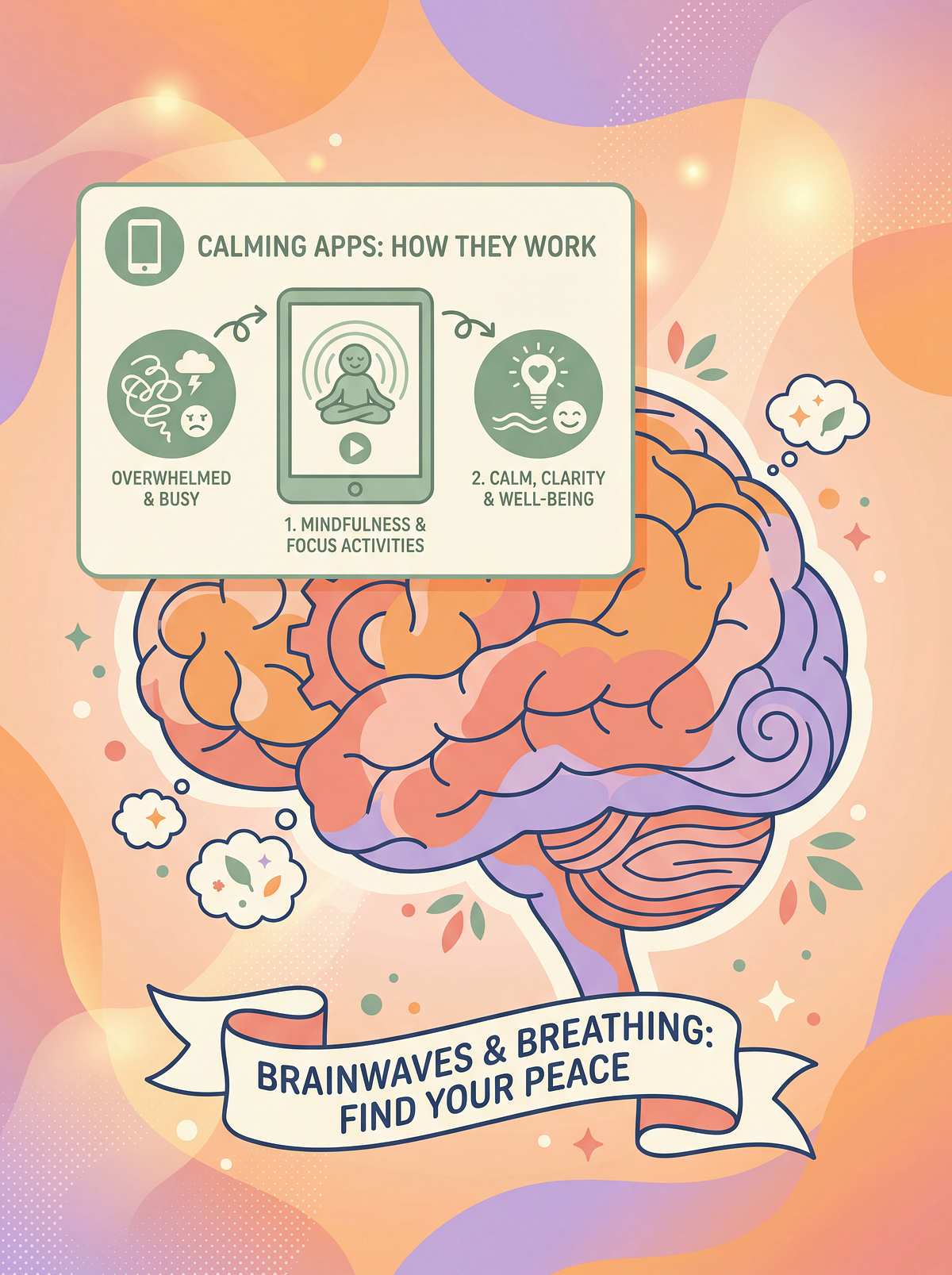
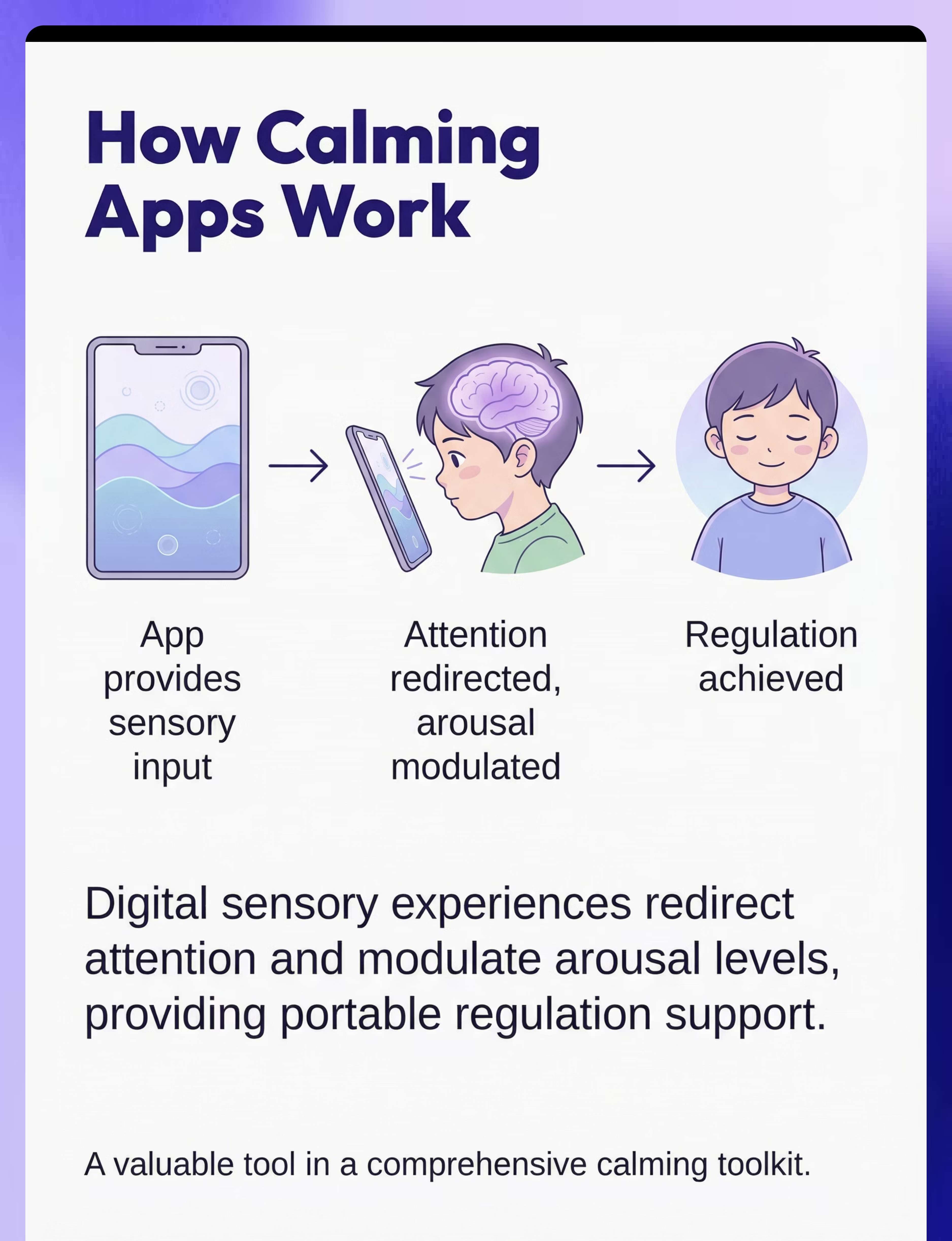
App Provides Input
Sensory or calming content delivered through visual effects, sounds, or breathing guides
Engagement Achieved
Visual or auditory engagement captures attention and redirects focus from distress
Arousal Modulated
Nervous system arousal level adjusted through predictable, controllable sensory input
Regulation Supported
Calming achieved through attention redirection and sensory modulation—portable tool always available
This mechanism works because digital tools provide immediate, controllable sensory input that helps modulate arousal levels. The portability means regulation support is available exactly when and where it's needed most.
Sensory Regulation
Calming
Waiting Tolerance
Attention
Emotional Regulation
Self-Regulation Skills

How to Use It Right
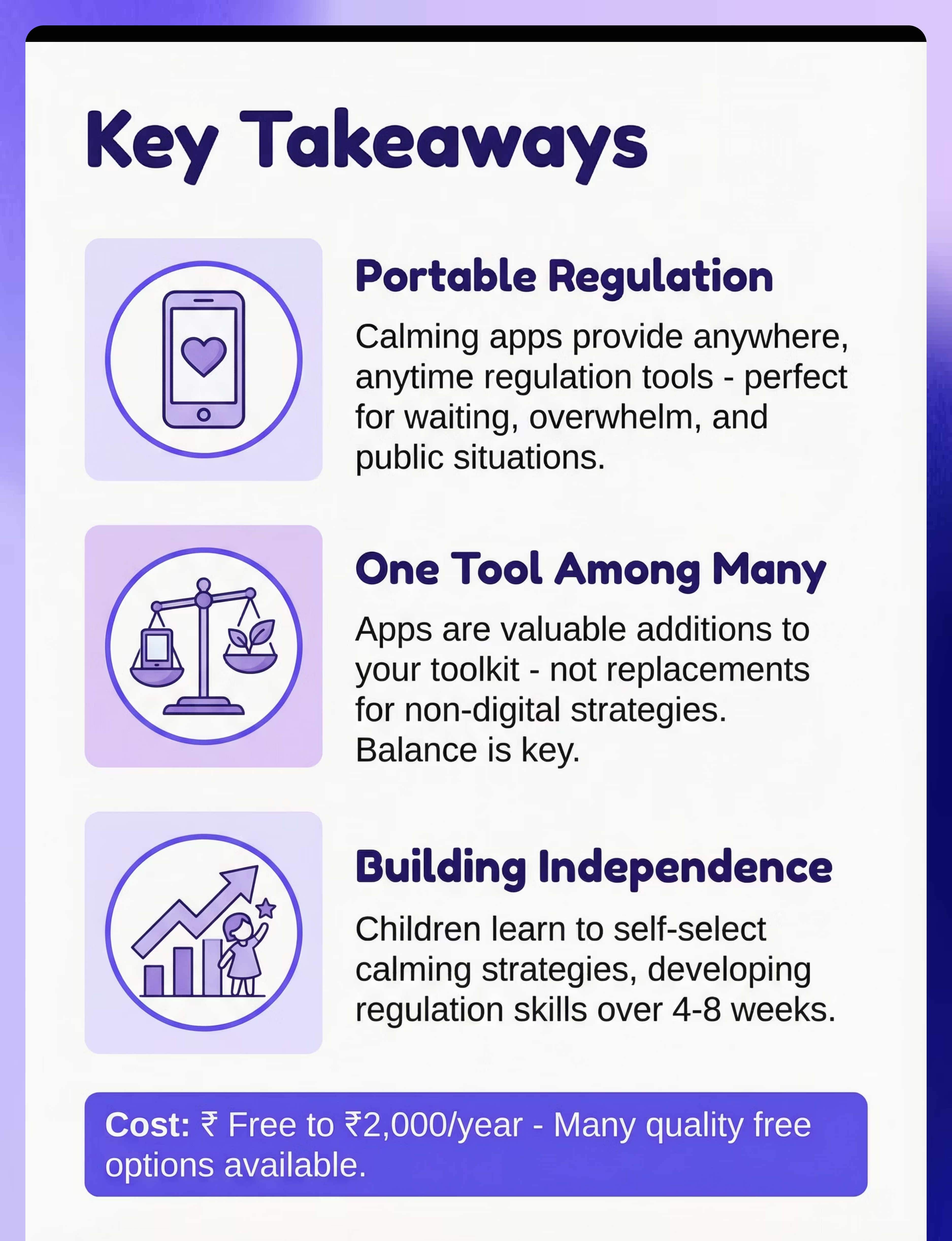
Use as One Tool Among Many
Balance digital and non-digital calming strategies. Apps complement—not replace—physical sensory tools, breathing techniques, and environmental supports.
Combine with Non-Digital Strategies
Pair app use with deep breathing, fidget tools, movement breaks, and environmental modifications for comprehensive regulation support.
Preview and Select Appropriate Apps
Test apps yourself first. Choose simple, calming designs without frustrating elements, ads, or overstimulating features that could backfire.
Set Time Limits
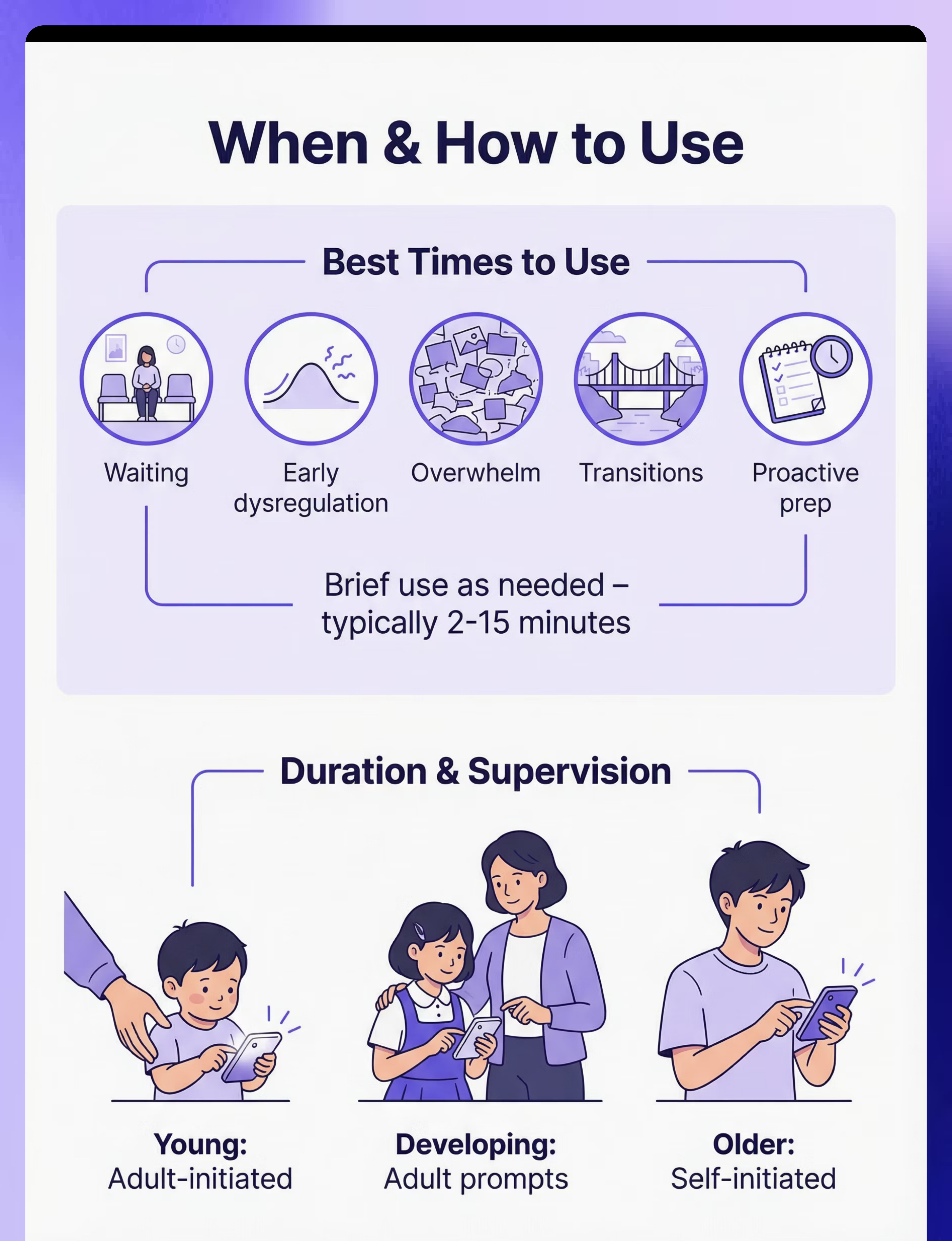
Use briefly and purposefully—typically 2-15 minutes as needed. This is a regulation tool, not entertainment or extended screen time.
Use Proactively, Not Just Reactively
Offer apps before challenges arise. Proactive use during transitions or before waiting situations prevents escalation more effectively than crisis intervention.
Teach Self-Selection of Calming Apps
Help your child learn which apps work best for different situations. Self-selection builds awareness and independence in regulation.
Duration Guideline: Brief use as needed; typically 2-15 minutes per session. Think "regulation tool" not "screen time activity."
Expert Perspective

"Sensory and calming apps provide portable regulation tools. The key is using them as part of a broader toolkit—not the only strategy. For waiting situations and portable calming, they can be invaluable. Teach children to recognize when they need and to select appropriate apps."
— Occupational Therapist, Sensory Specialist
OT + Psychology Recommended
Co-owned by occupational therapy and psychology professionals
Moderate Evidence
Supported by clinical research and practice-based evidence
Rank #2 in Category
High-value tool in Technology & Apps category

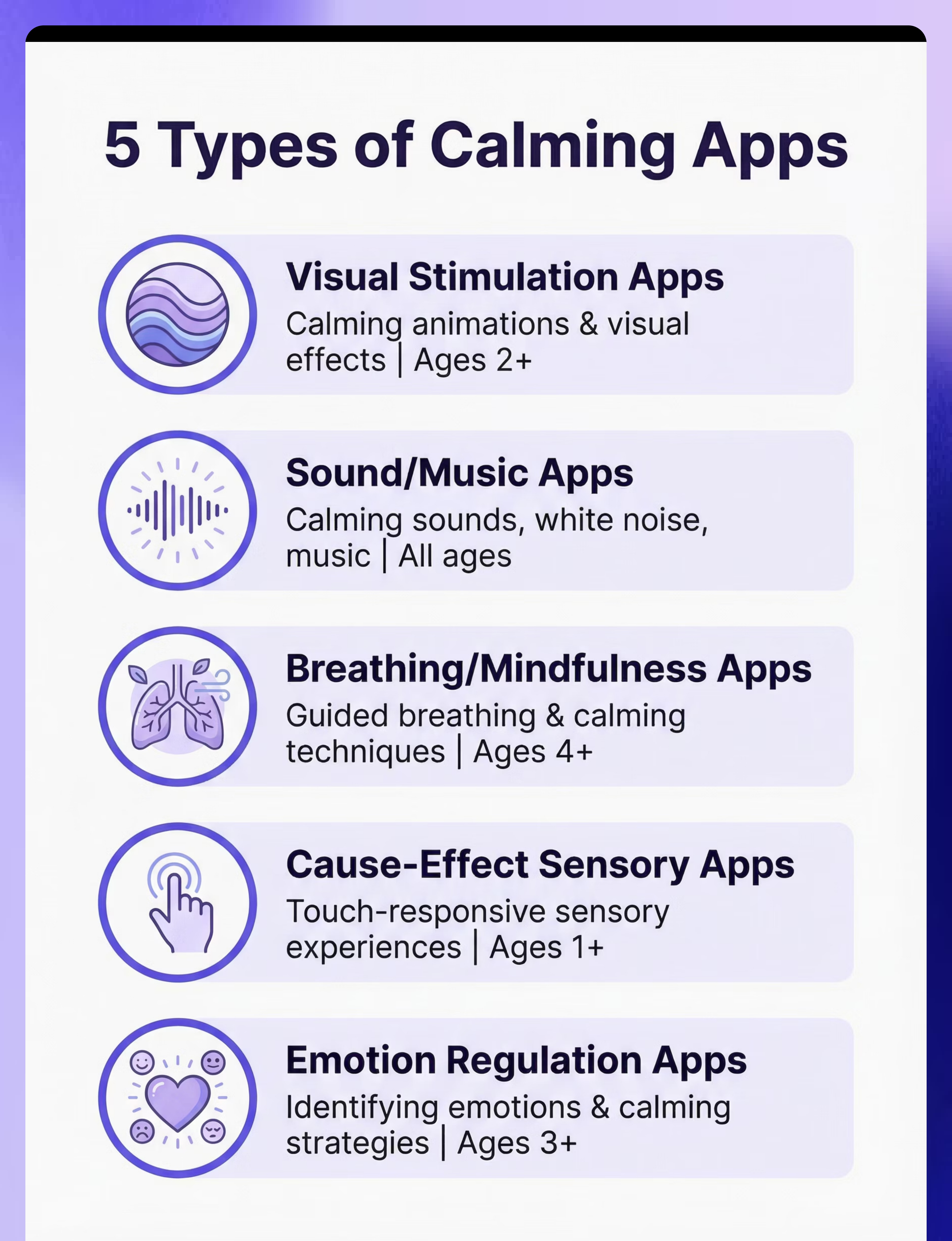
Choose Your Option (5 Variants)
Each variant addresses different sensory needs and regulation challenges. Choose based on your child's preferred calming input and the situations where support is needed most.
Visual Stimulation Apps
Sound/Music Calming Apps
Breathing/Mindfulness Apps
Cause-Effect Sensory Apps
Emotion Regulation Apps
Visual Stimulation Apps:
Best for: Visual calming, attention, waiting
Ages: 2+ years | Settings: All
Type: Visual sensory with calming visual effects
Portability: Very High | Price: ₹0–500
Sound/Music Calming Apps:
Best for: Auditory calming, sleep, regulation
Ages: All ages | Settings: All
Type: Auditory sensory with calming sounds/music
Portability: Very High | Price: ₹0–500
Breathing/Mindfulness Apps:
Best for: Breathing exercises, calming techniques
Ages: 4+ years | Settings: All
Type: Self-regulation with guided breathing
Portability: Very High | Price: ₹0–2,000
Cause-Effect Sensory Apps:
Best for: Cause-effect, waiting, engagement
Ages: 1+ years | Settings: All
Type: Interactive sensory, touch-responsive
Portability: Very High | Price: ₹0–500
Emotion Regulation Apps:
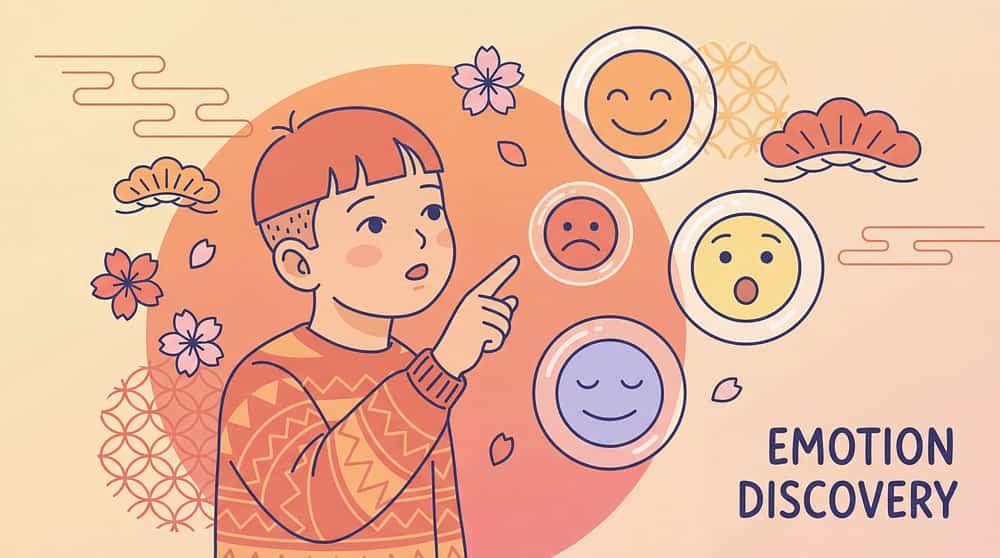
Best for: Identifying emotions, calming strategies
Ages: 3+ years | Settings: All
Type: Emotional support teaching regulation
Portability: Very High | Price: ₹0–1,500
How to Choose Your App
- By goal: Visual calming vs. breathing practice vs. emotional awareness vs. sensory engagement
- By setting: All variants work everywhere—choose based on what calms your child
- By portability: All variants are extremely portable (device-based)
Specifications & Types Guide

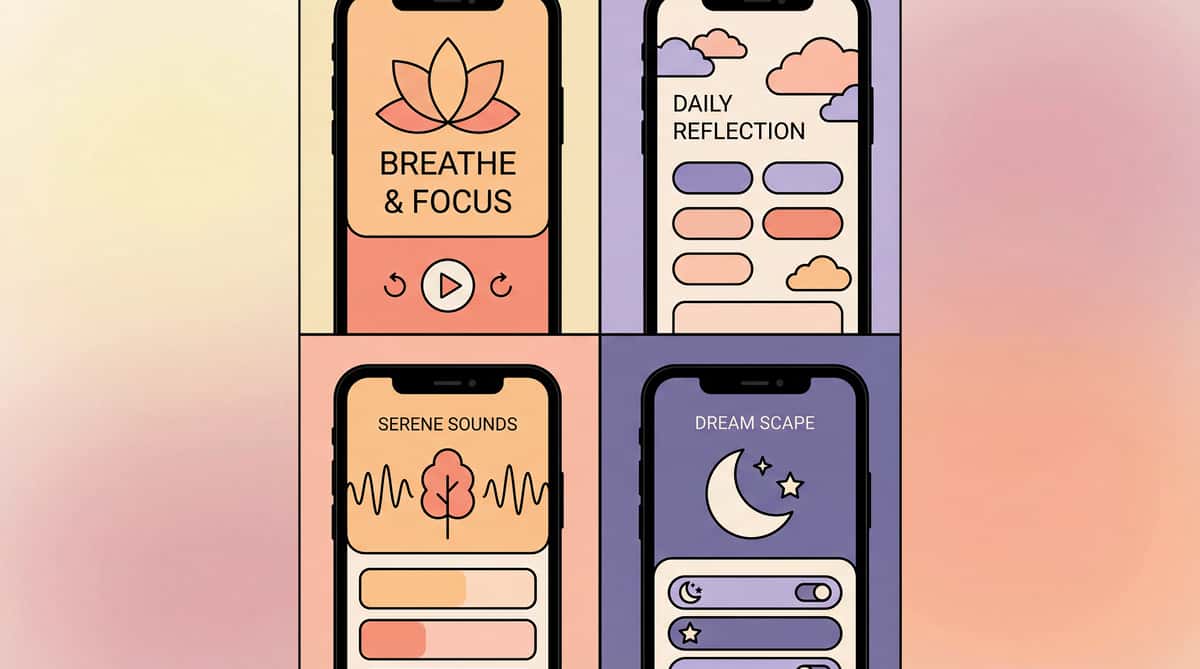
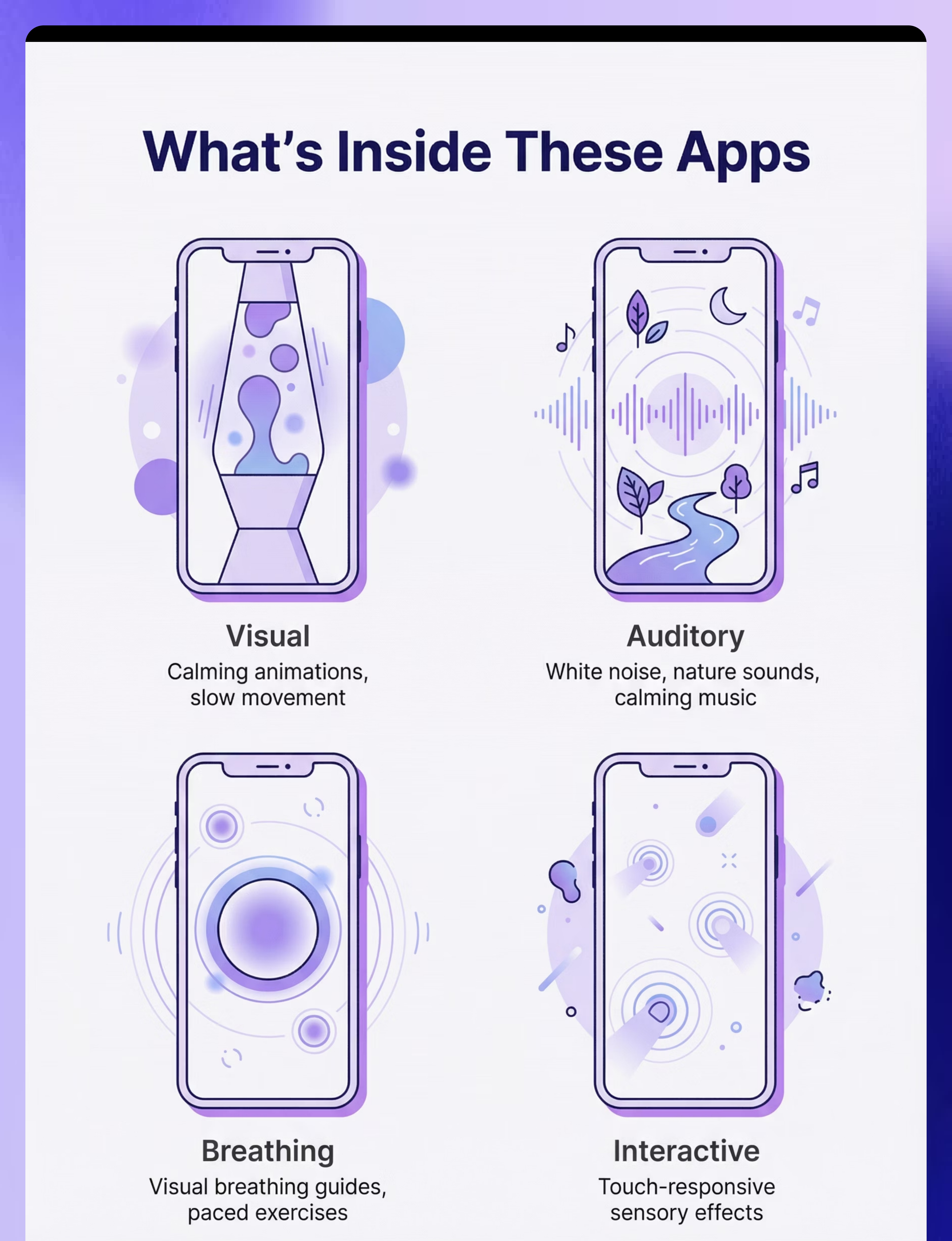
Visual Apps
Calming animations, lava lamp effects, slow movement—provide visual sensory input for attention and calming.

Auditory Apps
White noise, nature sounds, calming music—auditory input for sleep, regulation, and sensory calming.

Breathing Apps
Guided breathing, visual breathing guides—teach self-regulation through controlled breathing exercises.

Interactive Apps
Touch-responsive sensory effects—cause-effect learning and engagement for younger children or waiting situations.

Emotional Apps
Emotion identification, calming strategy guides—support emotional awareness and regulation skill development.
Materials & Features
Materials Required:
- Software application (downloaded to device)
- Device required (tablet, phone, or iPad)
Key Features to Look For:
- Calming content (not overstimulating)
- Simple interface (easy navigation)
- No frustrating elements (no ads, pop-ups)
- Customizable (adjust to preferences)
- Offline capability (works without internet)
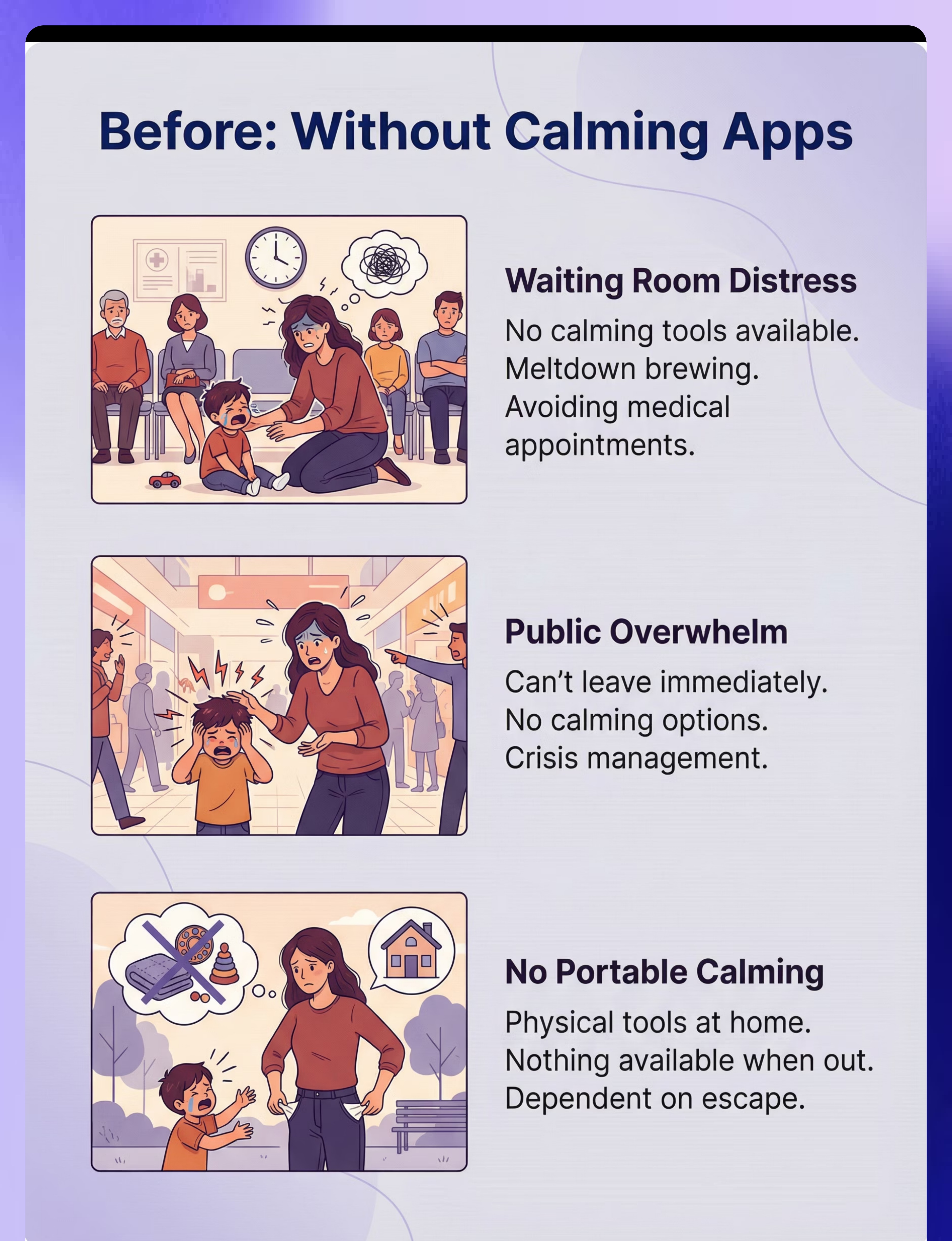
The Struggle (Before)
Waiting Room Distress
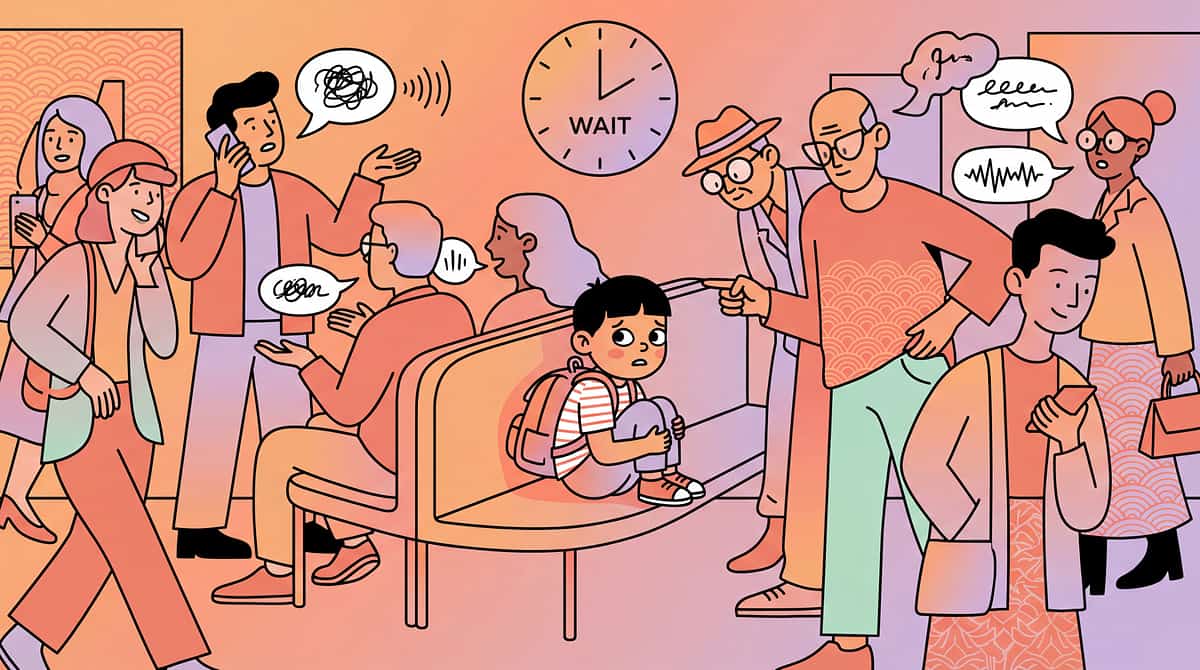
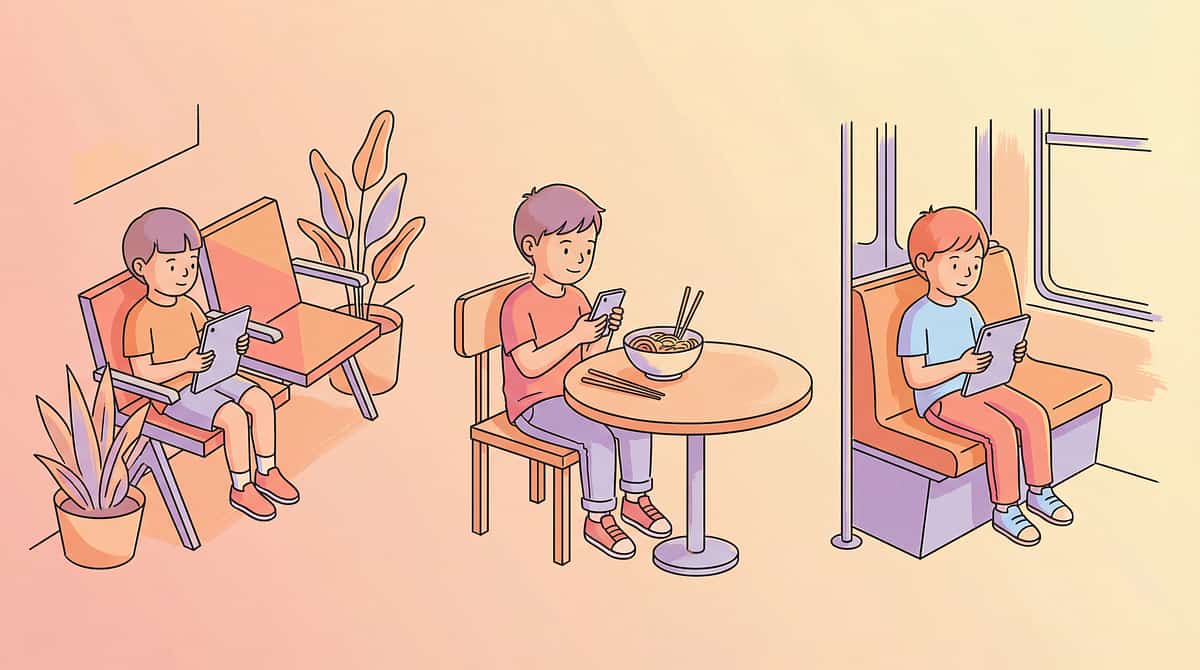
Situation: Doctor's waiting room. Child dysregulated. No calming tools. Meltdown brewing. Public embarrassment. Avoided medical appointments.
Experience: Every medical appointment feels like a crisis. The waiting room triggers immediate dysregulation with no tools to help.
Emotion:Distressed, avoiding
Public Overwhelm
Situation: Child overwhelmed in public. No calming options available. Can't leave immediately. Escalation. Crisis management.
Experience: Caught unprepared when overwhelm hits in public spaces. No portable tools mean meltdowns happen with no way to intervene effectively.
Emotion:Overwhelmed, escalating
No Portable Calming
Situation: Physical calming tools at home. Nothing available when out. Child has no strategies. Dependent on escape.
Experience: All regulation tools stay at home. When distress happens outside, the only option is leaving immediately—limiting family participation.
Emotion:Unprepared, dependent

The Breakthrough (After)
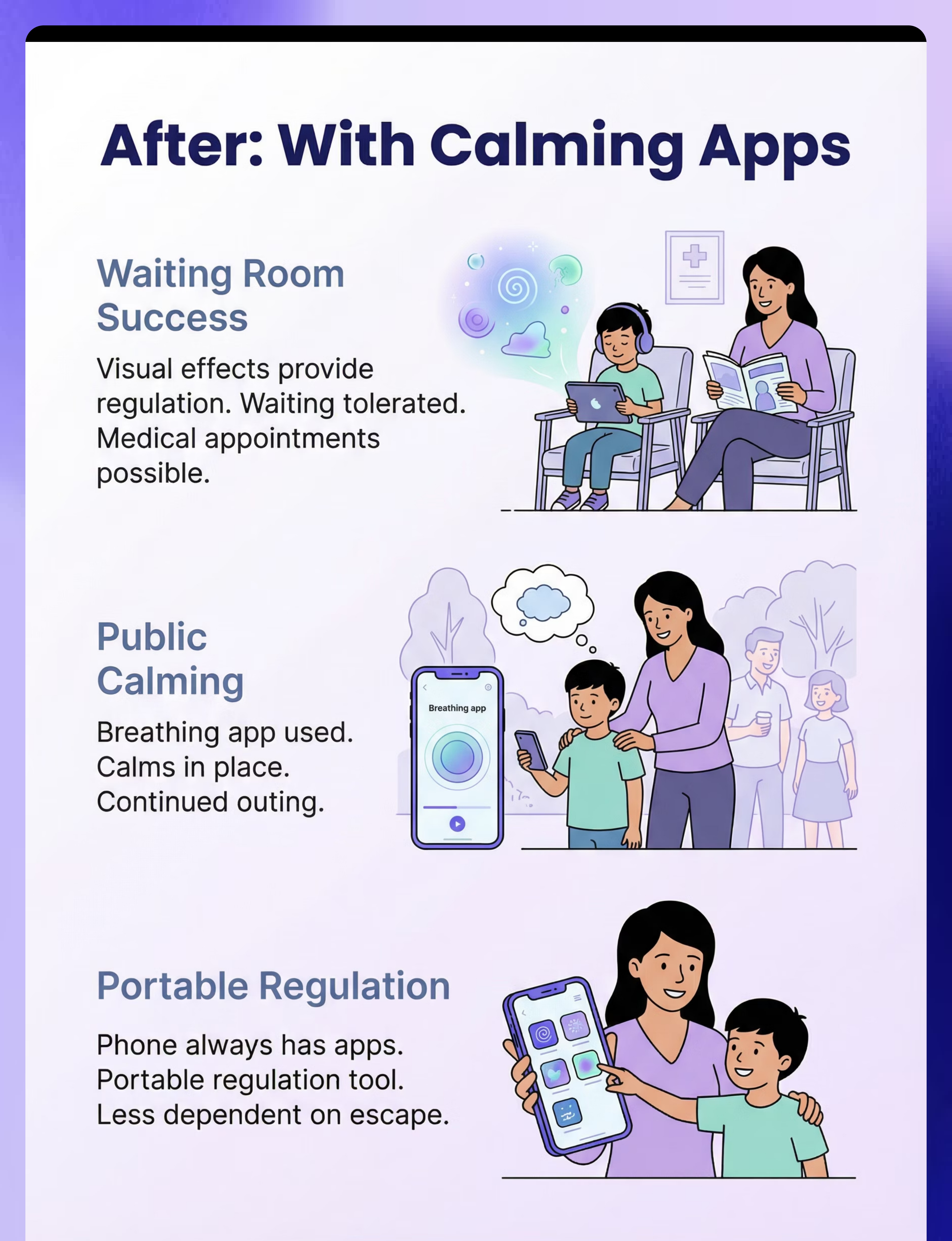
Waiting Room Success
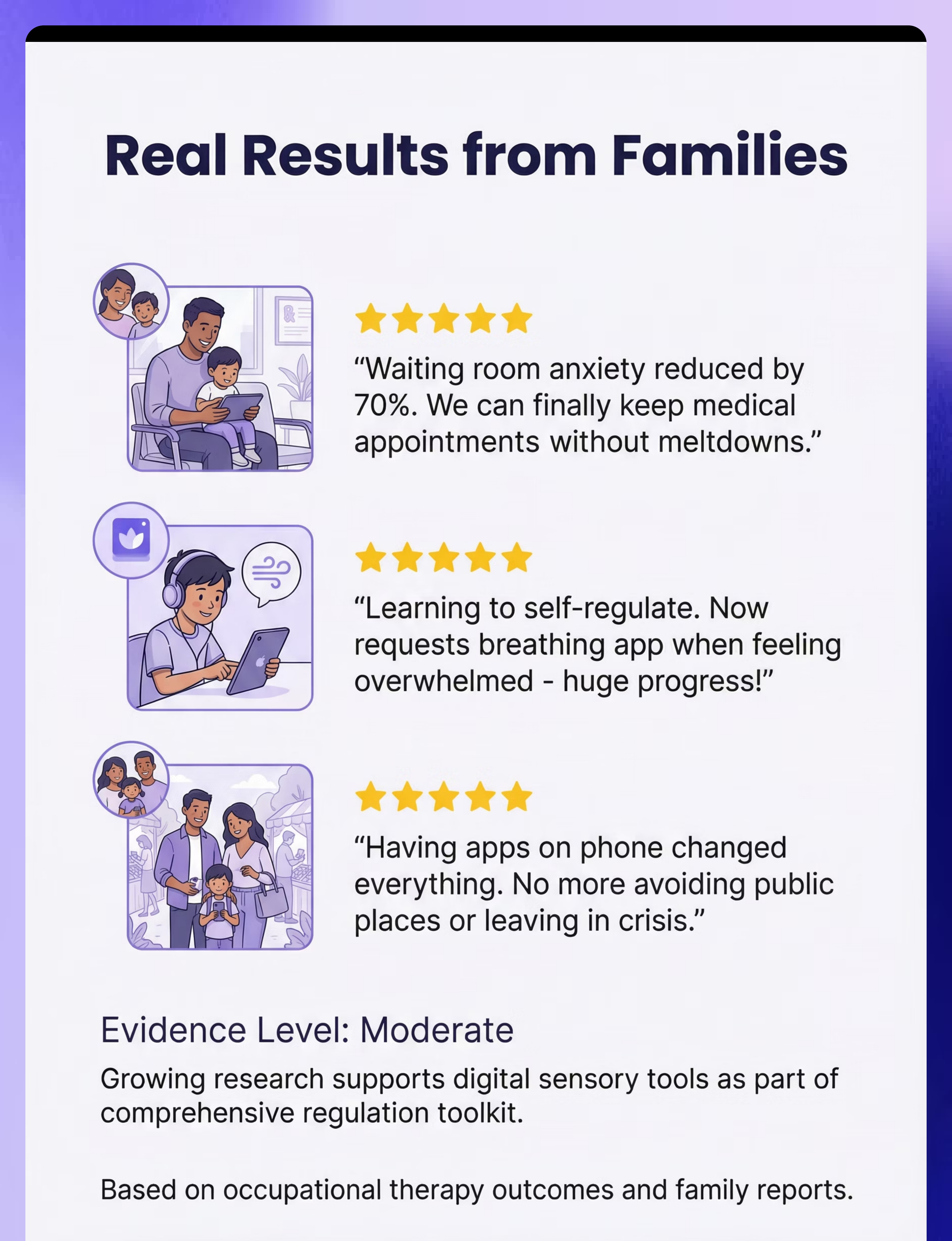
Situation: Child uses calming app in waiting room. Visual effects provide regulation. Waiting tolerated. Medical appointments possible.
Experience: The waiting room no longer triggers crisis. Apps provide immediate calming support, making medical care accessible.
Emotion:Regulated, coping
Immediate
Public Calming
Situation: Phone available with calming apps. Child uses breathing app. Calms in place. Crisis averted. Continued outing.
Experience: When overwhelm starts in public, portable apps provide instant support. Family can stay and continue activities instead of always escaping.
Emotion:Calming, continuing
Immediate
Prepared Everywhere
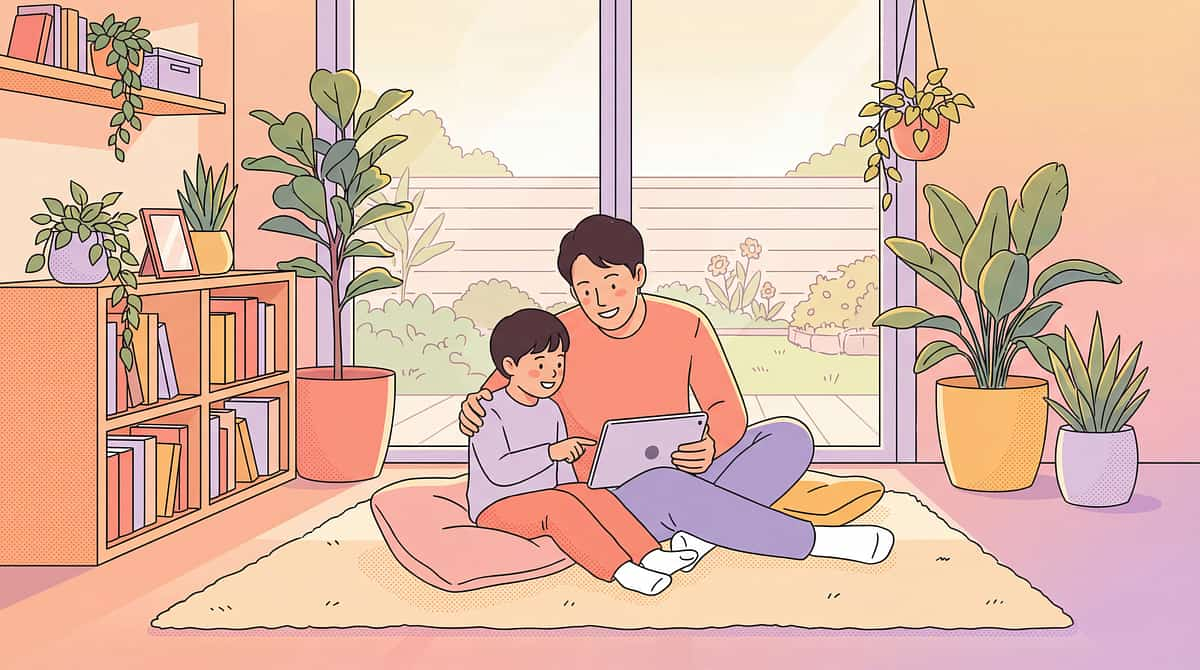
Situation: Phone always has calming apps. Portable regulation tool. Child learning to self-select. Less dependent on escape.
Experience: Regulation support travels everywhere. Child developing awareness of needs and learning to choose appropriate calming strategies independently.
Emotion:Prepared, self-regulating
2-4 weeks

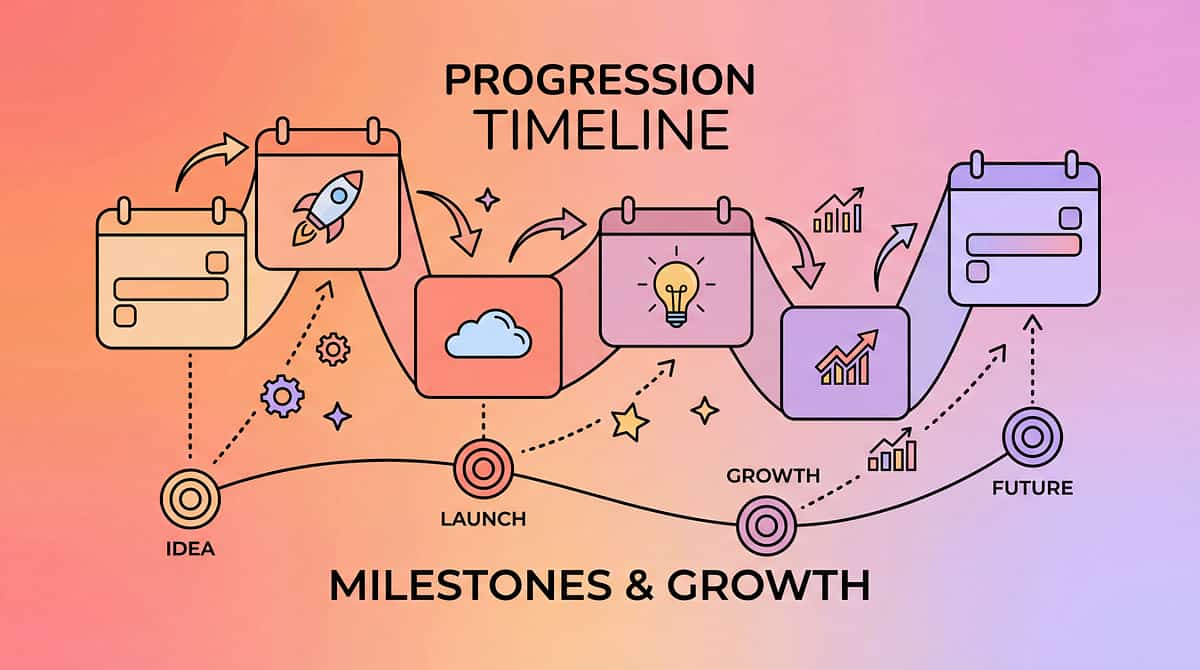
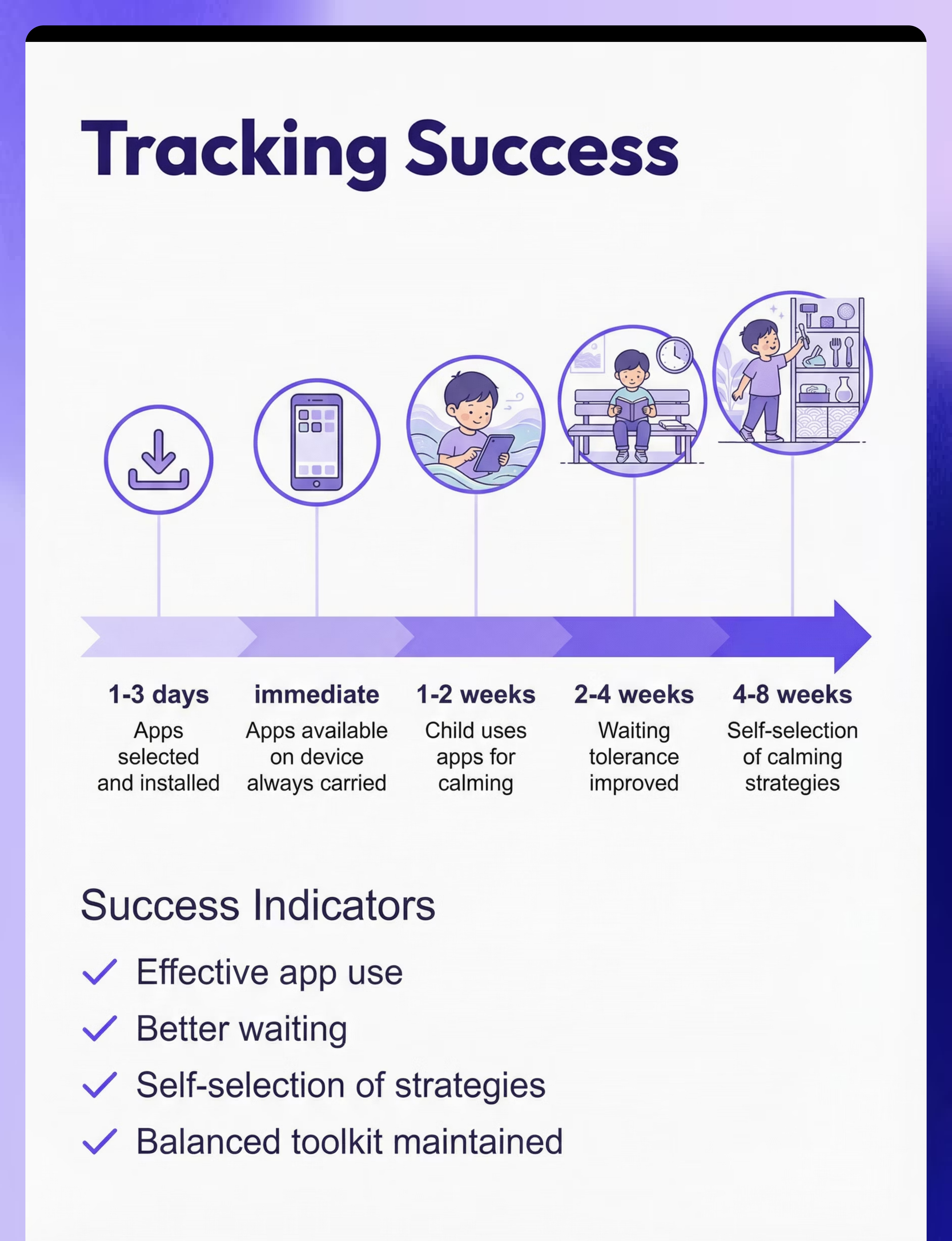
What to Expect (Realistic Timelines)
Calming apps selected and installed
1-3 days
Apps available on device always carried
Immediate
Child uses apps for calming
1-2 weeks
Waiting tolerance improved
2-4 weeks
Self-selection of calming strategies
4-8 weeks
Progress happens in stages. Immediate benefits include having portable calming tools available. Within 1-2 weeks, you'll see your child beginning to use apps effectively for regulation. By 2-4 weeks, waiting situations that previously triggered meltdowns become manageable. The most significant milestone—self-selection of calming strategies—develops over 4-8 weeks as awareness and independence grow.

Is This Right for My Child? (2-Minute Check)
Answer these questions to determine if calming apps would be a valuable addition to your child's regulation toolkit:
Does your child struggle with waiting?
If yes, this indicates: Calming apps helpful for waiting
Fit Score: 90%
Do you need portable calming options?
If yes, this indicates: Apps provide portability
Fit Score: 92%
Is your child calmed by visual/auditory input?
If yes, this indicates: Sensory apps may help
Fit Score: 88%
Does your child use a device regularly?
If yes, this indicates: Easy to add calming apps
Fit Score: 80%
Assessment: 3+ "yes" answers = strong fit. Calming apps are particularly valuable for children who need portable regulation support and respond well to visual or auditory calming input.

Usage Guide
When to Use ✓
- Waiting situations (appointments, restaurants, queues)
- Becoming dysregulated—early intervention is key
- Overwhelming environments (crowds, noise, transitions)
- Transitions between activities or locations
- Proactive calming before anticipated challenges
When NOT to Use ✗
- As only calming strategy—balance is essential
- For extended periods—brief purposeful use only
- Instead of addressing underlying needs like hunger, fatigue
Supervision by Age
Age/Stage | Supervision Level | Notes | |
Young children | Adult-initiated use | Parent selects and offers app when needed | |
Developing skills | Adult prompts, child uses | Parent suggests app, child operates independently | |
Older/independent | Self-initiated use | Child recognizes need and selects appropriate app |
Duration: Brief use as needed; typically 2-15 minutes. Settings: All—especially valuable in portable situations where physical tools aren't available.

Safety First
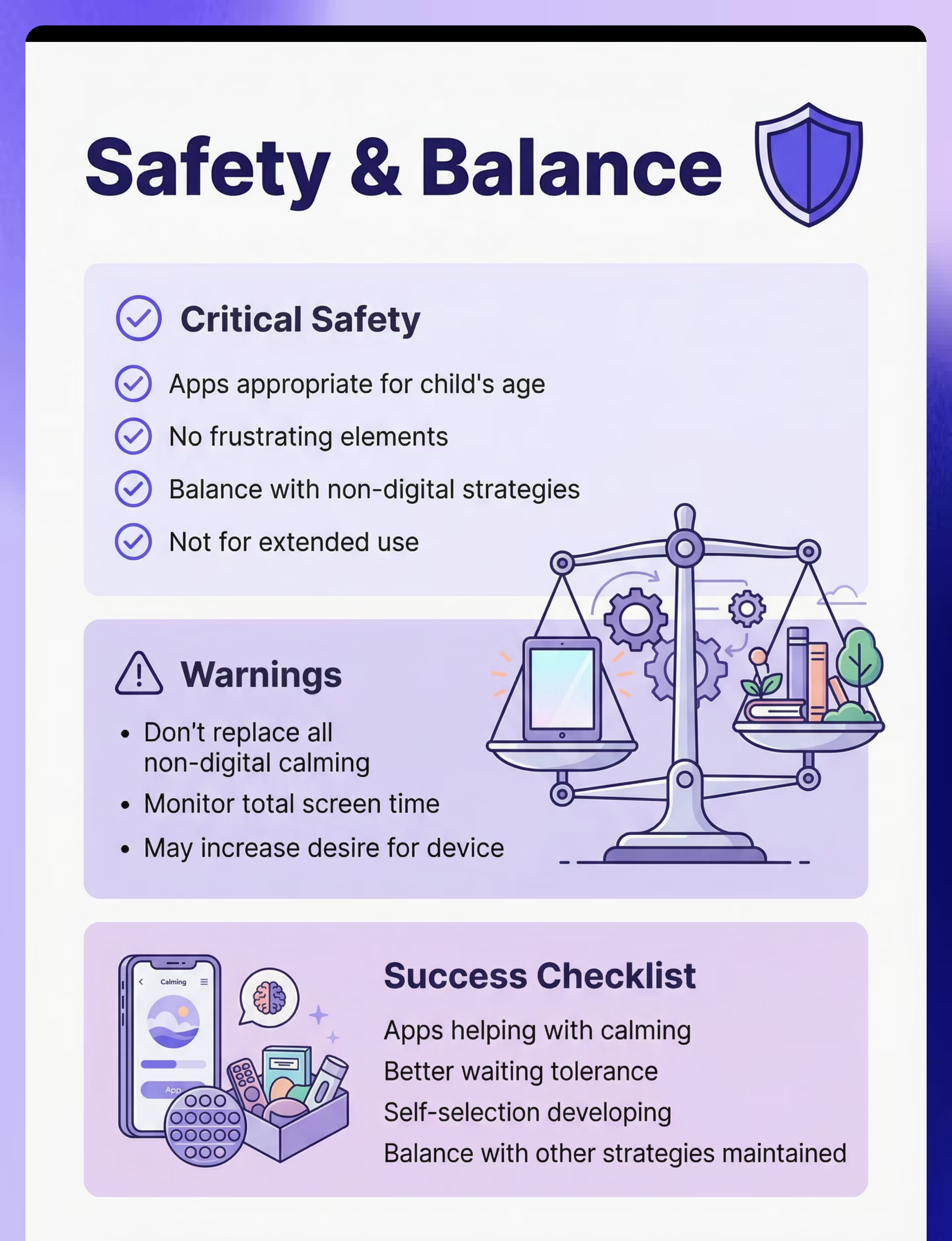
Critical Safety
- Apps appropriate for age—preview content carefully
- No frustrating elements—avoid apps with ads, pop-ups, or complex navigation
- Balance with non-digital strategies—apps are ONE tool, not the only tool
- Not for extended use—brief purposeful sessions for regulation
Warnings
- Don't replace all non-digital calming—maintain variety in regulation toolkit
- Screen time awareness—track duration and balance with other activities
- May increase desire for device—set clear boundaries about when apps are available
Contraindicated
- As sole calming strategy—always offer multiple regulation options
- Extended use—not meant for prolonged screen time
- Age-inappropriate content—always preview apps before child access
Safety Checklist
Before Use
- ✓ Apps previewed and appropriate
- ✓ Device available and charged
- ✓ Child knows how to use
- ✓ Non-digital strategies also available
During Use
- ✓ App providing calming effect
- ✓ Appropriate duration (2-15 min)
- ✓ Regulation improving
- ✓ Not causing more problems
Signs of Success
- ✓ Apps helping with calming
- ✓ Better waiting tolerance
- ✓ Self-selection developing
- ✓ Balance with other strategies

Common Questions (Honest Answers)
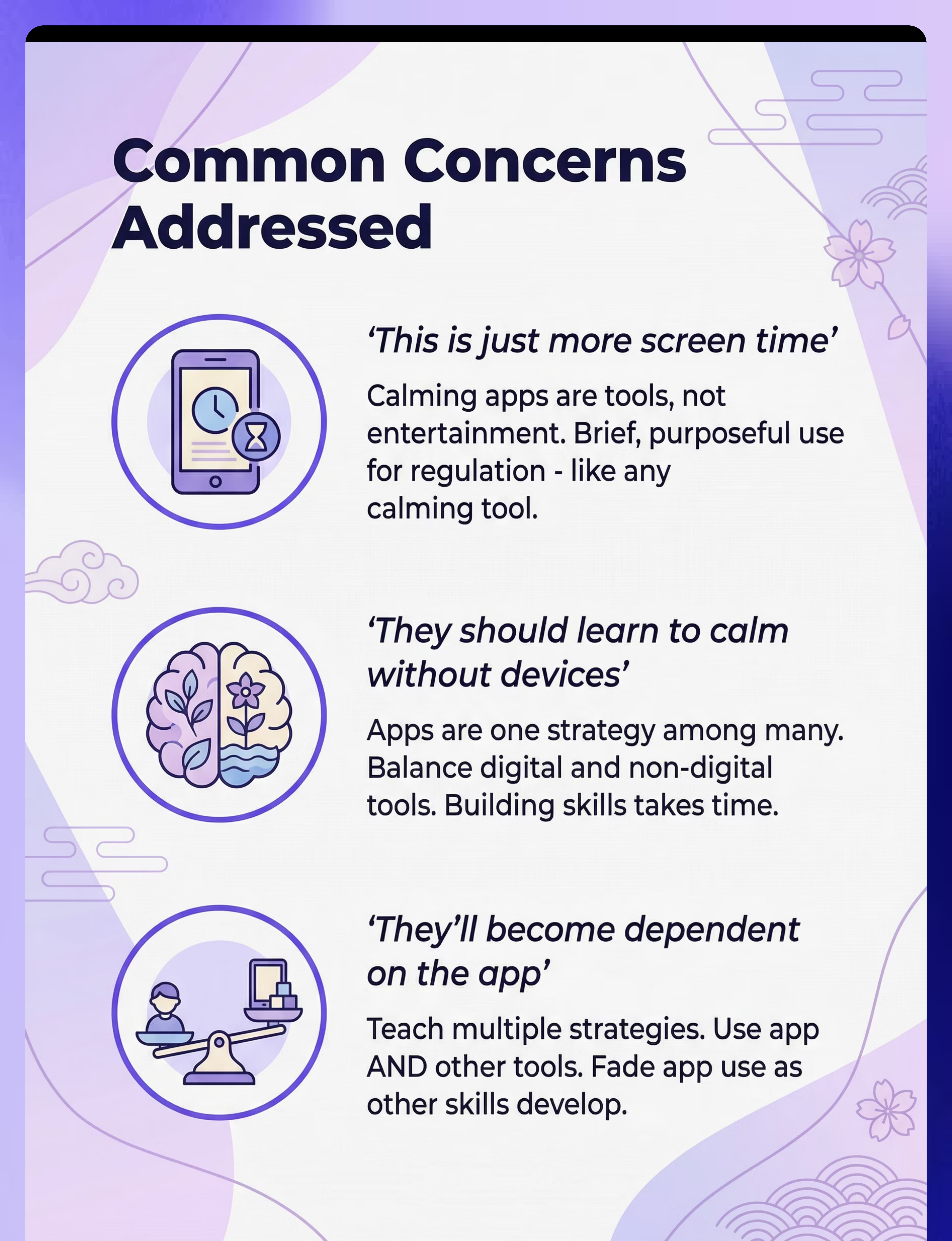
Q: This is just more screen time
A: Calming apps are tools, not entertainment. Brief, purposeful use for regulation. Like any calming tool—used as needed. Not extended use.
Try this: Brief purposeful tool use; not extended screen time.
Q: They should learn to calm without devices
A: Yes, AND portable tools help in the meantime. Apps are one strategy among many. Balance digital and non-digital. Building skills takes time.
Try this: One tool among many; building skills takes time.
Q: They'll become dependent on the app
A: Teach multiple strategies. Use app AND other tools. Fade app use as other skills develop. Any tool can become relied upon—balance is key.
Try this: Multiple strategies; balance; fade as skills develop.
Q: Which apps are actually helpful?
A: Look for simple, calming designs. Popular options: Calm, Breathe, visual stim apps. Preview before giving to child. Avoid frustrating elements.
Try this: Simple calming designs; preview first; avoid frustrating elements.

Investment Guide
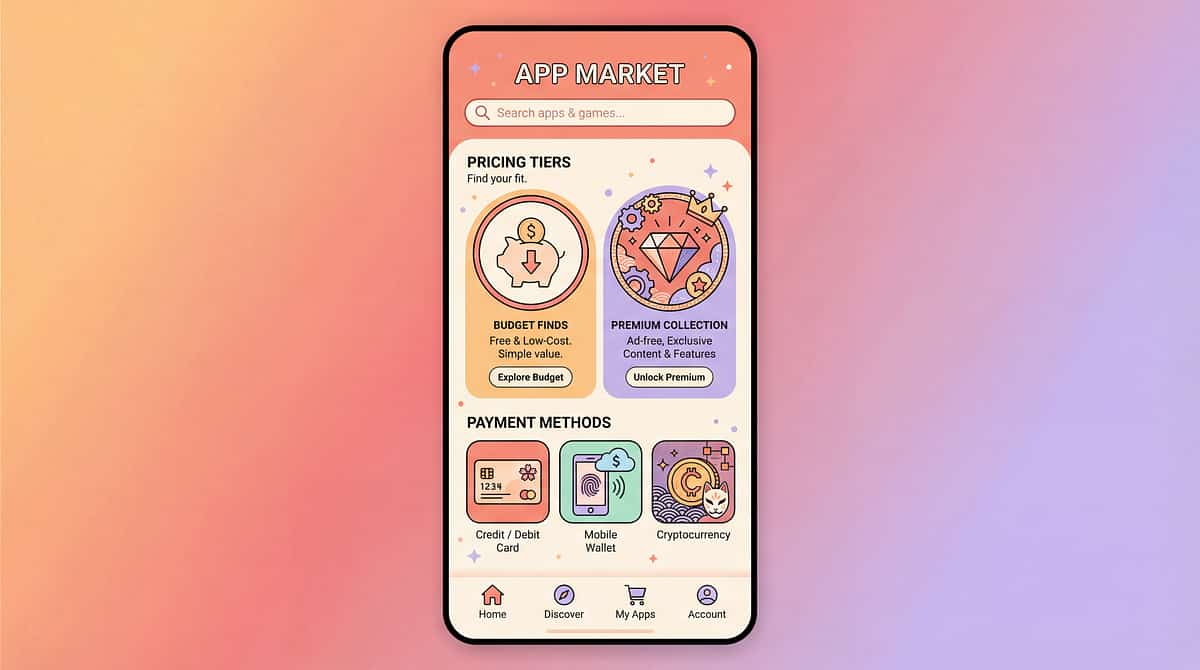
Calming apps range from free to low-cost subscriptions. Many excellent free options exist, making this an accessible starting point for most families.
Option | Cost | Key Features | Examples/Brands | |
Budget Options | ₹0 | Visual stimulation apps, basic sound/music apps, simple cause-effect sensory apps, white noise generators, breathing guides. Excellent starting point. | Generic free apps | |
Premium Options | ₹500-2,000/year | Comprehensive features, ad-free experience, offline capability, full content libraries, customizable features, regular updates. | Calm, Headspace, Breathe2Relax |
Flexible Starting Point
Begin with free options to assess your child's preferences and needs without commitment.
Enhanced Experience
Premium versions offer ad-free use, offline access, and richer content libraries for deeper engagement.
Customization & Depth
Access advanced features, personalized settings, and regular updates for a tailored calming journey.
Explore Free Apps
Identify what types of calming tools resonate with your child (visual, auditory, interactive).
Evaluate Usage & Needs
Observe how and when the apps are used, and what specific features are most beneficial.
Consider Premium Features
If free options prove useful but lack depth, explore premium subscriptions for advanced functionalities.
Overall Range: ₹0–2,000 (USD $0–24). Best starting point: Begin with free options to identify which types of apps work best for your child, then consider premium versions if needed.

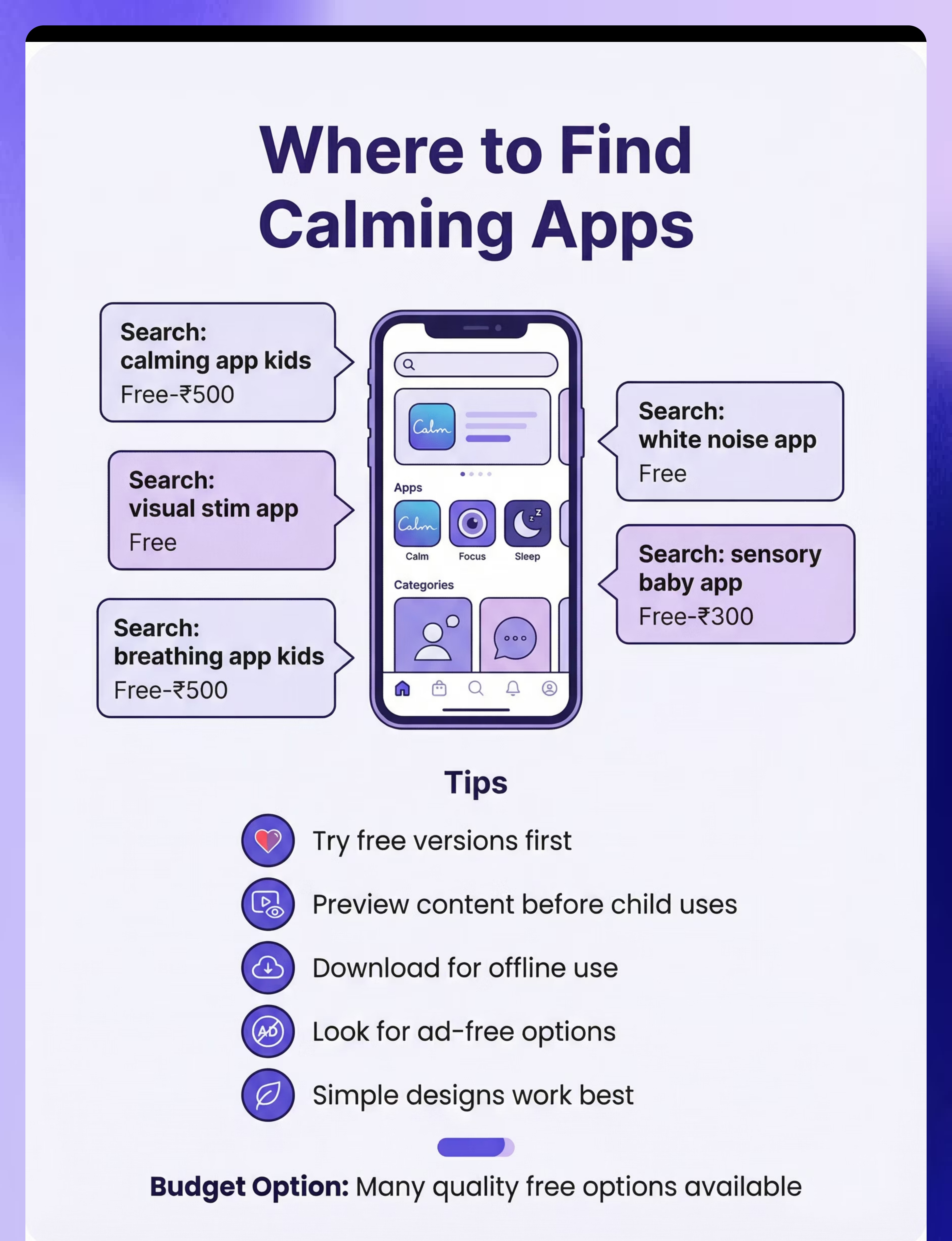
Where to Buy in India
Availability: App Stores (Apple App Store and Google Play Store)
Apple/Google App Stores
Search Terms: calming app kids
Price Range: Free-₹500
Apple/Google App Stores
Search Terms: visual stim app
Price Range: Free
Apple/Google App Stores
Search Terms: breathing app kids
Price Range: Free-₹500
Apple/Google App Stores
Search Terms: white noise app
Price Range: Free
Apple/Google App Stores
Search Terms: sensory baby app
Price Range: Free-₹300
Buying Tips ✓
- Try free versions first before paying
- Preview content before child uses
- Download for offline use when possible
- Look for ad-free options
- Simple designs work best—avoid complex interfaces
Red Flags ⚠
- Too many ads/interruptions
- Frustrating interface
- Overstimulating design
- Requires constant internet connection

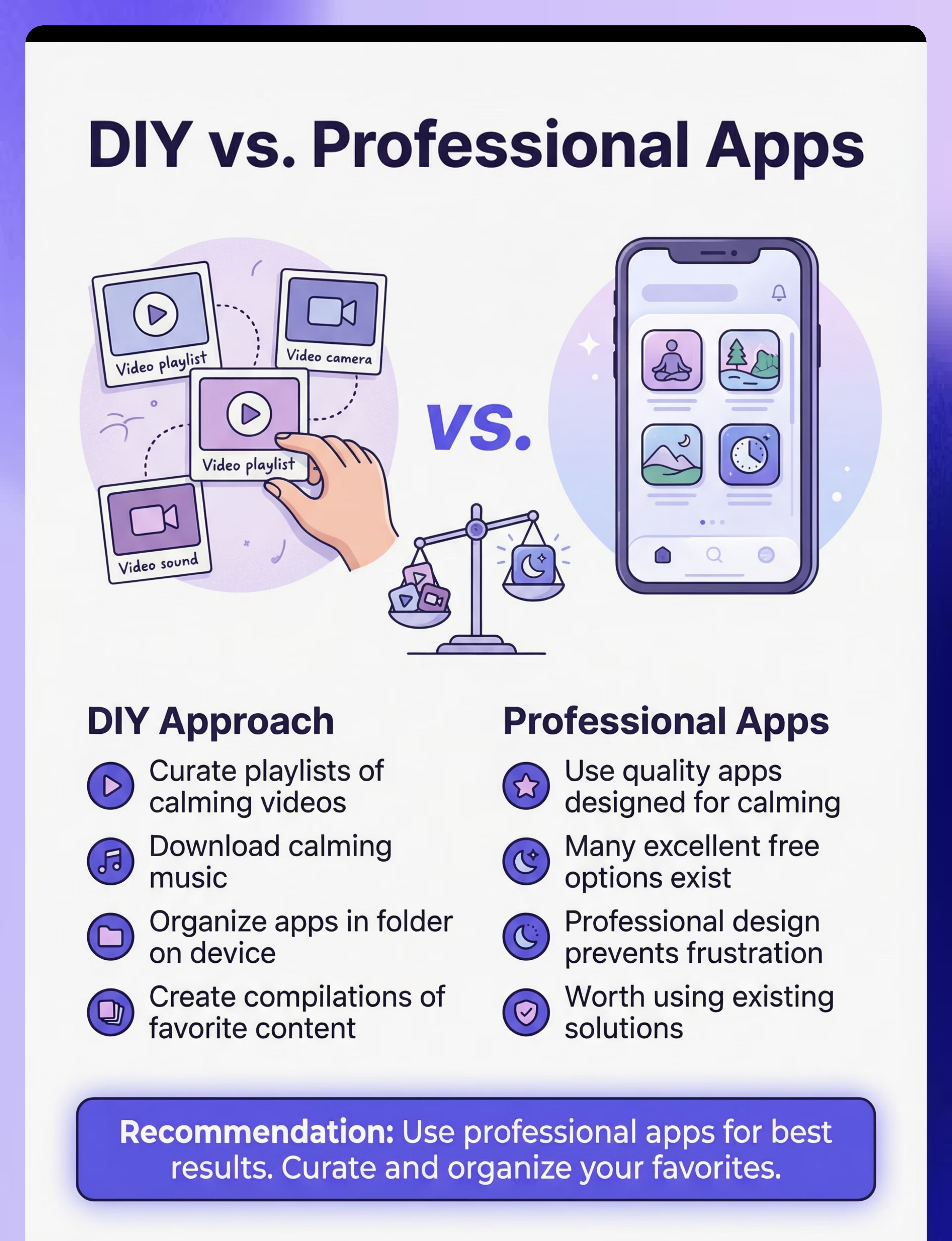
DIY Alternative
Feasibility: Low (use existing apps) | Cost Savings: N/A
Important Note
DIY is not applicable for app development itself. Many excellent free options exist. Instead, focus on curating and organizing content for maximum effectiveness.
DIY Content Curation Steps
Download several free calming apps across different categories (visual, auditory, breathing)
Create playlists of calming videos on YouTube or other platforms
Download calming music or nature sounds to device
Organize calming apps in a dedicated folder on the device home screen
Set up offline access for key apps and content
Test each resource with your child to identify favorites
DIY vs Commercial
When to Curate (DIY)
- Curating content playlists tailored to your child
- Creating calming video compilations
- Organizing apps on device for easy access
When to Buy Commercial
- Always for apps themselves—use professional apps
- Quality apps essential for effectiveness and safety
Tradeoffs: Use professional apps; curate content. The time invested in finding and organizing quality free content is more valuable than attempting to create apps yourself.
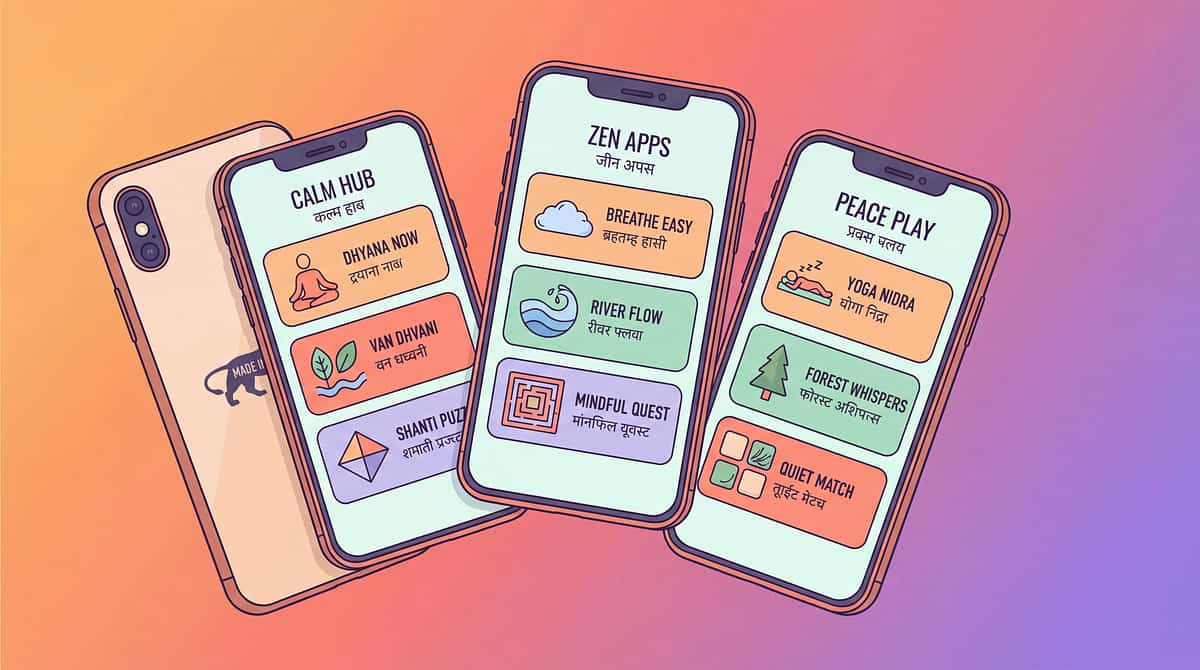
Preview of sensory calming apps Therapy Material
Below is a visual preview of sensory calming apps therapy material. The pages shown help educators, therapists, and caregivers understand the structure and content of the resource before use. Materials should be used under appropriate professional guidance.


Share this resource
Help others discover thisLink copied!

Your Complete Action Plan
Measuring Success
Baseline (Measure First)
- Current calming strategies used
- Waiting tolerance duration
- Self-regulation ability level
- Current technology use patterns
Goals
- Child will use calming apps appropriately
- Waiting situations will improve
- Self-regulation will develop
- Balance will be maintained
Success Indicators ✓
- Effective app use for regulation
- Better waiting tolerance
- Self-selection of strategies emerging
- Balanced toolkit maintained
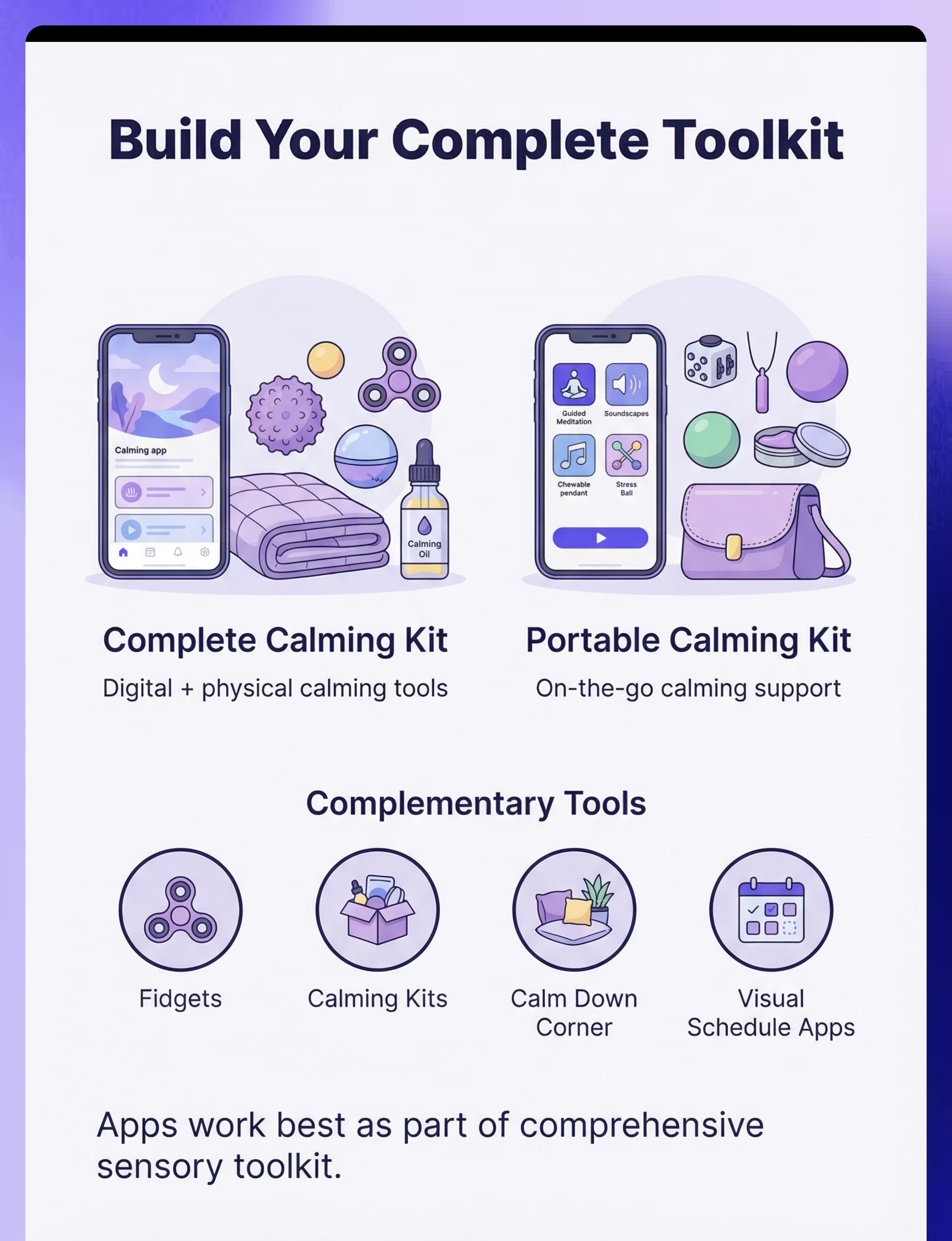
Pair It With...
Build a comprehensive regulation toolkit by combining digital and physical calming supports:

Fidgets (ID: 2.1)
Non-digital calming tools that complement apps—balance portable digital and physical options.

Calming Kits (ID: 2.3)
Physical calming tools for comprehensive regulation support—ensure non-digital options always available.

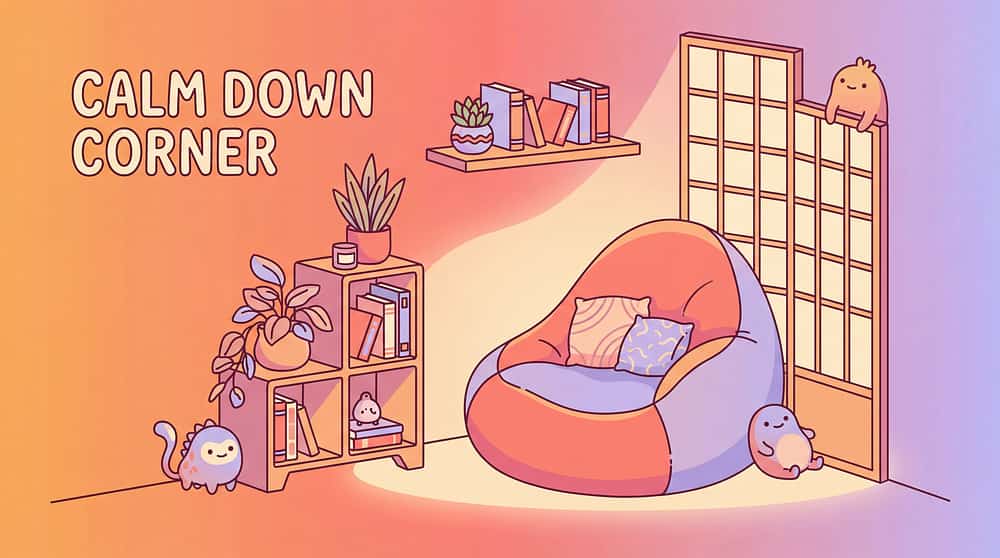
Calm Down Corner (ID: 2.8)
Physical calm space at home—pair with apps for multi-sensory regulation environment.

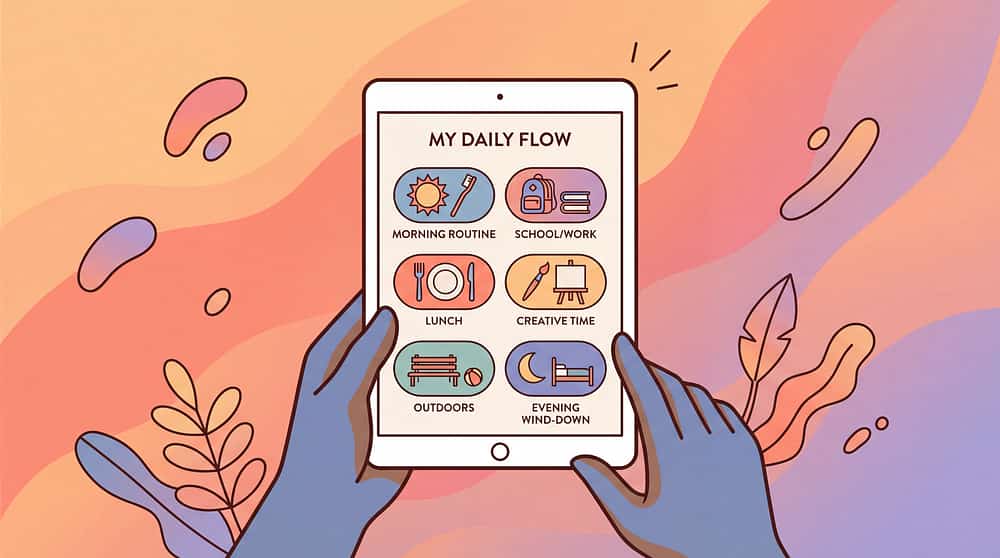
Visual Schedule Apps (ID: 16.3)
Other support apps that pair well—build complete digital support toolkit.
What to Expect
Initial Exploration
Experiment with different apps and physical tools to find what resonates best with your child's needs.
Observation & Customization
Pay close attention to your child's responses and adjust strategies to tailor the approach for maximum effectiveness.
Consistent Integration
Incorporate chosen calming supports into daily routines, making them a natural part of transitions and challenging moments.
Progress & Independence
Over time, observe increased self-regulation and your child beginning to choose and use strategies independently.
Ongoing Adaptation
Re-evaluate and adapt the toolkit as your child grows and their needs evolve, ensuring continued support.
Recommended Bundles
- Complete Calming Kit: Sensory Apps (16.5) + Fidgets (2.1) + Calming Kits (2.3)—Digital + physical calming support
- Portable Calming Kit: Sensory Apps (16.5) + Fidgets (2.1) + Chewelry (1.5)—On-the-go calming support everywhere
Quick Summary
AI Summary: Sensory and calming apps provide portable digital regulation tools for waiting, overwhelm, and emotional management through visual, auditory, and breathing supports. Extended Kit (Rank 2), moderate evidence, valuable portable tool.
calming
sensory
app
regulation
breathing
portable
waiting
OT
extended-kit
Common searches: calming app autism, sensory app kids, breathing app child, visual stim app, emotion regulation app, waiting app autism, mindfulness app kids
Get Support
FREE National Autism Helpline
Phone: 9100 181 181
Languages: 16+ languages supported
Website:pinnacleblooms.org
Platform Integration
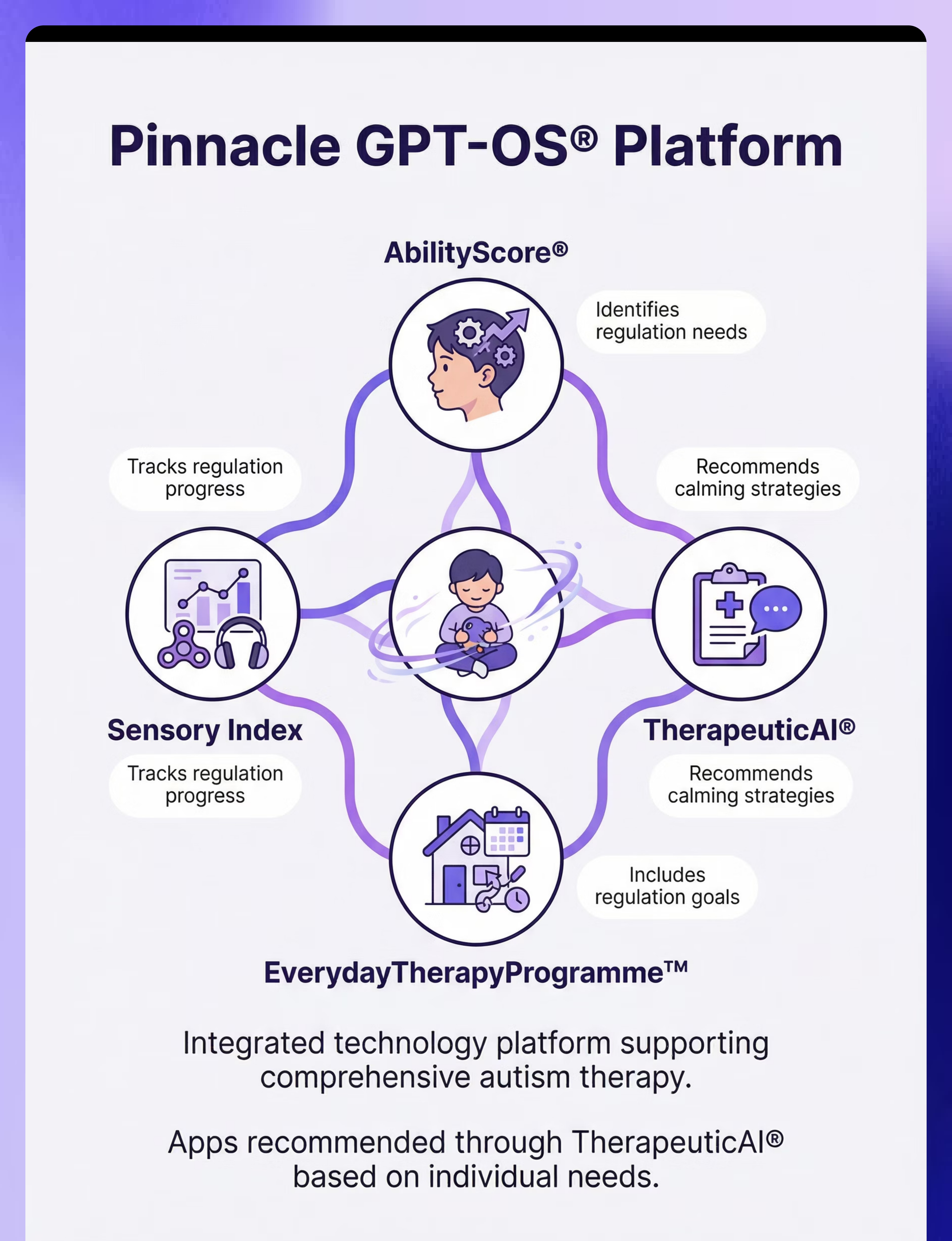
This tool integrates with Pinnacle Blooms Network's comprehensive support ecosystem:
- AbilityScore® identifies regulation needs through comprehensive assessment
- TherapeuticAI® recommends calming strategies tailored to your child's profile
- EverydayTherapyProgramme™ includes regulation goals in daily routines
- Sensory Index tracks regulation progress over time
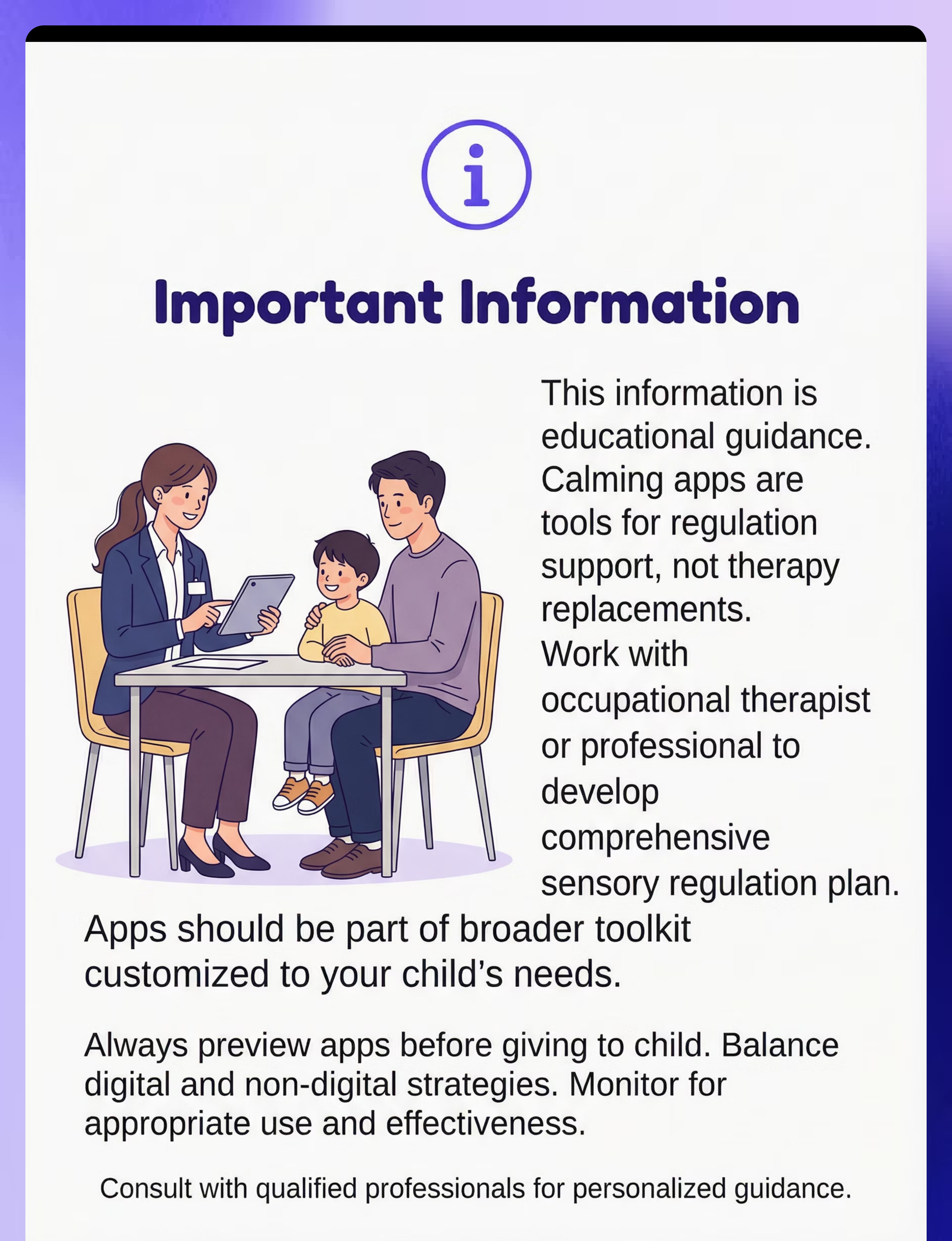
Disclaimer: This is educational information. Always consult qualified occupational therapists, speech-language pathologists, or pediatricians. Individual results vary.