






Tool ID: 16.4
Tool ID: 16.4
SLP + SpEd
Strong Evidence
Rank #2
Daily-Weekly Use
₹0–15,000
Video Modeling Resources
Visual demonstration and learning system
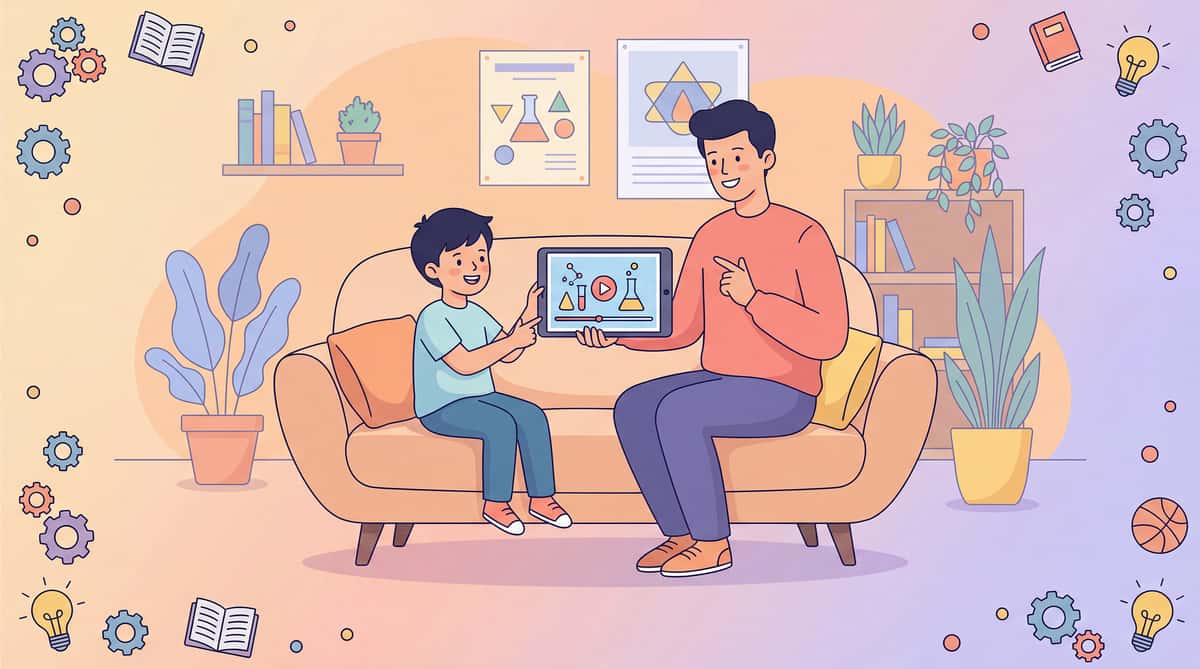
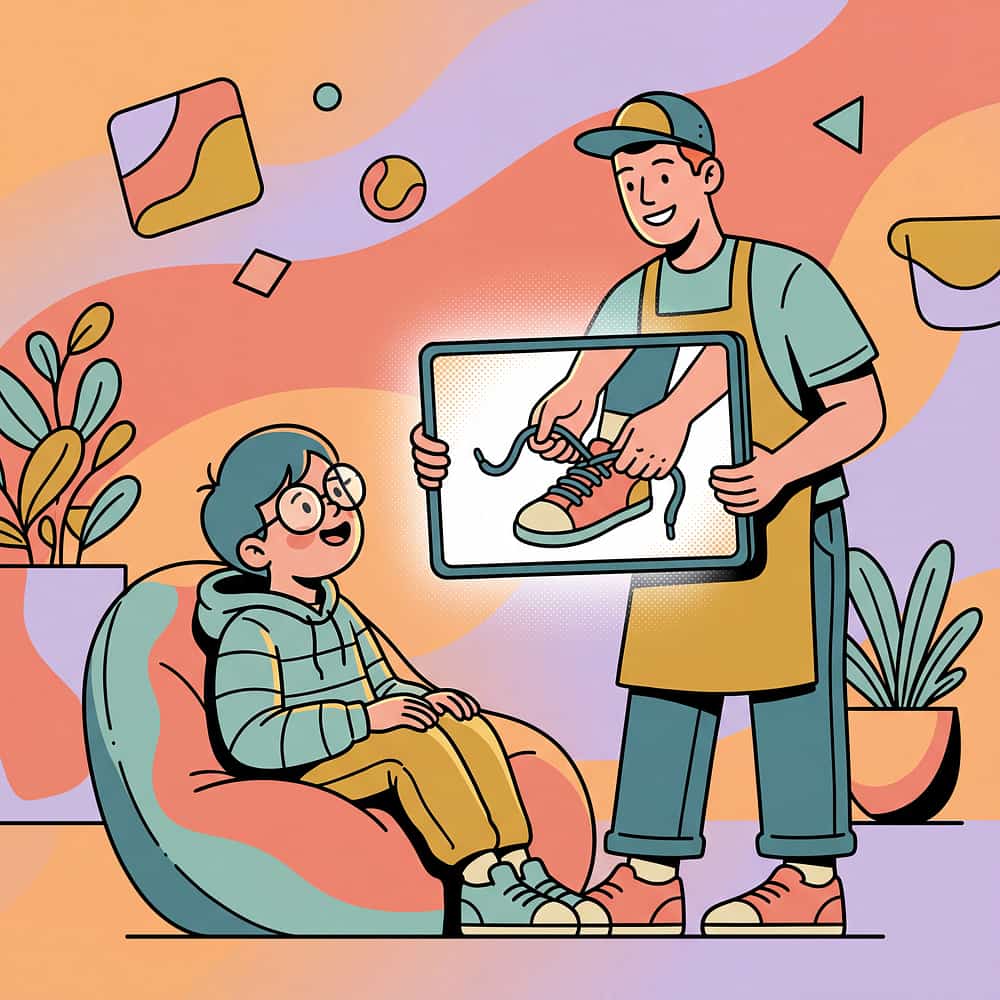
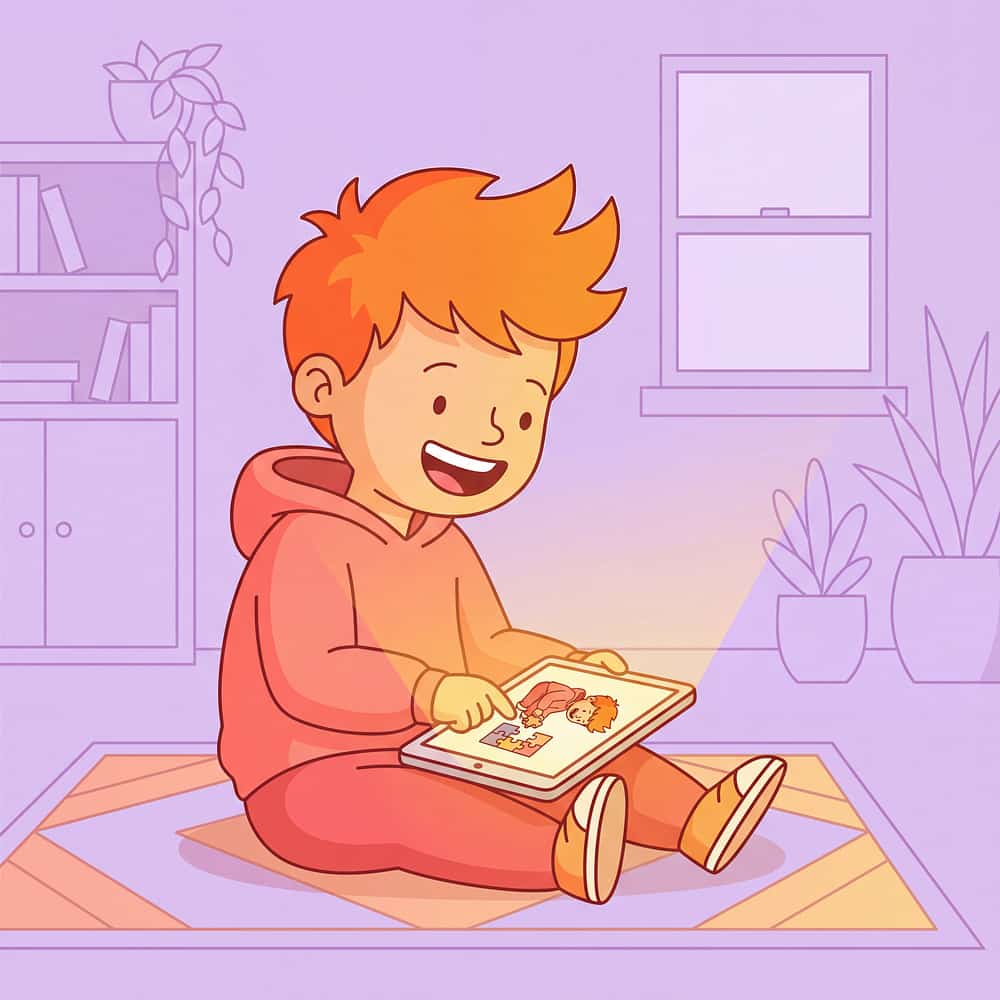
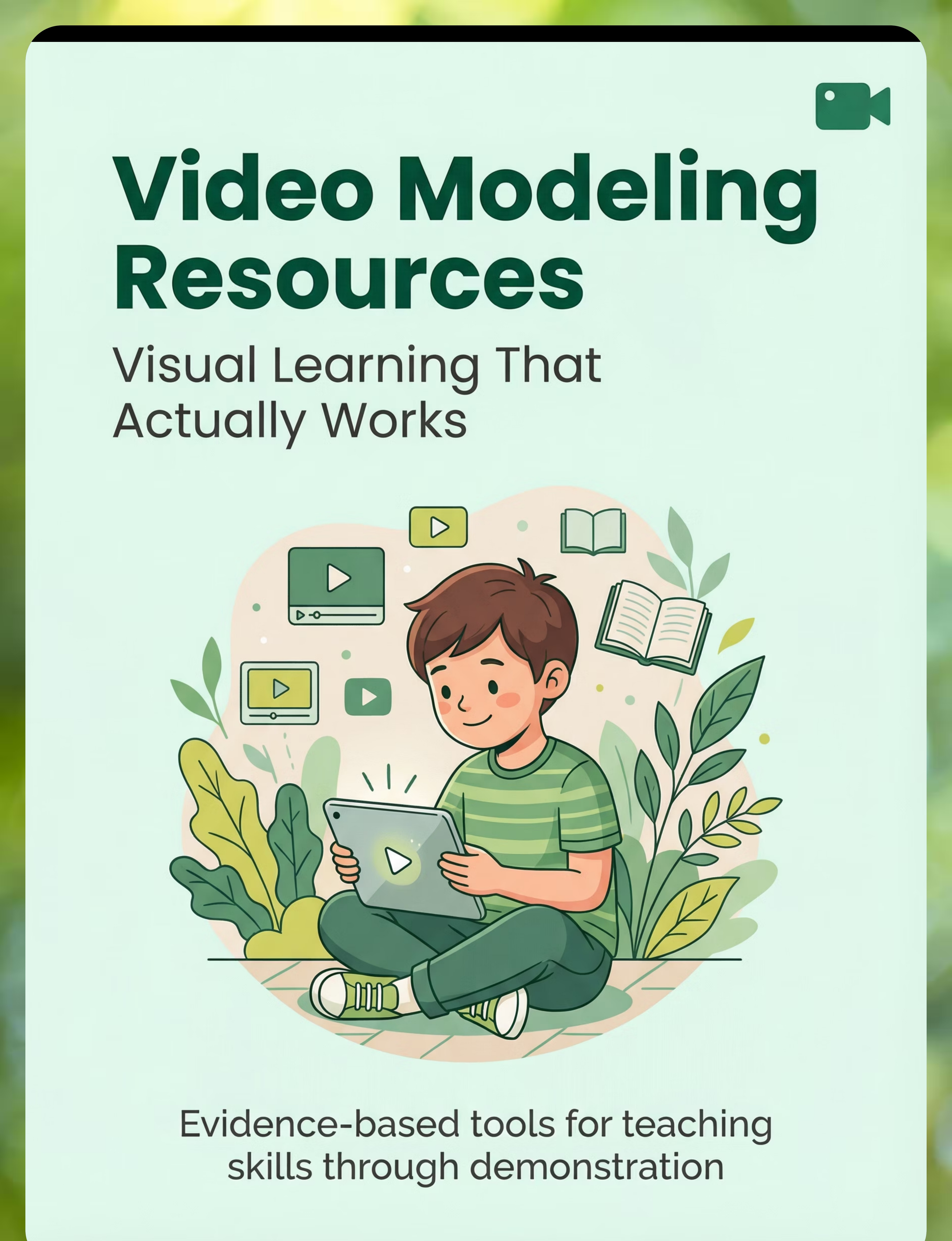
Video modeling provides powerful visual demonstrations of target skills that children can watch repeatedly, learning through imitation at their own pace. This evidence-based approach works exceptionally well for visual learners, offering a consistent, controlled way to teach skills across social, daily living, communication, and academic domains. From commercial programs to parent-made videos, these resources transform how children learn.
Who This Helps
Video modeling resources provide video demonstrations of target skills that can be watched repeatedly for learning through visual imitation, helping children develop independence and confidence.
Social Skills
Daily Living Skills
Communication
Play Skills
Academic Skills
Self-Regulation
Ages 2+ years
Home
School
Therapy
Community
Best for visual learners
Children who process and understand information better through watching than listening, benefiting from clear visual demonstrations they can review multiple times.
Best for skill building across domains
Teaching everything from social interactions and conversations to self-care routines, household tasks, and academic skills through consistent visual modeling.
Best for generalization support
Providing consistent visual models that help children transfer learned skills across different settings and situations, building true independence.
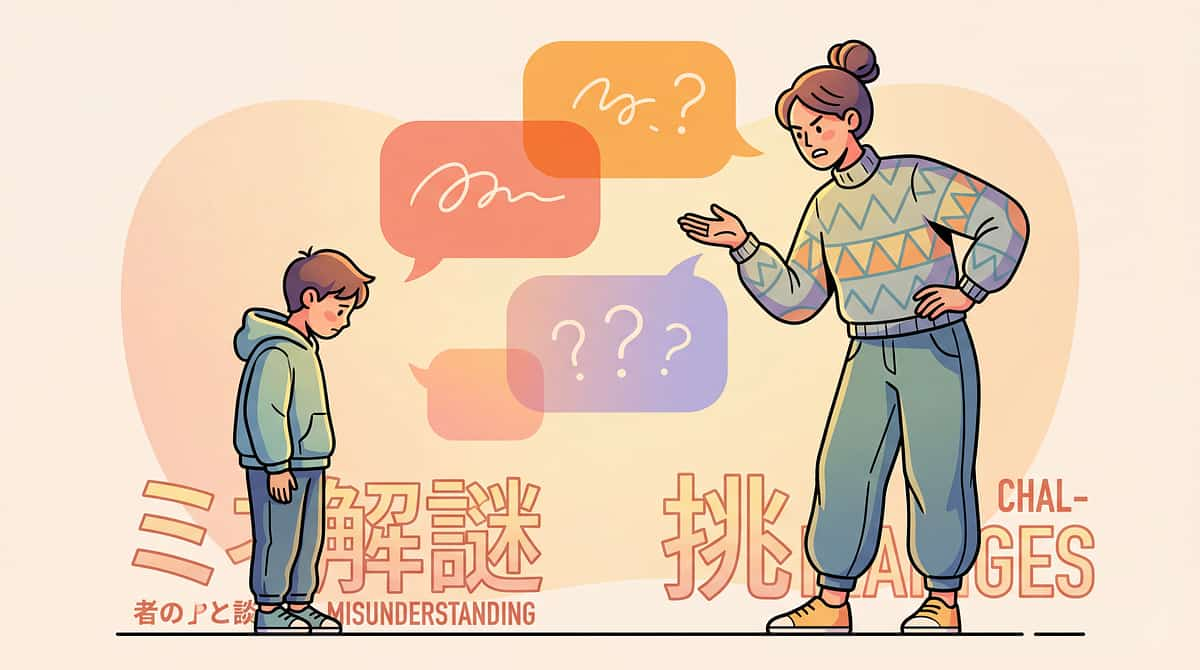
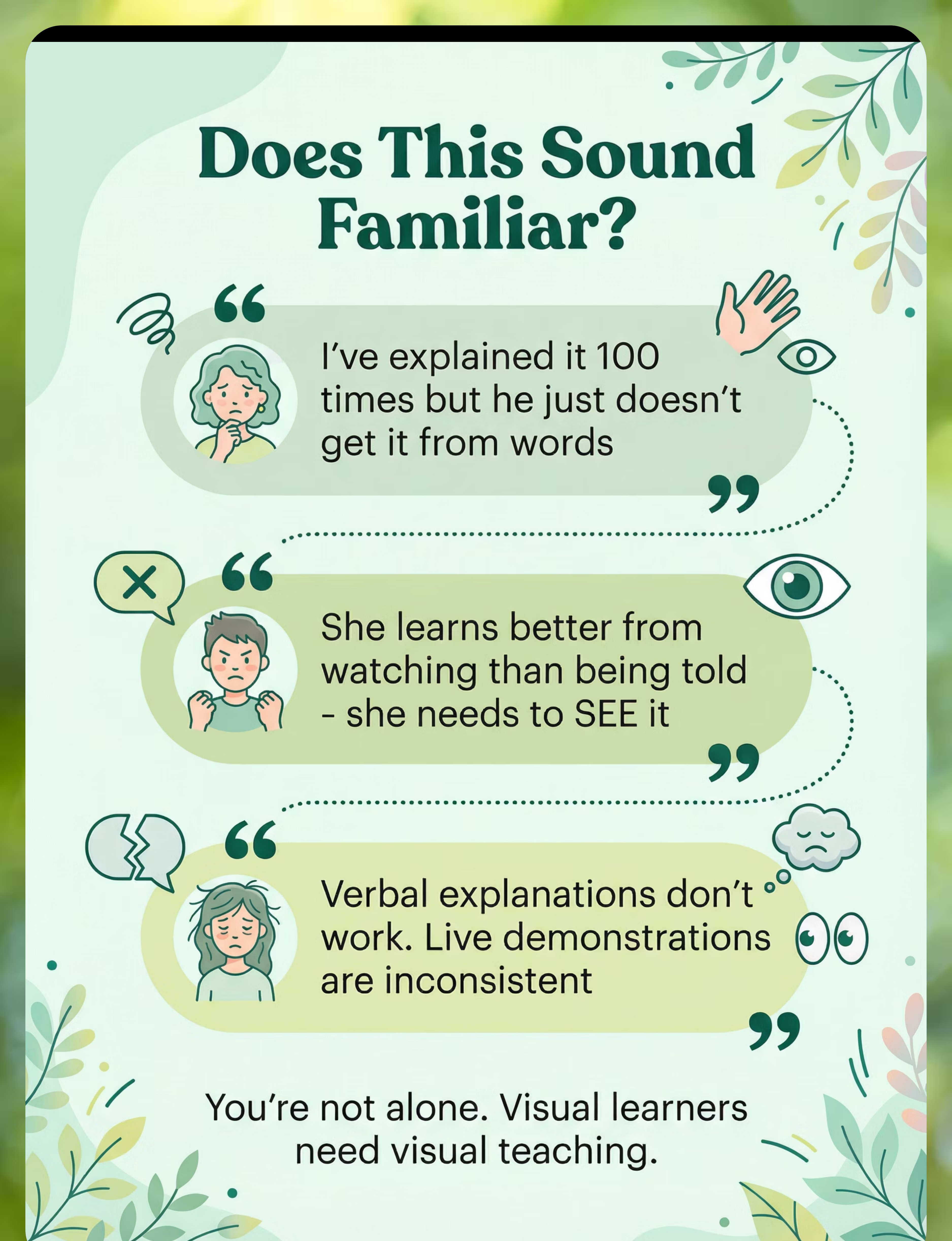
Does This Sound Familiar?
"I've explained it 100 times"
"He learns better from watching than being told"
"She needs to see it, not hear it"
"Live demonstrations don't work"
"He can't generalize from one example"
"I need a way to show her skills"
You're not alone. These are common challenges that many families face. Video modeling offers a solution by providing consistent, repeatable visual demonstrations that work with how your child learns best.
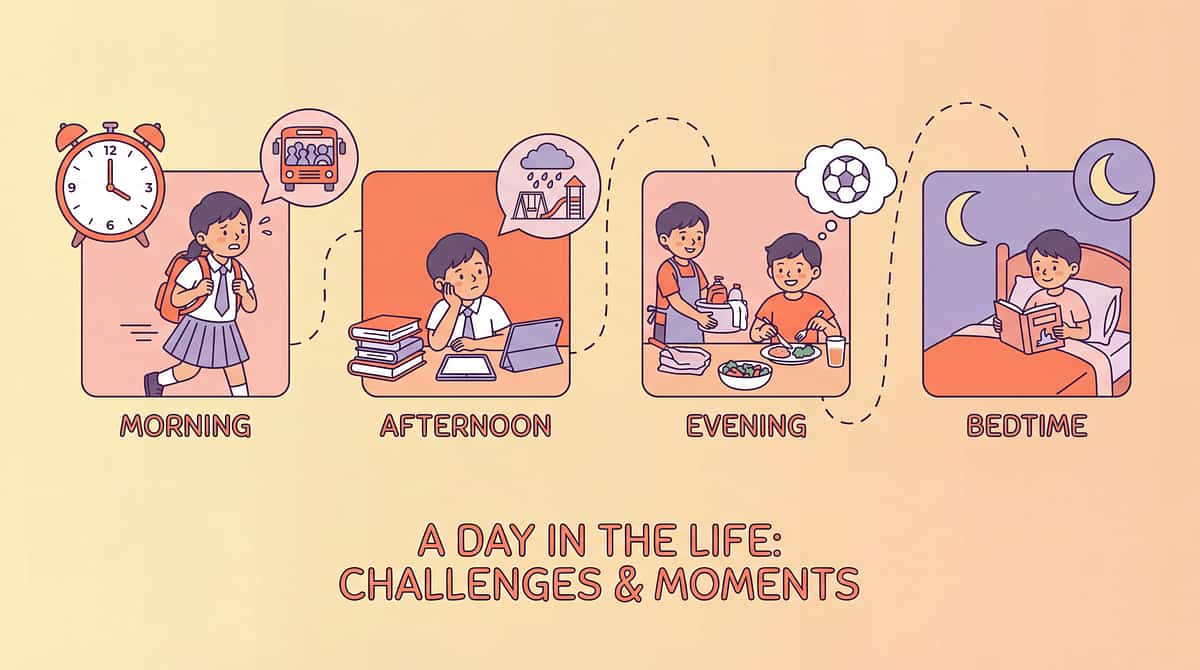
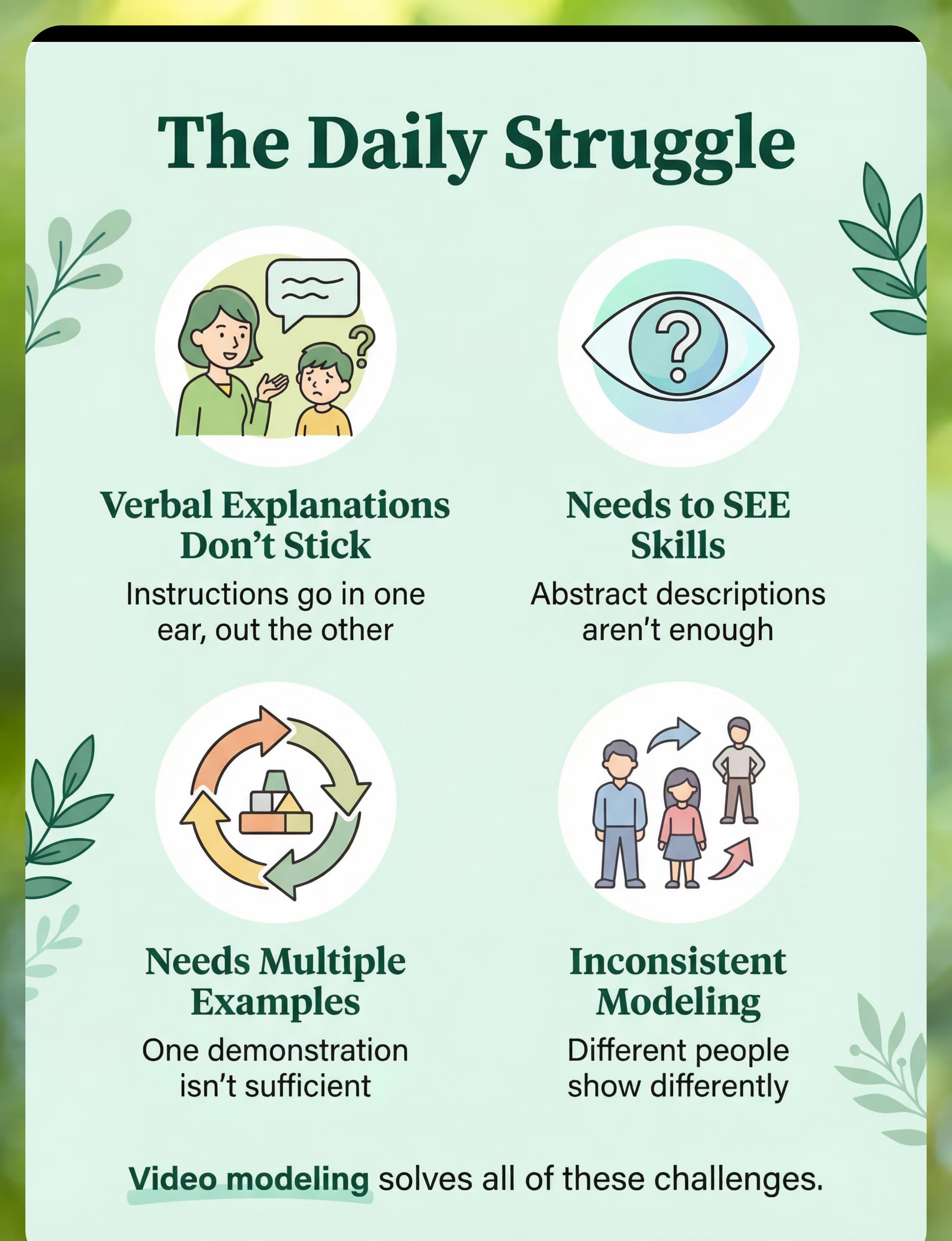
A Day Without the Right Support
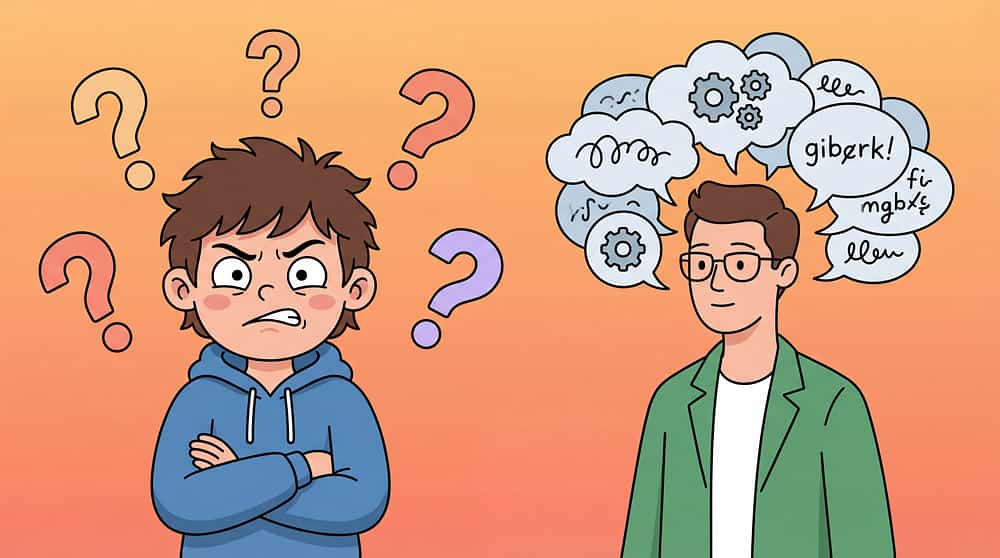
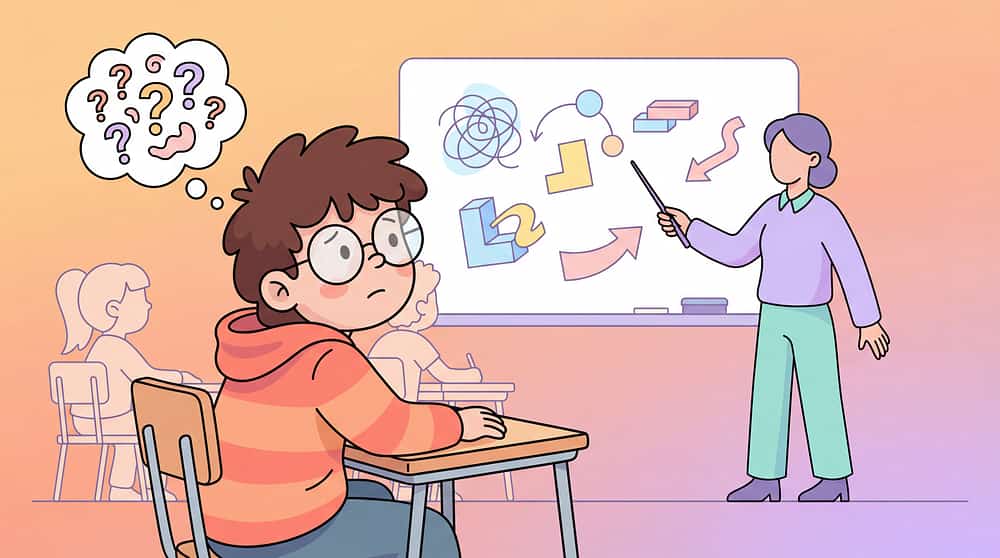
Verbal explanations fail
Parent explains the same skill over and over with words. Child doesn't understand. Frustration builds on both sides. The skill remains unlearned, and everyone feels stuck.
Visual learning needs unmet
Child desperately needs to SEE skills demonstrated clearly and consistently. Without visual models, abstract concepts remain confusing. Learning stalls.
Repetition without consistency
Child needs to see skills multiple times to learn them. But every demonstration is slightly different. Without consistent visual examples, patterns don't form and skills don't stick.
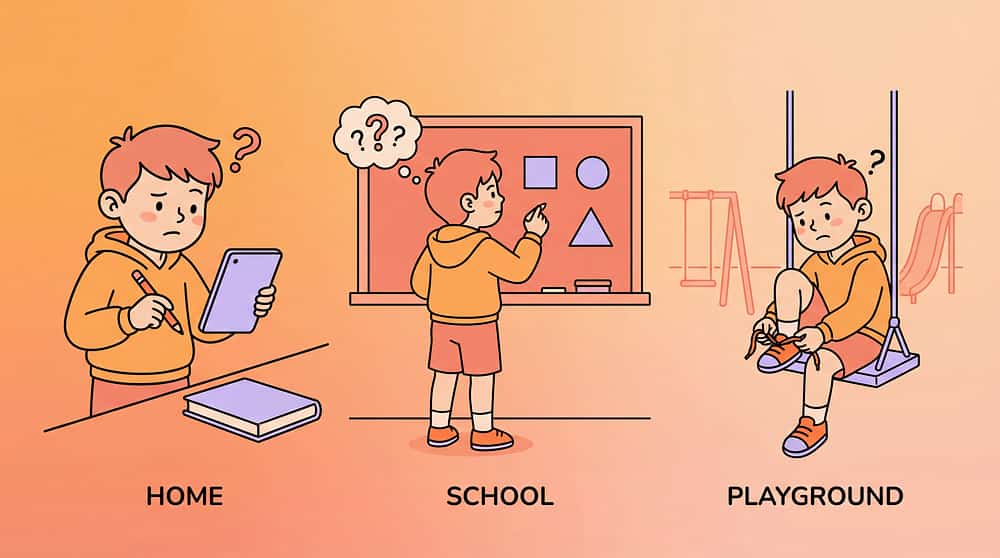
Different people, different ways
Different family members and teachers demonstrate skills differently. Child becomes confused by inconsistent modeling. Generalization becomes nearly impossible.
The Science Behind It
video-modeling-resources therapy material
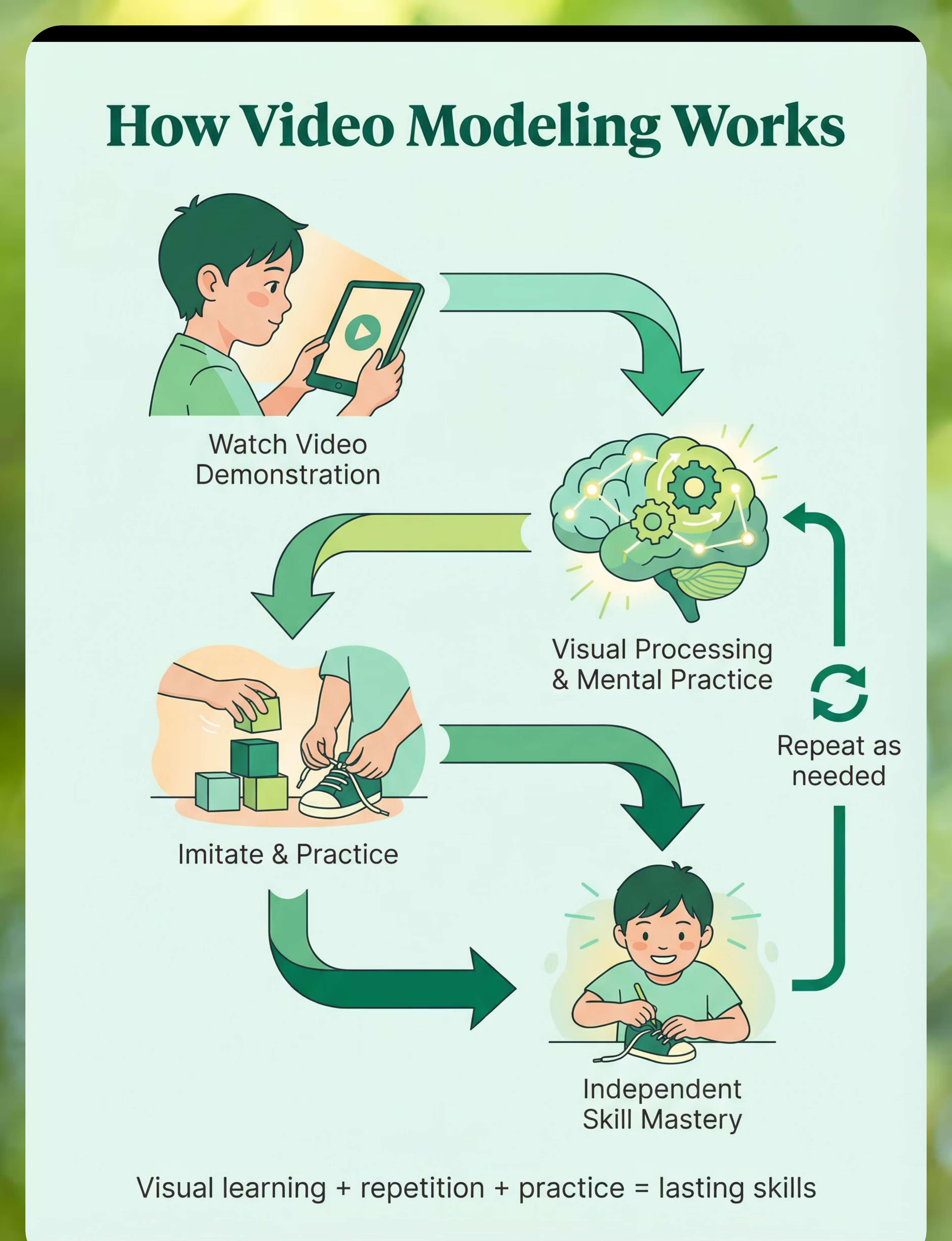
Video modeling works by leveraging the power of visual learning and imitation. For many children, especially those on the autism spectrum, watching a skill demonstrated provides clearer, more processable information than verbal instruction alone.
1
Watch video
Child views clear demonstration of target skill
2
Visual processing
Brain processes and stores the visual sequence
3
Mental practice
Child mentally rehearses the observed skill
4
Imitation attempted
Child tries the skill in real context
5
Skill practiced
Repeated practice builds competence
6
Generalization
Skill transfers to different settings
7
Independent performance
Child performs skill independently
Social Skills
Daily Living Skills
Communication
Play Skills
Academic Skills
Self-Regulation
video-modeling-resources therapy material
How to Use It Right
Video modeling works best when used consistently and paired with practice. Following these evidence-based practices ensures your child gets maximum benefit from video demonstrations.
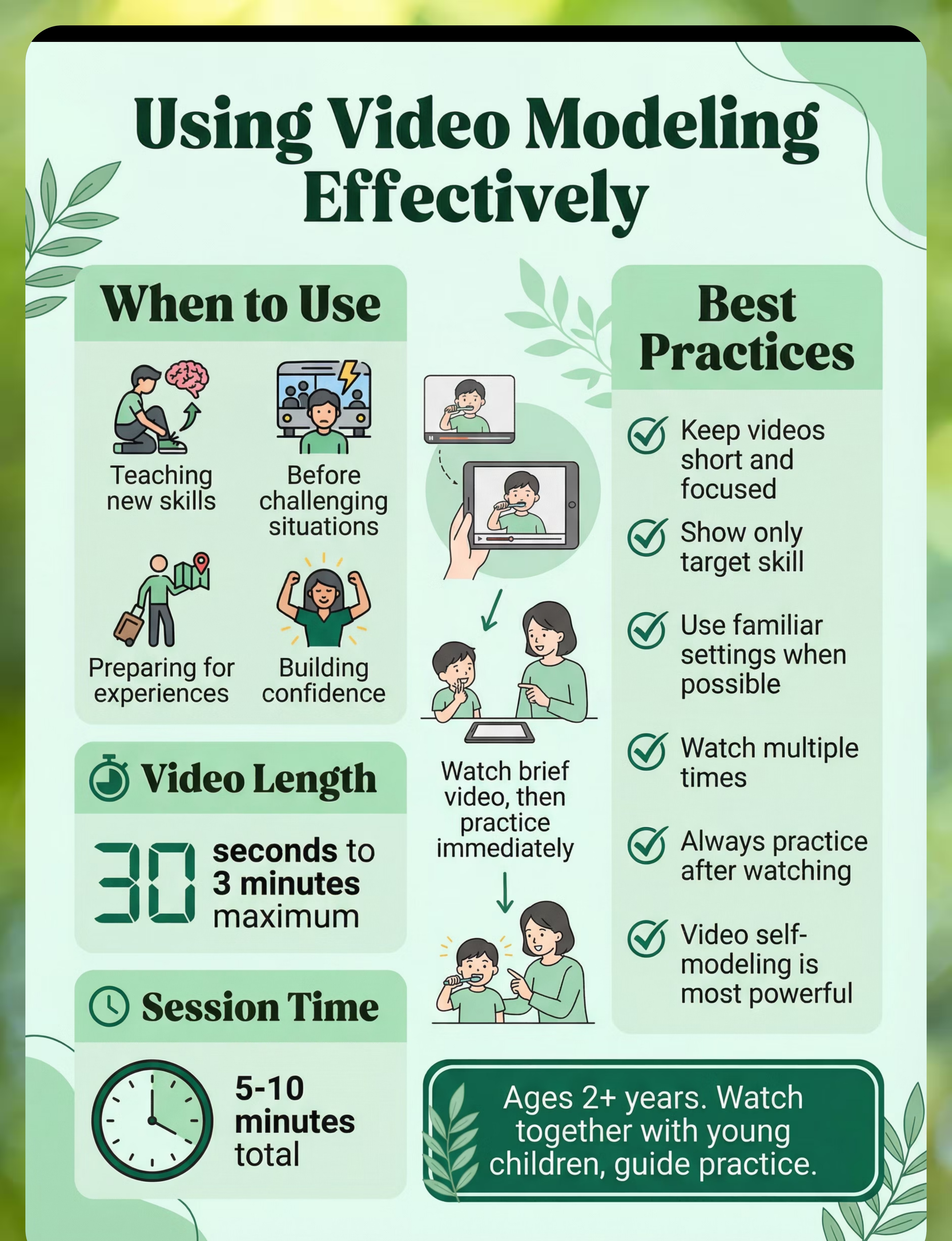
Keep videos short
Limit videos to 30 seconds to 3 minutes maximum. Shorter videos maintain attention and focus on just the target skill without overwhelming or confusing the learner.
Show just the target skill
Remove all unnecessary content and distractions. The video should demonstrate only the specific skill you're teaching, making it crystal clear what to learn and imitate.
Use familiar settings when possible
Videos filmed in environments the child knows help with generalization. Familiar people, places, and objects make the skill feel more relevant and achievable.
Watch multiple times before attempting
Allow your child to view the video several times before expecting them to try the skill. Repeated viewing builds understanding and confidence before practice begins.
Video self-modeling is highly effective
Recording your child successfully performing a skill and playing it back creates powerful motivation. Seeing themselves succeed builds confidence and reinforces capability.
Practice skill after watching
Always follow video viewing with immediate practice. Video modeling is instruction, not entertainment. The learning happens when watching is followed by doing.

Recommended Duration: Video length: 30 seconds - 3 minutes. Viewing session: 5-10 minutes including practice time.
Expert Endorsement
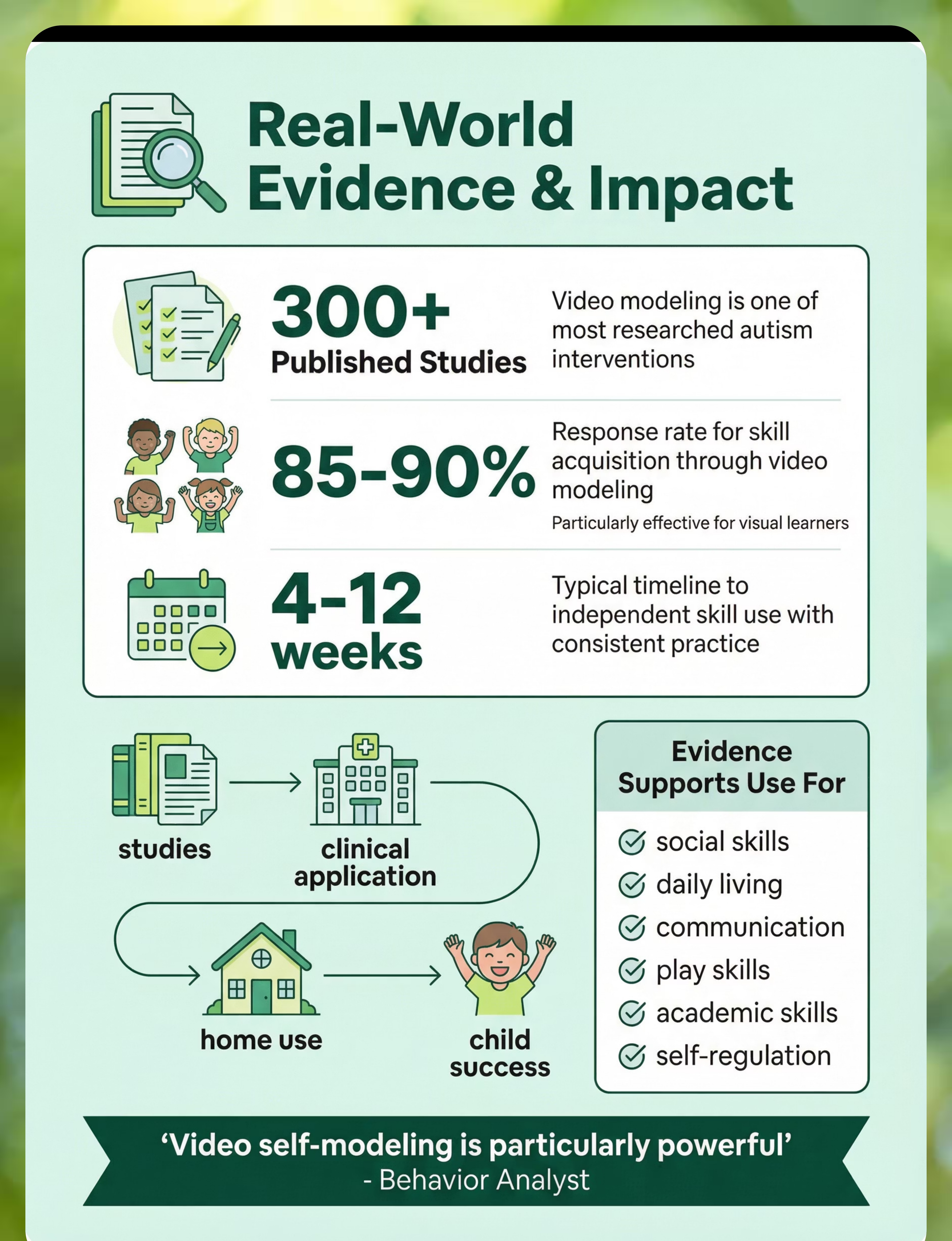
"Video modeling is one of the most evidence-based interventions for autism. Visual learners process video demonstrations exceptionally well. The ability to rewatch and pause makes learning controllable. Video self-modeling - seeing yourself succeed - is particularly powerful."
— Behavior Analyst, Video Modeling Researcher
SLP + SpEd Recommended
Strong Evidence
Rank #2 in Category
Core Kit Level
video-modeling-resources therapy material
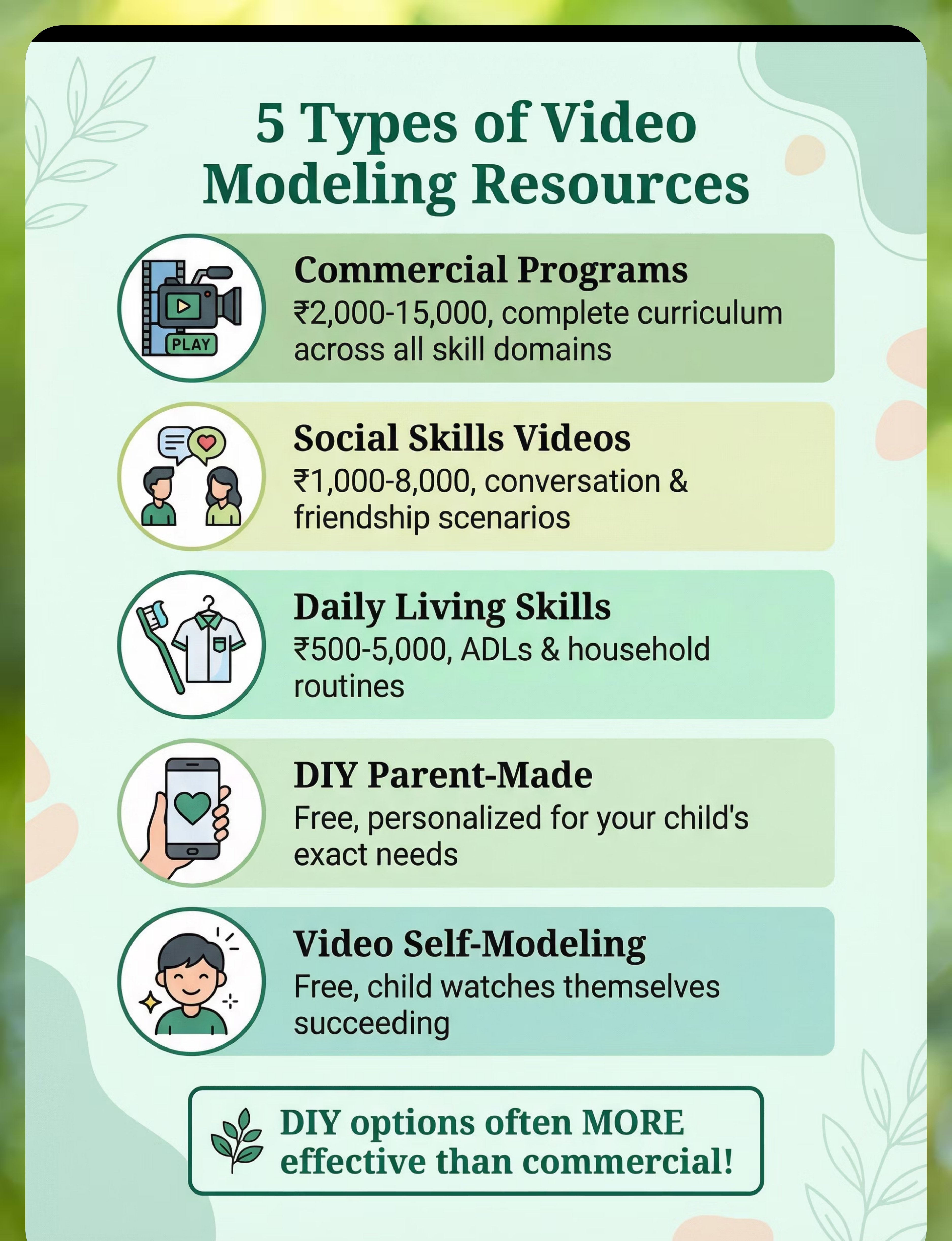
Choose Your Option (5 Variants)
Video modeling resources come in multiple formats to match your child's specific needs, learning goals, and your budget. Each option offers unique benefits for skill development.
Commercial Programs
Social Skills Programs
Daily Living Skills Videos
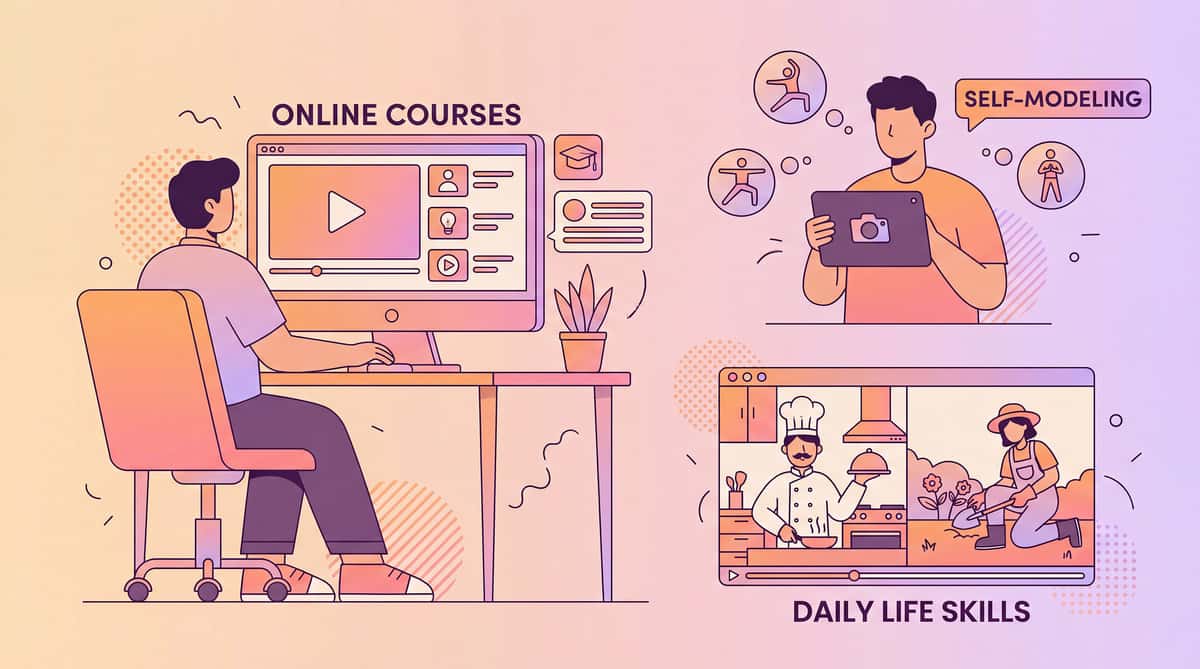
DIY/Parent-Made Videos
Video Self-Modeling
Here's a breakdown of the different video modeling options:
1. Commercial Video Modeling Programs
Best for: Structured skill teaching across domains
Ages: 2+ years | Settings: Home, School, Therapy
Very High Portability
Price: ₹2,000–15,000
Professional video modeling curriculum with complete structured programs covering multiple skill domains. Comprehensive and well-produced for systematic teaching.

2. Social Skills Video Programs
Best for: Social situations, conversation, friendships
Ages: 4+ years | Settings: Home, School, Therapy
Very High Portability
Price: ₹1,000–8,000
Videos specifically targeting social skills development including how to start conversations, read social cues, and navigate friendships with peers.

3. Daily Living Skills Videos
Best for: Self-care, household tasks, routines
Ages: 3+ years | Settings: Home, Therapy
Very High Portability
Price: ₹500–5,000
Videos demonstrating functional daily living skills from brushing teeth to setting the table, helping children become more independent in self-care and household tasks.


4. DIY/Parent-Made Videos
Best for: Specific skills, familiar people/settings
Ages: All ages | Settings: All
Very High Portability
Price: Free
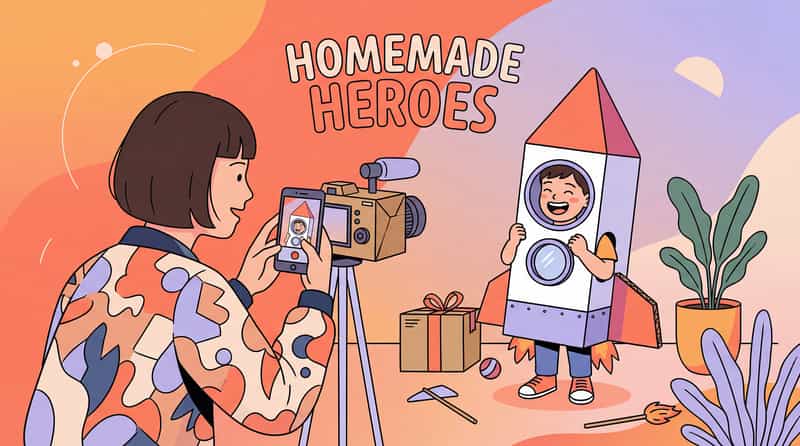
Custom videos made by family members showing skills in your actual home and environment. Often most effective due to familiarity and personalization to your child's exact needs.

5. Video Self-Modeling
Best for: Building confidence, reinforcing success
Ages: 3+ years | Settings: All
Very High Portability
Price: Free
Videos of your child successfully performing skills. Watching themselves succeed builds confidence and motivation. Highly effective for building self-efficacy and reinforcing emerging skills.

How to Choose
  • By goal: Social skills → Social programs; Daily skills → ADL videos; Confidence → Self-modeling
  • By setting: Home → DIY/parent-made; School/clinic → Commercial programs
  • By budget: Free options → DIY and self-modeling; Investment → Commercial curricula
Specifications & Types Guide
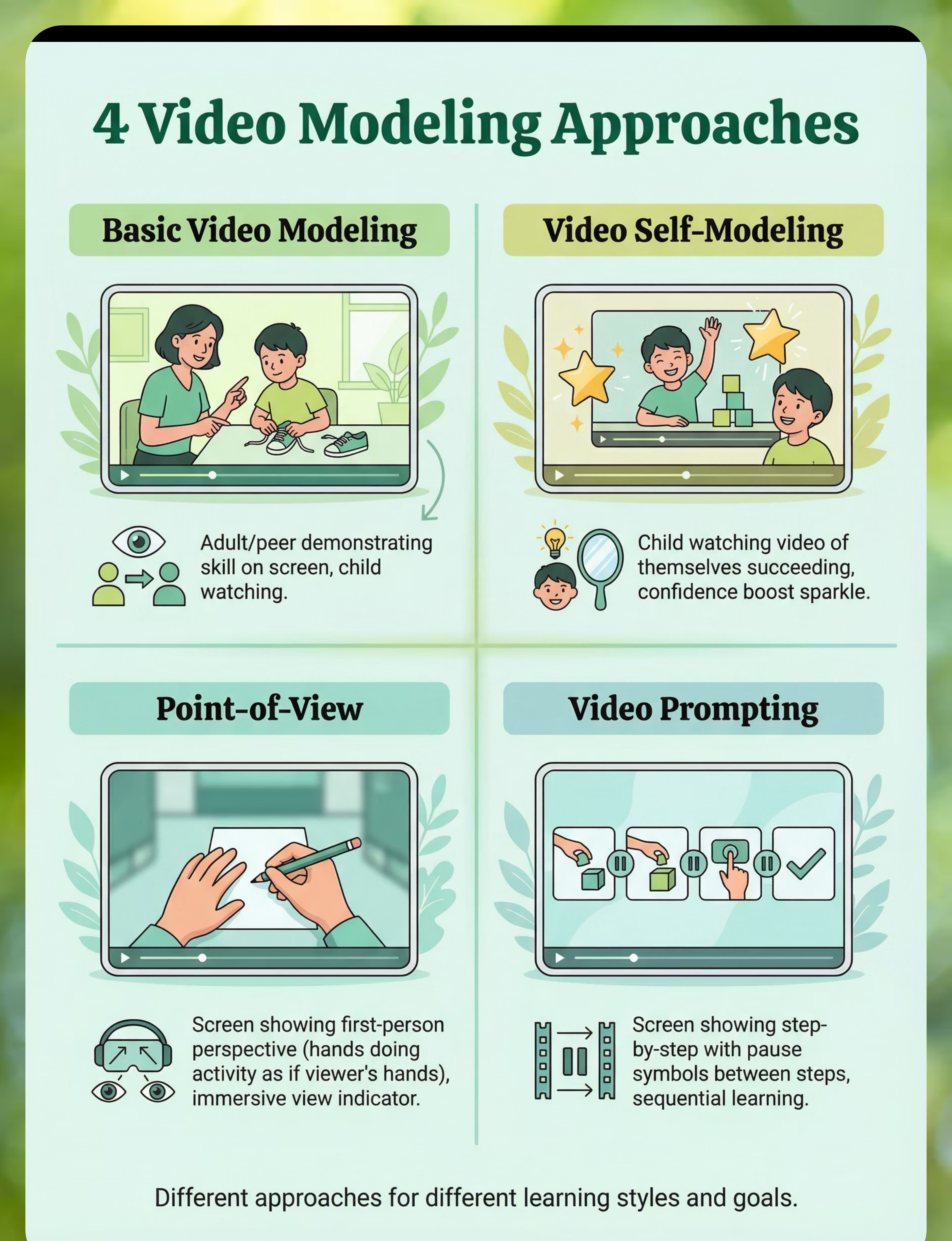
Basic Video Modeling
Adult or peer demonstrates the target skill clearly and completely. Child watches and then imitates. Most common and straightforward approach.
Video Self-Modeling
Child watches videos of themselves succeeding at a skill. Powerful for building confidence and self-efficacy. Particularly effective for emerging skills.
Point of View
Camera shows what the person performing the skill sees (first-person perspective). Helps with understanding the exact actions needed from the doer's viewpoint.
Video Prompting
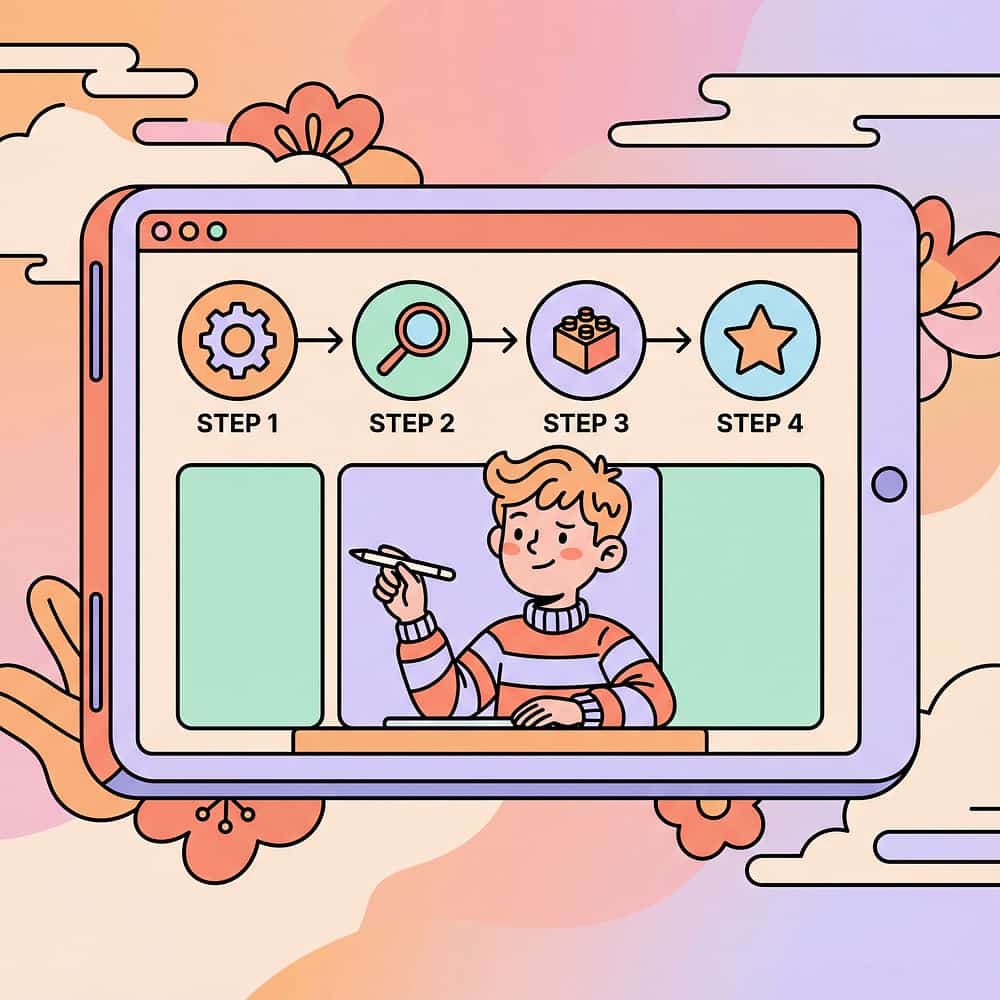
Complex skills broken into steps. Each step shown individually, with pauses between for practice. Supports learning multi-step sequences systematically.
Materials & Key Features
  • Video content (commercial or DIY)
  • Device for viewing (tablet, phone, computer)
  • Clear demonstration of target skill
  • Short length (30 seconds - 3 minutes)
  • Repeatable and easy to access
  • Relevant to child's specific needs
  • Age-appropriate and engaging
  • Minimal distractions or extras
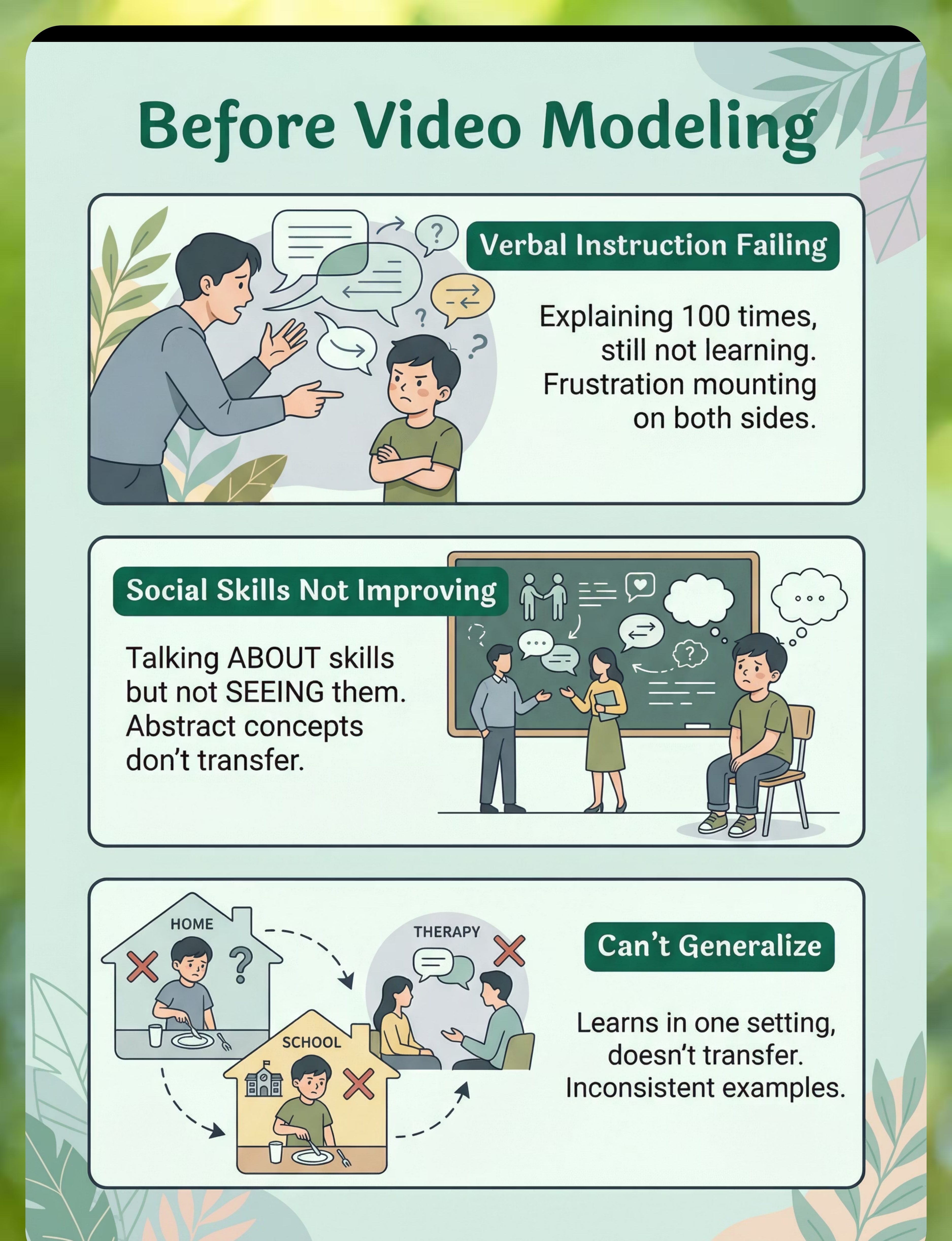
The Struggle (Before)
Can't Learn from Verbal Instruction
Situation: Parent explains skill repeatedly with words and demonstrations.
Experience: Child doesn't understand. Frustration builds on both sides. Skill remains unlearned no matter how many times it's explained.
Emotion: Frustrated, stuck, helpless
Social Skills Not Improving
Situation: Child attends social skills class where teacher talks ABOUT skills.
Experience: Child doesn't actually see the skills demonstrated. Instruction remains abstract. No improvement in real social situations.
Emotion: Abstract, not learning, confused
Can't Generalize
Situation: Child learns a skill in one specific setting with one specific person.
Experience: Skill doesn't transfer to other places or people. Needs consistent visual example but every demonstration is different. Skills remain fragmented.
Emotion: Fragmented, inconsistent, limited
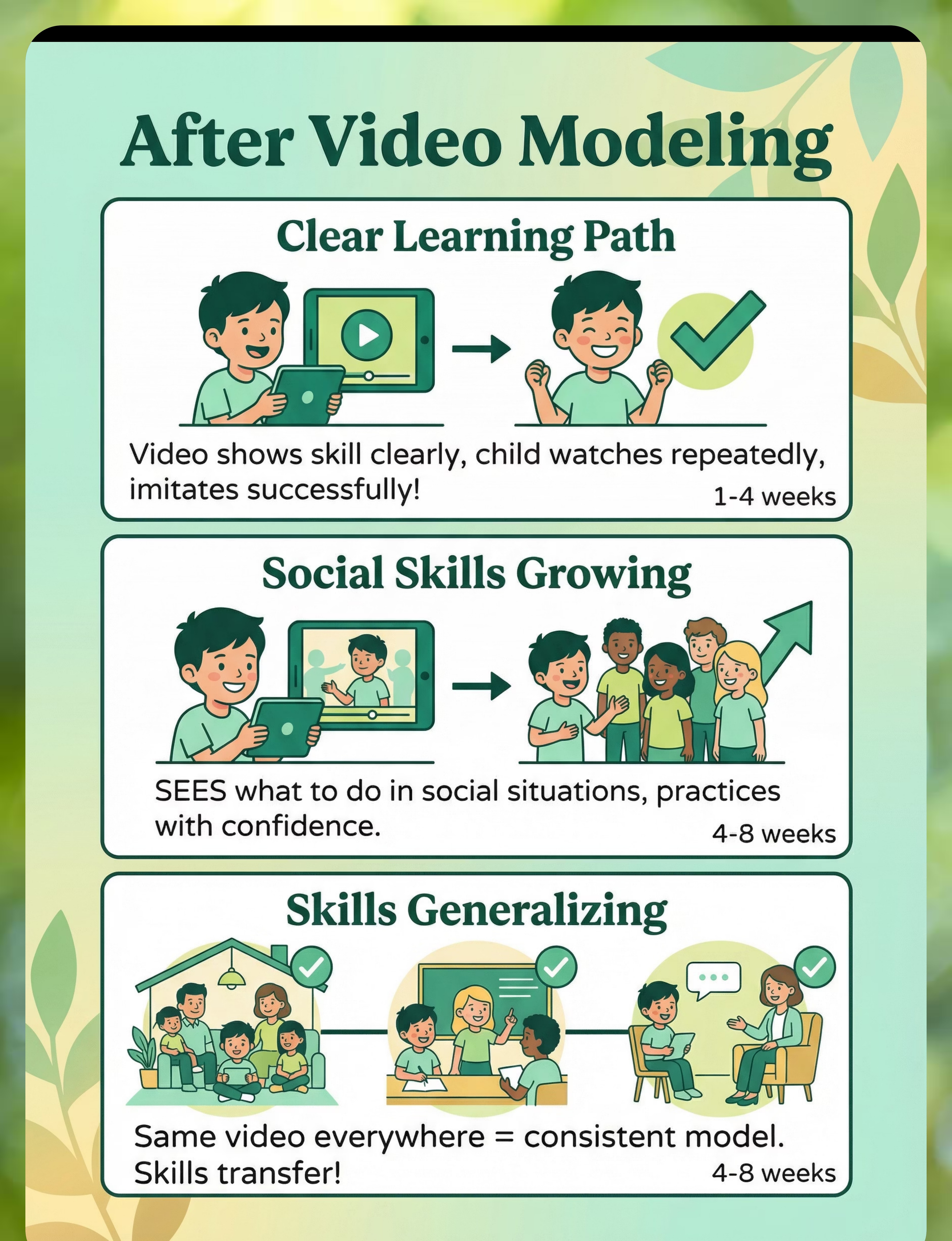
The Breakthrough (After)
Learning from Video Instruction
Situation: Video shows the target skill clearly and completely.
Experience: Child watches multiple times at own pace. Imitates successfully after viewing. Skill actually learned!
Emotion: Clear, learning, successful
Improving Social Skills
Situation: Video modeling shows actual social situations and interactions.
Experience: Child SEES exactly what to do and say. Practices with confidence. Social skills genuinely improving in real situations.
Emotion: Concrete, improving, confident
Achieving Generalization
Situation: Same video used consistently across all settings.
Experience: Consistent visual model helps skill transfer. Works at home, school, and therapy. Generalization actually happening.
Emotion: Consistent, generalizing, independent
video-modeling-resources therapy material
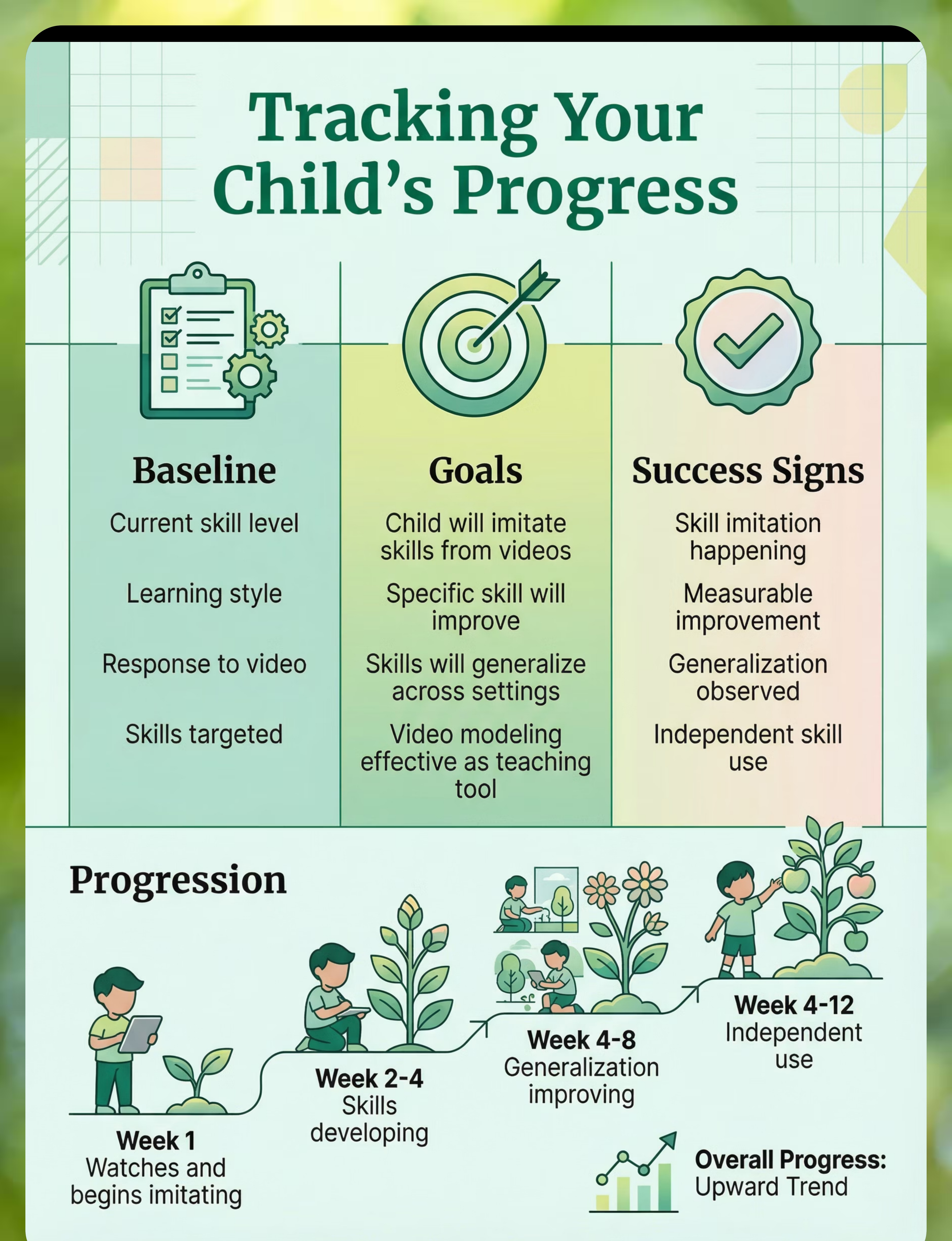
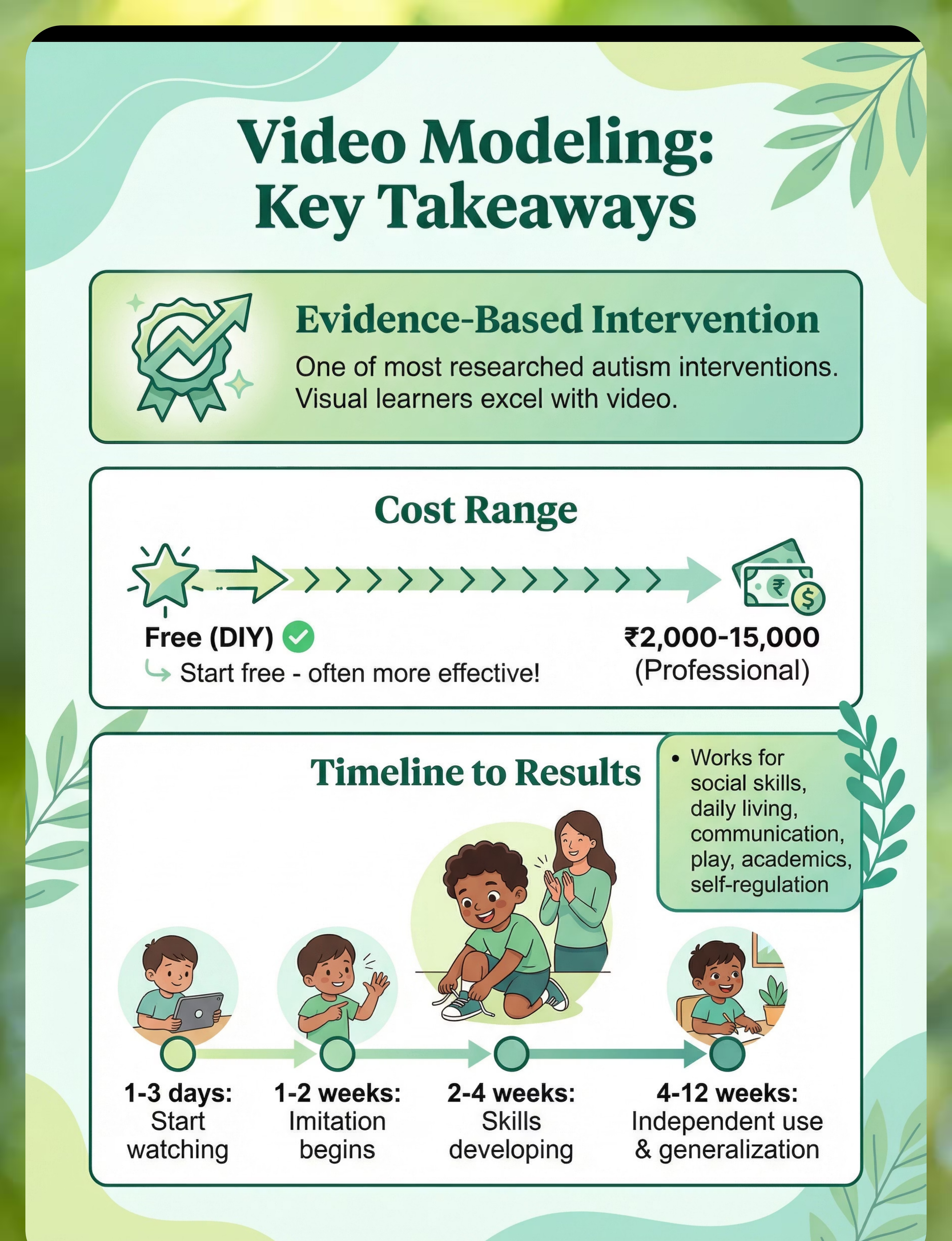
What to Expect (Realistic Timelines)
Video modeling creates measurable improvements when used consistently with practice. Here's what you can realistically expect as your child engages with video demonstrations and applies skills in real contexts.
Video modeling introduced
Begin showing videos and establishing viewing routine. Child becomes familiar with the format and process.
1-3 days
Child watches and imitates
Child begins attempting to imitate skills seen in videos. Initial practice with prompting and support.
1-2 weeks
Skills developing
Skills become more consistent with less prompting. Child shows improvement in targeted areas with continued viewing and practice.
2-4 weeks
Generalization improving
Skills begin transferring to different settings and situations. Child uses learned skills beyond original practice context.
4-8 weeks
Independent skill use
Child performs skills independently without video prompting. Skills become part of natural repertoire.
4-12 weeks
video-modeling-resources therapy material
Is This Right for My Child? (2-Minute Check)
Answer these quick questions to see if video modeling is likely to be effective for your child. Three or more "yes" answers indicate a strong fit.
Does your child learn better from watching than verbal instruction? If yes, this indicates: Video modeling likely effective
Does your child need to see skills demonstrated? If yes, this indicates: Video modeling helpful
Has your child benefited from watching videos to learn? If yes, this indicates: Video modeling effective for this child
Would consistent visual examples help your child? If yes, this indicates: Video modeling provides consistency
3+ 'yes' answers = strong fit for video modeling resources
video-modeling-resources therapy material
Common Questions (Honest Answers)
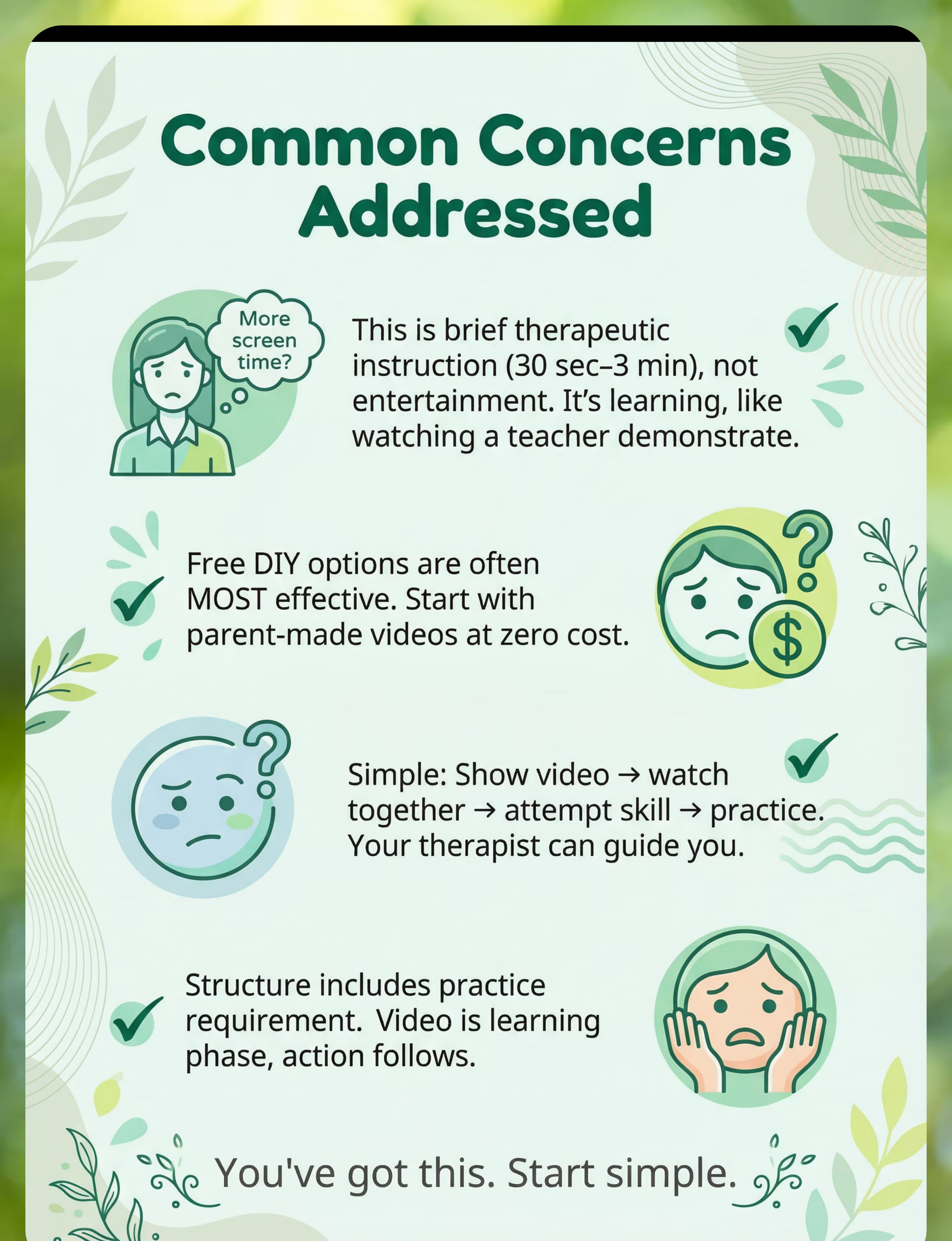
Q: Won't this just add more screen time?
A: Video modeling is brief and therapeutic - just 30 seconds to 3 minutes per session. It's targeted instruction, not entertainment. Think of it like watching a demonstration from a teacher. This is quality learning time, not passive screen use.
Try this: Use videos for brief therapeutic instruction, not entertainment. Always follow with immediate practice.
Q: Commercial programs are expensive - can I afford this?
A: Free options exist. YouTube has some quality video modeling content. DIY parent-made videos cost nothing and are often most effective. Start with free resources, then invest in commercial programs only if helpful for your situation.
Try this: Begin with free options like DIY videos; parent-made versions often work best due to familiarity.
Q: I'm not sure how to use it effectively
A: The approach is simple: Show video, watch together, attempt the skill, repeat. Your SLP or therapist can guide you. Many resources explain video modeling techniques clearly for parents.
Try this: Show video, watch together, practice immediately afterward. Therapist can provide structure and guidance.
Q: Will they just want to watch and not actually do the skill?
A: Structure your sessions so practice is required after watching. Video is the learning phase, action must follow. Prompt imitation immediately after viewing to ensure the doing happens, not just passive watching.
Try this: Build structure requiring practice after viewing. Prompt action immediately to reinforce doing.
video-modeling-resources therapy material
Usage Guide
When to Use Video Modeling
  • Teaching new skills across domains
  • Before challenging situations to prepare
  • When verbal instruction isn't working
  • Preparing for new experiences
  • Building confidence through self-modeling
When NOT to Use Video Modeling
  • As replacement for actual practice
  • If child is not attending to video
Settings & Duration Guidelines
Best Settings: Home, School, Therapy, Community
Video Length: 30 seconds - 3 minutes
Session Duration: 5-10 minutes including practice
Age Appropriateness: Ages 2+ years (content should match developmental level)
Supervision by Age
Age/Stage
Supervision Level
Notes
Young children
Watch together, guide practice
Full support during viewing and practice
Developing skills
Watch together, prompt practice
Support with prompts to practice
Older/skilled
Independent viewing with practice
Can view independently, practice with check-ins
video-modeling-resources therapy material
Safety First
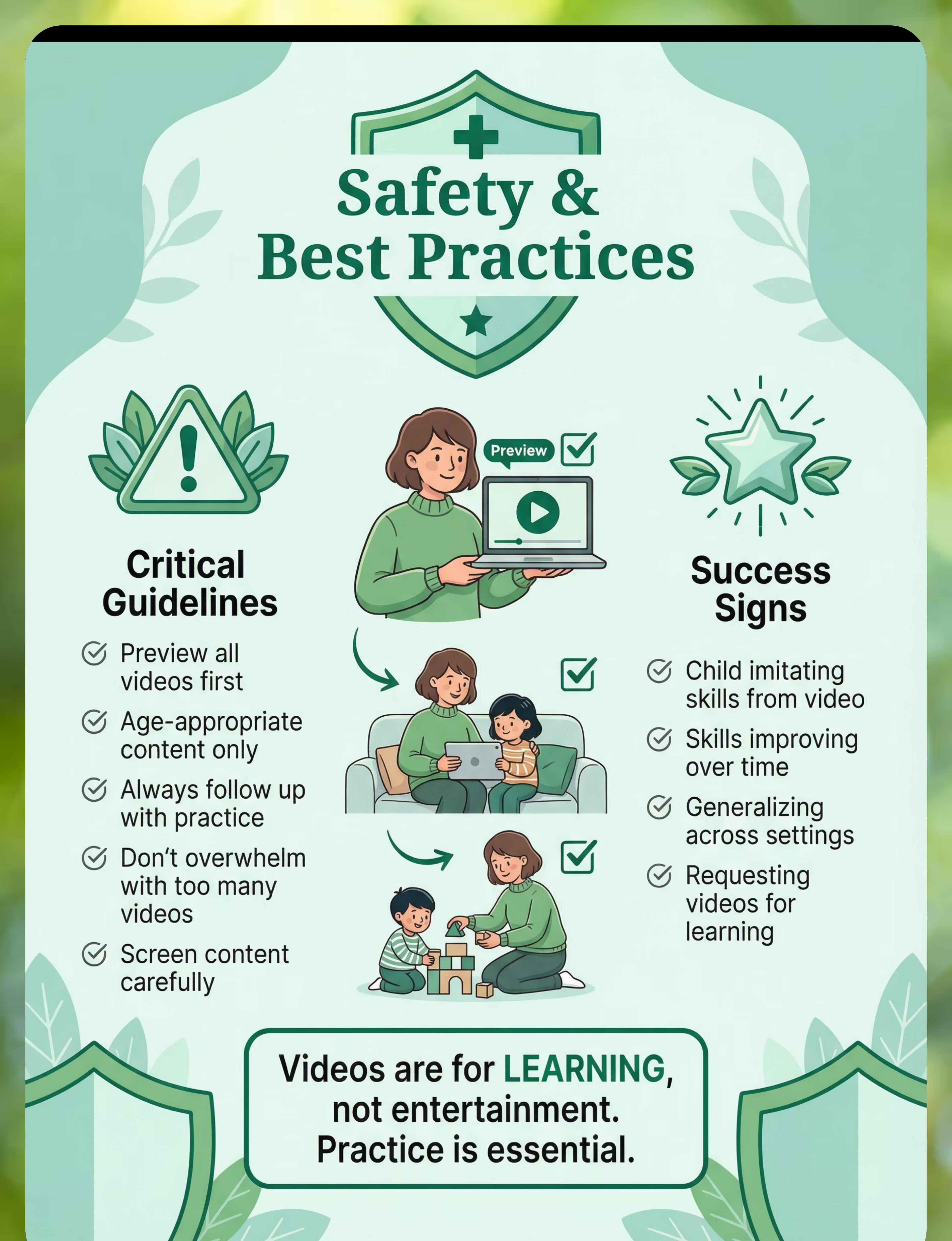
Critical Safety: Preview Videos
Always preview all videos before showing them to a child to ensure suitability.
Critical Safety: Age-Appropriate Content
Ensure all video content is strictly age-appropriate and relevant to the child's developmental level.
Critical Safety: Follow Up with Practice
Video viewing must always be followed up immediately with hands-on practice of the skill.
Critical Safety: Avoid Overwhelm
Do not present too many videos at once; introduce new content gradually.
Warning: Learning, Not Entertainment
Emphasize that videos are tools for learning and skill development, not for casual entertainment.
Warning: Practice is Mandatory
A practice component is an indispensable part of every video modeling session.
Warning: Content Screening
Carefully screen all content for safety and appropriateness before each use.
Contraindicated: Passive Viewing
Watching videos without actively practicing the skills is ineffective and should be avoided.
Contraindicated: Unsuitable Content
Using content that is not suitable for the child's age or developmental stage is counterproductive.
Before Use
  • Video selected for specific skill goal
  • Content previewed by adult
  • Practice plan in place
  • Child ready to attend
During Use
  • Child watching and attending well
  • Comprehension checked
  • Practice attempted immediately
  • Skill developing with support
Signs of Success
  • Imitating skills from videos
  • Skills improving consistently
  • Generalizing to new settings
  • Requesting videos for learning
video-modeling-resources therapy material
Investment Guide
Video modeling resources range from completely free parent-made options to comprehensive commercial programs. Choose based on your needs, budget, and whether personalized or professional content works best for your child.
Budget Option
0
DIY parent-made videos + free YouTube resources. Often the most effective due to familiarity and personalization.
Premium Option
3000
Commercial video modeling curriculum (₹3,000-15,000). Includes brands like Model Me Kids, Watch Me Learn.
DIY Parent-Made Videos
Utilize your smartphone or camera to film in familiar environments, featuring familiar people to customize to exact needs. Create video self-modeling for personalized learning.
Free YouTube Resources
Access a wealth of free educational content on YouTube. Remember to carefully screen all videos for suitability and age-appropriateness before use.
Start with Free Resources
Begin with free DIY videos and YouTube. Parent-made videos are often most effective due to familiar people and settings.
Consider Commercial Programs
Invest in commercial programs only if you need comprehensive curricula or professional production quality for diverse skill domains and structured programs.
Overall Investment Range
The total investment can range from ₹0 to ₹15,000 (USD $0-180), depending on chosen resources and program duration.
Where to Buy in India
video-modeling-resources therapy material
Availability: Online/Streaming platforms
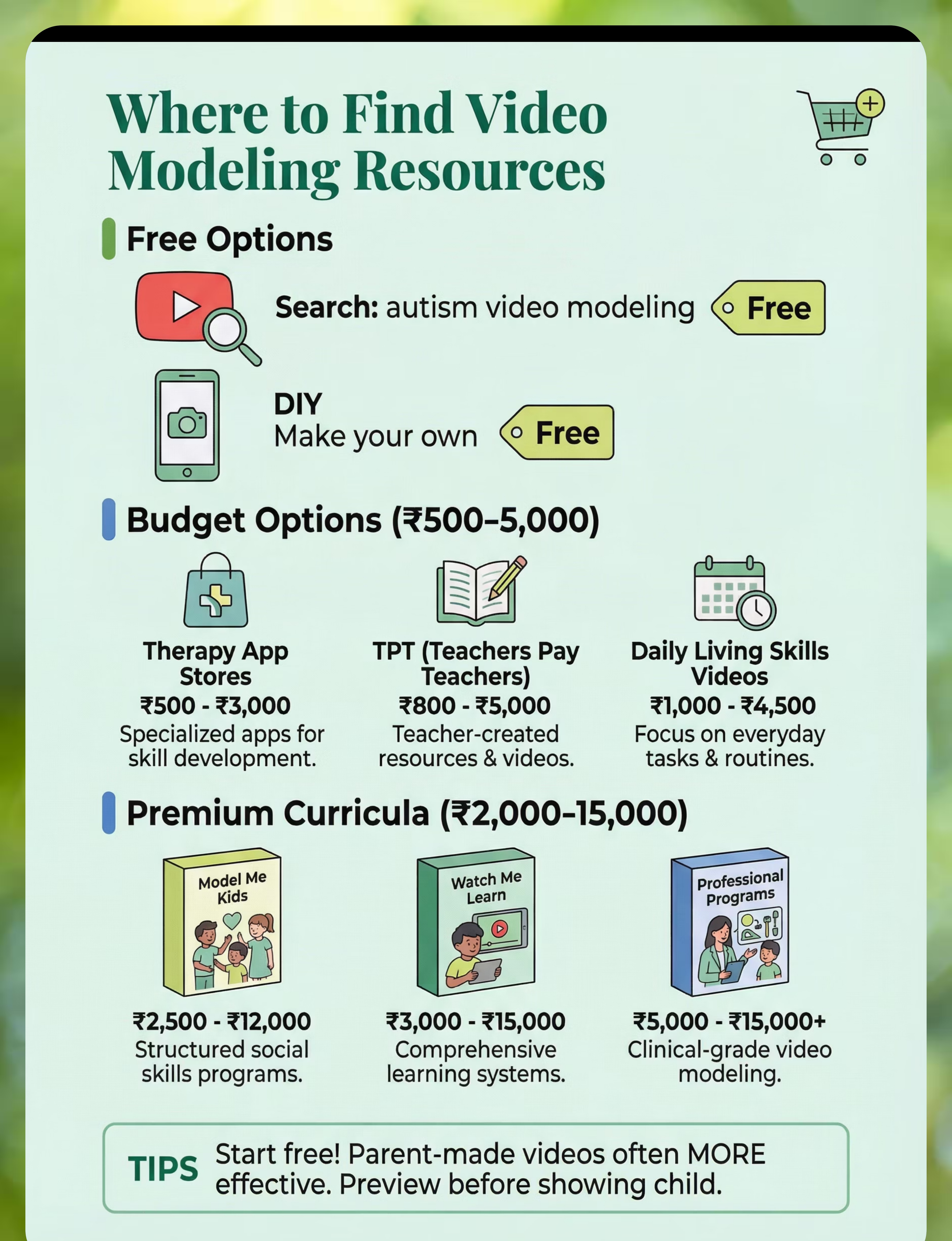
YouTube
Search: "autism video modeling"
Price: Free
Wide variety of free video modeling content. Preview carefully for quality and appropriateness.
Various Websites
Search: "Model Me Kids"
Price: ₹2,000-8,000
Professional commercial programs with comprehensive curricula for purchase or streaming.
DIY Creation
Search: "Make own videos"
Price: Free
Create personalized videos using smartphone. Often most effective option.
TPT (Teachers Pay Teachers)
Search: "video modeling resources"
Price: Variable
Educational marketplace with varied video modeling materials and guides.
Therapy App Stores
Search: "social skills videos"
Price: Variable
App-based video modeling programs available on iOS and Android platforms.

Buying Tips
  • Parent-made videos are often most effective due to familiarity
  • Keep videos short and focused on single skills
  • Use child's actual environment when possible
  • Video self-modeling is particularly powerful
  • Always preview content before showing to child

Red Flags to Avoid
  • Videos that are too long or complex
  • Too much irrelevant content or distractions
  • Poor quality or confusing demonstrations
  • Age-inappropriate content
video-modeling-resources therapy material
DIY Alternative (Save 100%)
Feasibility: Very High | Time Investment: 5-30 minutes per video | Cost Savings: 100% (completely free)
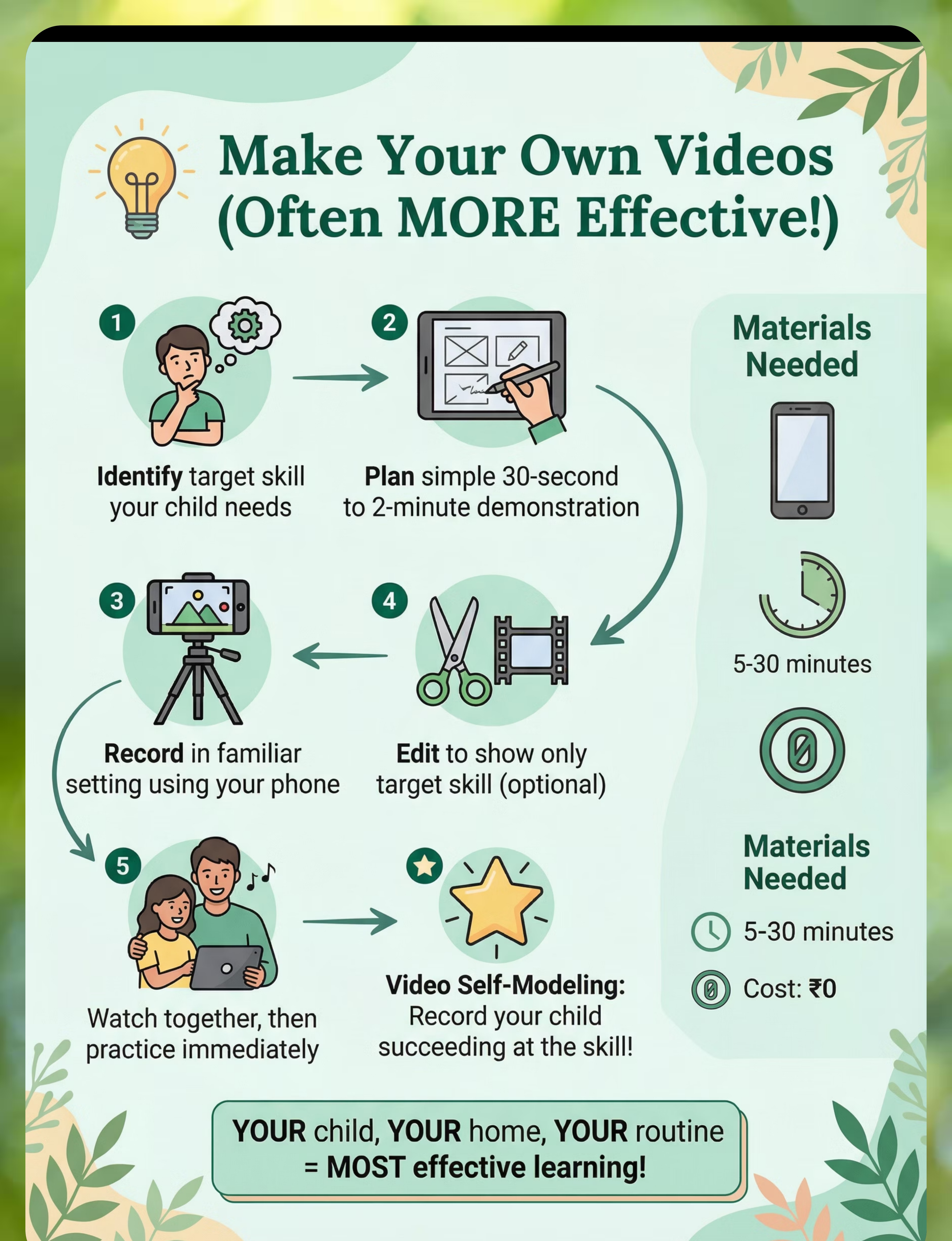
What You'll Need
  • Smartphone or camera with video capability
  • Video editing app (optional but helpful)
  • Quiet, well-lit space
  • Person to demonstrate skill (or child for self-modeling)
Step-by-Step Instructions
1
Identify target skill
Choose one specific skill to demonstrate clearly
2
Plan demonstration
Prepare simple 30 second - 2 minute demonstration
3
Record in familiar setting
Film in environment child knows and recognizes
4
Edit to show target skill
Trim to show only the skill, remove extras (optional)
5
Watch and practice together
View with child, then practice skill immediately
6
For self-modeling: record success
Capture child performing skill successfully
DIY vs Commercial Comparison
Factor
When to DIY
When to Buy Commercial
Skill specificity
Specific skills for your child
Comprehensive curriculum needed
Setting
Familiar settings and people
Social scenarios with multiple people
Type
Video self-modeling
Professional quality desired
Budget
Cost savings priority
Budget available for quality programs
Time
Have time to create
Time constraints
Key Tradeoff: DIY videos are often MORE effective than commercial programs due to the power of familiarity. Children respond strongly to seeing familiar people, places, and objects in videos.

Preview of video modeling resources Therapy Material

Below is a visual preview of video modeling resources therapy material. The pages shown help educators, therapists, and caregivers understand the structure and content of the resource before use. Materials should be used under appropriate professional guidance.

Page 1
Page 2
Page 3
Page 4
Page 5
Page 6
Page 7
Page 8
Page 9
Page 10
Page 11
Page 12
Page 13
Page 14
Page 15
Page 16
Page 17
Page 18
Page 19
Page 20
Link copied!
video-modeling-resources therapy material
Measuring Success & Next Steps
Measuring your child's development helps you see what's working and adjust your approach. Track these key indicators to document progress with video modeling.
Baseline (Measure First)
  • Current skill level in target areas
  • Child's learning style preferences
  • Initial response to video demonstrations
  • Specific skills you're targeting
Goals to Set
  • Child will imitate skills from video modeling
  • Specific targeted skill will improve
  • Skills will generalize across settings
  • Video modeling will be effective teaching tool
Success Indicators
  • Skill imitation improving
  • Targeted skill development
  • Generalization happening
  • Independent skill use emerging

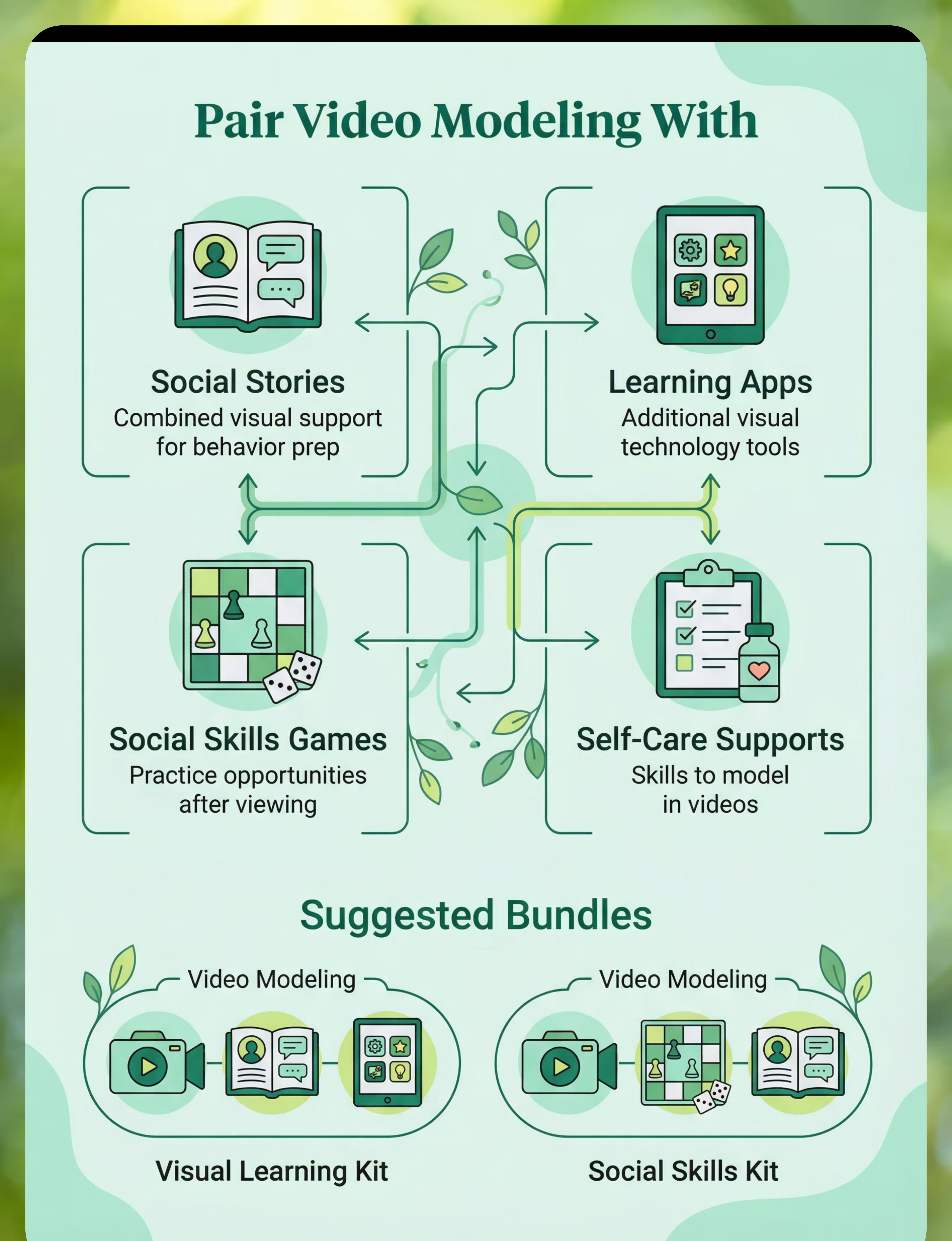
Complete the Kit
Video modeling works even better when combined with complementary tools. Consider pairing with these resources:
Social Stories (Tool ID: 4.1)
Combined visual support for social learning. Stories + videos = powerful combination.
Learning Apps (Tool ID: 16.2)
Other visual technology tools for skill building and practice.
Social Skills Games (Tool ID: 4.3)
Practice opportunities for skills learned through video modeling.
Self-Care Supports (Tool ID: 9.1)
Visual supports for daily living skills shown in videos.
Recommended Bundles
  • Visual Learning Kit: Video Modeling (16.4) + Social Stories (4.1) + Learning Apps (16.2) — Comprehensive visual learning system
  • Social Skills Kit: Video Modeling (16.4) + Social Skills Games (4.3) + Social Communication Tools (4.2) — Complete social learning support

Quick Summary
Video modeling resources provide visual skill demonstrations that can be watched repeatedly for learning through imitation, with strong evidence for autism intervention. Core Kit (Rank 2), strong evidence, highly effective visual learning approach that works across all settings and skill domains.
video modeling
visual learning
social skills
imitation
technology
SLP
SpEd
core-kit
Common searches: video modeling autism, autism learning videos, social skills video, video self-modeling, Model Me Kids, visual learning autism, skill teaching video

Get Support

FREE National Autism Helpline
Phone: 9100 181 181
Languages: 16+ languages supported
Website: pinnacleblooms.org
Connect with expert guidance on video modeling and all therapeutic resources.
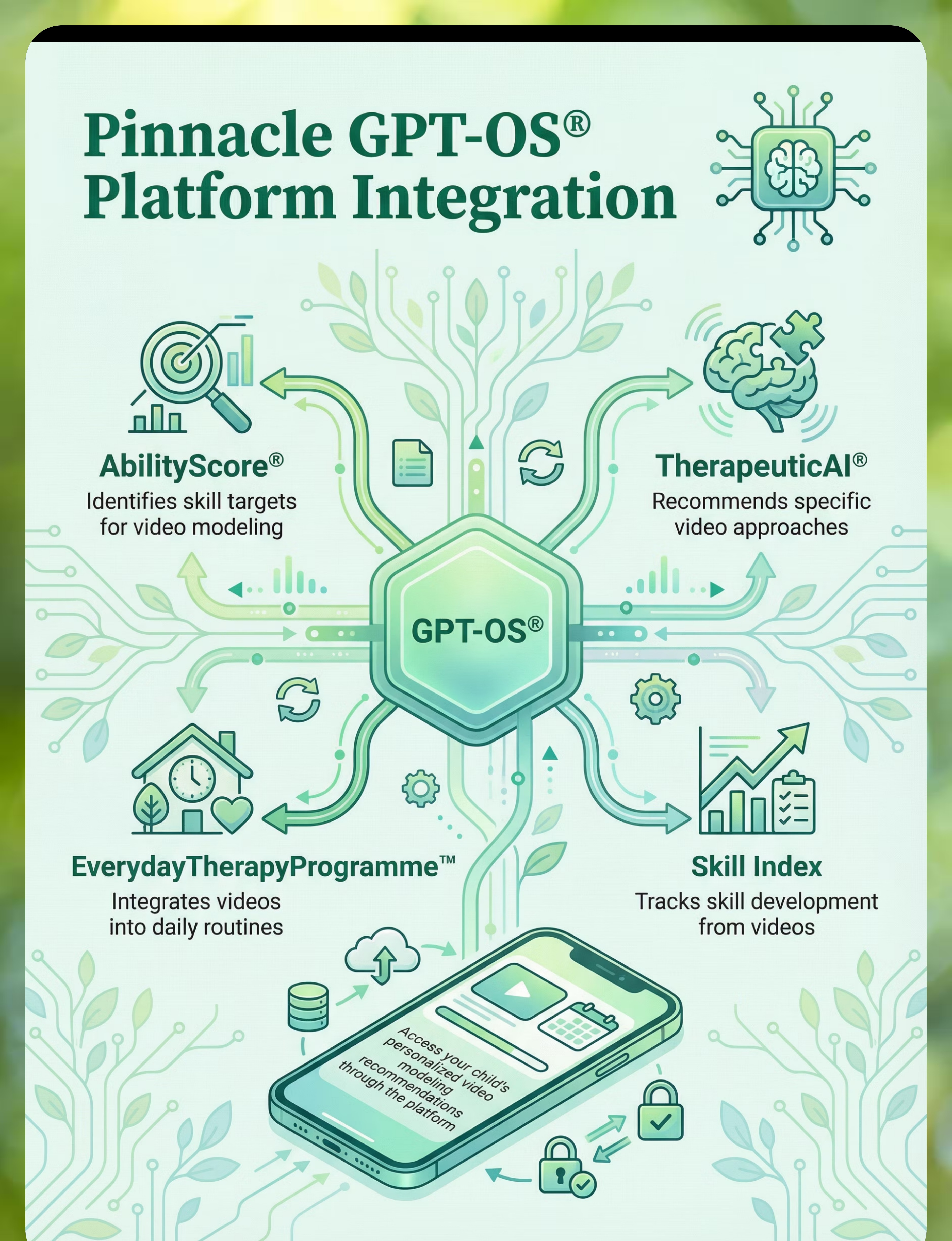
Platform Integration
Video modeling resources integrate seamlessly with Pinnacle Blooms Network's comprehensive platform:
  • AbilityScore® identifies specific skill targets that video modeling can address
  • TherapeuticAI® recommends appropriate video modeling resources based on individual needs
  • EverydayTherapyProgramme™ incorporates video modeling into daily home routines
  • Skill Index tracks development and progress as skills improve through video modeling

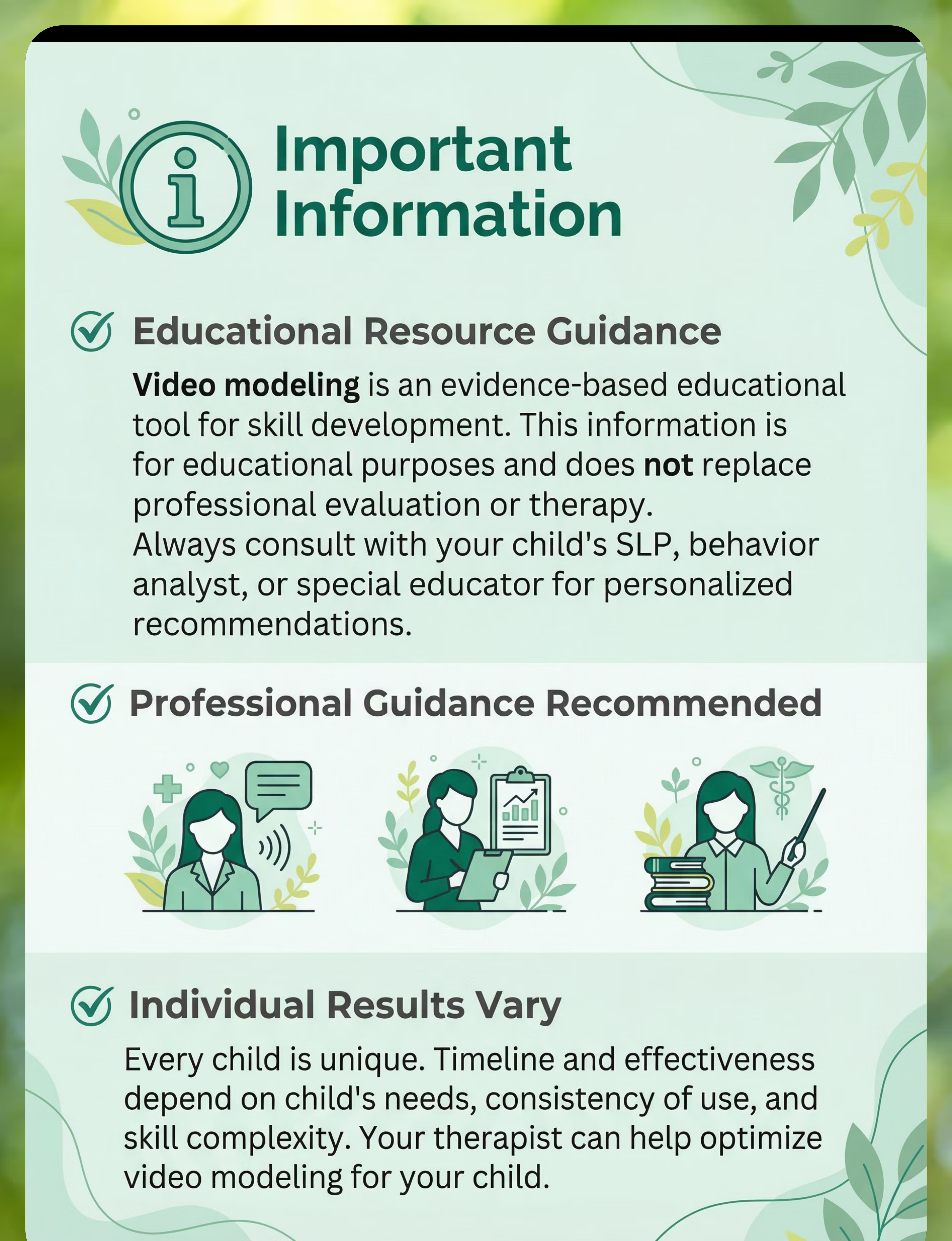
Disclaimer: This is educational information. Video modeling is an evidence-based intervention, but individual results vary. Always consult qualified occupational therapists, speech-language pathologists, or pediatricians for personalized guidance on implementing video modeling for your child's specific needs.