











Tool ID: 18.3
Tool ID: 18.3
SpEd + SLP Recommended
Strong Evidence
Rank #1
Daily Use
₹0–500
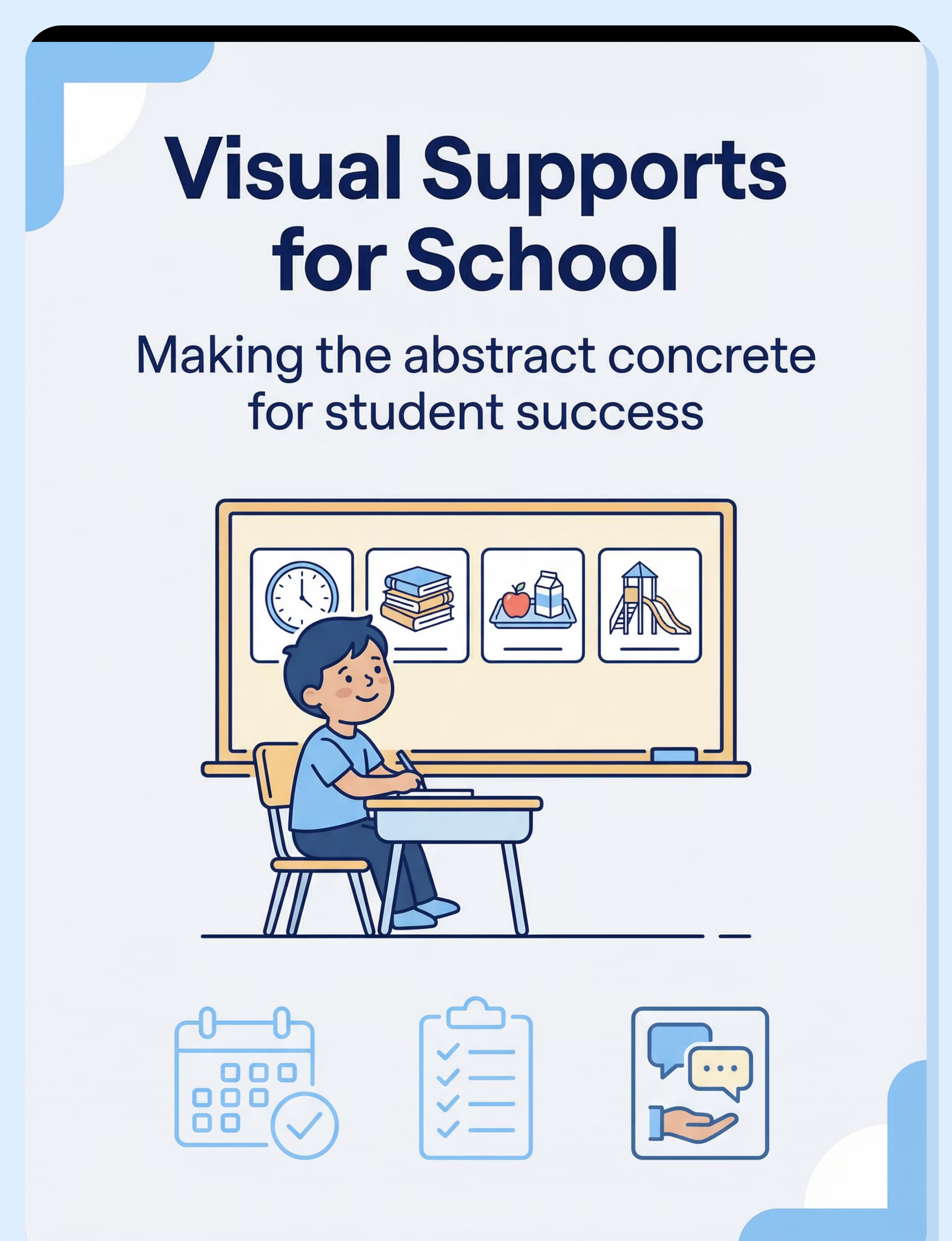
Visual Supports for School Success
Evidence-Based Tools to Help Your Child Thrive in the Classroom
Who This Helps
Visual supports provide essential scaffolding in school environments, making abstract concepts concrete and expectations clear. They increase understanding, independence, and success through visual communication and organization.
Students who struggle with verbal instructions
Visual processing may be stronger than auditory — multi-modal support helps learning stick.
Children who need predictability and structure
Knowing what comes next reduces anxiety and helps students engage fully in learning.
Learners working on independence and organization
Visual tools create external memory systems that support self-management skills.
Comprehension
Independence
Organization
Communication
Behavior
Anxiety Reduction
Age Range: 3+ years (all school ages) — complexity increases with age
Best Settings: All school environments
Does This Sound Familiar?
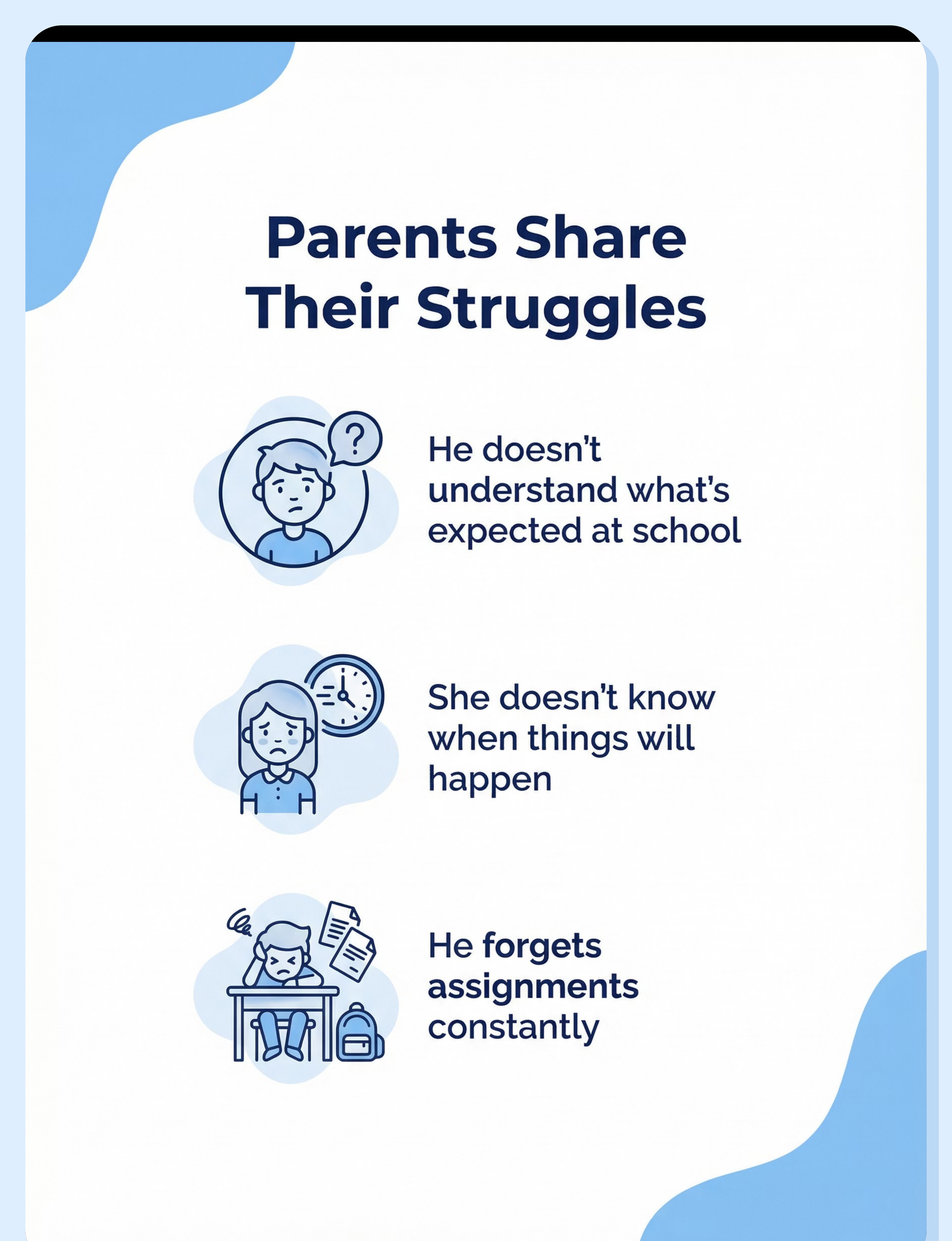
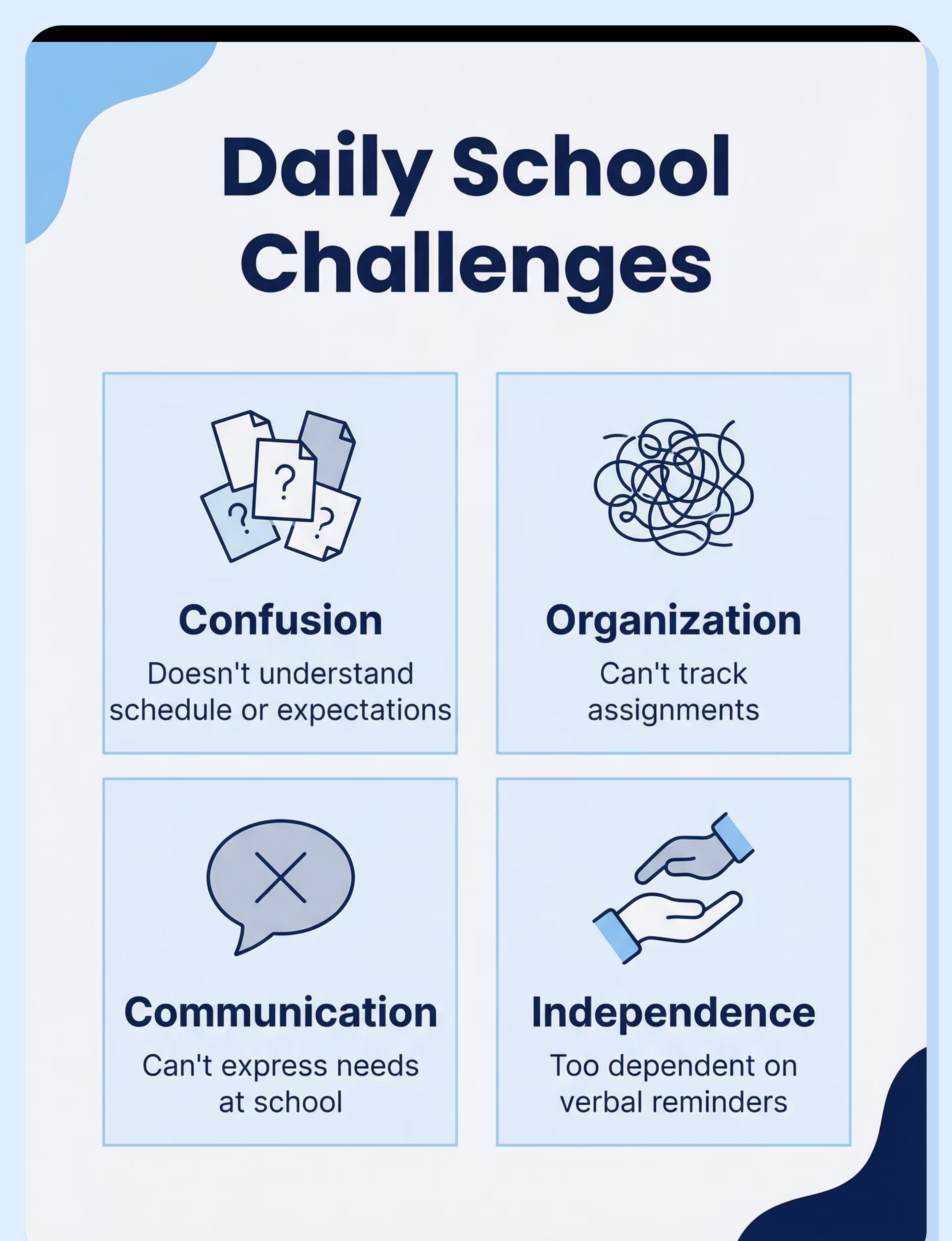
"He doesn't understand what's expected. Every day feels like a surprise, and that uncertainty turns into behaviors we're all trying to manage."
"She doesn't know when things will happen. The constant 'when is lunch?' and 'when do we go home?' questions show how lost she feels without visual structure."
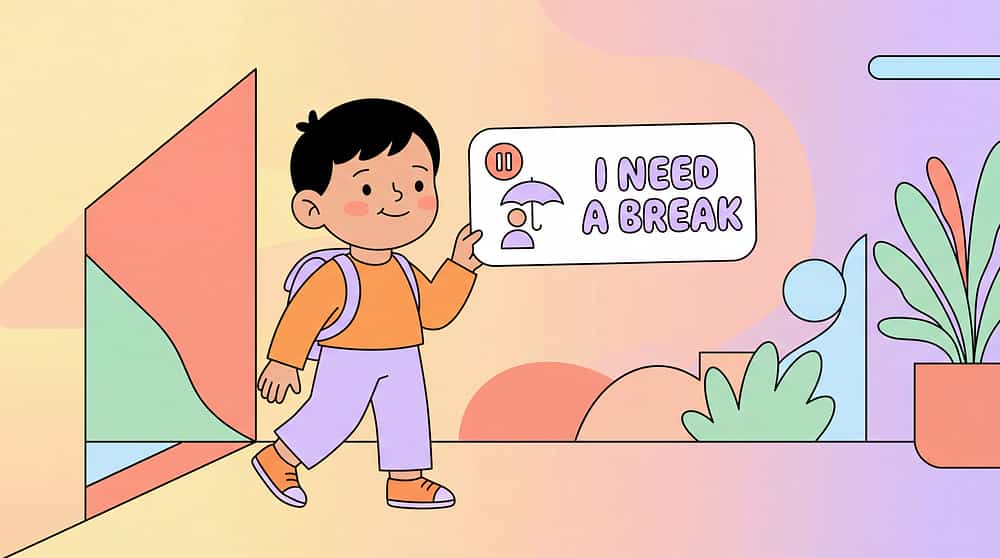
"He can't ask for help at school. He needs the bathroom, needs a break, needs support — but has no way to communicate those needs, and then behaviors happen."
"She forgets assignments constantly. Homework, materials, what to bring — it all slips through the cracks despite her best efforts."
"He doesn't know the classroom rules. What's okay? What's not? The confusion leads to accidental rule-breaking and consequences he doesn't understand."
"She's lost without structure. Verbal instructions disappear, routines feel mysterious, and school becomes an unpredictable maze every single day."

You're not alone. These are common challenges for children who process information visually. Visual supports transform confusion into clarity, uncertainty into confidence, and dependence into independence.
A Day Without the Right Support
Morning Confusion
School day begins with uncertainty. What happens first? When is my favorite class? The unpredictability triggers immediate anxiety that colors the entire day ahead.
Transition Struggles
Moving between activities becomes stressful. No warning, no preparation, just sudden changes. Each transition is a potential crisis when students can't anticipate what's coming next.
Communication Breakdown
Needs go unmet throughout the day. Bathroom urgency, sensory overwhelm, confusion about tasks — but no way to express these needs clearly. Frustration builds into visible behaviors.
Lost Assignments
Homework instructions evaporate. Materials stay at school. What was due today? The organizational demands become insurmountable without visual tracking systems.
Behavior Consequences
Unmet needs and confusion result in behaviors. Consequences follow, but the child doesn't understand why — the cycle continues because the root cause remains unaddressed.
The Science Behind It
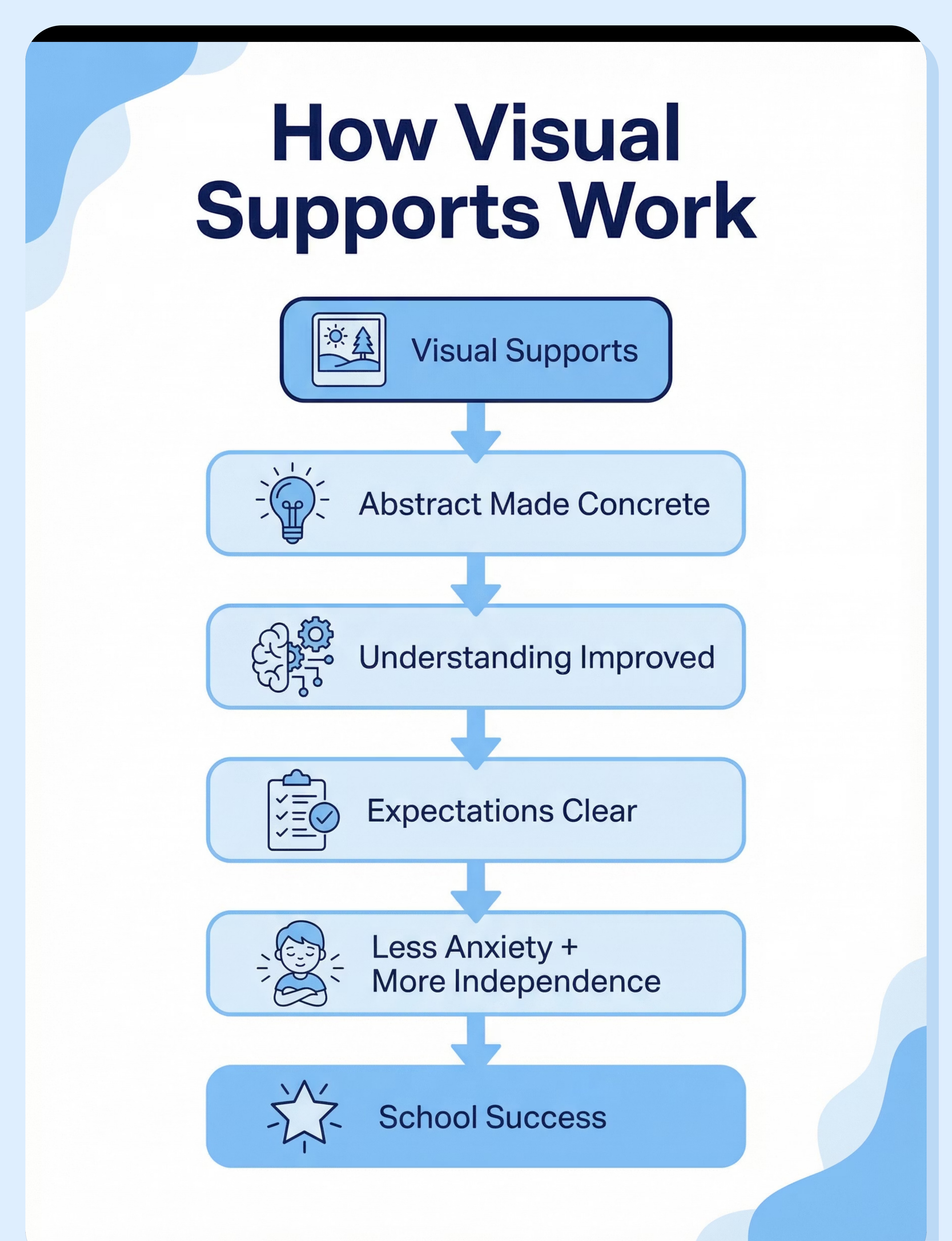
Visual supports leverage the brain's powerful visual processing systems to make abstract concepts concrete and memorable. Here's the neurological pathway to school success:
Visual Supports Introduced
Schedules, task cards, rules posters provide external structure and memory support
Abstract Made Concrete
Invisible expectations become visible, temporal concepts become spatial, verbal instructions become visual references
Understanding Improves
Visual processing pathways engage, comprehension deepens, information retention increases
Expectations Clear
Students know what to do, when to do it, and what comes next — uncertainty vanishes
Independence Increases
Self-reference replaces constant adult prompting, autonomy grows, confidence builds
Anxiety Reduces
Predictability soothes nervous system, emotional regulation improves, learning readiness increases
Performance Improves
With reduced anxiety and clear expectations, academic and behavioral success follows
School Success
Sustainable achievement, positive school experience, foundation for lifelong learning
Target Areas
Comprehension
Independence
Organization
Communication
Behavior
Anxiety Reduction
How to Use Visual Supports Right
Implementation quality determines success. Visual supports work best when thoughtfully designed, consistently used, and properly taught. Here's how to maximize their effectiveness:
1
Whole Class Benefit
Universal design creates inclusive environment, reduces stigma, helps every learner access information through multiple modalities.
2
Individual Needs
Personalized supports at desk level address unique requirements without singling out or overwhelming the student.
3
Home and School Consistency
Coordinated visual systems across environments reinforce learning and reduce confusion from differing formats.
4
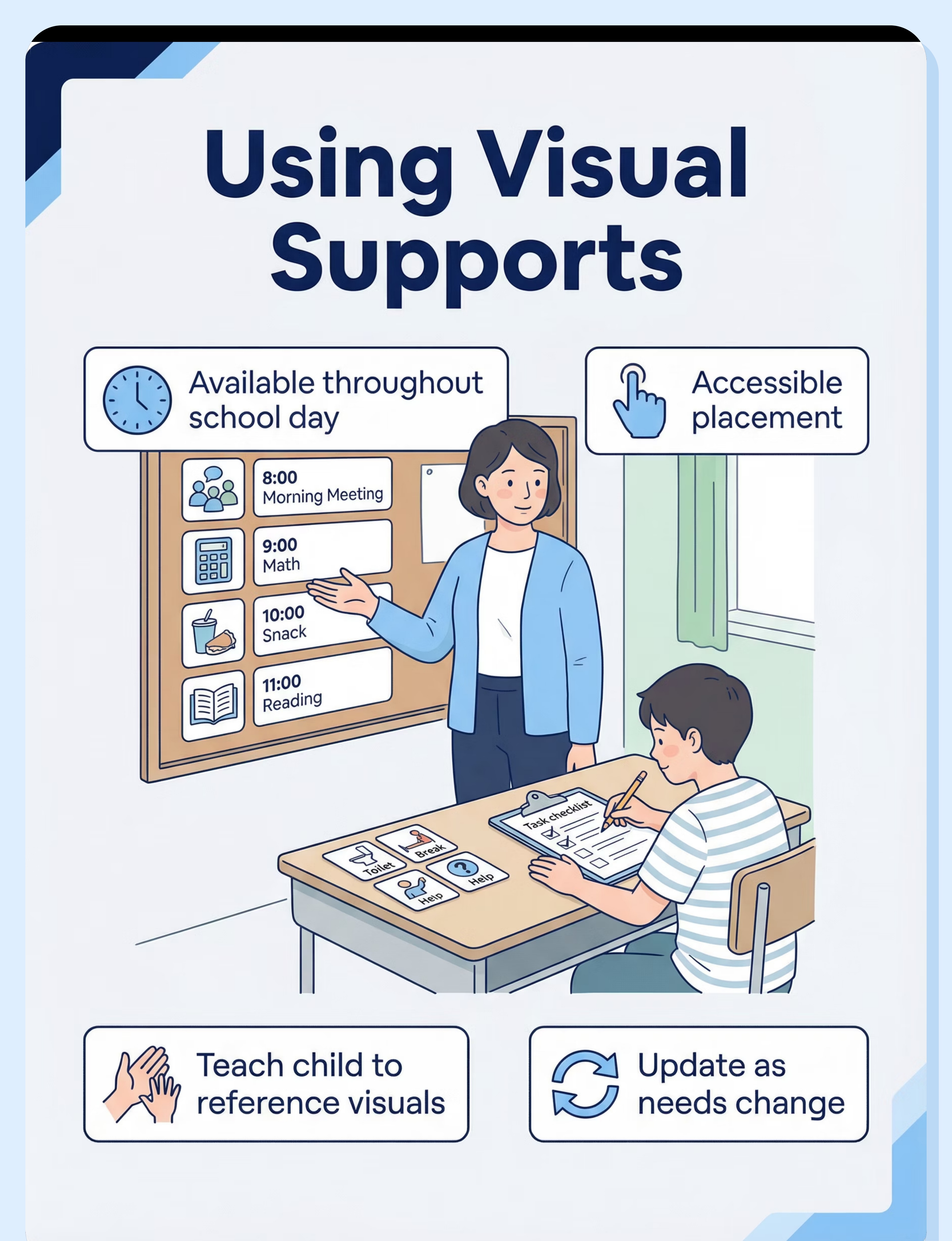
Teach Referencing
Explicit instruction and prompting help students learn to use supports independently rather than waiting for adult direction.
5
Update as Needs Change
Evolving skills require evolving supports — regularly assess and adjust complexity and type of visual assistance.
6
Non-Stigmatizing Presentation
Normalize supports for everyone, use attractive designs, position discreetly when needed to protect dignity.

Recommended Duration: Visual supports should be available throughout the school day, accessible whenever students need to reference them. Consistency is key to building independence.
Expert Perspective
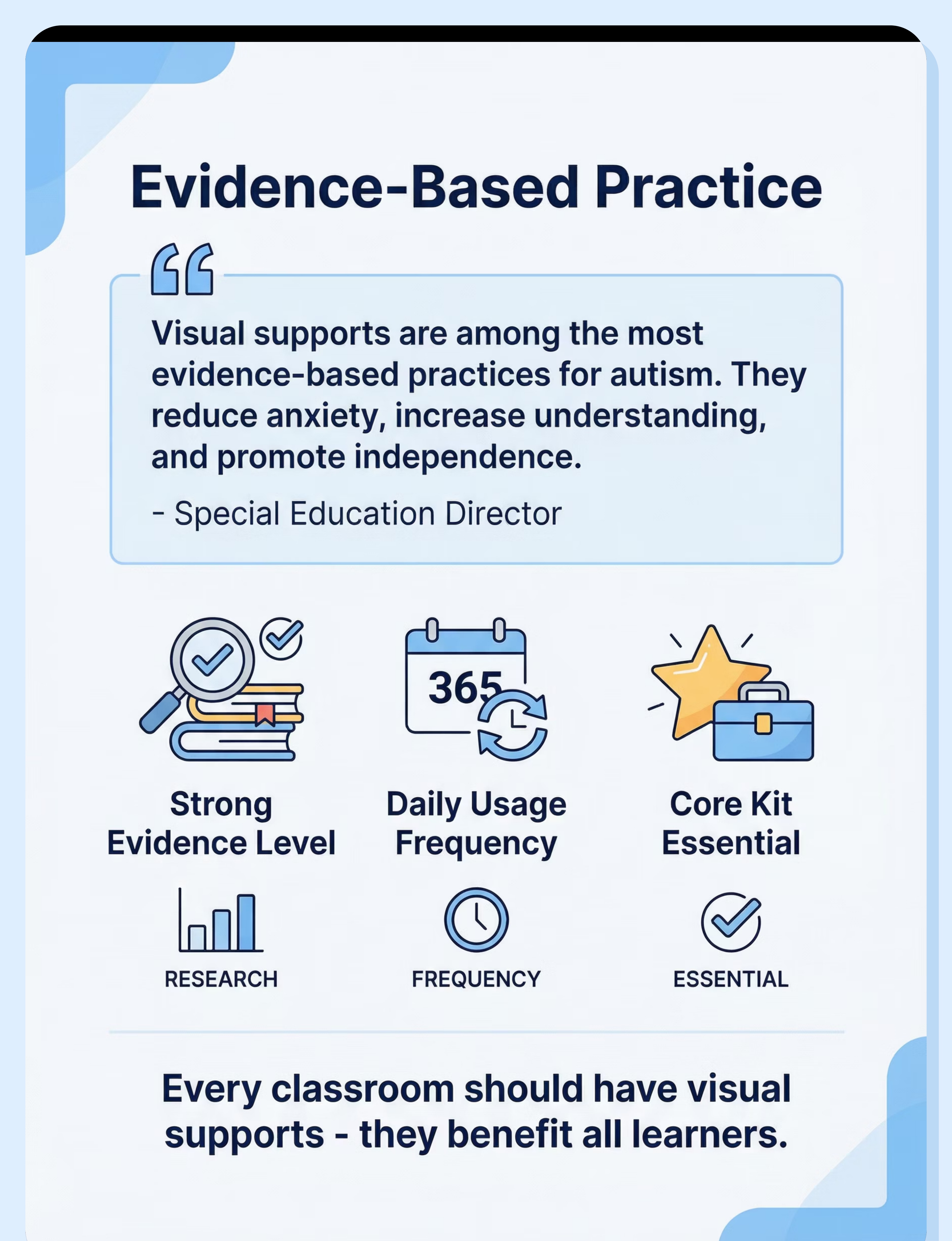
"Visual supports are among the most evidence-based practices for autism. In school settings, they reduce anxiety, increase understanding, and promote independence. Every classroom should have visual supports — they benefit all learners."
— Special Education Director
SpEd + SLP Recommended
Core collaboration between special education and speech-language pathology
Strong Evidence
Extensive research supports effectiveness across diverse learners and settings
Rank #1 in Category
Top-rated accommodation in School Supplies & Accommodations category
Core Kit Essential
Fundamental accommodation that should be available in every educational environment
How to Choose
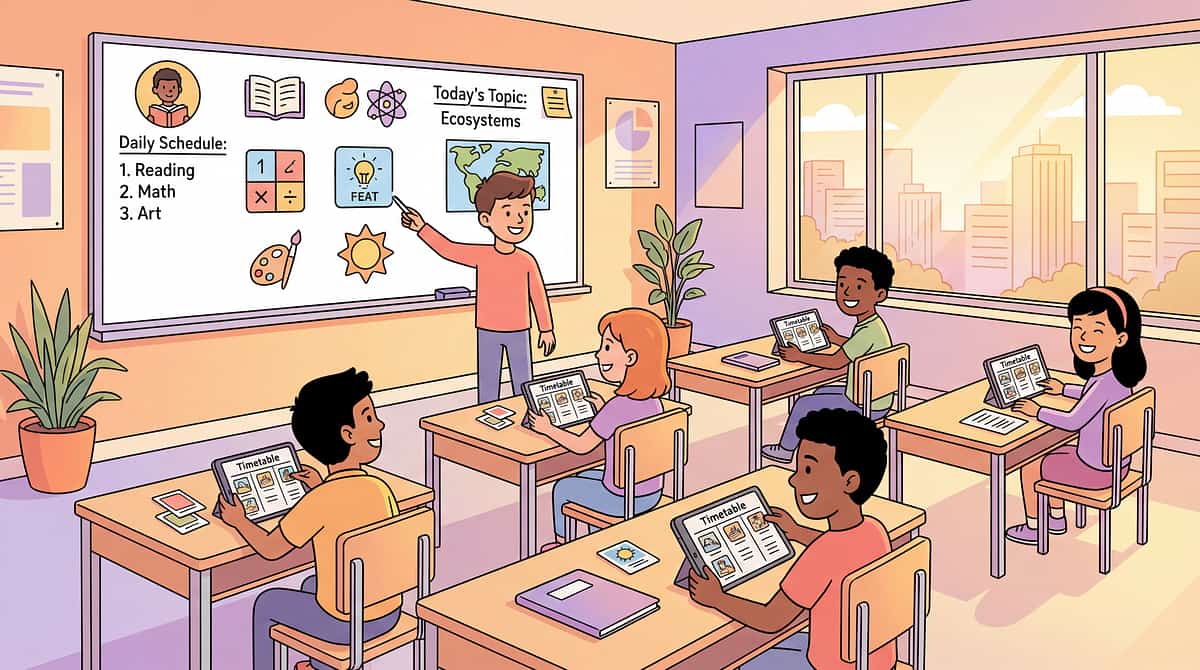
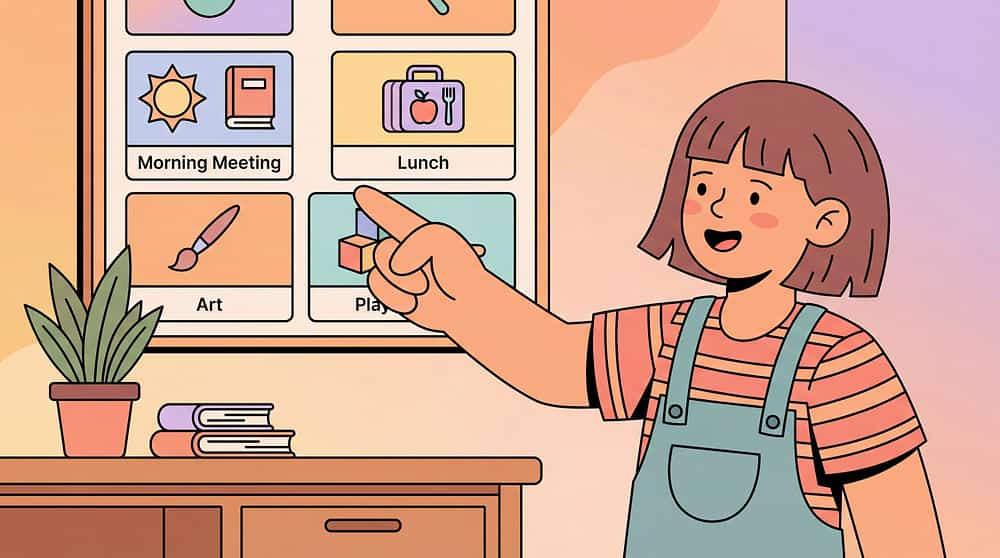
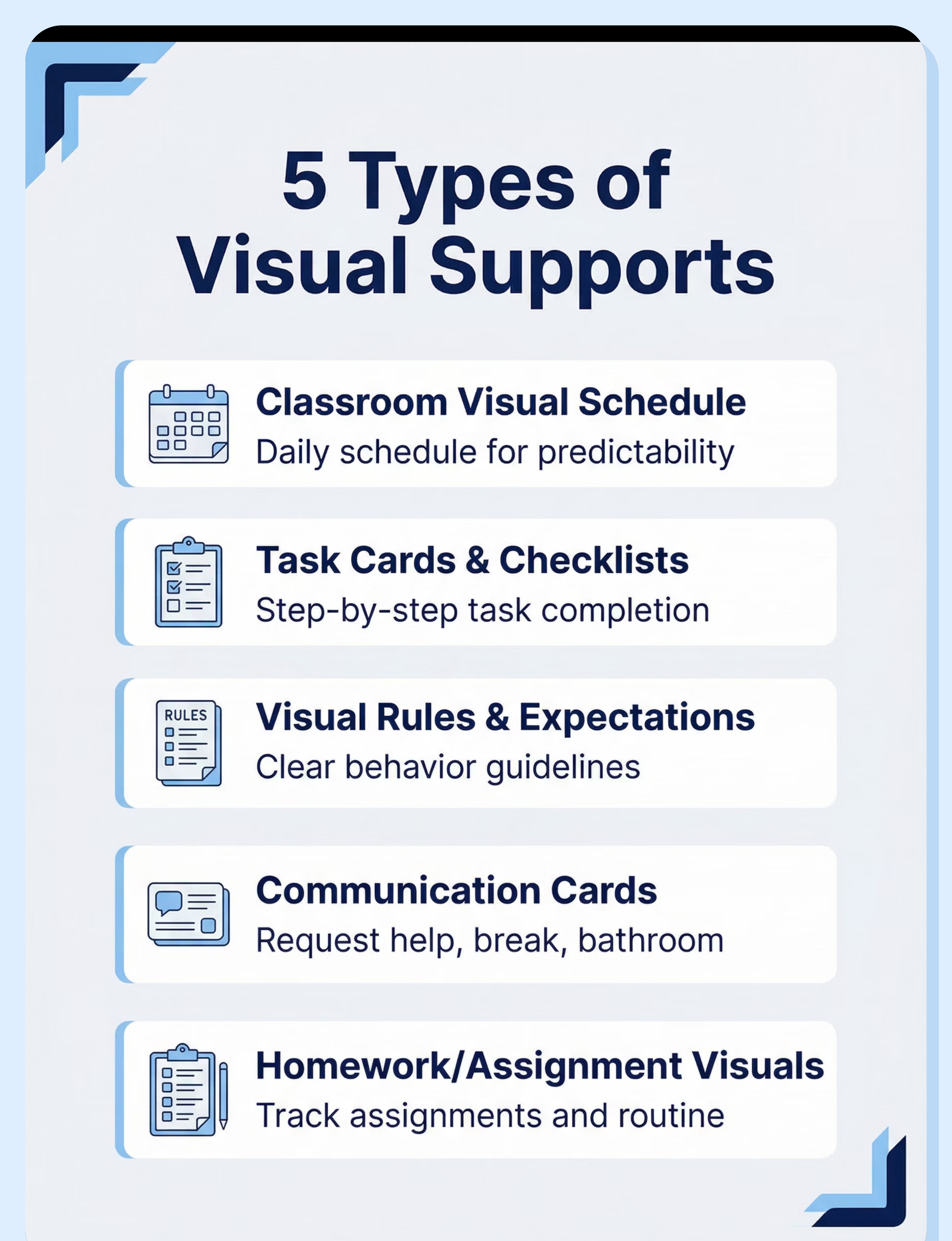
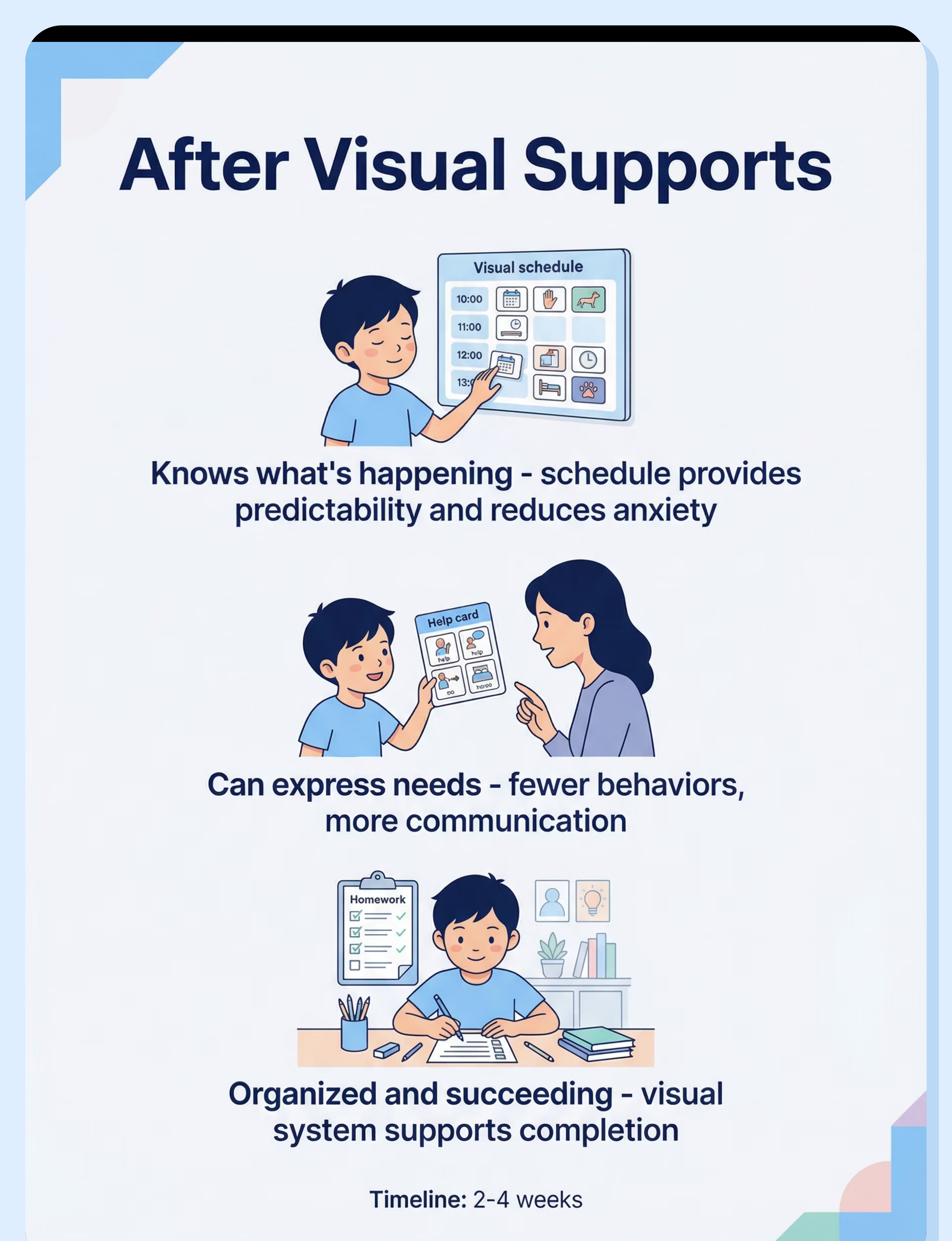
Classroom Visual Schedule
Best for: Understanding school day, managing transitions
Ages: 3+ years | Settings: School
Type: Routine support — Daily schedule for school day
Portability: Medium | Price: ₹0–500
Task Cards / Checklists
Best for: Multi-step tasks, building independence
Ages: 3+ years | Settings: School
Type: Task completion support — Step-by-step task visuals
Portability: Very High | Price: ₹0–300
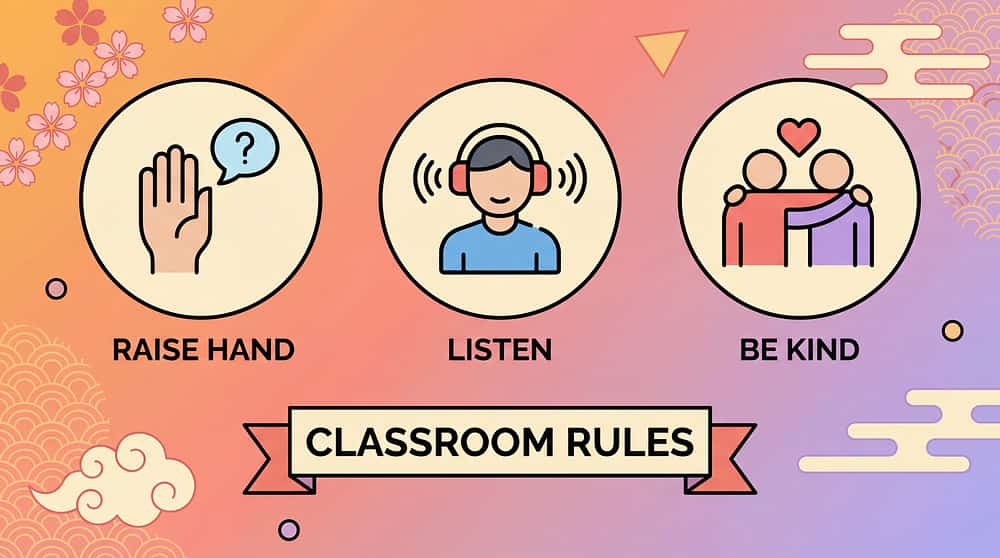
Visual Rules / Expectations
Best for: Understanding classroom expectations
Ages: 3+ years | Settings: School
Type: Behavior support — Classroom rules in visual format
Portability: Low (posted on wall) | Price: ₹0–200
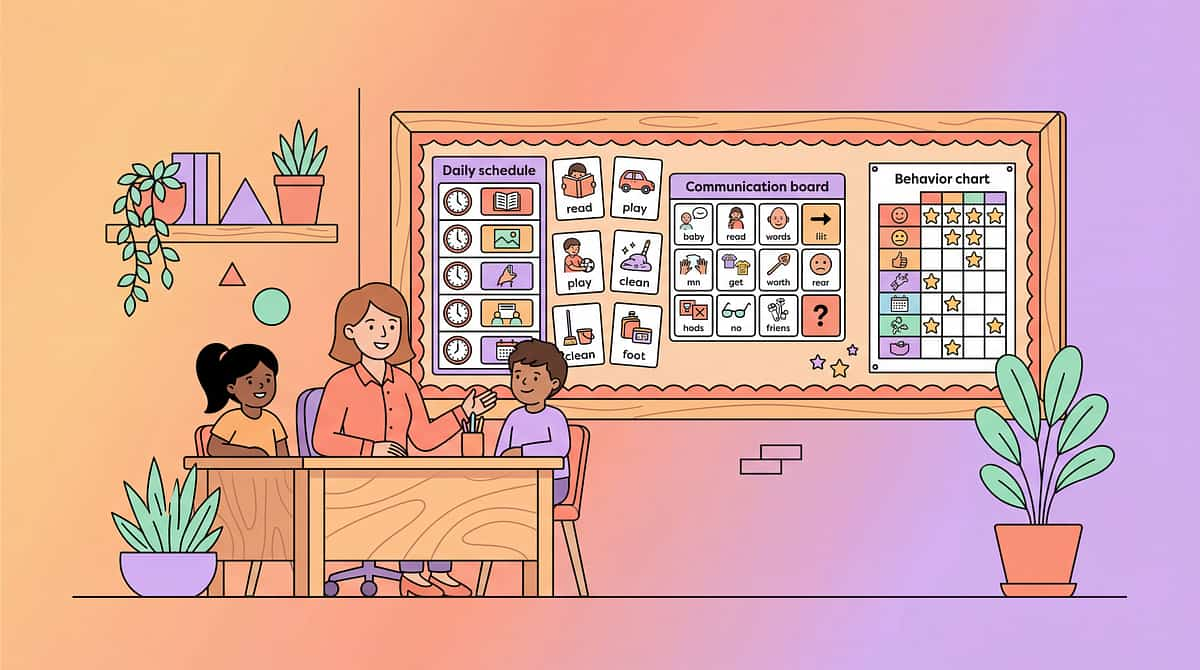
Communication Cards (School)
Best for: Expressing needs and requests
Ages: 3+ years | Settings: School
Type: Communication support — Request/need cards for school
Portability: Very High | Price: ₹0–300
Homework/Assignment Visuals
Best for: Tracking assignments, homework routine
Ages: 5+ years | Settings: School, Home
Type: Academic organization — Visual homework supports
Portability: High | Price: ₹0–300
By Primary Goal
  • Understanding routine: Visual Schedule
  • Task completion: Task Cards/Checklists
  • Following expectations: Visual Rules
  • Communicating needs: Communication Cards
  • Academic organization: Homework Visuals
By Setting & Need
  • Whole classroom: Schedule + Rules (posted)
  • Individual desk: Task Cards + Communication Cards
  • Home-school bridge: Homework Visuals
  • Maximum portability: Communication Cards, Task Cards
Specifications & Visual Types
Schedule Supports
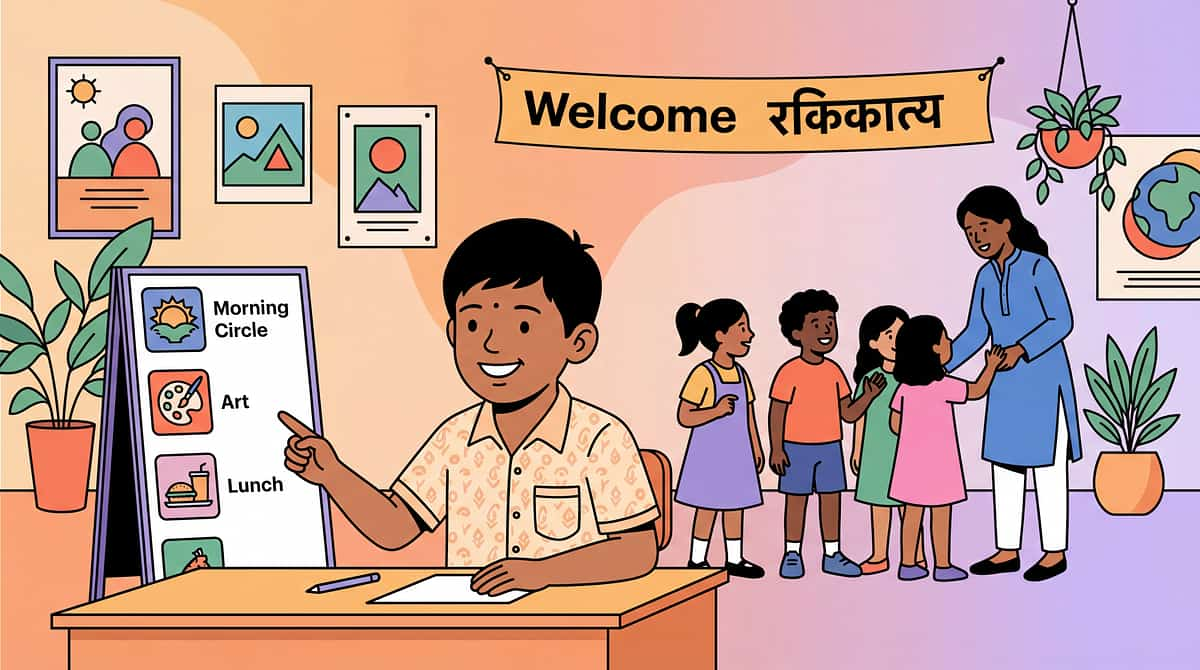
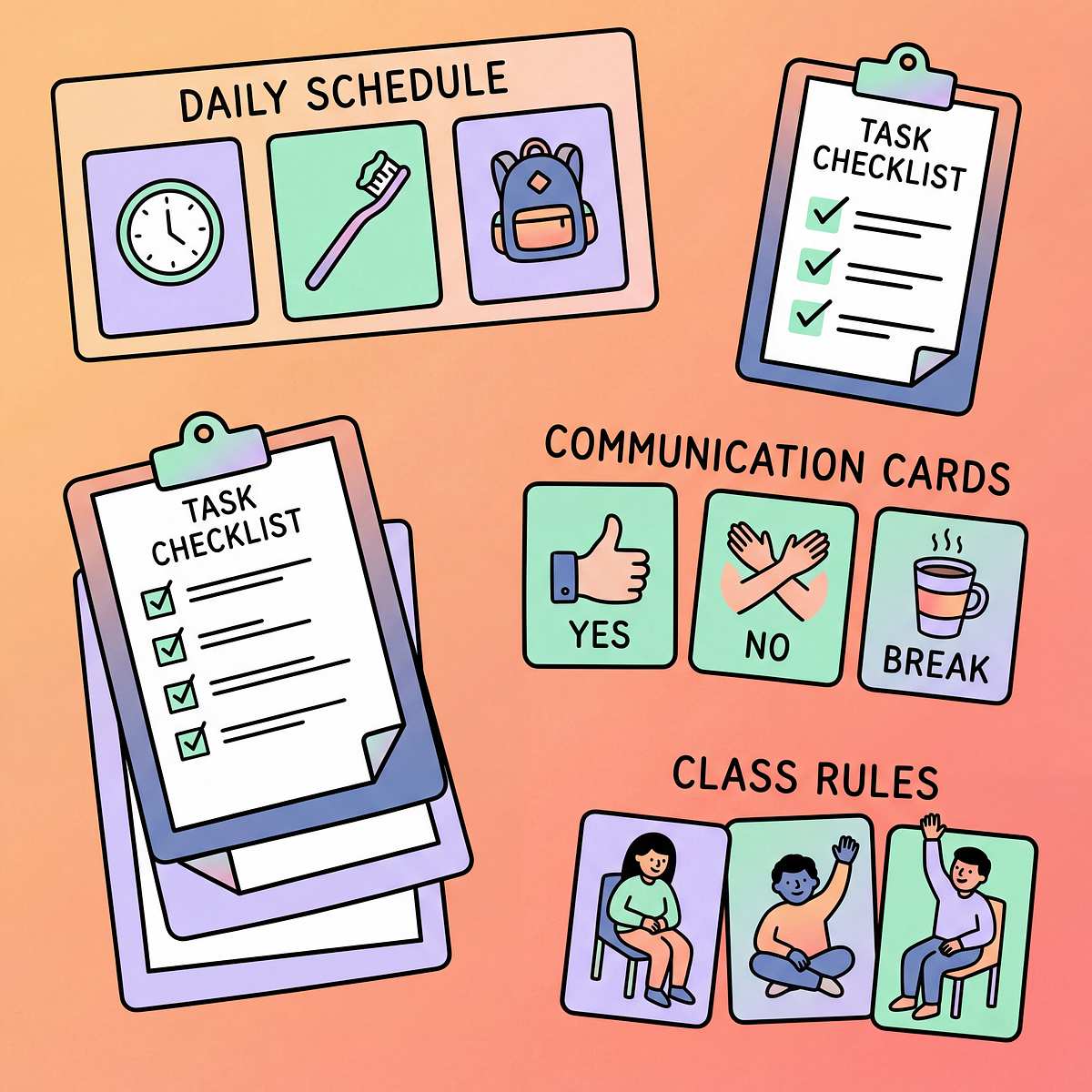
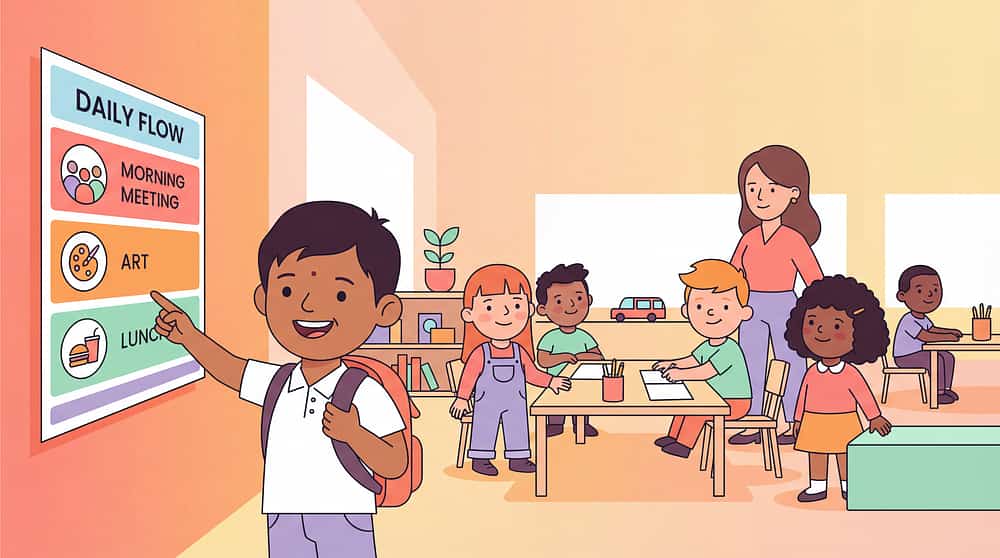
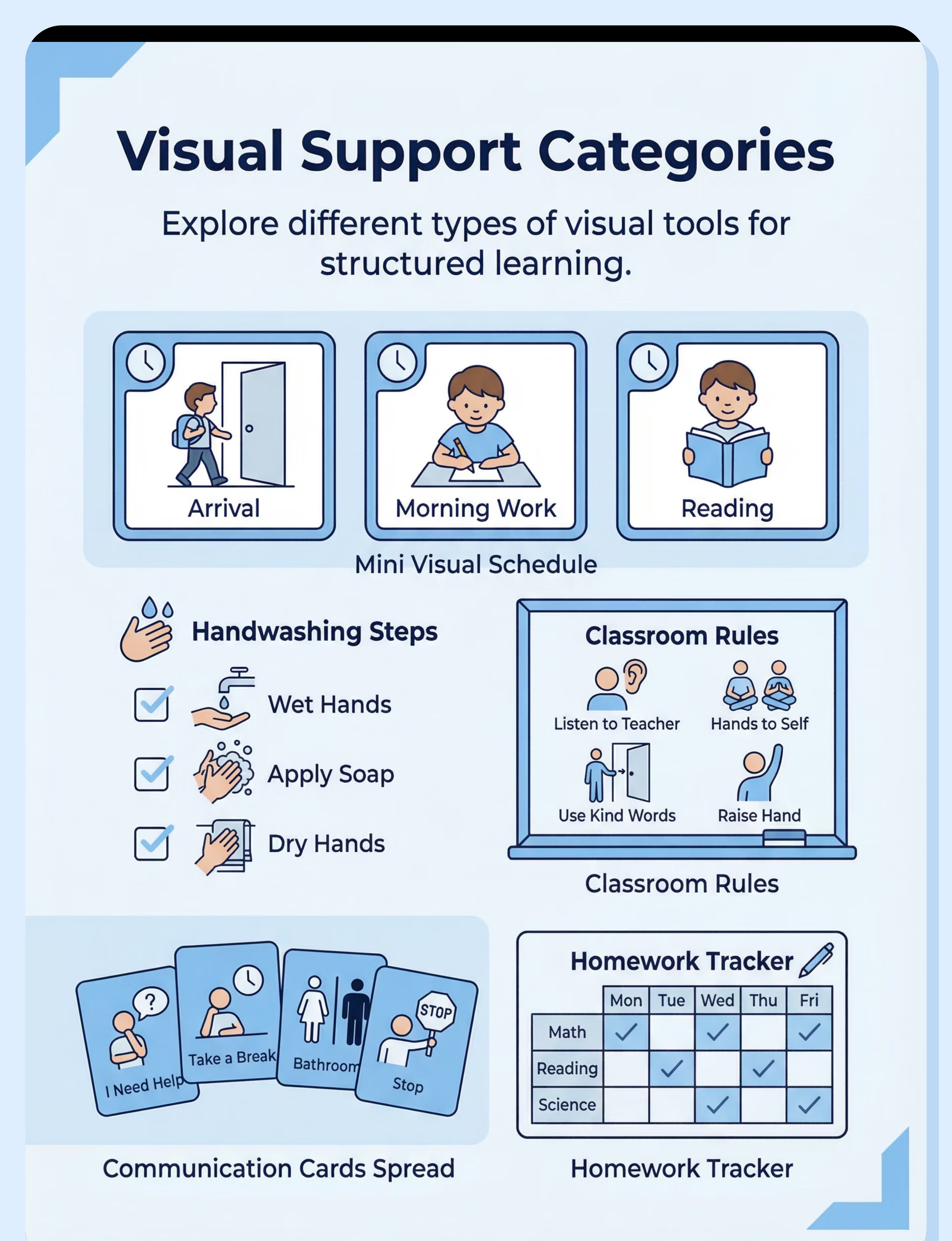
Daily classroom schedule showing sequence of activities, individual schedule for personal reference. Reduces anxiety about "what's next" and helps students prepare for transitions.
Task Support Visuals
Checklists for multi-step tasks, step-by-step task cards, routine visuals. Break complex activities into manageable steps, promote independence, reduce need for verbal prompting.
Rules & Expectations
Visual classroom rules, behavior expectations clearly displayed. Make abstract rules concrete, provide consistent reference point, support behavioral success.
Communication Supports
Request cards, break cards, help cards. Enable non-verbal communication, ensure needs are met, reduce frustration and behaviors from unmet needs.
Organization Tools
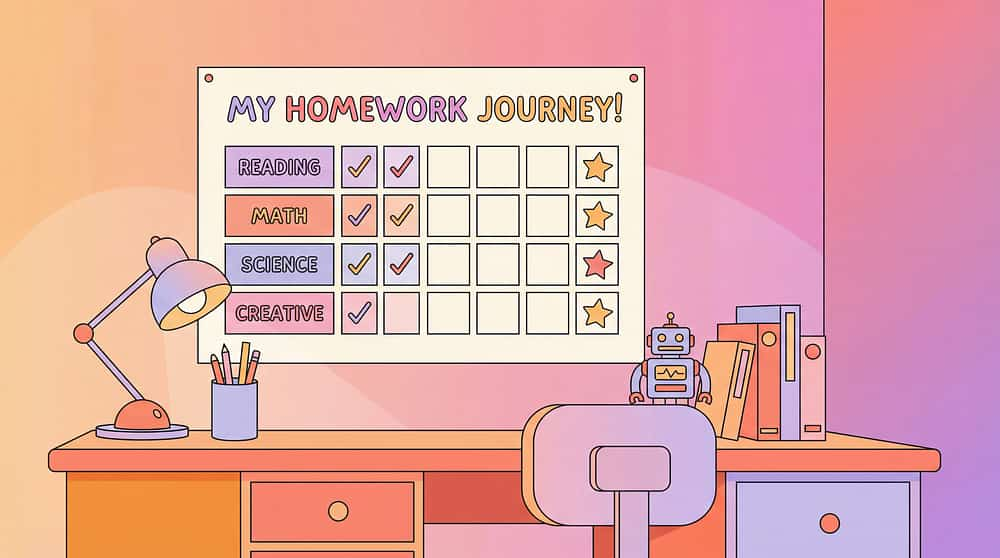
Homework charts, assignment trackers, locker visuals. Combat forgetfulness, create external memory systems, support academic organization and success.
Materials & Features
Common Materials:
  • Laminated cards (durable, reusable)
  • Charts and posters (classroom display)
  • Boards (interactive, movable pieces)
  • Apps (digital, portable options)
Key Features for Effectiveness:
  • Clear: Simple images, uncluttered design, easy to interpret at a glance
  • Simple: Age-appropriate complexity, focused on essential information
  • Accessible: Posted at child's eye level, within easy reach for reference
  • Consistent: Same format across contexts, coordinated between home and school

Pro Tip: Start with schedule and task supports — these address the most common school challenges and provide foundation for other visual systems.
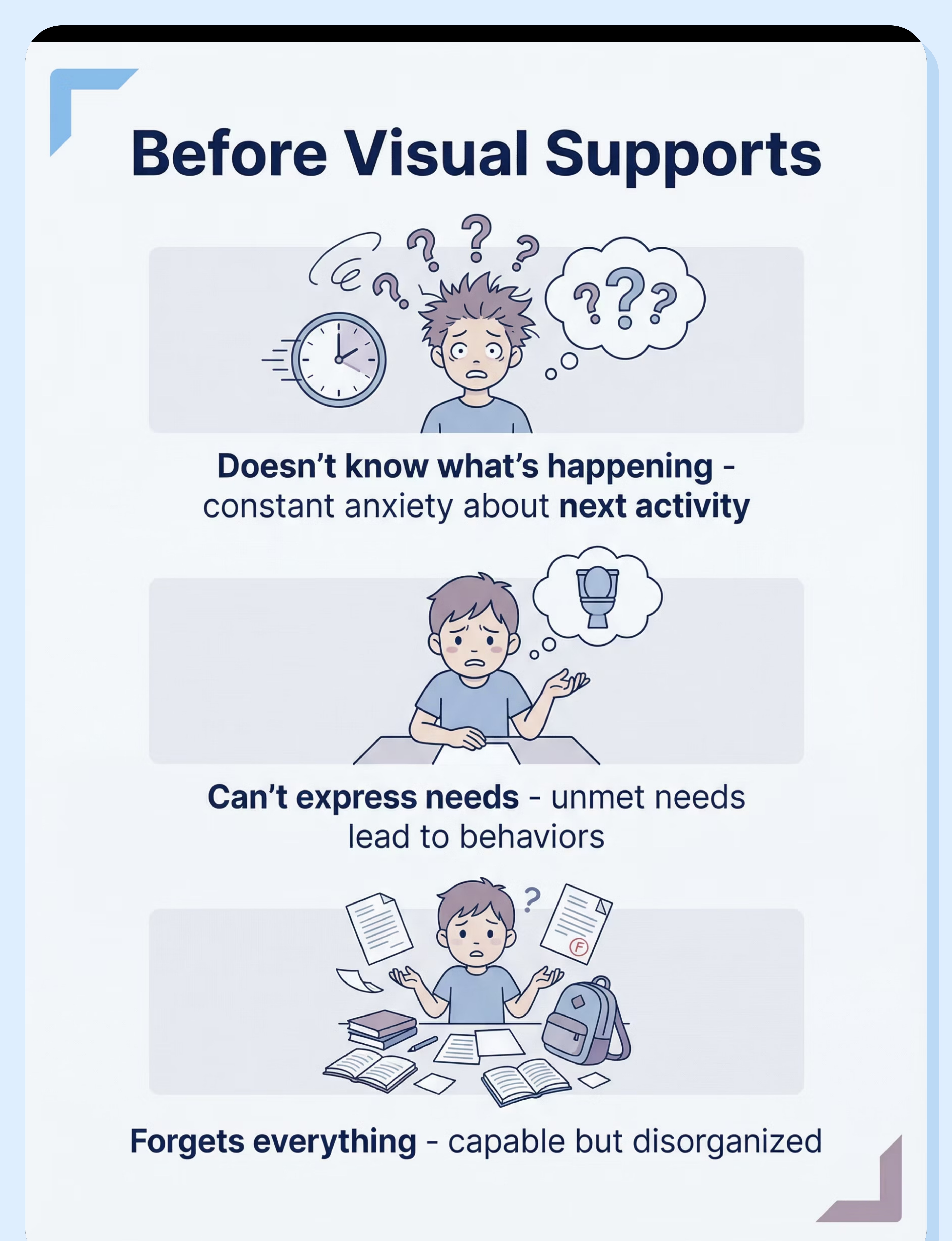
The Struggle (Before Visual Supports)
Doesn't Know What's Happening
Situation: School day feels completely unpredictable. No idea what comes next, when favorite activities happen, or when the day ends.
Experience: Living in constant uncertainty. Anxiety about surprises around every corner. Repeatedly asking "what's next?" but verbal answers don't stick. Every transition is startling. Stress compounds throughout the day.
Emotion: Anxious, uncertain, on edge
Can't Express Needs at School
Situation: Basic needs arise throughout the day but there's no reliable way to communicate them to teachers or staff.
Experience: Urgently needs bathroom but can't articulate it clearly. Overwhelmed and needs a break but can't request one. Confused about assignment but can't ask for help. Needs go unmet, frustration builds, behaviors become the only communication method available.
Emotion: Unheard, frustrated, resulting in behaviors
Forgets Everything
Situation: Academic capability is there, but organizational demands overwhelm working memory and executive function.
Experience: Assignments seem to vanish from memory. Homework gets forgotten at school or completed but left at home. Materials stay in locker. No system to track what's due when. Teachers frustrated. Parents puzzled. Child confused about why success feels impossible despite trying hard.
Emotion: Disorganized, failing despite capability
Is This Right for My Child? (2-Minute Check)
Answer these questions to determine if visual supports should be a priority accommodation for your child's educational plan:
Does your child have difficulty understanding verbal instructions?
If yes, this indicates: Visual supports are essential. Visual processing may be significantly stronger than auditory processing.
Confidence score: 92% predictive of benefit
Does your child struggle with school organization?
If yes, this indicates: Visual organization supports are clearly needed to compensate for executive function challenges.
Confidence score: 88% predictive of benefit
Does your child have difficulty communicating needs at school?
If yes, this indicates: Communication cards will be immediately helpful and reduce frustration-based behaviors.
Confidence score: 90% predictive of benefit
Are visual supports currently used in your child's classroom?
If yes: Good foundation exists — ensure supports are adequate for your child's individual needs.
If no: Request implementation of visual supports as essential accommodation.
Confidence score: 85% predictive of benefit
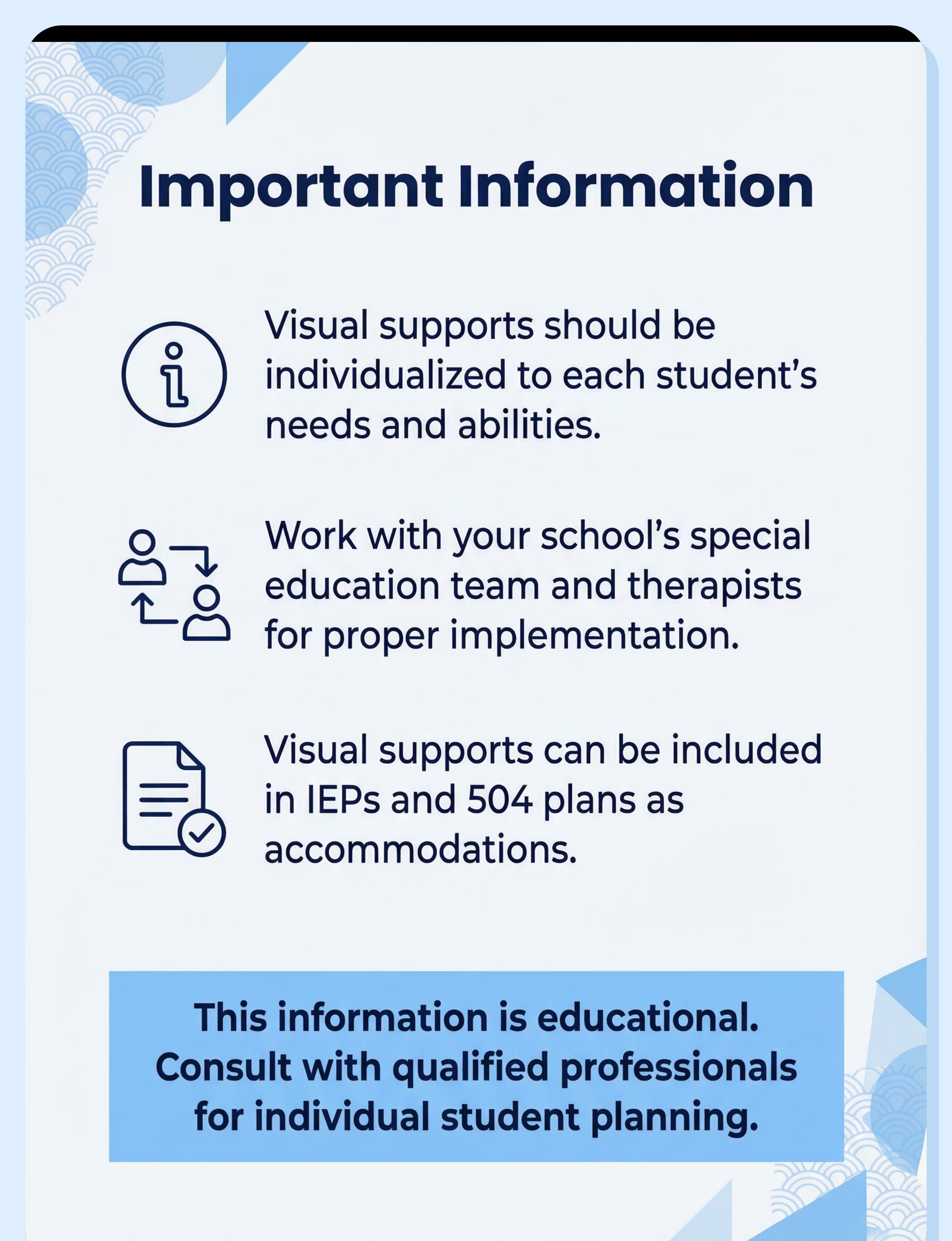
Interpretation: If you answered "yes" to 3 or more questions, visual supports represent a strong fit for your child and should be prioritized in their educational plan. These are not optional enhancements — they're fundamental accommodations that create access to learning.
Common Questions (Honest Answers)
Visual supports sometimes encounter resistance despite strong evidence. Here are the most common concerns parents and educators raise, with honest, research-informed responses:
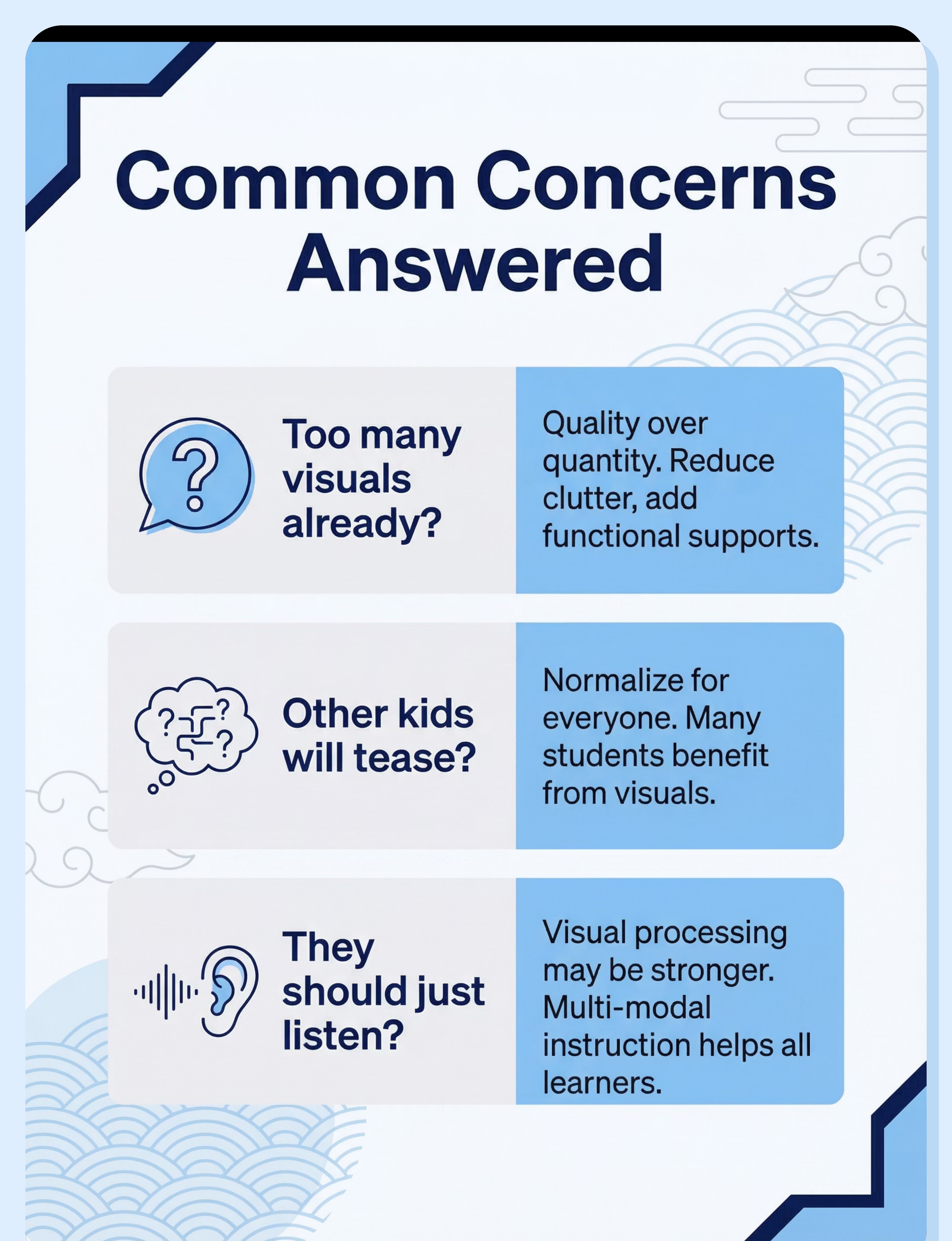
Q: "The classroom has too many visuals already"
Honest answer: Cluttered, decorative visuals are very different from functional, purposeful visual supports. The solution isn't fewer visuals — it's better visuals. Reduce visual clutter (excessive decorations, chaotic bulletin boards), then add clean, functional supports that serve specific purposes. Individual visuals at a student's desk can provide support without contributing to classroom clutter.
Try this: Reduce environmental clutter first, add functional supports second, consider individual desk-level visuals for personalized access.
Q: "Other kids will tease them"
Honest answer: When visual supports are normalized for everyone, they don't trigger teasing. Many students benefit from visual schedules and task checklists — not just students with identified needs. Universal design creates inclusion. If individual supports are needed, they can be positioned discreetly at desk level. The developmental and academic benefits far outweigh potential social concerns, especially when implementation is thoughtful.
Try this: Normalize visuals for entire class when possible; position individual supports discreetly when needed.
Q: "They should learn to listen instead"
Honest answer: For many students, visual processing is neurologically stronger than auditory processing. This isn't about effort or attention — it's about how their brain best receives and retains information. Multi-modal instruction (combining auditory and visual) helps ALL students learn more effectively. Visual supports don't replace listening — they enhance comprehension. Research consistently shows visual supports improve outcomes for all learners, not just those with identified disabilities.
Try this: Recognize that visual processing may be a strength; provide multi-modal instruction; understand visual supports enhance rather than replace auditory learning.
Q: "I don't know what visuals are needed"
Honest answer: Start by carefully observing where confusion, anxiety, or task breakdown occurs. These breakpoints show you exactly where visual support is needed. Consult with your special education teacher — they have expertise in matching support types to specific challenges. Begin with two fundamentals that benefit almost everyone: a daily visual schedule and task checklists. Add other supports (communication cards, rules visuals, assignment trackers) based on observed needs.
Try this: Observe where difficulties occur; consult special education professional; start with schedule and task checklists; add targeted supports as needs become clear.
Usage Guide: When and How
Understanding when and how to implement visual supports is crucial for maximizing their effectiveness. Here's a guide to optimal usage:
When to Use Visual Supports
Visual supports are powerful tools when applied strategically. They provide clarity, reduce anxiety, and foster independence. Consider using them in these situations:
  • Throughout the school day: Offer continuous access for student self-reference.
  • During transitions: Prepare students for changes and minimize stress.
  • For multi-step tasks: Break down complex activities into manageable, visible steps.
  • When communicating needs: Empower students to express themselves non-verbally.
  • For organization: Help students track assignments, materials, and responsibilities.
When NOT to Use Visual Supports
While generally beneficial, there are instances where visual supports may need adjustment or reevaluation. Avoid using or re-assess if:
  • Causing confusion: The visual is unclear or hinders understanding (requires redesign).
  • Consistently ignored: The student does not reference the support (may need teaching or a different format).
Supervision by Age
Age/Stage
Supervision
Notes
Young children (3-5)
Teacher prompts use consistently
Learning to reference visuals, needs frequent redirection to supports
Developing skills (6-10)
Self-access with periodic reminders
Beginning independent use, occasional prompting to check visuals
Older students (11+)
Independent use expected
Self-directed visual referencing, minimal adult prompting
Optimal Usage Duration
Visual supports should be available throughout the entire school day, accessible whenever students need to reference them. Unlike timed interventions, these are environmental accommodations that provide continuous support. Students should be able to check their schedule, reference task steps, or grab a communication card at any moment. Duration isn't limited — accessibility is key. Consistency in availability leads to consistent independence growth.
Ideal Settings
All School Environments
General Education Classrooms
Special Education Settings
Therapy Rooms
Cafeteria
Library
Playground/Recess
Safety First: Critical Guidelines
🔴 Critical Safety Requirements
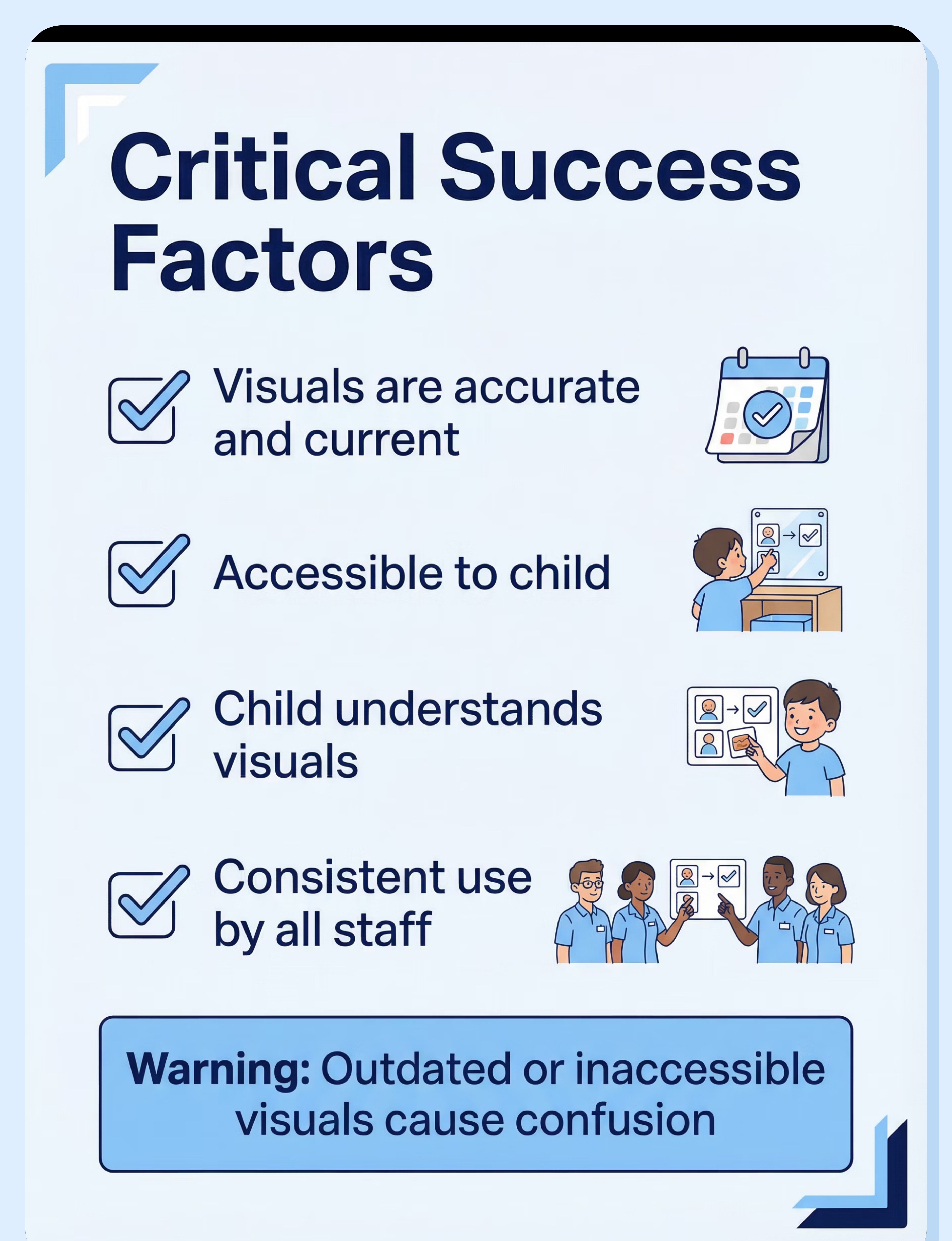
  • Visuals must be accurate and current: Outdated schedules cause confusion and undermine trust in all visual systems
  • Visuals must be accessible to child: Posted at eye level, within reach, visible from student's typical positions
  • Child must understand the visuals: Complexity matched to comprehension level, explicitly taught how to use
  • Consistent use is essential: Sporadic implementation teaches visuals are unreliable; consistency builds trust and independence
⚠️ Important Warnings
  • Outdated visuals cause confusion: When schedule doesn't match reality, student learns not to trust visual supports
  • Inaccessible visuals won't be used: Supports posted too high, too far away, or in low-traffic areas fail because they're not truly available
  • Overly complex visuals defeat purpose: Too much information, unclear images, or confusing organization creates cognitive overload
🚫 Absolutely Contraindicated
  • Inaccurate visuals: Never display information that doesn't match actual schedule, rules, or expectations
  • Inaccessible placement: Never position supports where student cannot see or reach them independently
Safety Checklist for Implementation
✓ Before Use
  • Visuals created for child's specific needs
  • Child understands what visuals mean
  • Accessible placement verified
  • All staff trained on system
✓ During Use
  • Visuals being actively referenced
  • Updated as schedule/needs change
  • Child using with increasing independence
  • Supports helping as intended
✓ Signs of Success
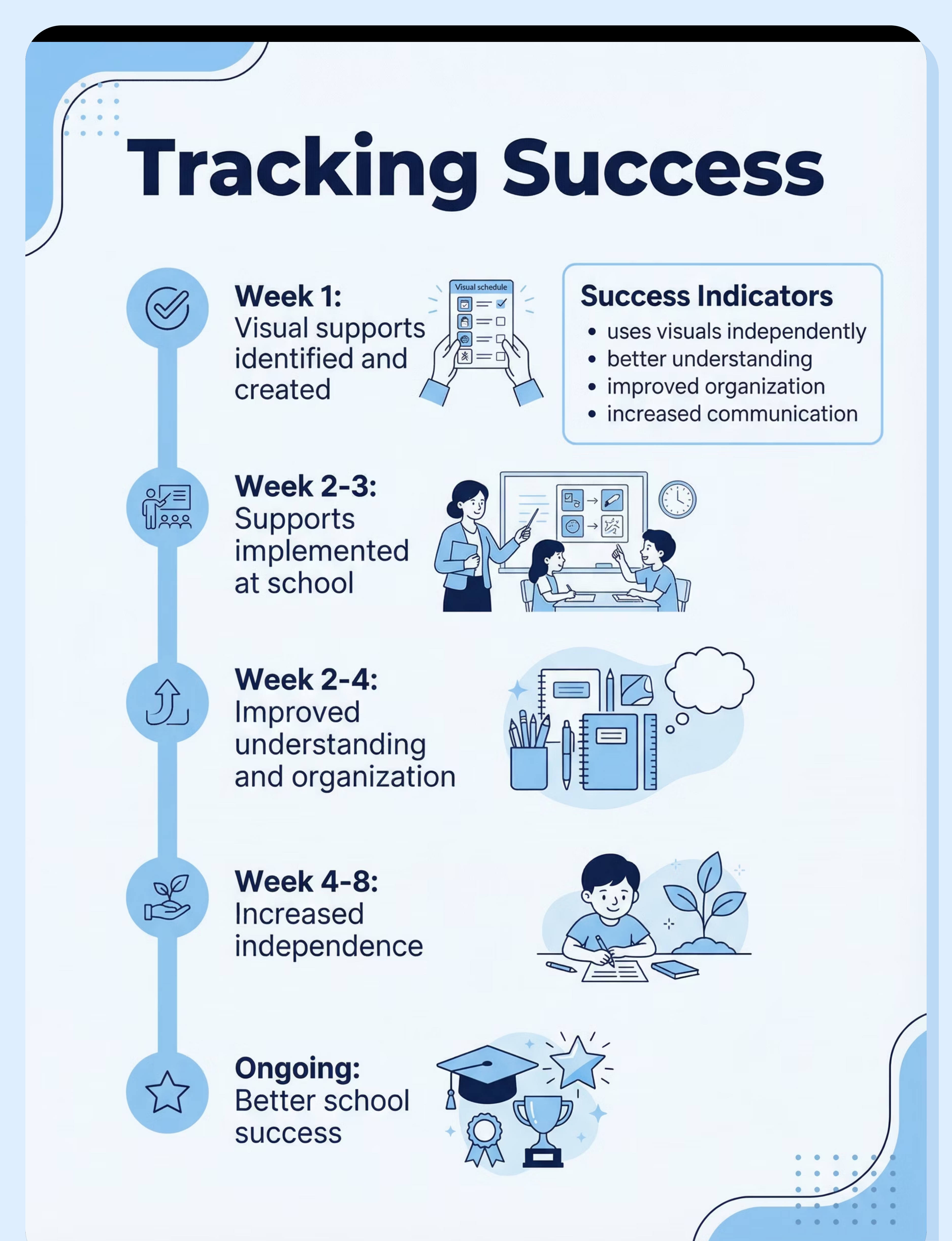
  • Better understanding of expectations
  • Increased independence in navigation
  • Reduced anxiety and behaviors
  • Improved organization and follow-through
Investment Guide: Budget to Premium
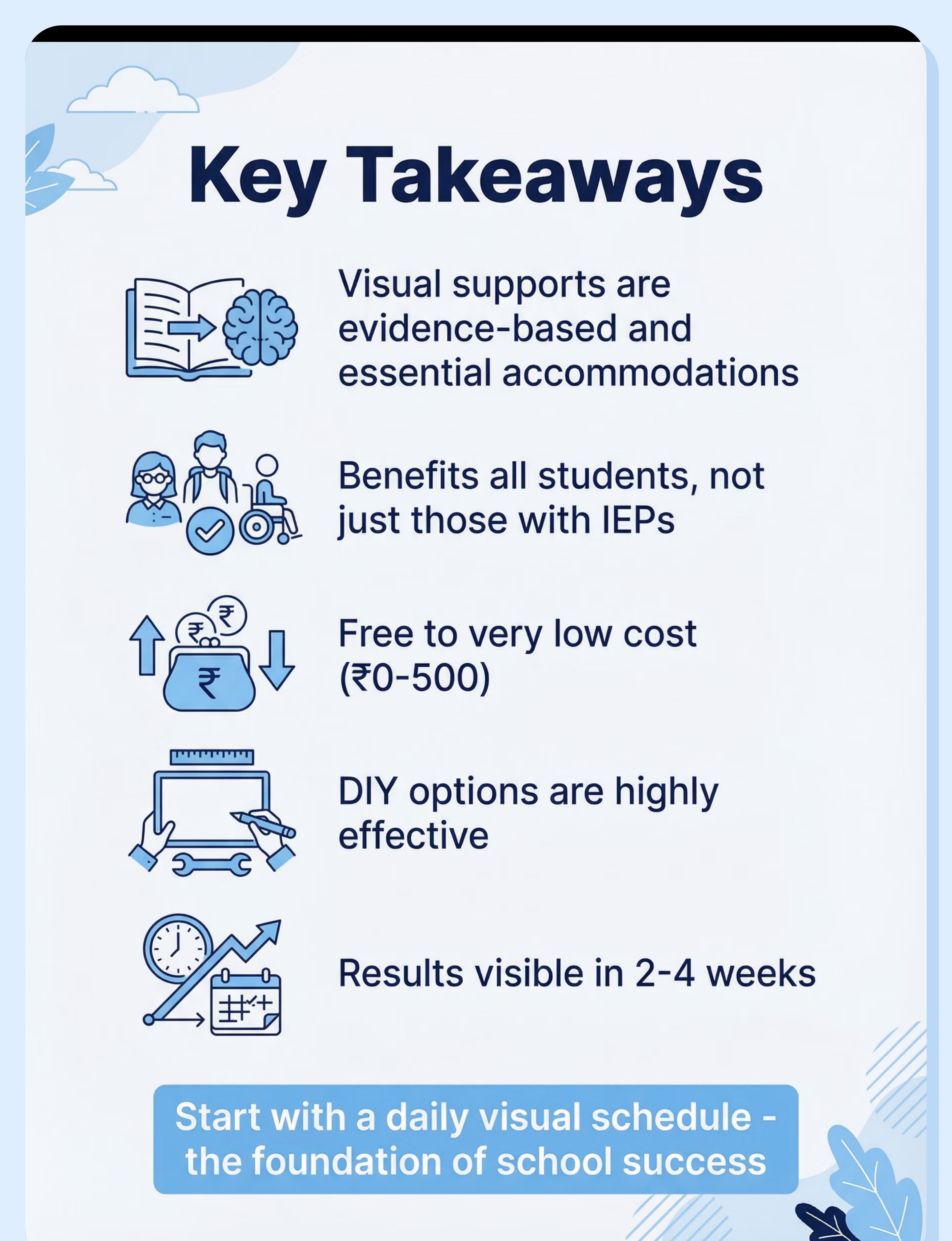
Visual supports represent one of the most cost-effective accommodations available. Highly effective DIY options exist at zero cost, while commercial options remain affordable. Investment range: ₹0–500 (USD $0–6).
Total Cost: ₹0
Budget Option: DIY Everything
What you get: Complete set of functional visual supports created from free printable resources. Includes daily schedule, task checklists, classroom communication cards, and basic rules visuals.
Special note: Free printables are often excellent quality, designed by experienced special educators. DIY visual supports can be just as effective as commercial options. Main investment is time to print, cut, and laminate (laminating optional but increases durability).
Best for: Families wanting immediate implementation, those comfortable with basic crafting, anyone prioritizing customization over convenience.
Approximate Cost: ₹500
Premium Option: Commercial Systems
What you get: Professionally designed, pre-laminated visual support sets from educational suppliers. High-quality materials, consistent artwork, comprehensive starter kits. May include digital app options for portable, customizable visual schedules.
Brands available: Various educational suppliers, Teachers Pay Teachers premium products
Best for: Schools purchasing for multiple students, families wanting ready-to-use professional materials, those preferring digital app-based solutions.

Best Starting Point: Begin with free DIY options to identify exactly what visual supports your child needs. The low investment allows experimentation with different formats and styles. Once you know what works, you can invest in commercial options for durability and convenience if desired — but many families find DIY remains perfectly adequate indefinitely.
Where to Buy in India
Availability: DIY/Free Resources — visual supports are among the easiest accommodations to create yourself or download free. Here's a breakdown of procurement options:
Vendor Comparison at a Glance
This table summarizes key details for various sources of visual support materials in India.
Pinterest / TPT
Free-₹200
Free & premium printables, templates
High
DIY Creation
Free
Unlimited custom visuals, immediate
Very High
Amazon.in
₹200-500
Pre-made commercial sets
Low
Canva
Free
Design tool, educational templates
High
School Supply Stores
₹100-300
Laminating supplies
N/A (for durability)
Detailed Vendor Listings
Pinterest / TPT
Search: "visual schedule classroom"
Price: Free-₹200
Extensive free printables, templates, and ready-made visual systems. Teachers Pay Teachers offers both free and premium options designed by educators.
DIY Creation
Search: "classroom visuals printable"
Price: Free
Unlimited customization, immediate availability, perfect fit for your child's specific needs. Requires printer and optional laminator.
Amazon.in
Search: "visual schedule cards"
Price: ₹200-500
Pre-made commercial sets, laminated cards, complete classroom visual systems. Convenient but less customizable than DIY options.
Canva
Search: "classroom visual templates"
Price: Free
Design custom visuals with easy drag-and-drop interface. Thousands of templates specifically for educational visual supports.
School Supply Stores
Search: "laminating pouches"
Price: ₹100-300
Laminating supplies to make DIY visuals durable for daily classroom use. Hot lamination or adhesive pouches available.
🟢 Key Buying Tips
Free printables are often excellent quality
Designed by experienced special educators who understand visual support requirements.
Laminate for durability
Small investment in laminating greatly extends life of visual supports with daily handling.
Match visuals to child's comprehension level
Photos vs. drawings, simple vs. detailed — choose format child processes best.
Coordinate with school special education team
Consistency between home and school multiplies effectiveness.
Ensure consistency between home and school
Same visual format across environments reduces confusion, builds reliability.
Procurement Steps: Getting Started
Identify Needs
Determine specific visual supports required based on child's behavior and learning style.
Explore Free Resources
Begin with DIY options like Pinterest/TPT to experiment and find what works best.
Customize & Print
Adapt templates or create visuals using tools like Canva, then print them out.
Laminate for Longevity
Invest in laminating supplies from school stores or online for daily use durability.
Implement & Review
Start using the visual supports consistently and adjust based on child's response.
🔴 Red Flags to Avoid
Visuals too complex for child's level
Overly detailed images or too much text defeats the purpose of visual simplification.
Visuals not actually being used in practice
Posted but never referenced, no training on use — visual supports only work if actively implemented.
Inconsistent implementation
Used some days but not others, different teachers using different systems — inconsistency undermines effectiveness.
Child doesn't understand the visuals
Wrong complexity level, abstract symbols child can't interpret, no training provided on meaning.
DIY Alternative (Save 100%)
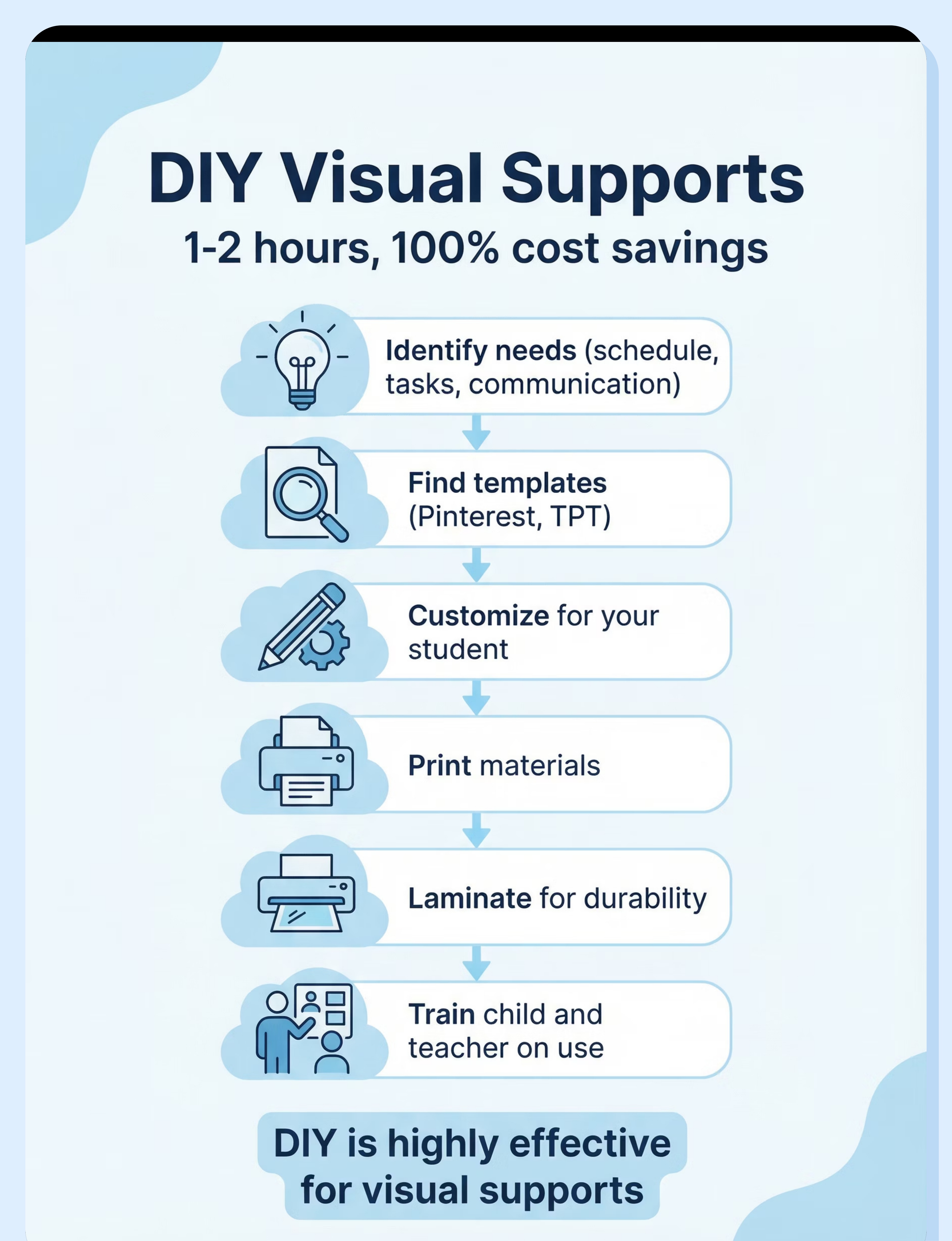
Feasibility: Very High | Cost Savings: 100% | Time Investment: 1-2 hours
DIY visual supports are not just budget alternatives — they're often superior to commercial options because you can customize exactly for your child's needs, language, and visual preferences.
Materials Needed
Paper
Regular printer paper or cardstock for durability
Printer
Color preferred but black and white works fine
Laminating
Optional but recommended — hot laminator or adhesive pouches
Velcro
Optional for movable pieces on schedule boards
Step-by-Step Creation Process
Identify specific needs
What exactly does your child need visual support for? Schedule understanding? Task completion? Communication? Homework tracking? Start by observing where confusion or breakdown occurs.
Find appropriate templates
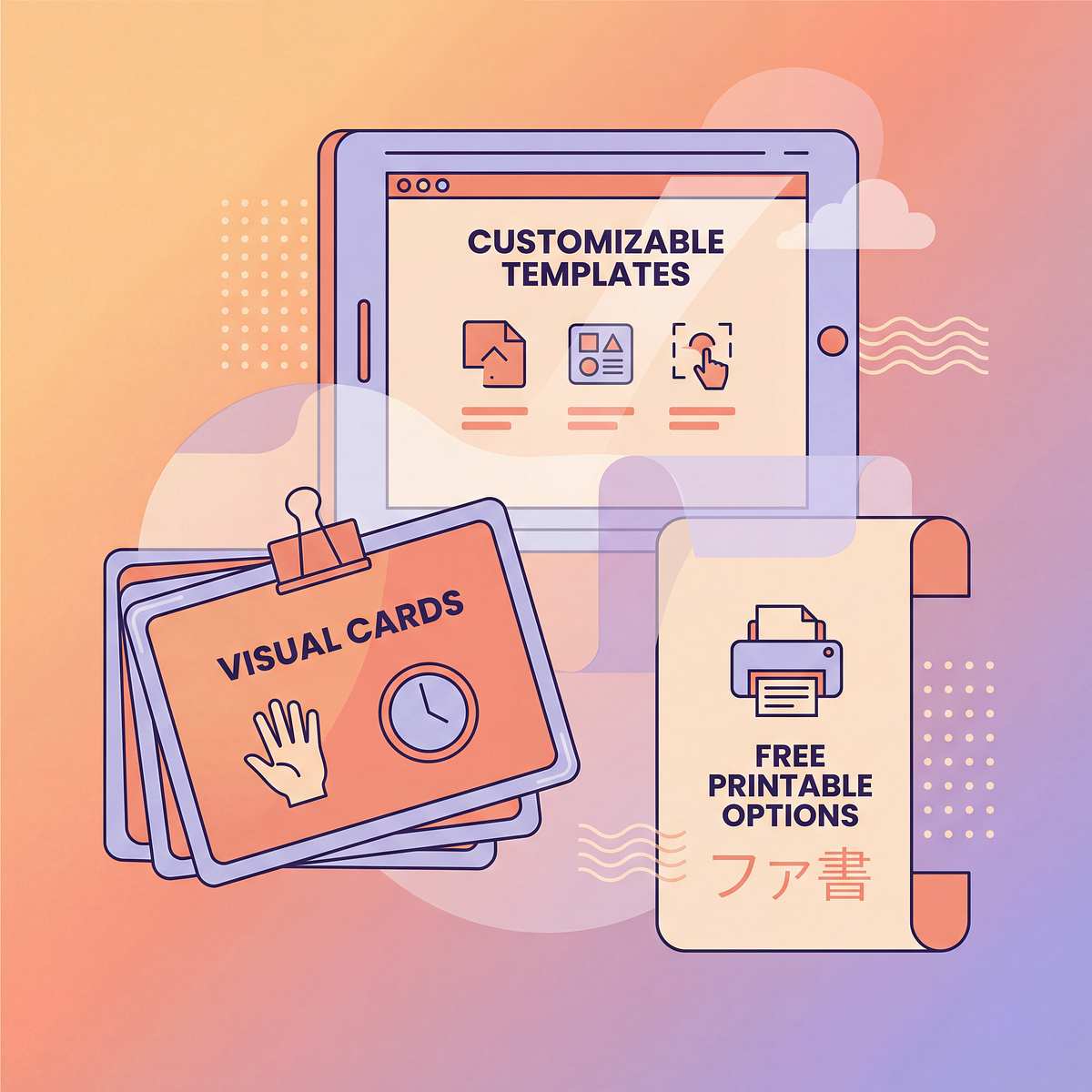
Search Pinterest, Teachers Pay Teachers, or Google Images for free printable templates. Keywords: "visual schedule printable," "task cards template," "communication cards autism."
Customize for your child
Add your child's specific schedule, activities, or needs. Include familiar locations, teachers' names, preferred activities. Use photos from your child's actual environment when possible for maximum clarity.
Print and laminate
Print on cardstock if available for extra durability. Laminate using hot laminator or adhesive laminating pouches. Lamination makes materials washable and extends life significantly with daily classroom use.
Add velcro if using movable pieces
For schedule boards where activities move or get checked off, add small velcro dots to back of cards and corresponding spots on board. This allows interactive use.
Train child and teacher on use
Explicitly teach child what each visual means and how to reference it. Train all school staff on prompting appropriate use. Practice during calm times before expecting independent use during stressful moments.
DIY vs. Commercial Comparison
Consideration
When to DIY
When to Buy Commercial
Cost
Almost always — DIY costs nothing and works great
If purchasing comprehensive classroom set for multiple students
Customization
Visual schedules, task checklists, communication cards — all highly customizable
When pre-made systems match needs exactly
Time
Rules visuals, simple communication cards — quick to create
When immediate need and no time for DIY creation
Quality
DIY is completely adequate and often preferred
App-based solutions for tech-savvy families
Trade-offs: DIY visual supports are highly effective. In fact, customization often makes DIY superior to generic commercial products. The only real trade-off is time investment for creation — but for 1-2 hours of work, you get perfectly customized supports at zero cost.
Real Success Stories from Indian Schools
Priya's Smoother School Days (Age 6)
Priya struggled with transitions and often became anxious about her daily school routine. A personalized visual schedule, using pictures to represent each activity, transformed her experience. She now confidently moves between classes, knows what to expect next, and her anxiety has significantly reduced.
Rohan's Academic Leap (Age 11)
Rohan often forgot assignments and had difficulty with multi-step tasks, impacting his grades. Implementing visual task checklists for homework and a classroom organization chart empowered him. He now independently tracks his tasks, completes assignments more consistently, and his academic performance has noticeably improved.
Aanya's Confident Voice (Age 14)
Aanya found it challenging to express her needs, leading to frustration and occasional behavioral outbursts. The introduction of communication cards with pictures for common requests and emotions provided her with a voice. She now proactively communicates with teachers, resulting in fewer behavioral incidents and stronger self-advocacy.
Your Action Plan: Getting Started This Week
Ready to empower your child with visual supports? Follow these five actionable steps to begin implementing an effective system in their school environment within the next 7 days.
visual-supports-school therapy material
1
Day 1-2: Schedule a Meeting
Connect with your child's teacher(s) and special education team to discuss visual support needs and potential implementation strategies.
2
Day 2-3: Identify Key Needs
Collaborate to pinpoint 1-2 high-priority areas where a visual support could make the biggest impact (e.g., transitions, task completion).
3
Day 3-4: Create First Support
Develop a simple visual (e.g., a mini visual schedule, a "first/then" board) based on the identified need. Keep it simple and clear.
4
Day 5-6: Introduce & Explain
Together with the teacher, introduce the visual support to your child. Explain its purpose and how to use it in a positive, encouraging way.
5
Day 7: Monitor & Adjust
Observe your child's initial response and gather feedback from teachers. Be ready to make small adjustments for optimal effectiveness.

Preview of visual supports school Therapy Material

Below is a visual preview of visual supports school therapy material. The pages shown help educators, therapists, and caregivers understand the structure and content of the resource before use. Materials should be used under appropriate professional guidance.

Page 1
Page 2
Page 3
Page 4
Page 5
Page 6
Page 7
Page 8
Page 9
Page 10
Page 11
Page 12
Page 13
Page 14
Page 15
Page 16
Page 17
Page 18
Page 19
Page 20
Link copied!
Next Steps: Your Support Network
Empowering your child is a journey best shared. Building a strong support network with educators and fellow parents provides invaluable insights, emotional reassurance, and practical strategies. You don't have to navigate this path alone.
Resource Centers
Connect with local special education resource centers for guidance, workshops, and materials tailored to your child's needs.
Parent Support Groups
Join groups for parents of children with learning differences to share experiences, strategies, and mutual encouragement.
Online Communities
Explore online forums and social media groups dedicated to visual supports and special education for a global network of advice.
Professional Consultations
Seek advice from occupational therapists, special educators, or behavioral specialists for personalized strategies and support.
Reaching out and engaging with this community strengthens your advocacy for your child and enriches their educational experience. Stay connected, learn from others, and celebrate every milestone together.